
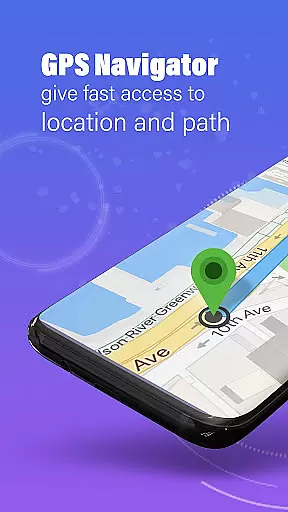
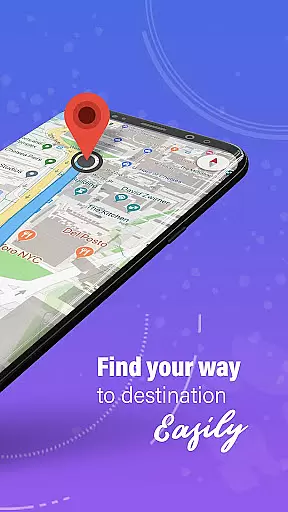
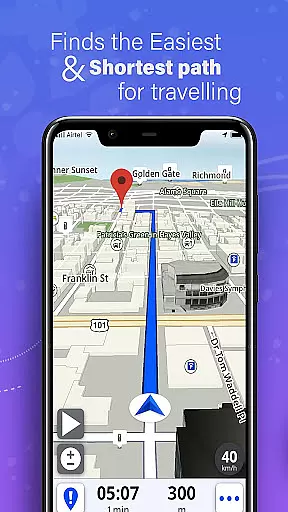
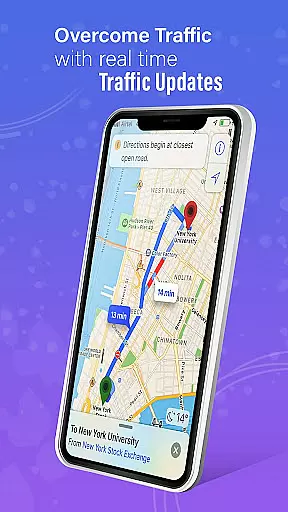
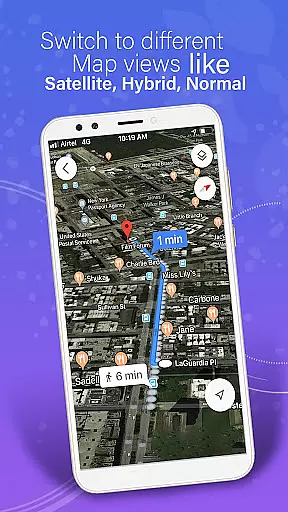
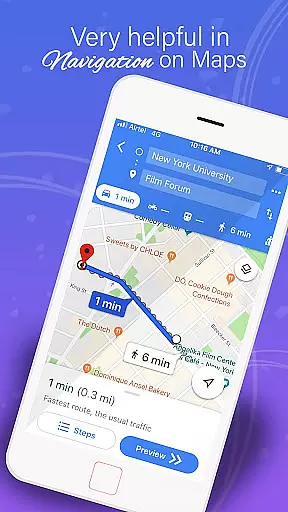
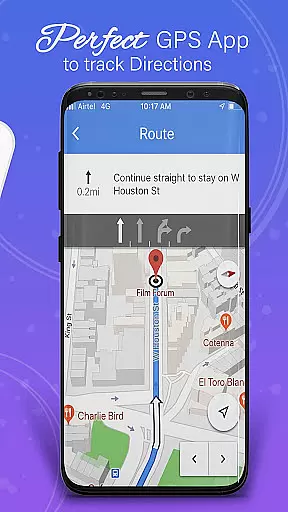
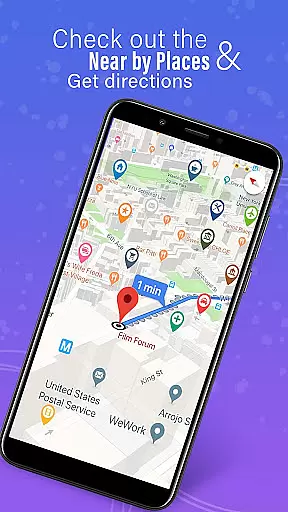
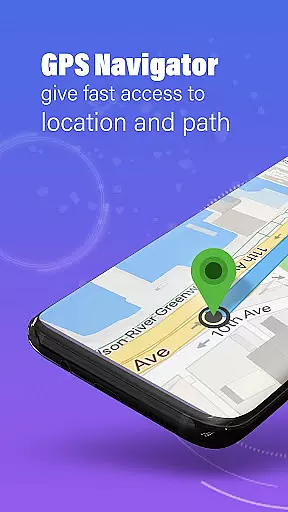
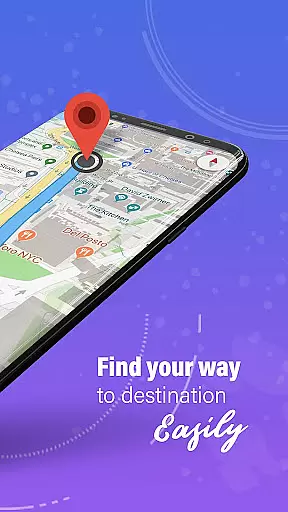
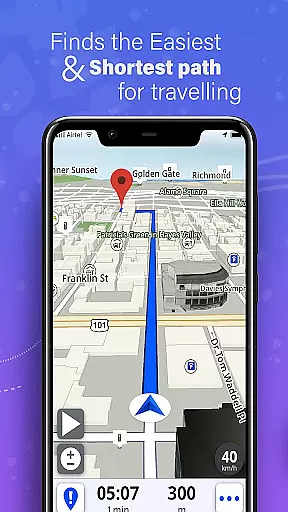
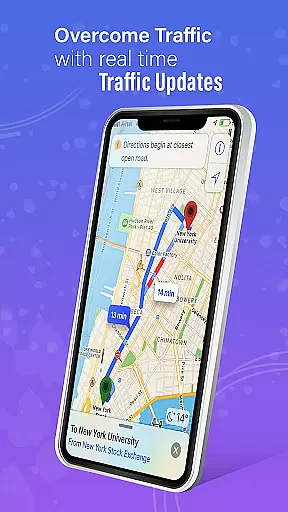
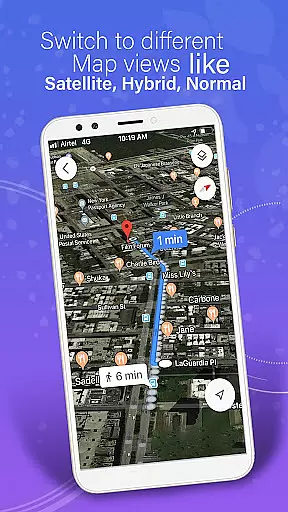
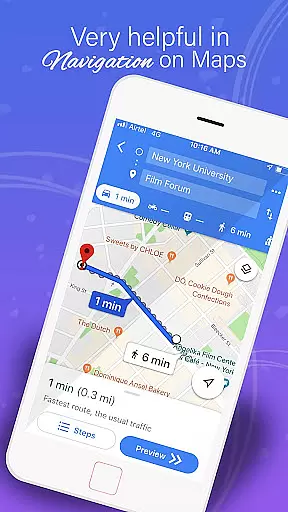
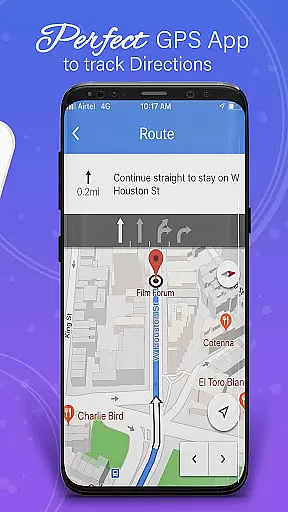
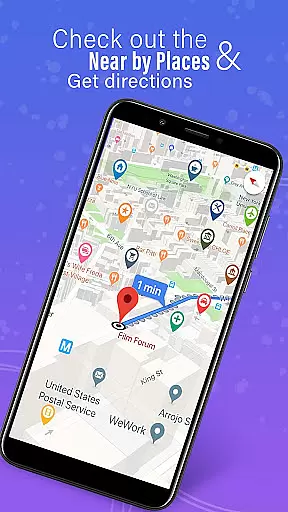
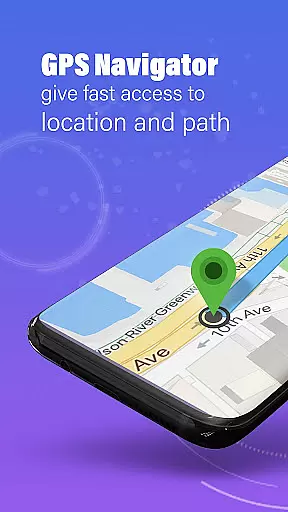
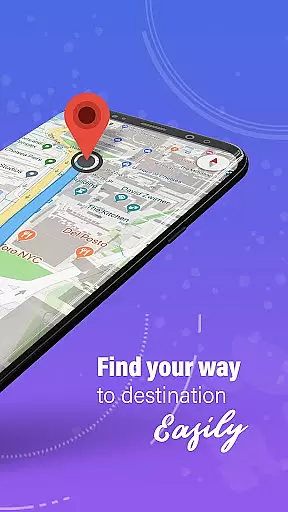
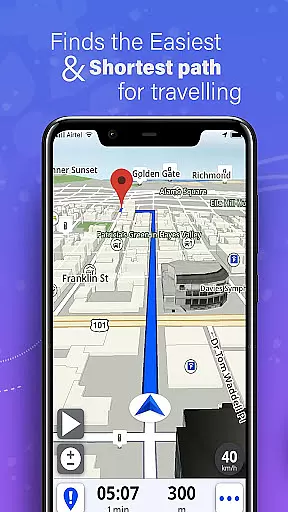
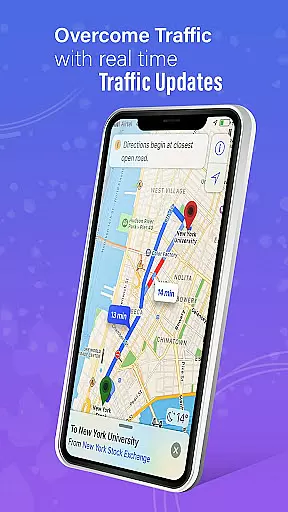
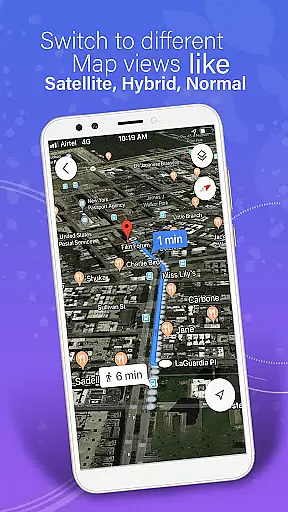
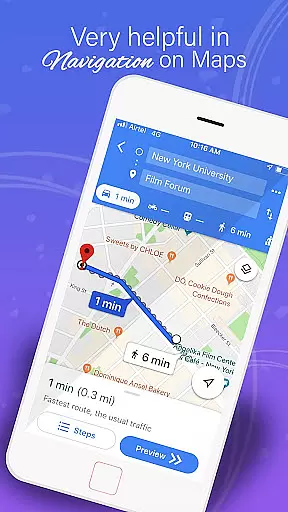
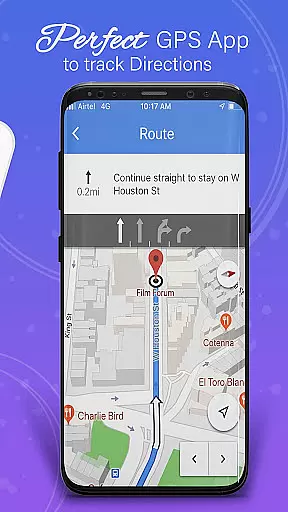
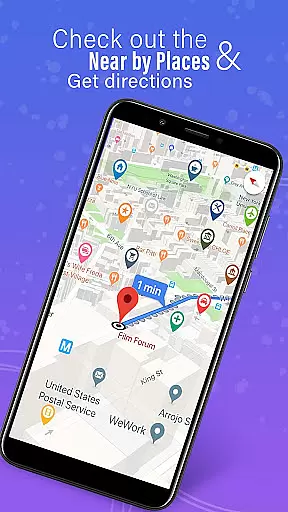
GPS, Maps, Driving Directions is a comprehensive navigation app designed to cater to all your travel needs. Whether you are driving, walking, or cycling, this app provides accurate navigation, real-time traffic updates, and turn-by-turn directions to ensure you reach your destination efficiently. With features like offline maps, real-time traffic alerts, and customizable routes, it offers a seamless travel experience tailored to your preferences.
The app includes an easy-to-use route planner, ensuring you take the most efficient and scenic routes available. Additionally, its location-sharing capabilities allow you to keep friends and family updated on your travel progress. The built-in compass and GPS route finder tools further enhance your ability to stay on track, making it perfect for daily commutes, road trips, or exploring new places.
One of the standout features of GPS, Maps, Driving Directions is its highly detailed maps and precise GPS navigation, which cater to both on-road and off-road travel experiences. The app supports offline maps, allowing users to download maps for uninterrupted navigation even without an internet connection. This is particularly useful for long trips in areas with spotty internet coverage.
Real-time traffic updates are another key feature, helping users avoid congestion and find the fastest routes by providing instant updates on road conditions, traffic jams, accidents, and weather alerts. The app also offers advanced voice guidance, ensuring users never miss a turn with options for voice navigation and turn-by-turn directions. Furthermore, the customizable route planner allows users to tailor their journeys according to their preferences, whether they seek the fastest way, scenic paths, or routes that avoid tolls.
Map accuracy is a fundamental aspect of any navigation application, ensuring users reach their destinations efficiently and without unnecessary detours. The GPS, Maps, Driving Directions app excels in this area by providing highly detailed maps that are both precise and reliable.
The app utilizes advanced GPS technology to offer accurate location tracking and route guidance. Whether you're traveling on major highways or exploring off-road terrains, the app maintains its accuracy, giving you confidence in your journey.
Another key feature contributing to map accuracy is the real-time updates. These updates ensure that the maps reflect the latest road conditions, including new routes, road closures, and other critical changes. This means users always have access to the most current and relevant mapping data.
Ultimately, the commitment to map accuracy enhances user experience by reducing travel time and increasing safety. Drivers, cyclists, and pedestrians can all benefit from the meticulous attention to detail that this app provides, making every trip smoother and more predictable.
Effective route planning is essential for optimizing travel time and ensuring a smooth journey. The GPS, Maps, Driving Directions app offers an intuitive route planner that helps users select the most efficient paths available, whether they prioritize speed, scenery, or avoiding tolls.
One standout feature is the customizable routes option. Users can tailor their journeys according to specific preferences, such as the shortest distance or multi-stop navigation. This flexibility ensures that each trip is as personalized and efficient as possible.
In addition to customization, the app provides automatic rerouting capabilities. If you deviate from your planned path or encounter unexpected roadblocks, the app quickly recalculates the best alternative routes. This feature is particularly useful when traveling in areas with spotty internet coverage, as it functions seamlessly offline.
Overall, the route planning functionality not only simplifies travel logistics but also enhances the overall user experience. By offering comprehensive tools for efficient navigation, the app empowers users to focus on enjoying their journeys rather than worrying about getting lost or delayed.
User-friendly interface
Accurate GPS navigation
Comprehensive offline maps
Real-time traffic updates
Voice-guided directions
Occasional GPS inaccuracies
Heavy battery consumption
Limited public transport info
Ads in free version
Complex settings for beginners

Discover over 800 points of interest along the canal.
 3.70
3.70
Find 93 Octane Gas: Locate Gasoline Stations Selling Premium 93 Octane or Higher
4.2
Play in the outdoors with Android as your Handheld GPS and offline topo maps!
3.50
Turn your tablet or Android powered unit into a full blow Android Auto headunit.
2.30
Your real-time window to the world. Explore anywhere, anytime.
3.30
Truck Safe GPS Navigation & Maps: Parking, Fuel, Diesel, Weight Station
4.80
ParkWhiz, an Arrive Mobility brand, part of the Arrive Network
4.30
Gas Station & Fuel Rewards Points
3.70
Park in Chicago, NYC, Boston, SF, Houston & more!
4.70
Order a cab online. An affordable taxi ride and driver in no time. What a bolt!
4.80
Find AI powered cameras, ALPRs, and other surveillance infrastructure near you
4.70
Complete offline 1:50k South Island topo map including DOC Hunting Permit Areas
4.60
Track friends in real-time and explore worldwide live cameras.
4.60
Affordable rides and food delivery with incredible discounts in just one app.
4.50
Lets explore the world's famous places by using Live Cams, GPS & Satellite View.
4.20
Number locator, real connection map
4.10
MapQuest is your go-to app for maps, GPS, voice navigation & live traffic.
3.80
Start your next adventure confidently using our Accurate Compass App
3.70
Off-Roading Navigation App With Trails, Public Lands, & Private Property Info
3.30


User Reviews