
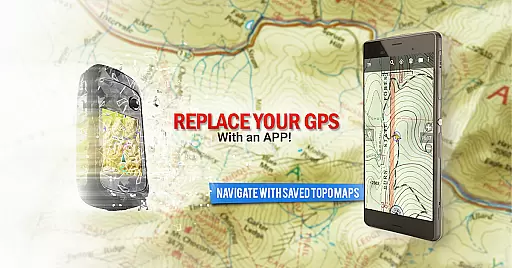
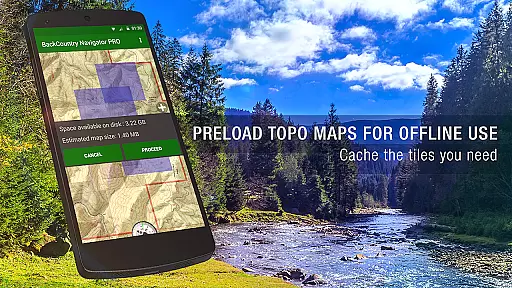
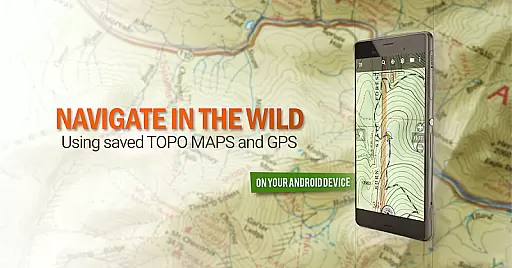
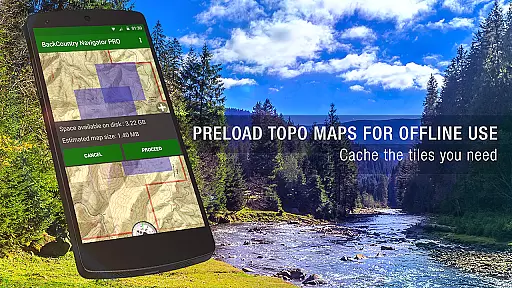
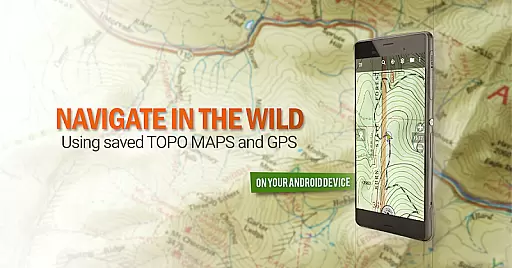
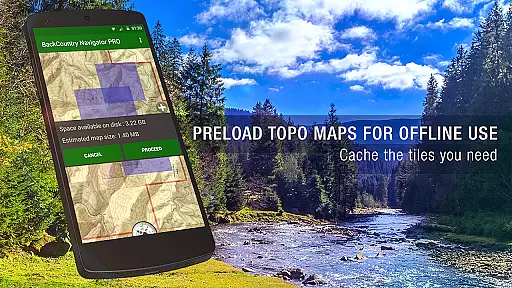
BackCountry Navigator GPS PRO is a premier outdoor navigation app that transforms your Android device into an advanced offline GPS system. Designed for adventurers, it allows users to download topographic maps for offline use, making it ideal for hiking, hunting, and other outdoor activities beyond cell coverage. The app supports various map formats including topo, aerial, and marine charts, providing comprehensive navigation options.
The application stands out with its support for multiple coordinate systems, map sources, and specialized features like Android Wear integration. Whether you're a hiker needing detailed trail maps or a hunter requiring specific boundary data, this app delivers the necessary tools. Its ability to function without network connectivity ensures reliable navigation in remote areas, making it an essential tool for outdoor enthusiasts.
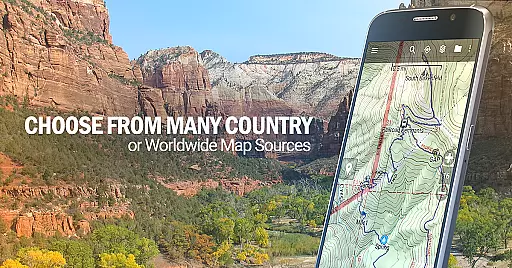
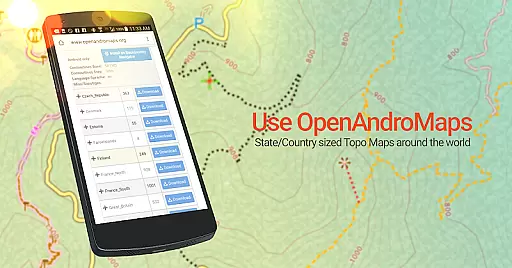
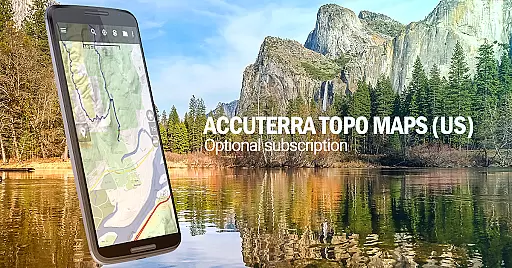
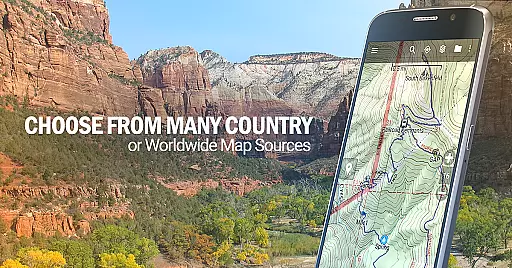
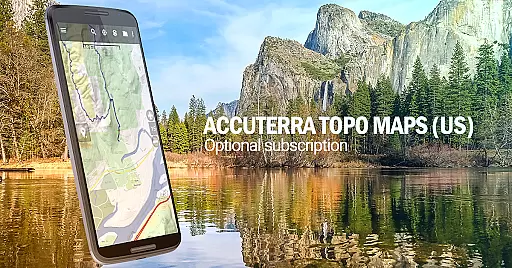
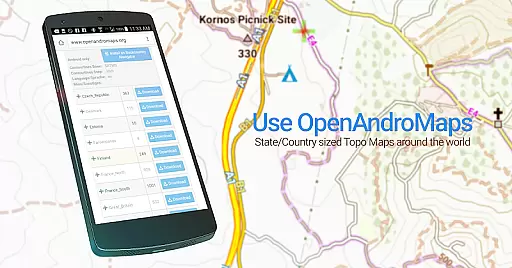
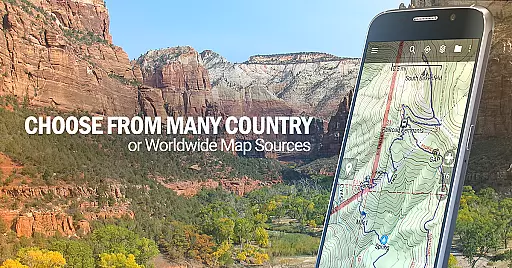
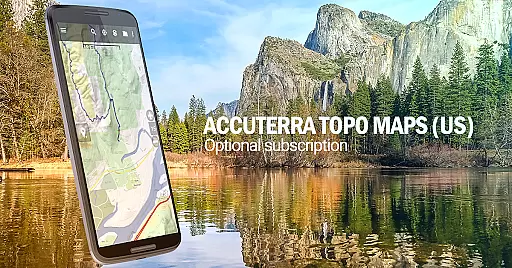
BackCountry Navigator GPS PRO offers an impressive array of features that cater to diverse outdoor navigation needs. The app provides access to numerous map sources including USGS Topo maps, OpenStreetMaps, and specialized content like Accuterra and Thunderforest maps. Users can download maps for offline use, create custom waypoints, and navigate using various coordinate systems such as UTM, MGRS, and traditional longitude/latitude.
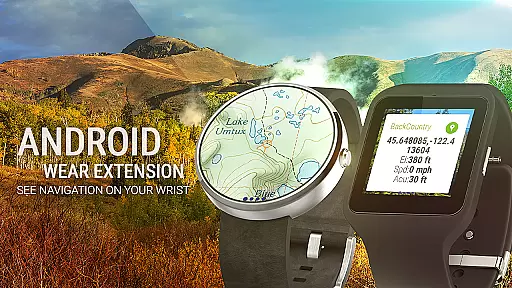
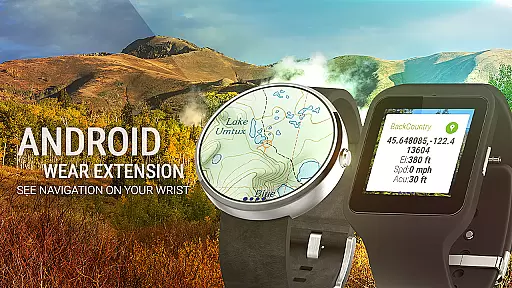
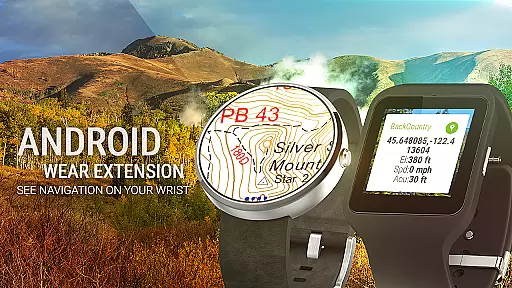
Advanced functionality includes support for GPX and KML files, making it suitable for geocaching and professional applications. The app's Android Wear integration enables quick glance navigation, while its ability to overlay specialized content like BLM boundaries and lake contours adds tremendous value for hunters and anglers. With additional premium content available through subscription, users can access enhanced map sources and specialized data layers, making it a versatile tool for both casual adventurers and professional outdoorsmen.
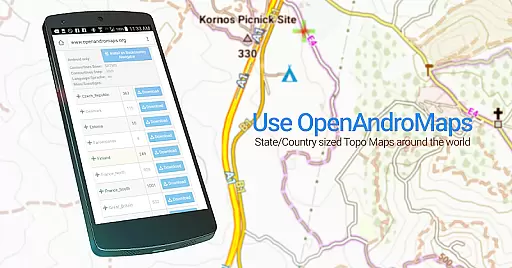
Map accuracy is a fundamental feature of BackCountry Navigator GPS PRO, ensuring that users can rely on precise positioning even in remote areas. The app utilizes publicly available map sources, including topographic maps from the USGS and other global providers, to deliver detailed and reliable offline maps.
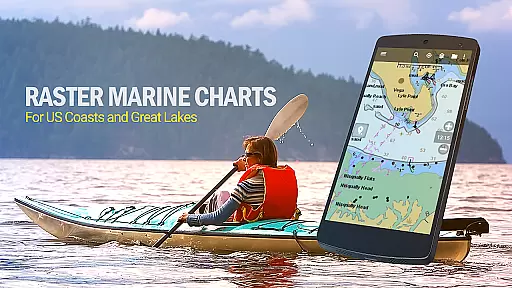
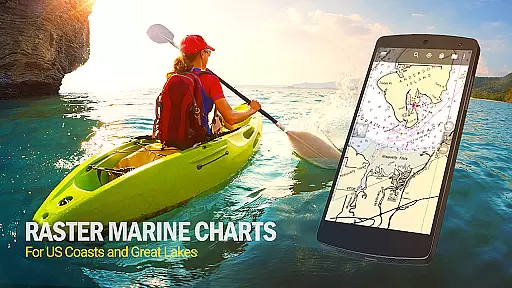
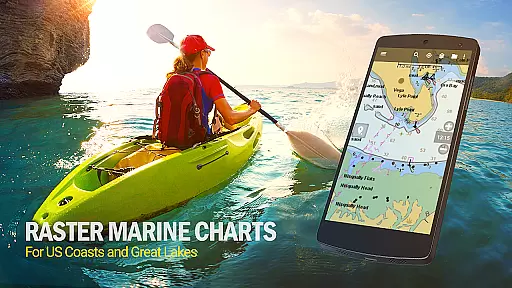
The application supports multiple map formats, such as OpenStreetMaps, OpenCycleMaps, and NOAA nautical charts, which are crucial for outdoor activities like hiking, hunting, and kayaking. These maps are designed to work seamlessly without cell coverage, making them invaluable for adventures beyond conventional boundaries.
Users benefit from highly accurate GPS functionality, allowing them to navigate confidently using downloaded maps. Whether exploring dense forests or vast wilderness areas, the app ensures that every trail, boundary, and contour line is correctly represented, enhancing both safety and enjoyment.
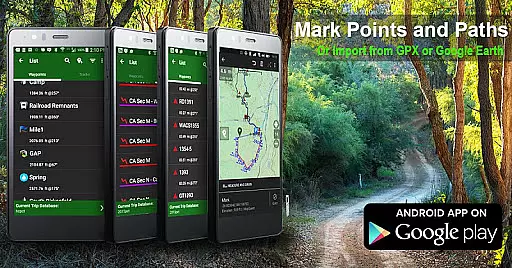
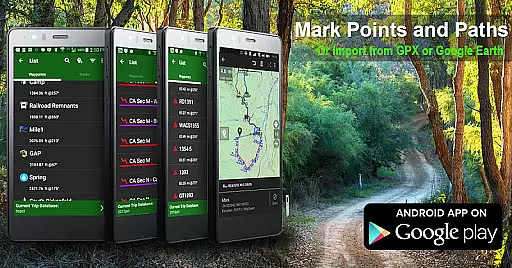
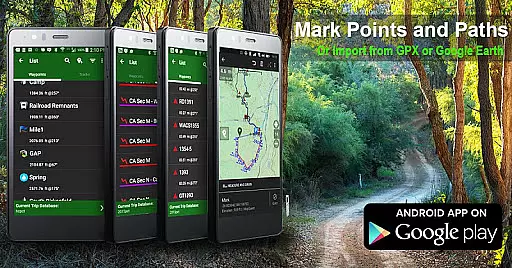
Route planning in BackCountry Navigator GPS PRO empowers adventurers to chart their courses with precision and confidence. By integrating advanced GPS technology, the app allows users to create waypoints and plan routes using coordinates from GPX or KML files, or by manually entering longitude and latitude data.
This feature supports various coordinate systems, including UTM and MGRS, providing flexibility for different types of outdoor activities. Users can overlay additional content, such as Accuterra Topo Map Source or Thunderforest Map Sources, onto their planned routes, enriching the navigation experience with specialized details tailored to specific terrains.
With real-time tracking and the ability to record tracks during trips, the app ensures that users stay on course and reach their destinations safely. This comprehensive route planning capability not only enhances user autonomy but also significantly boosts the overall outdoor adventure experience.
Comprehensive map sources
Offline functionality
Multiple coordinate systems
Specialized outdoor features
Android Wear support
Premium content costs extra
Steep learning curve
Large storage requirements
Limited free map updates
Complex interface

Offline maps for phone and smart watch: topographic maps, satellite images...
 3.30
3.30
America’s largest public fast charging network, with over 500 charging stations.
4.50
"Balad" is a map and navigator with a Persian voice assistant and a complete city guide
4.40
GPS Speedometer & Odometer: Track car, bike, truck speed & distance in real-time
4.70
Your real-time window to the world. Explore anywhere, anytime.
3.30
Truck Safe GPS Navigation & Maps: Parking, Fuel, Diesel, Weight Station
4.80
ParkWhiz, an Arrive Mobility brand, part of the Arrive Network
4.30
GPS navigation offers route finder, compass, translator, currency converter, etc
4.30
Neshan: map & navigation app with 20M+ monthly active users
4.50
Order a cab online. An affordable taxi ride and driver in no time. What a bolt!
4.80
LIRR and Metro-North tickets and trips
4.80
Offline maps & GPS for hiking, travel, fieldwork & outdoor adventures
4.70
Ride or drive at YOUR price
4.70
Complete offline 1:50k South Island topo map including DOC Hunting Permit Areas
4.60
CamSam PLUS - The speed and red light camera warning system!
4.40
Instant diesel discounts - save big with each fill up!
4.40
Use GPS Maps and GPS Voice Navigation to find your way and get directions
4.10
OpenCPN is a full featured ChartPlotter and Navigator for Android.
3.60
Fully offline 1:50k New Zealand topographical map North Island
4.3


User Reviews