
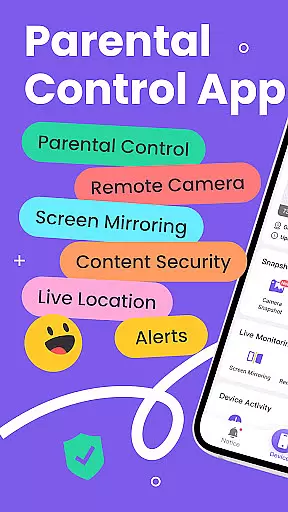
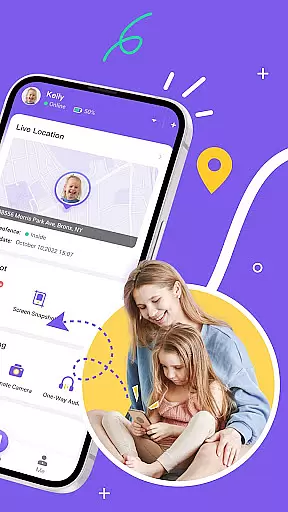
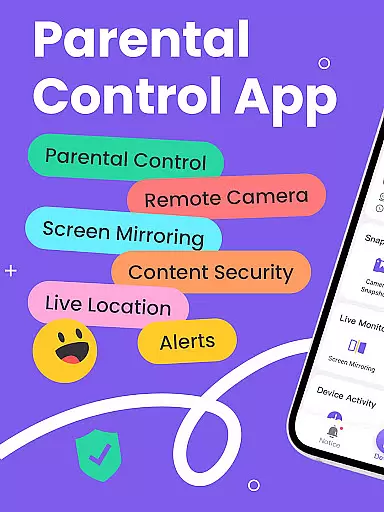
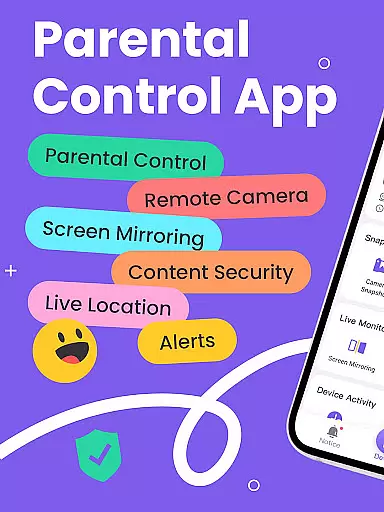
FlashGet Kids is a comprehensive parental control application that enables parents to safeguard their children's digital experiences. The app offers real-time location tracking, digital habit monitoring, and various security features like Live Monitoring and Sensitive Content Detection. With FlashGet Kids, parents can ensure their children's online safety while promoting healthy device usage habits.
The app provides tools such as Remote Camera access, Screen Mirroring, and Scheduled Screen Recordings, allowing parents to stay informed about their children's activities. Additionally, features like Live Location tracking with geofencing and Social App Monitoring help protect children from potential online threats. These capabilities make FlashGet Kids an essential tool for modern parenting.
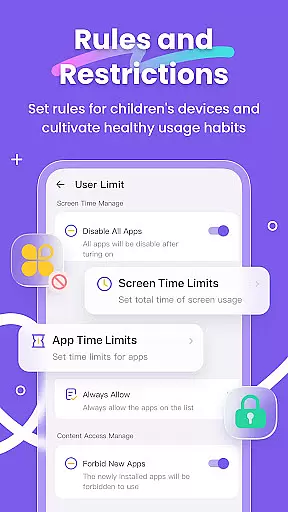
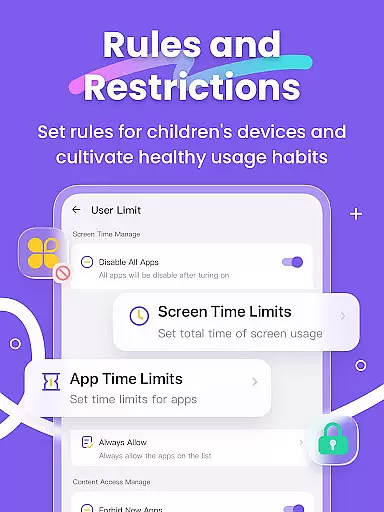
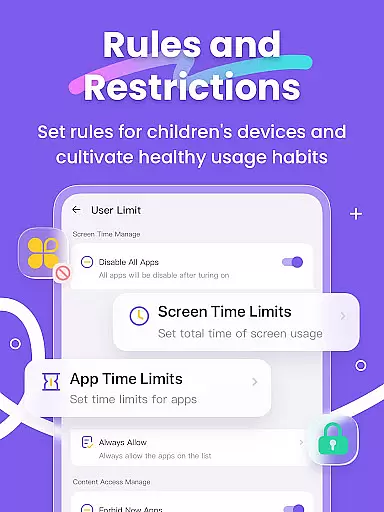
Designed for peace of mind, FlashGet Kids supports parents in nurturing a safe digital environment. By setting Screen Time Limits and App Rules, parents can guide their children's app usage effectively. This ensures that children remain focused on educational content and are protected from inappropriate material, making the app invaluable for family safety.
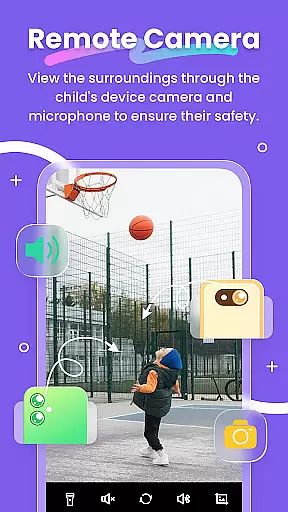
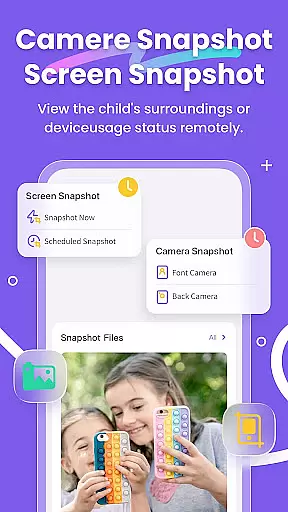
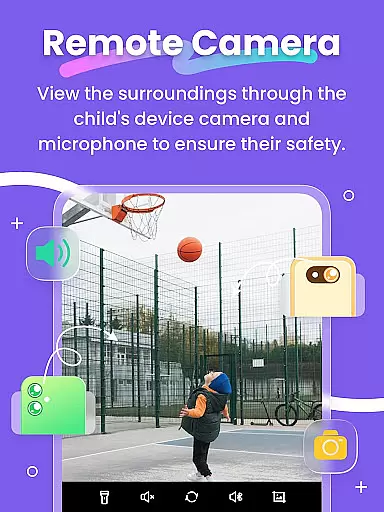
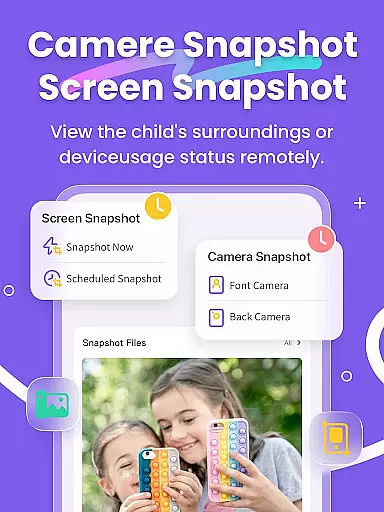
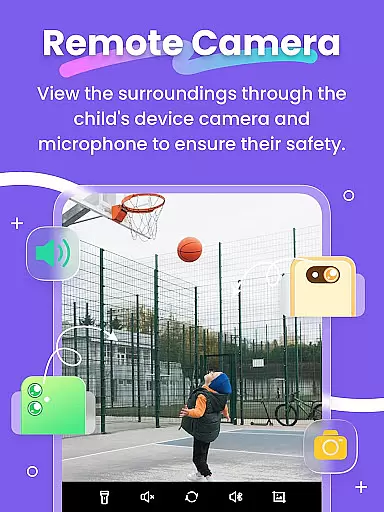
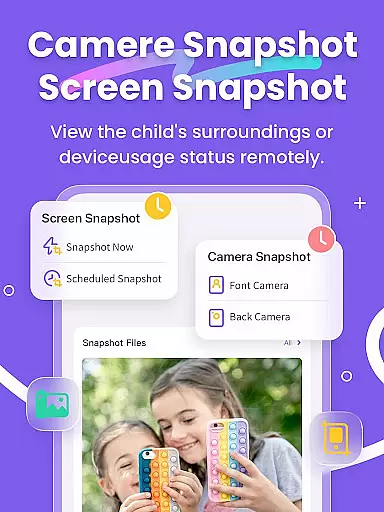
FlashGet Kids stands out with its robust feature set tailored for parental control. The app includes Live Monitoring, which allows parents to view their child's device activity in real time. This feature is complemented by Remote Camera access and One-Way Audio, enabling parents to understand their child's surroundings instantly.
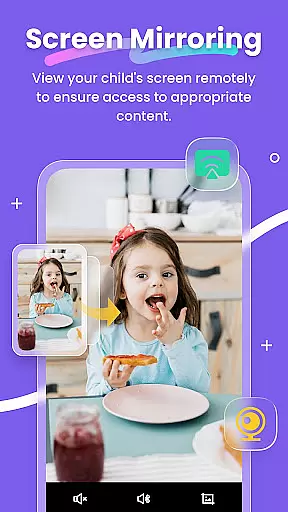
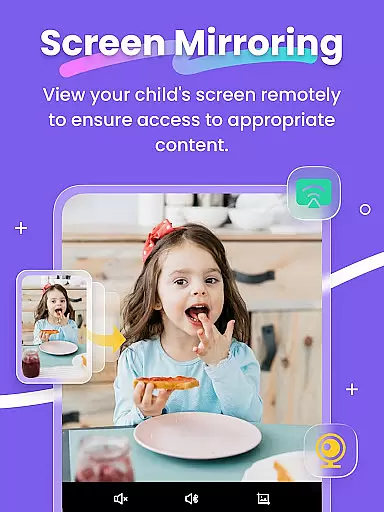
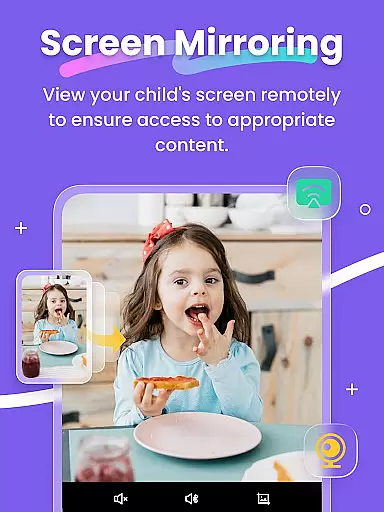
Another significant feature is Screen Mirroring, which projects the child's device screen onto the parent's phone. This facilitates direct oversight of app usage and frequency. Additionally, Scheduled Screen Snapshots and Recordings help parents detect inappropriate content, ensuring age-appropriate device interactions.
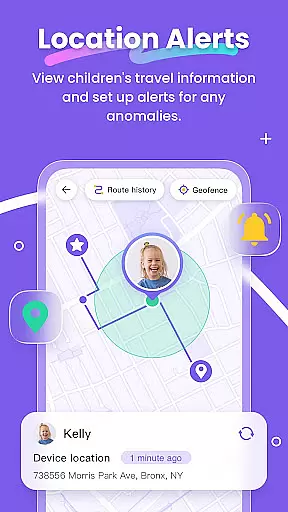
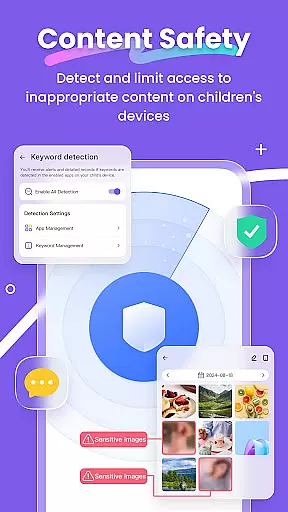
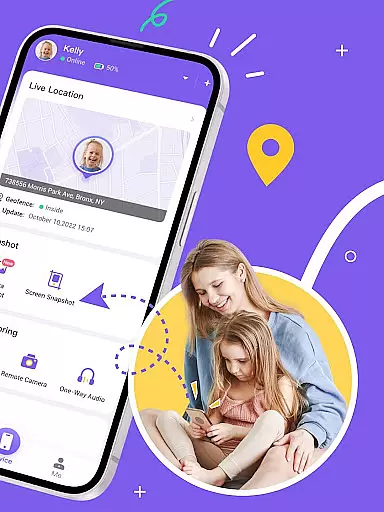
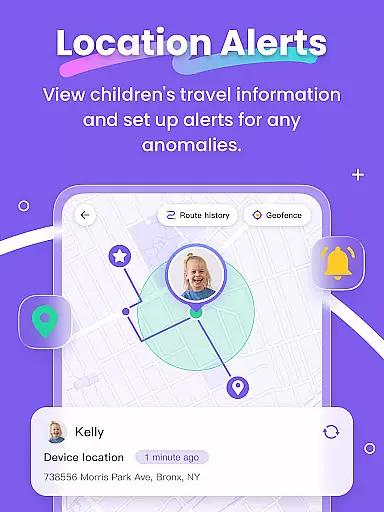
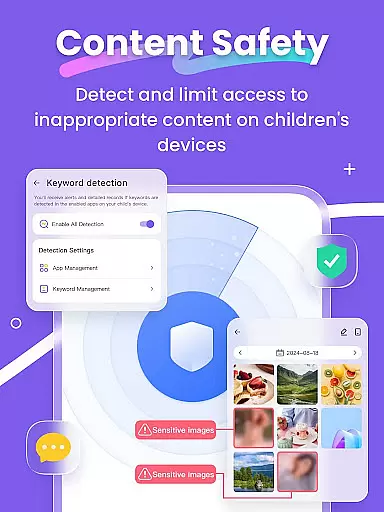
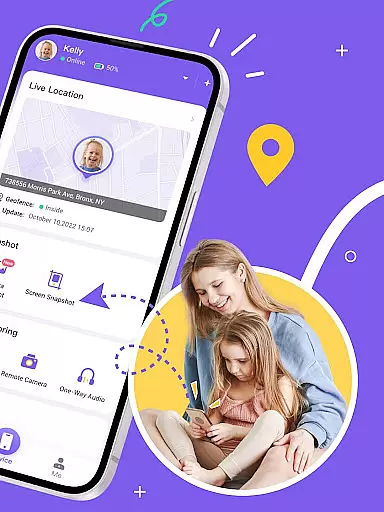
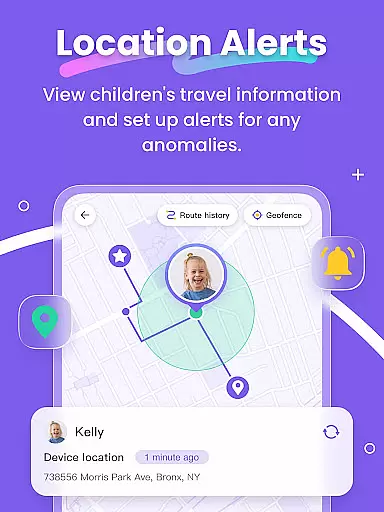
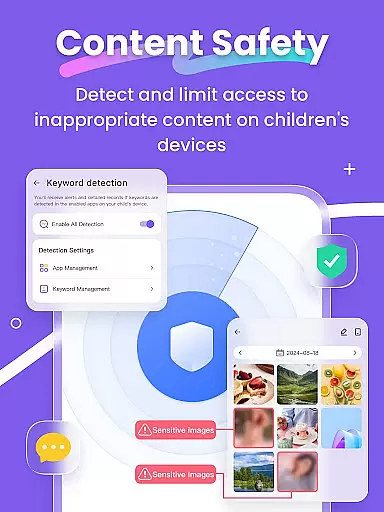
Furthermore, FlashGet Kids offers advanced tools like GPS-based Live Location tracking and geofencing alerts. Parents can also synchronize app notifications to monitor social media interactions. With features like Sensitive Content Detection and customizable Screen Time Limits, FlashGet Kids empowers parents to create a secure and productive digital space for their children.
When it comes to parenting apps, the credibility of the content and expert validation are paramount. FlashGet Kids stands out by offering features that are not only designed by tech experts but also align with child psychology and digital safety standards. The app includes functionalities such as Live Monitoring, App Block, and Sensitive Content Detection, which are crafted based on thorough research and guidelines recommended by child safety advocates.
The Remote Camera and One-Way Audio features allow real-time monitoring, giving parents accurate insights into their children's surroundings. This is complemented by Screen Mirroring and Scheduled Record functionalities, which let parents observe their child's digital behavior patterns. These tools are developed in line with recommendations from educators and child development specialists, ensuring they contribute positively to the child's growth and safety.
Furthermore, the Social App and Sensitive Content Detection feature helps parents manage their children's access to potentially harmful online content. By filtering inappropriate websites and monitoring social media interactions, FlashGet Kids ensures a safer digital environment. All these features undergo regular updates and expert reviews to maintain high standards of safety and efficacy.
Growth tracking is an essential aspect of parenting apps, providing valuable insights into a child's developmental progress. FlashGet Kids excels in this area by delivering precise tracking of a child's digital habits and physical whereabouts. The app's GPS location tracker offers high-precision data, allowing parents to monitor historical routes and set up geofencing rules that trigger alerts when specific locations are accessed.
In addition to location tracking, FlashGet Kids provides detailed reports on screen time usage and app activity. Parents can see which applications their children use most frequently and for how long, enabling them to guide their children towards healthier device habits. The app also supports setting time restrictions on app usage, helping children focus on essential activities like schoolwork without digital distractions.
Another innovative feature is the Live Painting tool, which allows parents to send personalized messages or drawings directly to their child's device. This fosters emotional communication and strengthens family bonds through shared experiences. With its comprehensive tracking capabilities and thoughtful features, FlashGet Kids empowers parents to support their children's growth effectively while maintaining open lines of communication.
Real-time monitoring
Comprehensive security
User-friendly interface
Customizable controls
Effective geofencing
Premium subscription
Limited free features
Device compatibility
Occasional bugs
Privacy concerns

AI Motion Video Maker & Ideas
 4.1
4.1
Fake call application designed for parents and adults to discipline their children through the children's police.
4.20
Magic chalkboard coloring and drawing!
4.20
Affirmations | Stories | Bible
4.10
Track your labor contractions
4.90
GeoLog - Real-Time Location Tracker
4.40
Pregnancy+ App has helped 80m moms track their pregnancy with info & support!
4.80
Parental control: child monitoring app, screen time control, GPS child tracker
4.40
Track baby’s development & growth week by week with BabyCenter’s pregnancy app!
4.90
3D Baby size, Fruit comparisons, Smart Checklist, Trending Names & Training.
4.90
Kids story books for children. Baby reading books with audio for pre-k toddlers
4.70
The Most Trusted Co-Parenting App.
4.60
All-in-one pregnancy app, contraction timer, kick counter & due date calculator
4.40
Babysitting video camera - Turn your two phones or tablets into a single nanny.
4.40
Keep track of your stored breastmilk
4.40
Free symptom & med tracker with expert-reviewed tips.
4.30
FamilyMode helps you manage your family’s digital lives—at home or on the go.
4.30
Watching baby, helping parents
4.10
Monitor screen time and build healthy habits with Family Safety
3.90


User Reviews