
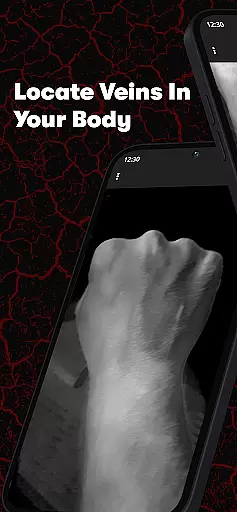
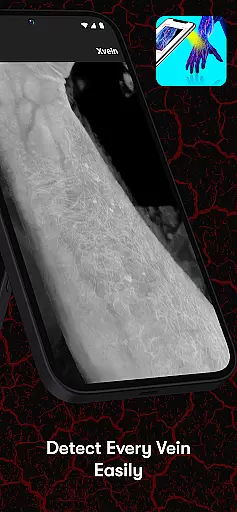
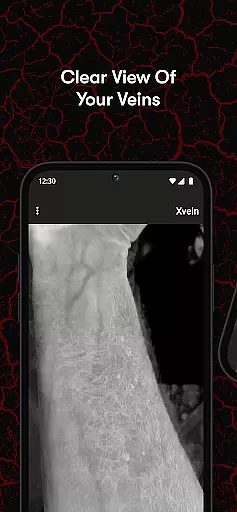
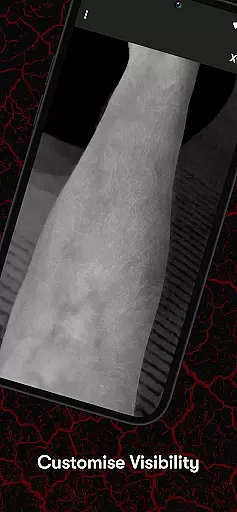
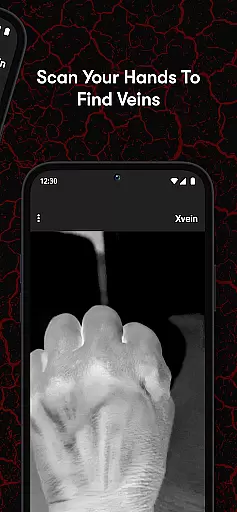
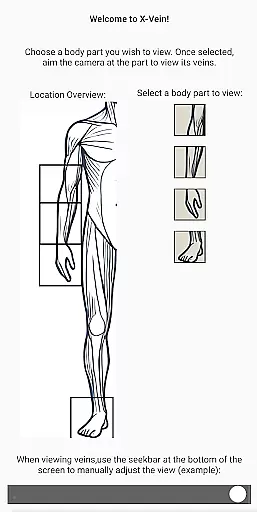
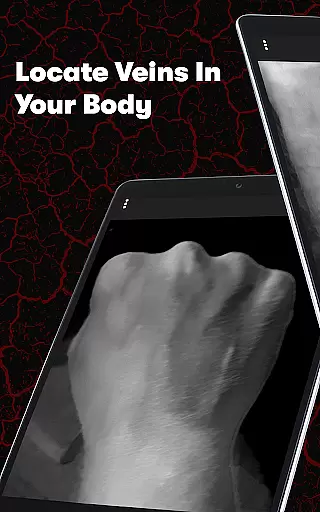
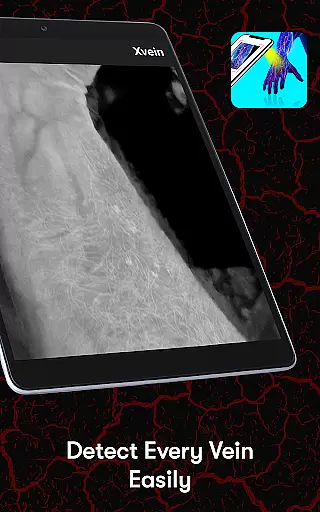
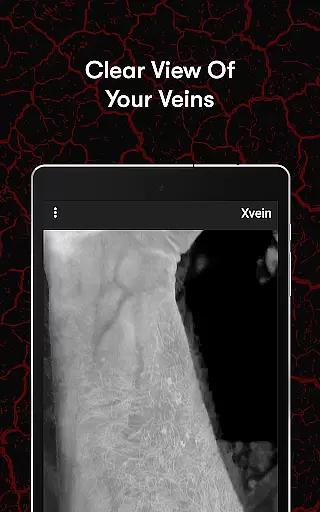
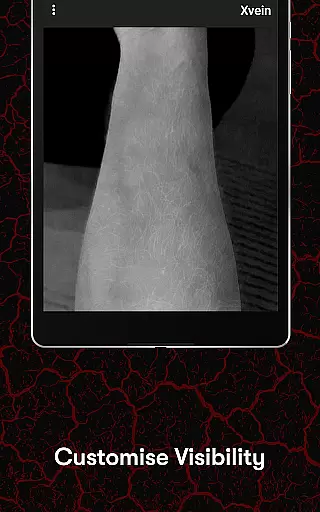
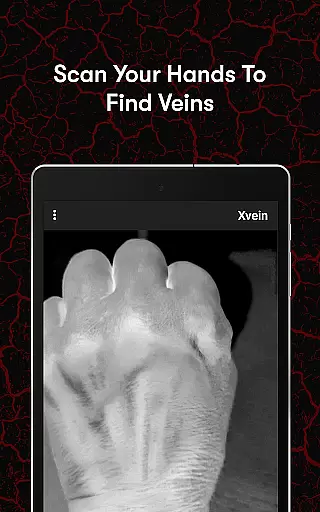
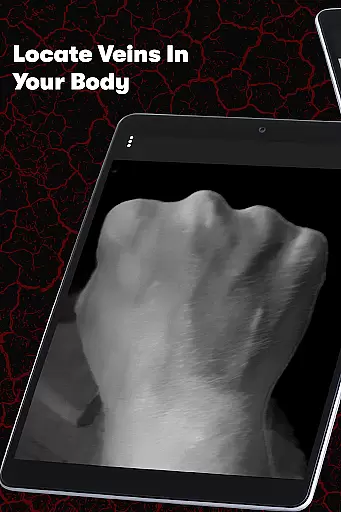
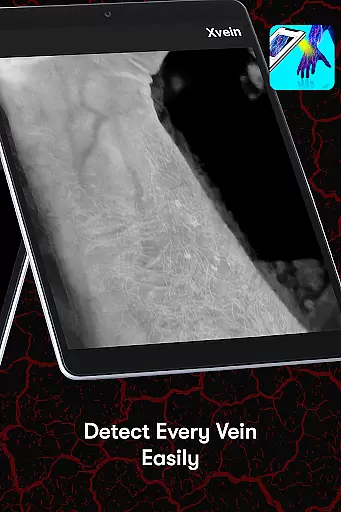
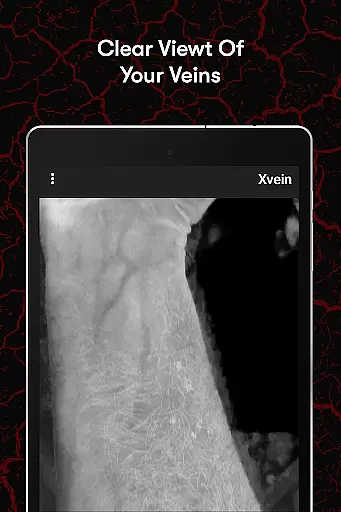
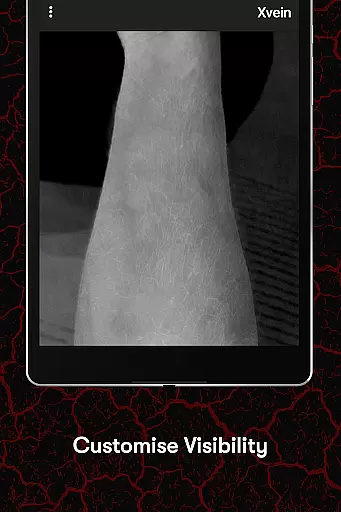
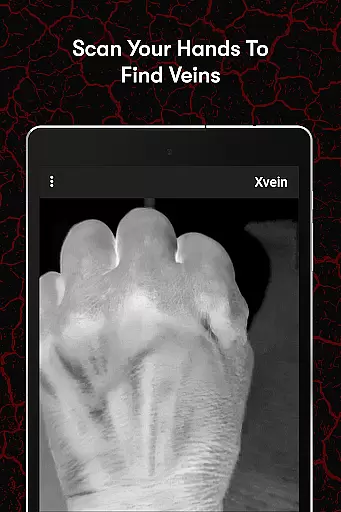
X-Vein is a cutting-edge vein detection training tool designed specifically for medical professionals. The app employs the principle of visible light penetration and haemoglobin light absorption to visualize blood vessels, akin to saturation monitoring. This innovative approach allows users to practice identifying veins across various skin layers through an interactive interface.
Whether you are a seasoned healthcare professional aiming to refine your skills or a medical student just starting, X-Vein offers a user-friendly platform. It helps improve accuracy and confidence in vein detection, making it an essential tool for elevating your vein-finding skills. With X-Vein, the future of medical training is at your fingertips.
X-Vein stands out with its unique application of visible light penetration and haemoglobin light absorption principles. These features enable the visualization of blood vessels, providing an immersive learning experience. Users can engage with an interactive interface that simulates different skin layers, enhancing their understanding of vein locating procedures.
The app's hands-on approach ensures that medical professionals can practice and refine their skills effectively. By offering a realistic simulation environment, X-Vein bridges the gap between theoretical knowledge and practical application. This makes it an invaluable resource for both experienced practitioners and newcomers in the medical field.
In the field of medical training, the credibility of content is paramount. X-Vein ensures that all its vein detection training modules are developed under the guidance of seasoned healthcare professionals and adhere to the latest medical standards.
The app employs the scientific principle of visible light penetration and haemoglobin light absorption, which is a well-established method similar to saturation monitoring. This guarantees that users receive an authentic learning experience when practicing to identify veins in various skin layers.
By offering an immersive, hands-on learning platform, X-Vein allows medical professionals to refine their skills with confidence. The expertly reviewed content provides a reliable resource for both students and experienced practitioners seeking to enhance their vein-finding abilities.
While X-Vein does not directly offer teleconsultation services, it plays a crucial role in improving the quality of remote medical consultations. By enhancing the user's vein detection skills, the app indirectly supports better patient outcomes during telemedicine sessions.
The application's interactive interface serves as a virtual training ground for medical professionals, ensuring they are well-prepared for real-life scenarios. This preparation can lead to more accurate venous access during teleconsultations, where direct physical examination may not be possible.
With X-Vein's comprehensive training, healthcare providers can elevate their expertise, resulting in higher-quality teleconsultations. The app's focus on skill development ensures that medical professionals are equipped with the necessary proficiency to perform effectively in a telemedicine setting.
User-friendly interface
Innovative vein visualization
Interactive learning experience
Suitable for all skill levels
Enhances practical skills
Limited to vein detection
Requires compatible device
No physical practice
Premium features may cost
Learning curve for beginners

MySafeRide simplifies booking and managing rides for health plan members.
 3.50
3.50
Modivcare members can book and manage trips.
4.50
3rd trimester? Counting Kicks is what moms should do-It’s important & easy too!
4.30
Molina Members: My Molina. Manage your health anytime, anywhere!
4.30
Be more confident prescribing homeopathy at home for your family.
4.80
Elegant, easy-to-use period tracker for fertility, PMS symptoms, and more
4.90
Use the phone microphone or headset mic as sound amplifier for louder hearing.
4.30
Boost reading, writing, speaking and listening with a scientifically proven app.
4.70
Anthem/Wellpoint and other health insurance plans
4.60
Donating blood and platelets is easier than ever with The American Red Cross.
4.80
Pelvic Floor Muscle Exercises
4.80
Enables quick access to medical data and contacts in case of emergency (ICE)
4.70
Health Care at Your Fingertips
4.60
Identify pills, search different drugs, get drug information and much more!
4.50
Assess and treat left neglect more effectively in stroke and brain injury rehab.
4.30
A rapid reference for healthcare professionals caring for pediatric patients.
4.30
Hearing aid app for Android solves your hearing problems.
4.00
Update medical records, view upcoming appointments, message your provider & more
3.80
A scientifically-proven method to help people with dementia or memory impairment
4.0


User Reviews