
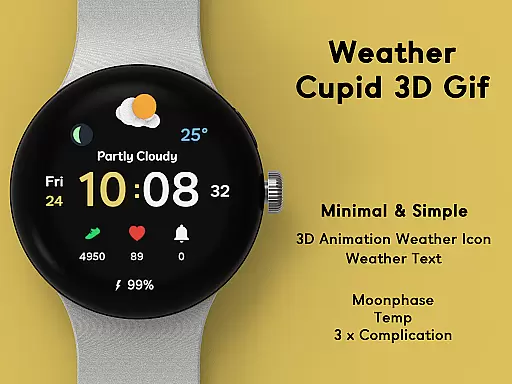
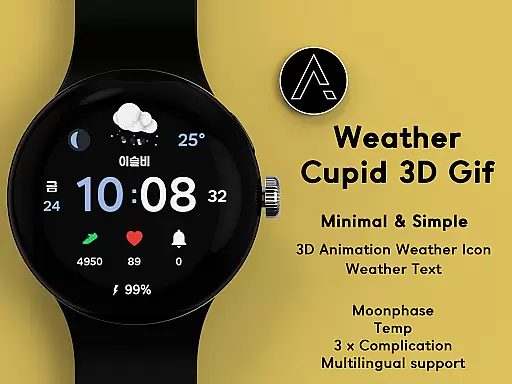
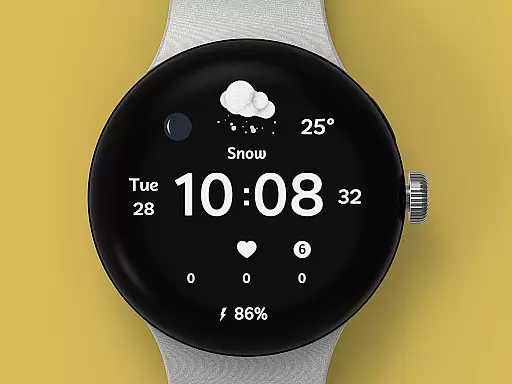
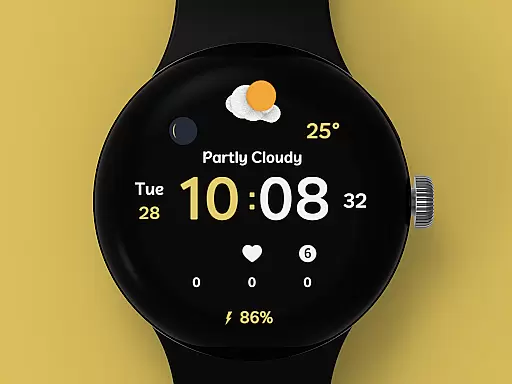
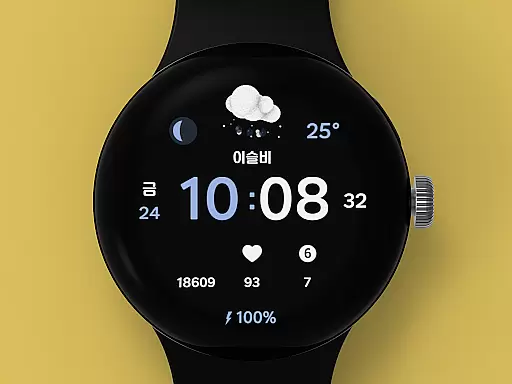
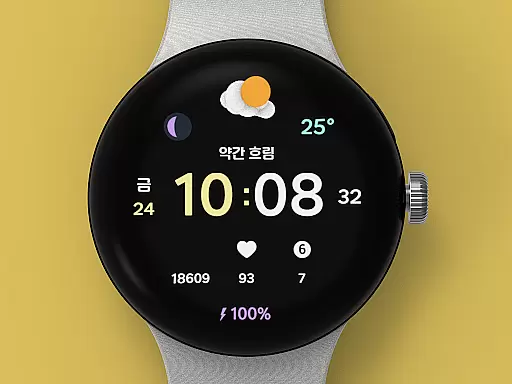
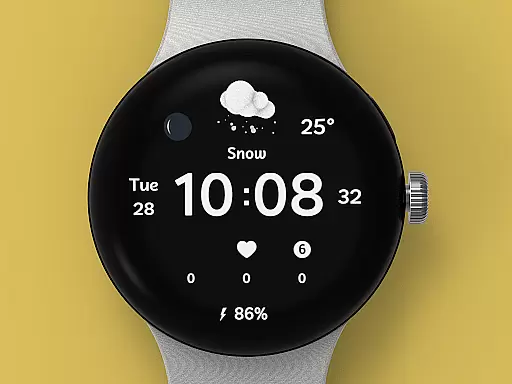
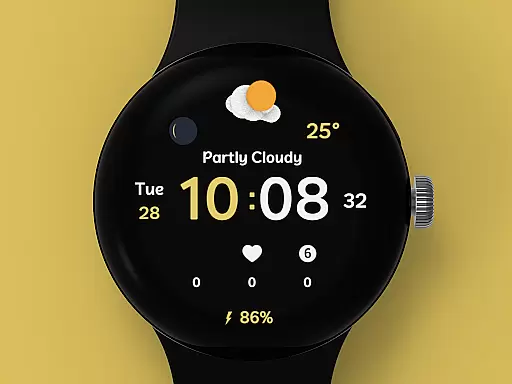
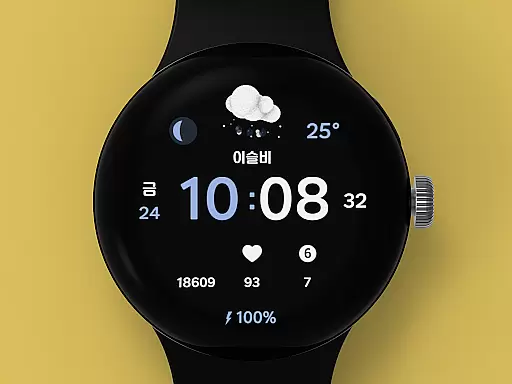
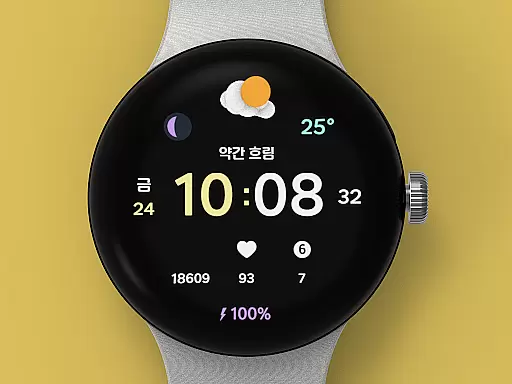
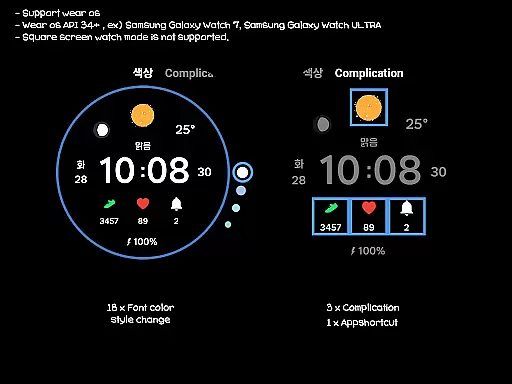
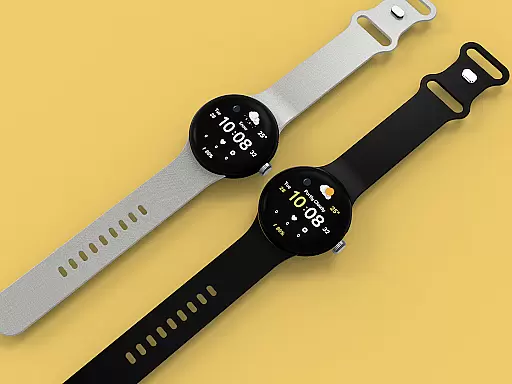
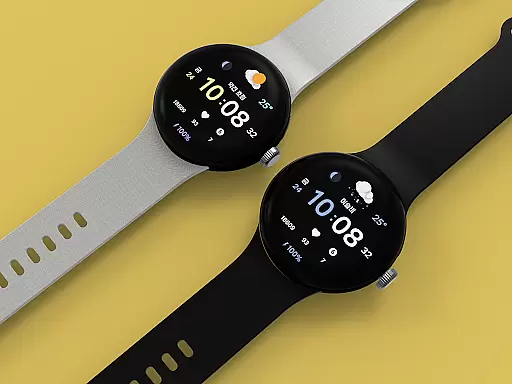
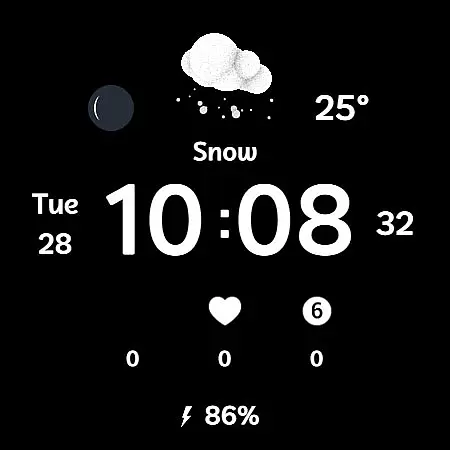
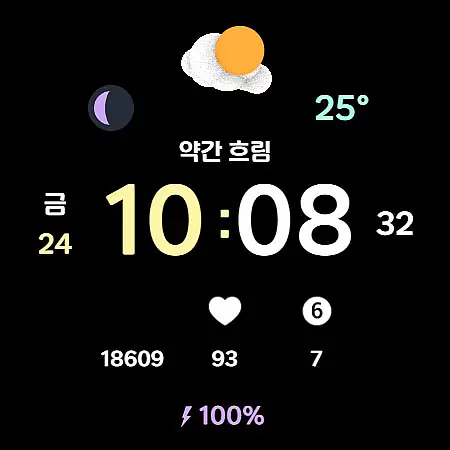
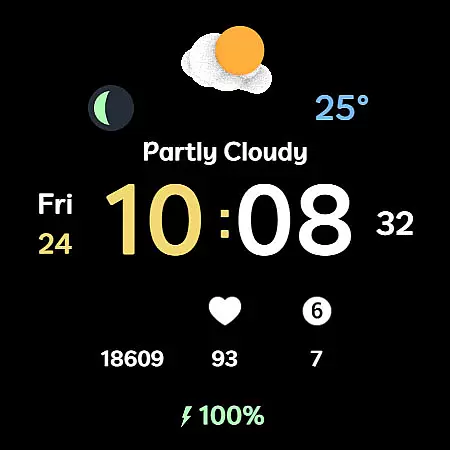
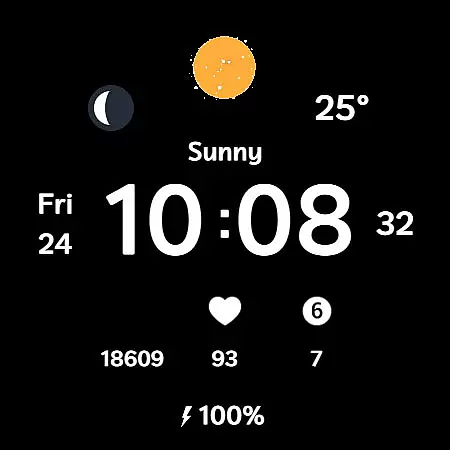
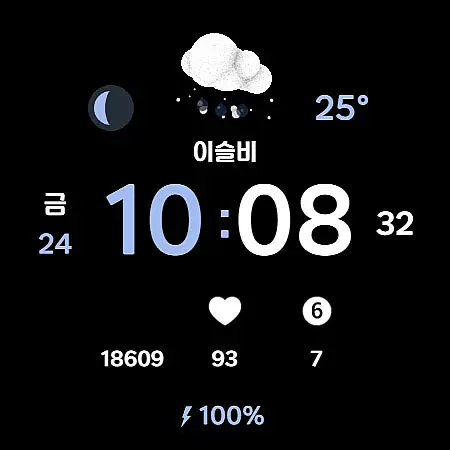
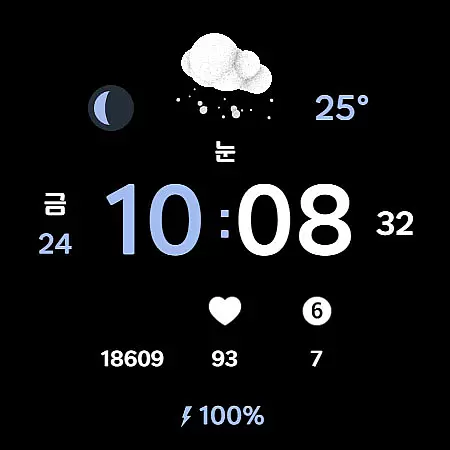
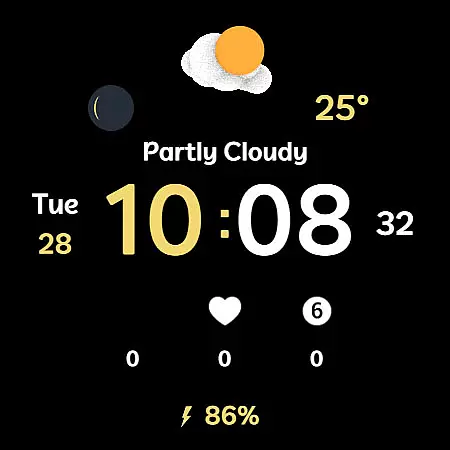
Weather Cupid 3D Gif is a visually appealing Wear OS watch face that combines minimalist design with dynamic weather animations. The app features an intuitive digital interface displaying essential information such as temperature, moon phase, and battery percentage while supporting both Celsius and Fahrenheit scales.
The watch face stands out with its 3D animated weather icons that update automatically every 30 minutes, providing users with real-time weather conditions. With multilingual support and customizable font colors, it offers personalized experience across different languages and preferences. The app integrates seamlessly with Samsung's weather API to deliver accurate weather data directly to your wrist.
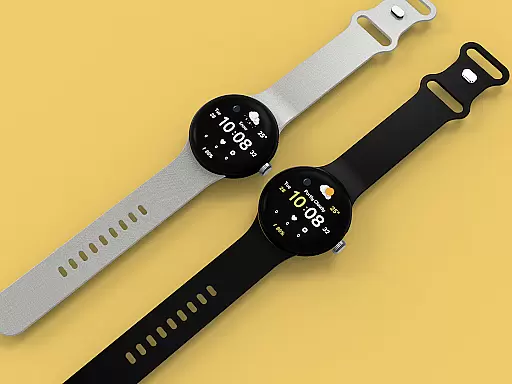
Ideal for smartwatch users who want both functionality and style, Weather Cupid 3D Gif helps you stay informed about weather conditions while maintaining a clean and modern aesthetic on your wearable device.
Weather Cupid 3D Gif distinguishes itself through several innovative features. The app showcases detailed weather information through beautifully designed 3D animation icons that bring weather data to life. Users can easily monitor current temperature in their preferred scale (Celsius or Fahrenheit) alongside other vital metrics like moon phases and battery levels.
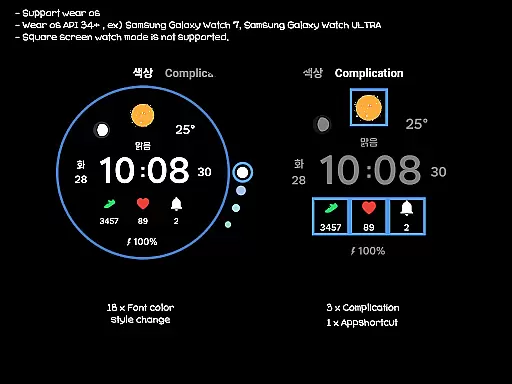
Customization options are abundant with 18 font color styles, allowing users to personalize their watch face to match their unique style. The app supports up to three complications and includes one app shortcut for quick access to frequently used functions. While square screen modes aren't supported, the circular design perfectly complements most Wear OS devices' form factor.
Practical features include automatic weather updates every 30 minutes and manual update capability through complication interaction. The 12h/24h digital time display caters to global users, and multilingual support ensures accessibility across different regions. These features collectively create a comprehensive weather monitoring solution optimized for wrist-worn devices.
Weather Cupid 3D Gif provides accurate weather forecasts based on Samsung's API, ensuring reliable data for users. The temperature updates every 30 minutes, offering both Celsius and Fahrenheit support to cater to global audiences.
With multilingual support and animated 3D weather icons, the app delivers an intuitive experience while maintaining forecast precision. Users can manually update weather information through complications, ensuring they have the latest details at their fingertips.
The integration of moon phases and health information adds another layer of utility, making it more than just a weather app. This comprehensive approach ensures that users receive credible and actionable weather data tailored to their location.
This Wear OS watch face offers extensive temporal and spatial forecast coverage, displaying weather updates across different timeframes. Its automatic 30-minute refresh cycle keeps users informed with minimal effort, while manual updates provide flexibility when needed.
Although weather information may occasionally require reapplication after restarting the watch, this minor inconvenience does not detract from its overall functionality. By reapplying the watch face, users regain access to timely and relevant weather insights.
While square screen modes are unsupported, round-screen users benefit from a seamless experience. With localized weather data provided by Samsung's API, Weather Cupid 3D Gif ensures that forecasts remain closely aligned with real-world conditions.
Visually stunning 3D animations
Accurate real-time weather data
Extensive customization options
Multilingual support for global users
Seamless Wear OS integration
Limited to Wear OS devices
No square screen support
Weather data from single provider
Manual reapplication needed after restart
Battery consumption may increase

Get the ad-free version of the highly rated WeatherBug app for accurate weather!
 4.50
4.50
Weather related custom complications for Wear OS. UV, Hi-Lo, AQI and more!
4.40
The most accurate weather app, hourly and daily weather, severe weather alerts
4.50
Live weather radar, widgets & forecasts. Track rain, storms & temperature.
4.20
Live Alabama weather from James Spann—forecasts, radar, alerts, Spanncams.
4.70
My Aurora Forecast is the app for Northern Lights and Aurora Borealis alerts.
4.60
Accurate Weather App: various widgets, real-time storm radar, hurricane tracker.
4.50
Weather radar map, storm tracker, local forecast, live rain alerts & daily news.
4.60
Hyperlocal Forecasts, Live Radar, Severe Weather alerts & Homescreen Widgets
4.30
Weather - Local weather forecast, weather daily & hourly, weather radar
4.80
My Tide Times Pro is the only tide tables and forecasts application you'll need.
4.80
The reliable and trusted global air quality, wildfire, pollen, PM2.5 forecast
4.70
Your ultimate app for real-time weather information!
4.70
Your ultimate app for accurate local weather information!
4.60
Local weather forecast, reliable daily weather report
4.30
Weather forecast & live radar map
4.20
Download now and give your smartwatch a fresh, premium look!
4.20
An unofficial app version of the National Weather Service (Weather.gov)
3.90
Know the weather earlier.
3.90


User Reviews