
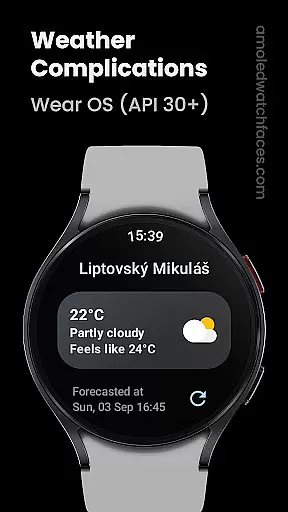
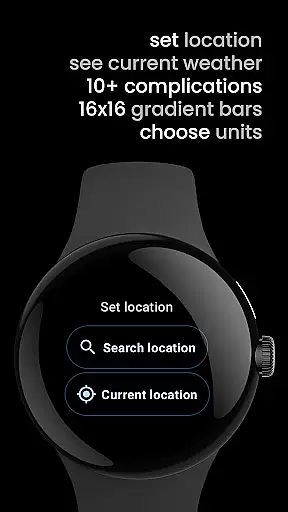
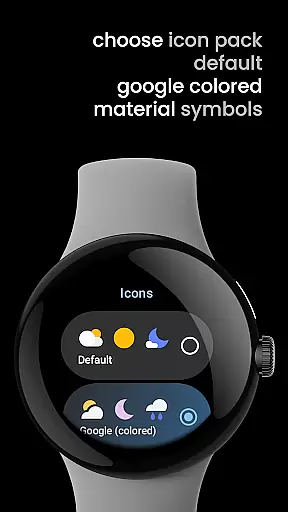
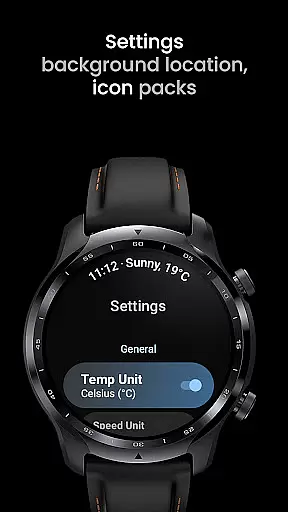
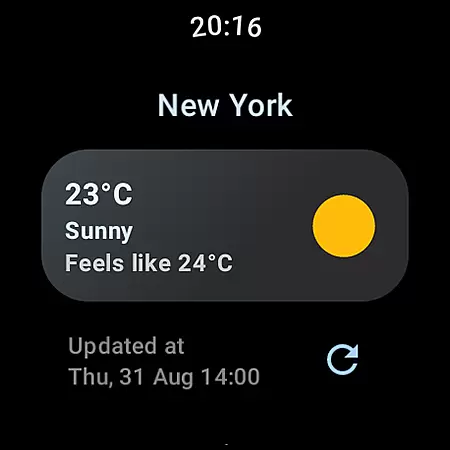
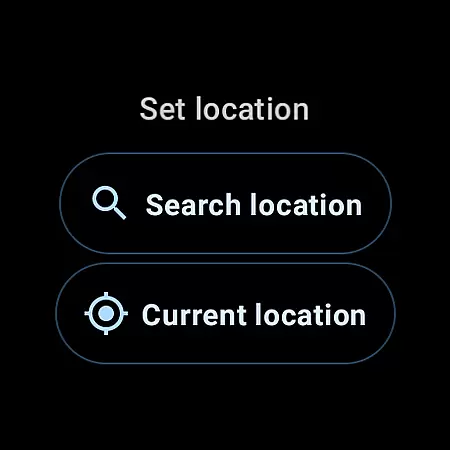
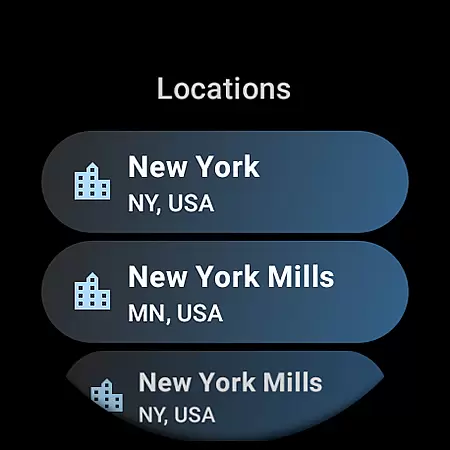
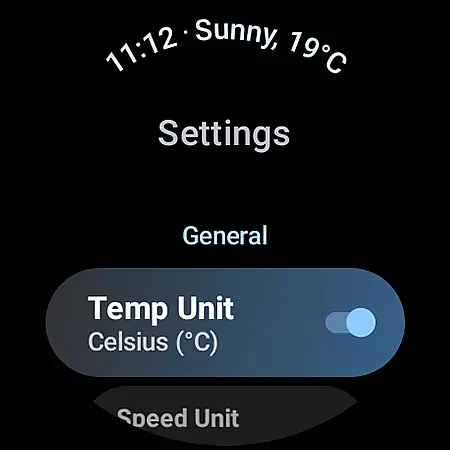
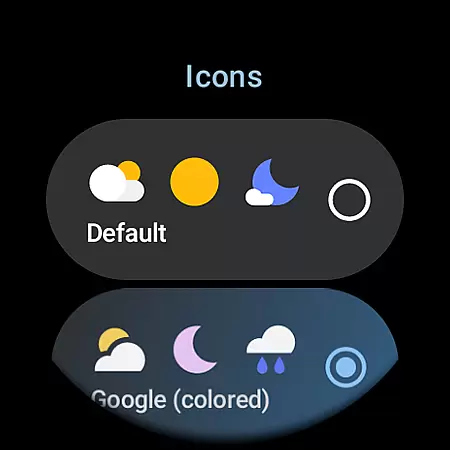
Weather Complications is a specialized app designed for Wear OS API 30+ devices, offering comprehensive weather-related complications. The app aggregates data from reliable sources like WeatherAPI and OpenWeatherMap, providing users with up-to-date weather information directly on their smartwatches.
It supports various custom complication types including air quality index, atmospheric pressure, temperature, and more. With a refresh interval of 35 minutes, it ensures optimal battery life while delivering timely updates. This makes it an essential tool for users who need quick access to detailed weather data without compromising device performance.
The app boasts an extensive range of features tailored for weather enthusiasts. It provides over a dozen unique complications such as Air Quality Index, Atmospheric Pressure, Beaufort scale, Chance of Rain, Current and Feels like Temperature, Humidity, UV Index, Wind details, and many others.
Each complication type can be displayed in multiple formats including SHORT_TEXT, LONG_TEXT, RANGED_VALUE, ICON, and SMALL_IMAGE. This versatility allows users to customize their watch faces according to personal preferences and needs. Additionally, the app uses Google's Places API for accurate location information, ensuring precise weather data delivery.
Weather Complications for Wear OS provides highly reliable weather data through trusted sources like WeatherAPI and OpenWeatherMap. These platforms are renowned for their accurate forecasting and real-time updates, ensuring users receive dependable information.
The app refreshes its complications every 35 minutes, striking a balance between battery efficiency and data relevance. Even without an active internet connection, the app continues to display forecasted weather data for the current hour, maintaining usability in offline scenarios.
By integrating Google's Places API for location services, the app ensures precise geolocation data, which enhances the accuracy of weather forecasts. This combination of credible data sources and smart update intervals makes the app a trustworthy companion for weather updates on Wear OS devices.
Weather Complications offers extensive temporal and spatial coverage, providing users with detailed forecasts that span various timeframes and geographic locations. The app supports multiple weather data types, including air quality, UV index, humidity, and more, each updated at 15-minute intervals for optimal freshness.
Through customizable complications, users can access both short-term and long-term weather outlooks. Whether it's hourly predictions or daily summaries, the app delivers comprehensive insights tailored to the user's specific location and preferences.
Additionally, the app's support for a wide range of complication types - from SHORT_TEXT to RANGED_VALUE - allows for flexible presentation of forecast data. This versatility ensures that users can personalize their Wear OS experience while receiving timely and relevant weather information.
User-friendly interface
Comprehensive weather data
Optimal battery usage
Versatile customization options
Reliable data sources
Limited to Wear OS API 30+
No BOGO promo availability
Dependent on internet connection
Premium features require subscription
Some complications may not suit all watch faces

Accurate Thermometer: indoor & outdoor temperature, humidity, pressure, and wind
 4.50
4.50
My Tide Times Pro is the only tide tables and forecasts application you'll need.
4.80
The moon phases app for tracking the lunar calendar, blue moon and full moon.
4.80
Digital Weather Watch Face for Wear OS 5+
4.2
Weather watch face for Wear OS 5
4.40
My Aurora Forecast Pro is the app for the Northern Lights and Aurora Borealis.
4.70
Weather watch face for Wear OS 5+
4.10
Powerful US and worldwide earthquake feed with earthquake alerts and maps.
4.70
Live NOAA weather app to track storm, rain, wind, lightning & real local updates
4.20
Aviation weather made simple. Visual decoder for METAR & TAF
4.90
Accurate weather forecast, daily weather changes are easy to grasp
4.90
Check room temperature with this indoor thermometer. thermostat & hydrometer
4.70
Industry leading whitetail movement predictor & hunting app.
4.60
Local forecast, alerts, rain, snow and wind radar, air quality & weather widget
4.60
Accurate, beautiful weather with landscapes depicting weather, sky, season.
4.50
Check forecasts, watch live news & track storms with FOX Weather.
3.80
Storm Radar, Alerts & Live Weather Forecasts Right on Your Home Screen
3.70
The Weather Network TV App - Your weather when it really matters
2.90
Detailed weather info and moon phase, subtle animation, customizable
4.0


User Reviews