
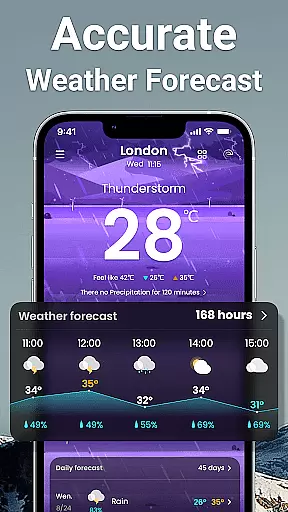
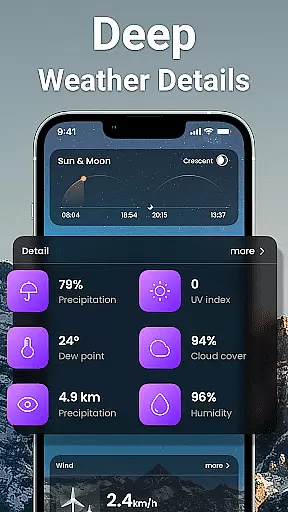
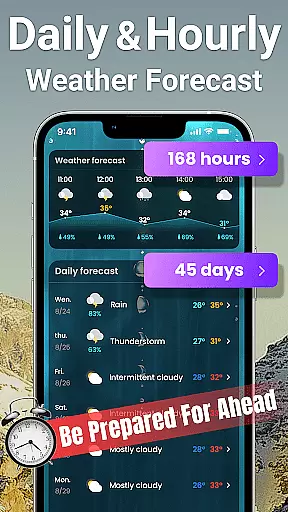
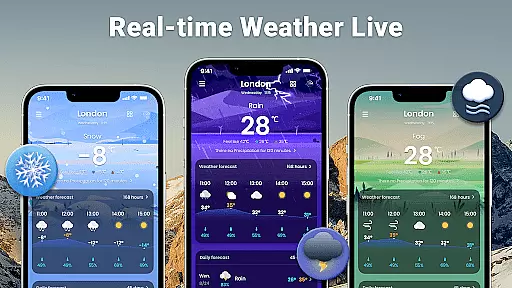
Weather Forecast is a comprehensive weather application that provides accurate and detailed weather information for users worldwide. The app offers real-time updates on current weather conditions, ensuring you stay informed about temperature changes, humidity levels, and UV index in your location. With its intuitive interface, the app delivers hourly, daily, and weekly forecasts, making it easy to plan your activities.
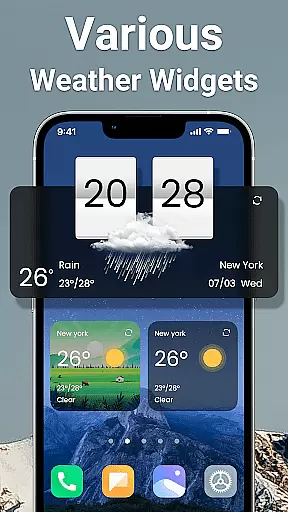
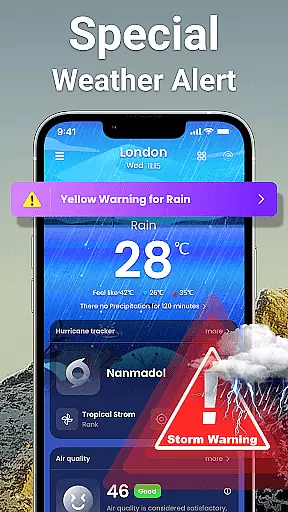
In addition to basic weather data, Weather Forecast includes advanced features such as 45-day extended forecasts, sunrise and sunset times, and meteorological alerts. Whether you're monitoring potential snowfall or checking live radar maps, this app equips you with tools to anticipate weather patterns and prepare accordingly. Its customizable widgets and notification bar ensure quick access to critical weather updates without opening the app.
This app is particularly useful for travelers and outdoor enthusiasts who need reliable weather insights. By supporting multiple city locations, it allows users to track weather conditions across different regions, helping them make informed decisions regarding travel, clothing, and other daily activities.
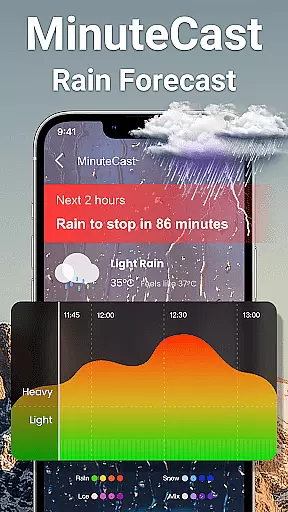
Weather Forecast stands out with its diverse range of innovative features designed to enhance user experience. One key highlight is the real-time minute-by-minute weather updates, which provide hyper-localized forecasts tailored to your exact location. This ensures you receive the most relevant and timely information, whether at home or traveling abroad.
The app also excels in long-term planning capabilities, offering an impressive 45-day forecast window. Users can view detailed predictions for temperature trends, precipitation probabilities, and wind patterns weeks ahead, allowing better preparation for upcoming events or trips. Additionally, specialized tools like snow and ice outlooks give early warnings about road conditions during winter months.
Customization options further enrich the app's usability. From dynamic widgets displaying essential weather stats to adaptive notification bars showing live updates, Weather Forecast empowers users to personalize their interaction based on individual preferences. These thoughtful design elements combine functionality with convenience, setting the app apart from competitors.
Forecast accuracy and data credibility are essential components of any reliable weather application. Weather Forecast - Accurate Local Weather & Widget stands out by providing real-time updates every minute, ensuring users have the latest and most accurate weather information at their fingertips. This precision is achieved through advanced algorithms that aggregate data from multiple trusted meteorological sources.
The app offers a detailed 24-hour weather forecast, allowing users to plan their day with confidence. By presenting hourly forecasts, it enables individuals to make informed decisions about outdoor activities, travel plans, and more. The inclusion of a 45-day extended forecast further enhances its utility, offering insights into long-term weather patterns and trends.
Users benefit significantly from this commitment to accuracy and credibility. Whether planning daily commutes or preparing for seasonal changes, having trustworthy weather data ensures better preparation and peace of mind. Additionally, features like meteorological disaster warnings provide critical alerts that help users take proactive safety measures during severe weather events.
Temporal and spatial forecast range is another crucial aspect of Weather Forecast - Accurate Local Weather & Widget. This feature allows users to access comprehensive weather reports not just locally but globally as well. With the ability to view detailed local and international weather conditions, users can stay informed no matter where they are or where they plan to go.
The app supports location management across multiple cities, automatically detecting the user's current location while also permitting manual selection of other global locations. This flexibility ensures that frequent travelers or those with loved ones in different regions can easily track varying weather patterns. Furthermore, dynamic displays of sunrise and sunset times add an extra layer of convenience for users who need precise timing for various activities.
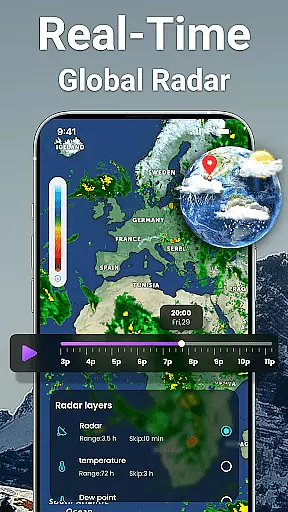
By leveraging live weather radar maps, the app provides visual representations of weather systems under different conditions. These interactive maps offer a deeper understanding of how weather patterns evolve over time and space. Such tools are invaluable for both casual observers and professionals needing detailed meteorological analysis, making Weather Forecast - Accurate Local Weather & Widget a versatile choice for all weather-related needs.
User-friendly interface
Accurate forecasting
Real-time updates
Customizable widgets
Global coverage
Occasional ads
Heavy battery usage
Limited offline mode
Premium subscription required
Complex settings

Accurate Thermometer: indoor & outdoor temperature, humidity, pressure, and wind
 4.50
4.50
Track rainfall totals with ease using our rain gauge app. Accurate rain tracker.
4.50
Your Personal Weather Assistant
4.00
Digital Weather Watch Face for Wear OS 5+
4.4
Analog Weather Watch Face for Wear OS 5+
4.10
Powerful US and worldwide earthquake feed with earthquake alerts and maps.
4.70
A professional, comprehensive and accurate weather forecast app
4.90
Your Reliable Weather Companion
4.10
Check room temperature with this indoor thermometer. thermostat & hydrometer
4.70
Aviation weather made simple. Visual decoder for METAR & TAF
4.90
The moon phases app for tracking the lunar calendar, blue moon and full moon.
4.80
My Tide Times Pro is the only tide tables and forecasts application you'll need.
4.80
Live weather forecast for your everyday life
4.60
Get accurate rainfall and snowfall totals for pinpoint locations on a map.
4.60
Accurate Weather App: various widgets, real-time storm radar, hurricane tracker.
4.50
Accurate Local Weather Forecast, let you easily understand the nearby weather!
4.20
Live NOAA weather app to track storm, rain, wind, lightning & real local updates
4.20
Moon phase calendar with live wallpaper, lunar widget, & 3D simulation.
3.60
Get instant weather & temperature predictions right on your Wear OS smartwatch!
4.2


User Reviews