

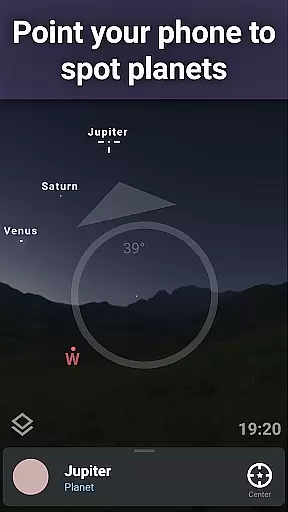
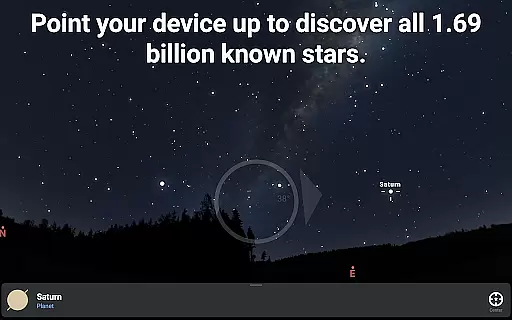
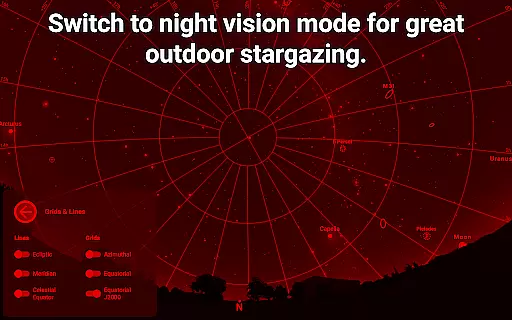
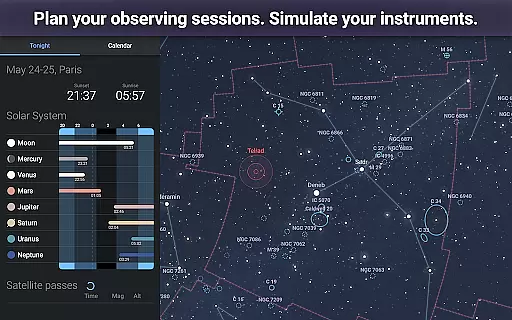
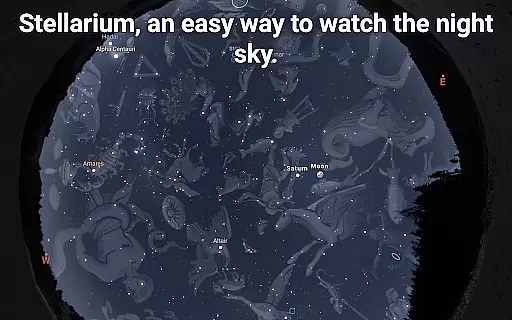
Stellarium Mobile - Star Map is an advanced planetarium app designed for both amateur stargazers and professional astronomers. This application provides a real-time representation of the night sky, accurately displaying stars, planets, constellations, and deep-sky objects visible to the naked eye or through telescopes. With its intuitive interface and precise celestial mechanics, users can explore the universe by simply pointing their device at the sky.
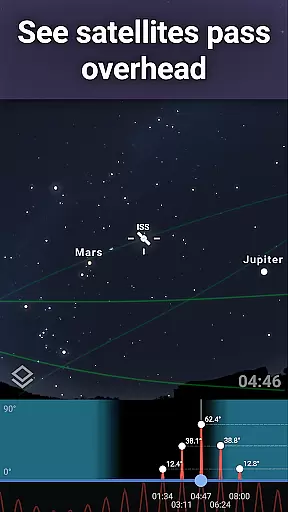
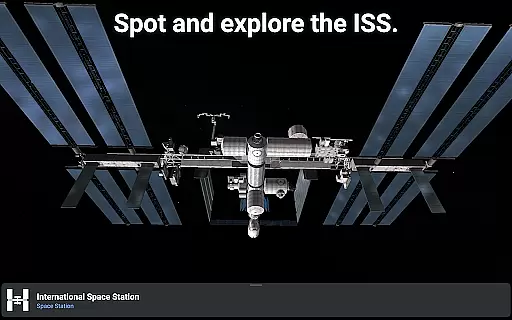
The app offers a rich educational experience by allowing users to simulate the night sky from any location on Earth, at any given date and time. It includes detailed information about celestial bodies and supports multiple cultural interpretations of constellations. Whether you're an educator, student, or hobbyist, Stellarium Mobile serves as an invaluable tool for learning about astronomy and planning observation sessions with features like satellite tracking and landscape simulation.
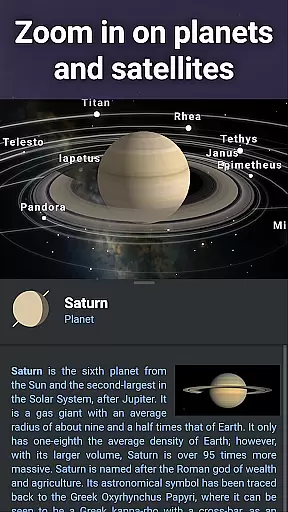
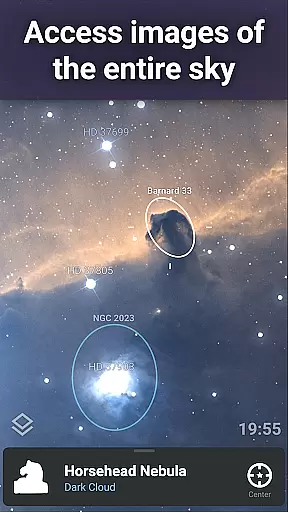
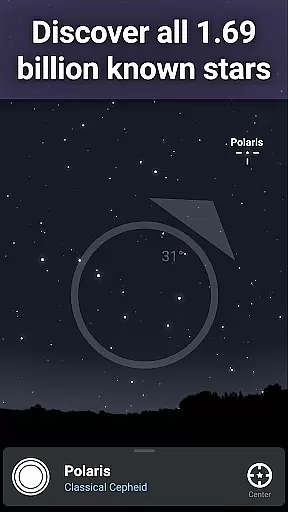
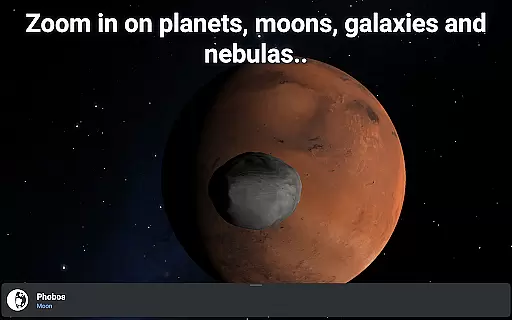
Stellarium Mobile stands out with its comprehensive set of features tailored for astronomy enthusiasts. The app presents an accurate simulation of the night sky, complete with over 1.69 billion stars from the Gaia DR2 catalog, all known planets, and numerous deep-sky objects. Users can zoom into high-resolution images of galaxies, nebulas, and planetary surfaces, providing an immersive experience that brings the cosmos closer to home.
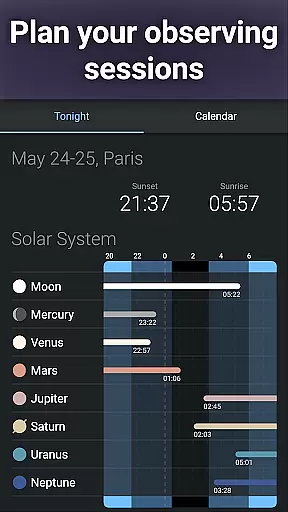
One of the key highlights is the app's ability to function offline, offering access to a reduced dataset of 2 million stars and 2 million deep-sky objects, making it perfect for field observations without internet connectivity. Additionally, the app supports telescope control via Bluetooth or Wi-Fi, enabling users to direct compatible GOTO telescopes effortlessly. Advanced observation tools help in planning sessions by predicting celestial object observability and transit times, thus maximizing viewing opportunities.
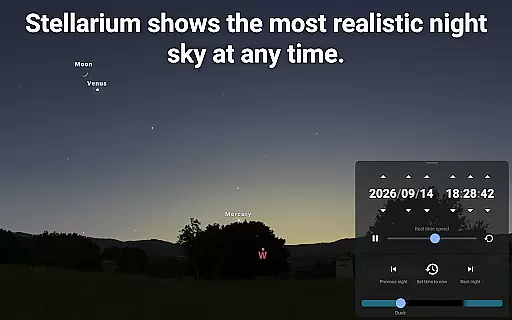
When it comes to educational applications, especially in the realm of astronomy, content accuracy is paramount. Stellarium Mobile - Star Map delivers precise simulations of the night sky, showing stars, planets, and other celestial bodies for any date, time, and location. This level of precision ensures that users are getting an authentic representation of the cosmos, which is crucial for both amateur stargazers and professional astronomers.
The app draws from extensive databases, including the Gaia DR2 catalog, which lists over 1.69 billion stars. Such a comprehensive compilation allows users to explore the universe with confidence in the information provided. The inclusion of all known planets, natural satellites, comets, and minor solar system objects further enhances the reliability of the application as an educational tool.
For learners and educators, Stellarium Mobile offers authoritative content that has been curated by experts in the field. With detailed illustrations and data on deep-sky objects, users can delve into a rich educational experience that aligns with scientific understanding and discovery.
Stellarium Mobile - Star Map doesn't just offer a static view of the stars; it provides a dynamic platform for personalized exploration of the universe. Users can tailor their learning journey by selecting specific dates, times, and locations to simulate the night sky, allowing them to follow their interests and learn at their own pace. This customization creates a personalized learning path that adapts to individual curiosity and educational needs.
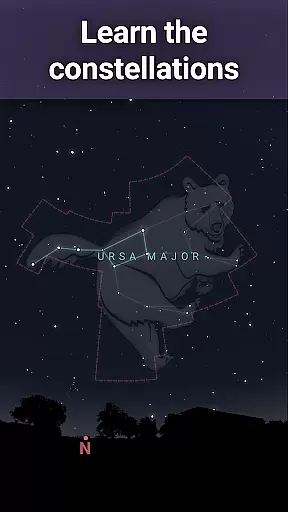
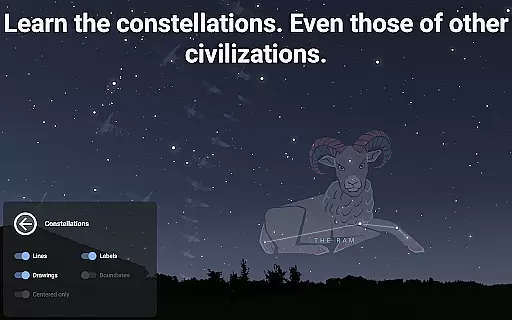
The app's ability to display constellation shapes and illustrations from various sky cultures adds another layer of personalization. Learners can choose how they wish to interpret the stars, making their astronomical education culturally relevant and engaging. This feature not only broadens the user's perspective but also caters to diverse educational backgrounds.
Moreover, advanced features unlocked through in-app purchases, such as telescope control and observation planning tools, enable users to progress from basic stargazing to more sophisticated astronomical studies. These capabilities ensure that Stellarium Mobile grows with the learner, providing increasingly complex and personalized learning opportunities as their knowledge and skills expand.
User-friendly interface
Accurate celestial simulation
Extensive object database
Offline functionality
Cultural constellation options
Premium features locked
High system requirements
Occasional performance lags
Limited free version
Complex for beginners

Learn and joke with the Silly Turkey!
 4.1
4.1
Break Language Barriers with AI—Learn Language Anytime, Anywhere!
4.00
THE MOST COMPREHENSIVE JUMPMASTER STUDY RESOURCE AVAILABLE.
3.40
Your best partner for learning Japanese words. Based on a best-selling textbook.
2.90
Visit Daniel's house & make believe. Play doctor, make music, & feed fish.
3.20
Hasbro’s classic CANDY LAND game is now a gorgeous interactive storybook app.
2.30
Professional Award-Winning Astronomy Star Map App With Telescope Control
4.40
SkyView®, an augmented reality space app, brings stargazing to everyone!
4.40
Educational Activities for 2-8
3.70
Hebrew Vocab
4.90
Learn Japanese in an immersive educational game set in Japan!
4.90
A realistic sky map to observe stars, planets, satellites and constellations!
4.80
AI Language tutor: Speak fluently with Lucy’s personalized coaching
4.70
Turn scrolling hours into improving your knowledge, communication, intelligence
4.50
Pass your FAA written with flying colors - Study Buddy can help.
4.30
Watch and Play Elmo's World!
4.00
A must-have app for mastering Japanese verb/adjective conjugations.
3.60
Bebefinn and Baby Shark educational, animated videos & games for kids
3.40
Grazing Risk Monitoring Service
4.3


User Reviews