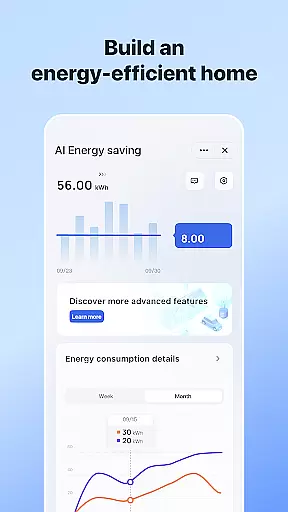
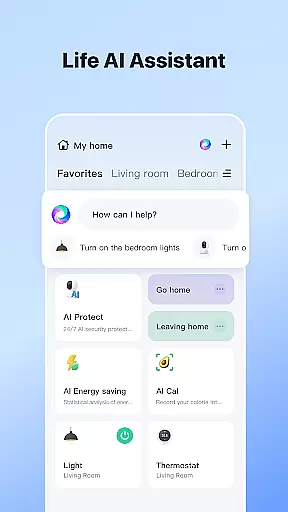


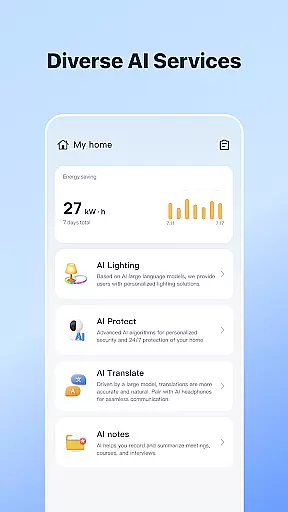
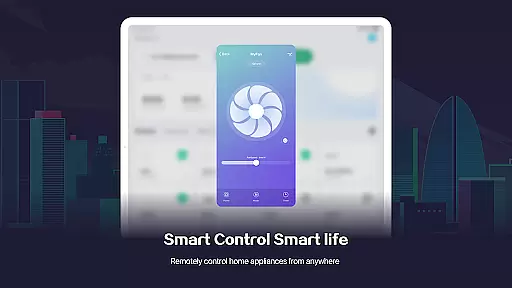
SmartLife is a comprehensive lifestyle application designed to simplify the management of smart home devices. This innovative app allows users to effortlessly connect and control a wide range of smart devices from their mobile phones, creating a truly interconnected living space. With its intuitive interface, users can customize device settings based on location, schedule, and environmental factors.
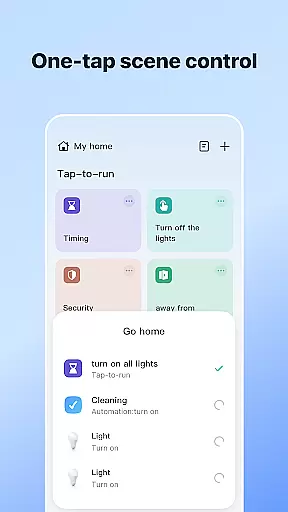
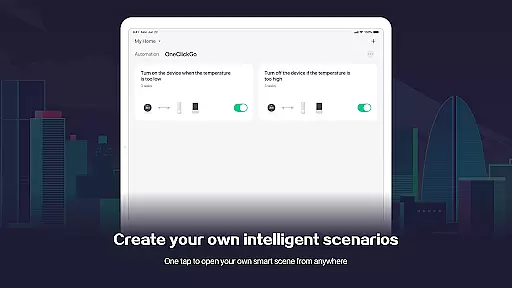
The app's standout feature is its advanced automation capabilities. SmartLife enables users to create customized home scenarios that automatically adjust lighting, temperature, and security systems based on predefined conditions or real-time triggers. The inclusion of voice control functionality through smart speakers further enhances user convenience, making home management as simple as issuing verbal commands.
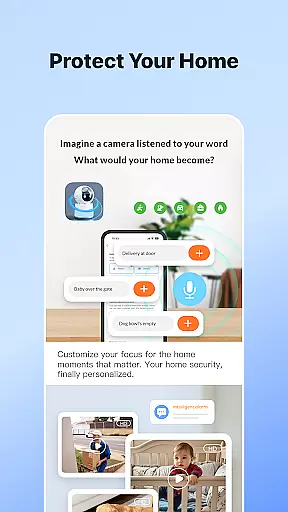
This application proves particularly valuable for busy professionals and families who seek to optimize their living spaces while maintaining peace of mind. Whether it's receiving instant notifications about important events or inviting family members to access shared devices, SmartLife creates a harmonious living environment that adapts to modern lifestyles.
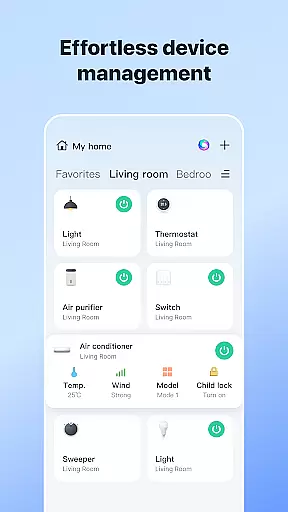
SmartLife distinguishes itself through several remarkable features that enhance smart home management. The app's core functionality lies in its ability to seamlessly integrate various smart devices into a unified ecosystem. Users can remotely control everything from lighting and thermostats to security cameras and door locks through a single interface, eliminating the need for multiple applications.
A particularly innovative aspect is the app's sophisticated automation engine. This feature allows users to create complex scenarios that respond to multiple triggers, including time-based events, location data, and weather conditions. For instance, the system can automatically adjust window shades based on sunlight intensity or activate security protocols when leaving home. The integration of voice control adds another layer of convenience, enabling hands-free operation of connected devices.
Additional noteworthy features include real-time notifications, multi-user support, and customizable alerts. These elements work together to create a comprehensive smart home solution that not only simplifies daily tasks but also provides enhanced security and energy efficiency. The app's thoughtful design ensures these powerful features remain accessible even to those new to smart home technology.
SmartLife offers extensive coverage across various lifestyle categories, ensuring that users can manage multiple aspects of their daily lives through a single, integrated platform. The app supports smart device control, home automation, and timely notifications, making it an all-encompassing solution for modern living.
With features ranging from location-based services to voice-controlled interactions with smart speakers, SmartLife ensures that users have access to a wide array of functionalities. Whether it's automating home tasks based on schedules or weather conditions, the app provides comprehensive tools to enhance convenience and comfort.
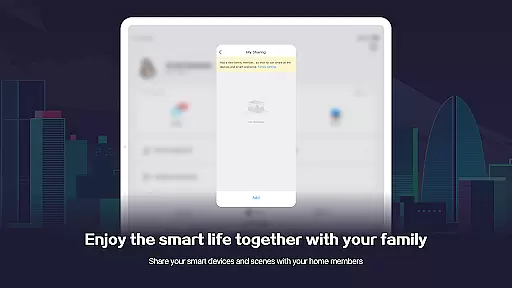
Additionally, SmartLife allows family members to be invited into the system, promoting a shared smart living experience. This inclusivity extends the app's utility beyond individual use, creating a connected household where everyone benefits from the smart technology ecosystem.
The content provided by SmartLife is both authentic and credible, drawing from real-time data and expertly designed automation protocols. Users can trust the accuracy of device statuses, alerts, and notifications received through the app, as they are directly sourced from connected smart devices.
SmartLife's collaboration with smart device manufacturers ensures that all functionalities, such as scene automation and Wi-Fi network lists, are reliable and up-to-date. This expert integration guarantees that users receive the most relevant and effective smart home solutions available.
Furthermore, optional access permissions like location, notifications, and camera usage are clearly explained, reinforcing the transparency and reliability of the app. By providing detailed descriptions of these permissions, SmartLife maintains a high standard of user trust and expert validation in its content delivery.
User-friendly interface
Comprehensive device compatibility
Advanced automation options
Real-time notifications
Voice control integration
Requires stable internet connection
Premium features subscription
Device compatibility issues
Occasional connectivity problems
Privacy concerns with data collection

Get roadside help, discounts, travel tools & more — AAA is with you everywhere.
 4.80
4.80
Digital watch face design. Modern looking, hi-res & battery friendly.
4.00
Unique informative Dial with Live Moon Phase at a glance!
3.60
Pay your rent, submit work orders and much more with the RentCafe Resident App.
4.70
Earn points with every purchase with Moe Rewards.
4.20
Tap to the beat with interactive videos — warm up your reflexes & have fun
4.70
Paranormal Spirit Bell Trigger Device
4.30
Colorful selection floral watch face with gyro for Wear OS
4.60
Control your Tapo smart devices from anywhere.
4.60
Colorful minimal digital watch face for Wear OS
4.60
A smart Siddur with halachic times
4.60
Redecor your home with Home AI interior design, room planner and home designer.
4.50
This is a simple and highly functional alarm clock "Smart Alarm" paid version.
4.20
Material You inspired colors with BIG and Bold looks for Wear OS watches.
4.20
Spiritus Ghost Box is an Audio and Visual ITC tool for paranormal research.
4.00
Easily manage your child's playtime, spending messaging and more.
3.50
Healthy eating timer app to track meal pace, improve habits, and eat slowly.
4.2
A daily quote for success
4.0
Cute animated Thanksgiving watchface for your WearOS smartwatch
4.1


User Reviews