
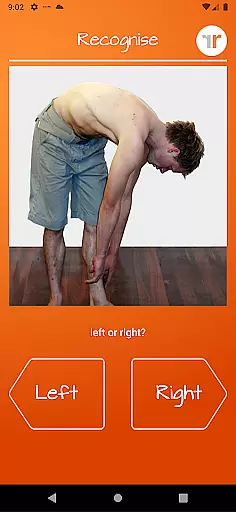
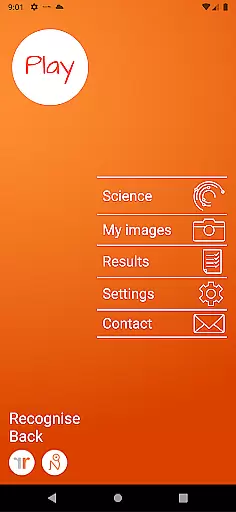
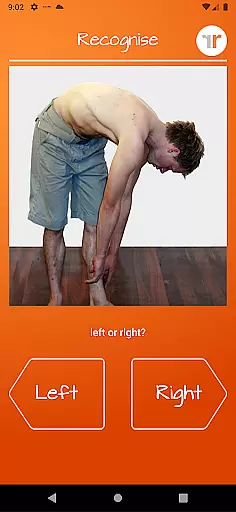
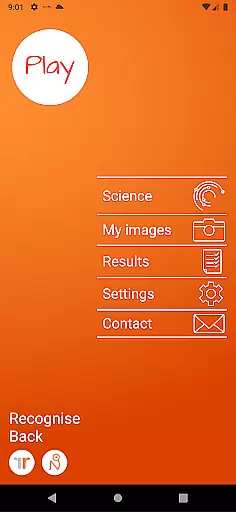
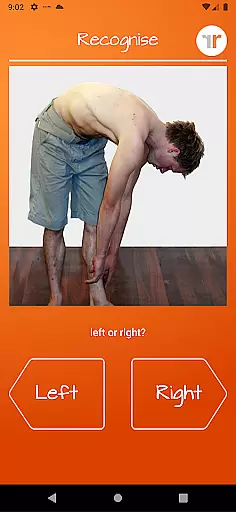
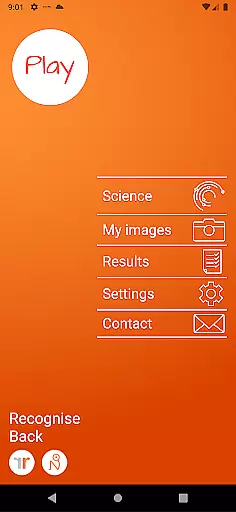
Recognise Back is a specialized health and fitness application designed to assist users in managing pain, enhancing performance, and supporting rehabilitation through a structured Graded Motor Imagery program. The app focuses on improving the user's ability to distinguish between left and right body parts, which is crucial for recovery from various pain conditions and injuries.
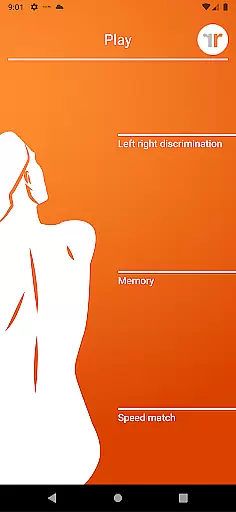
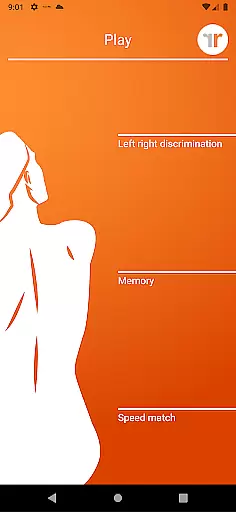
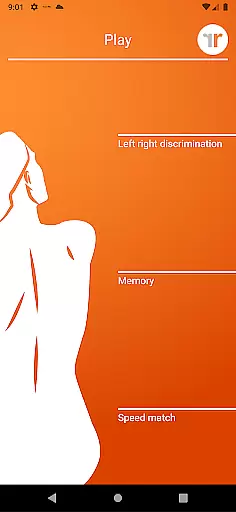
The application offers two main modes - TEST and TRAIN. In TEST mode, users can evaluate their proficiency in recognizing images of body areas as either left or right. TRAIN mode allows users to exercise their brain's neuroplasticity using advanced tools like 'Memory' and 'Speed match'. With features such as graded difficulty levels, personal best challenges, and detailed progress tracking through graphs, Recognise Back provides a comprehensive approach to rehabilitation.
This app is particularly beneficial for patients undergoing physical therapy, offering clinical integration tools that allow users to export and email their results directly to healthcare providers. Additionally, the ability to capture custom images on the device adds a personalized touch to the training experience. By leveraging these capabilities, Recognise Back delivers tangible value to users seeking to improve their physical well-being.
Recognise Back stands out with its unique set of features tailored for effective rehabilitation. One of the key highlights is the inclusion of 'Memory' and 'Speed match' tools, which elevate the training experience by challenging the user's cognitive abilities and reaction times. These tools are instrumental in harnessing the brain's neuroplasticity, promoting faster recovery and improved motor skills.
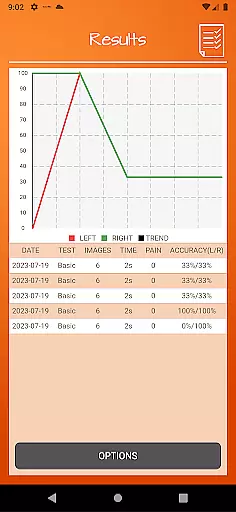
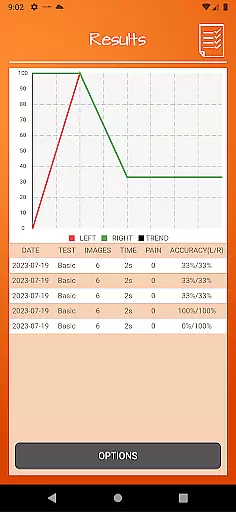
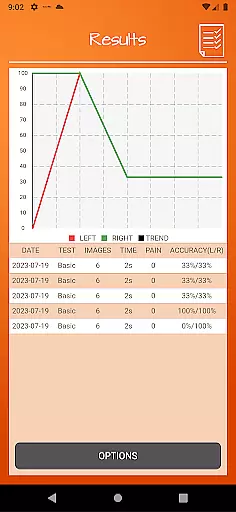
The app also offers graded difficulty levels and personal best challenges, ensuring that users remain engaged and motivated throughout their rehabilitation journey. Detailed onscreen results and graphs provide clear visual feedback on progress, enabling users to track improvements over time. This data-driven approach empowers both patients and clinicians to make informed decisions regarding treatment plans.
Clinical integration is another strong suit of Recognise Back. Users can export and email their results directly to their clinician or therapist, facilitating seamless communication and more personalized care. The option to capture custom images on the device further enhances the training process, allowing for a more tailored rehabilitation experience. These innovative features collectively contribute to making Recognise Back a valuable tool in the realm of physical therapy and recovery.
Recognise Back offers a personalized approach to pain management and rehabilitation through its specialized training tools. The app's Graded Motor Imagery program is designed to help users retrain their brain by progressively challenging them with left/right discrimination tasks.
The application provides graded difficulty levels that adapt to the user's progress, ensuring that each individual follows a tailored plan that matches their current abilities. This systematic approach allows for steady improvement without overwhelming the user.
With personal best challenges and detailed performance tracking, users can clearly see their advancement over time. The app's adaptive nature ensures that each session contributes to the overall rehabilitation goals set by healthcare professionals.
This level of personalization in planning makes Recognise Back an invaluable tool for those recovering from complex pain conditions or injuries, as it enables targeted neurological training that evolves with the user's progress.
One of Recognise Back's key features is its comprehensive progress visualization system. The app provides detailed onscreen results and graphs that allow users to map their improvement over time, making it easier to understand their rehabilitation journey.
Through visual representations of performance data, users can identify patterns in their left/right discrimination abilities. These insights help both patients and clinicians track the effectiveness of the training regimen.
The app's powerful clinical integration tools enable users to export and email their progress reports directly to healthcare providers. This feature facilitates more informed discussions during consultations and helps professionals adjust treatment plans accordingly.
By offering clear visual indicators of improvement, Recognise Back empowers users to stay motivated and engaged in their rehabilitation process while providing valuable documentation of their neurological recovery journey.
User-friendly interface
Comprehensive progress tracking
Customizable training options
Direct clinician integration
Personalized image capture
Requires consistent use
Premium pricing model
Limited free features
Steep learning curve
Device compatibility issues

Beauty Care, Makeup & Skin Care Scanner | Pregnancy App For A Mom | Healthy Baby
 5.00
5.00
The OFFICIAL Couch to 5K® running training app! A 9 week walk-run workout plan.
4.50
Get lasting results with Chair Yoga, Wall Pilates, and Walking workouts!
4.60
Wall Pilates at home & Pilates workout for beginners for core and weight loss.
4.80
The Crunch Mobile app - Find a gym, manage favorites, reserve & cancel classes.
4.60
Monitor, analyze, track, and convert blood sugar & help you control diabetes.
4.10
beat yesterday.
4.00
Manage your and your family's health information.
4.60
Scan food & cosmetic products and evaluate their impact on your health
4.80
Meditation app, head space app provides calm music to help you meditate & sleep
5.00
App to stop smoking slowly or now with a motivational badges and helpful tips
4.80
Protect your healthy sleep
4.80
Relax. Sleep Better. Feel Better.
4.50
Raccoon AI Calorie Counter. Intermittent Fasting & Timer. Macro, Carb, Protein
4.50
Make sense of your health data.
3.80
3D Body Measurement System
3.60
The app helps you address digestive symptoms based on the Fast Tract Diet.
3.50
Measure real-time wrist & ambient temperature with your Galaxy Watch (Wear OS)
3.20
Transform your body and soul with DBFFitness, with a 40-day fitness journey.
4.2


User Reviews