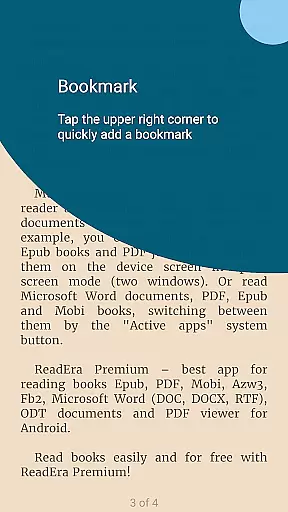
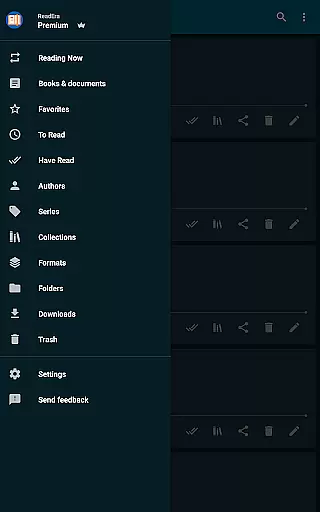
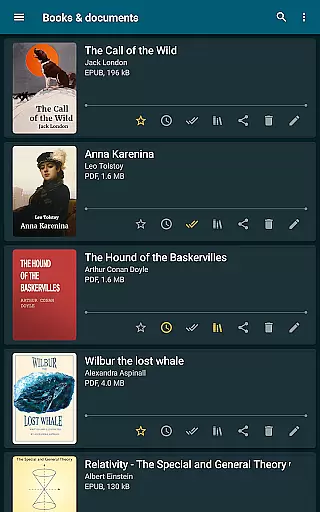
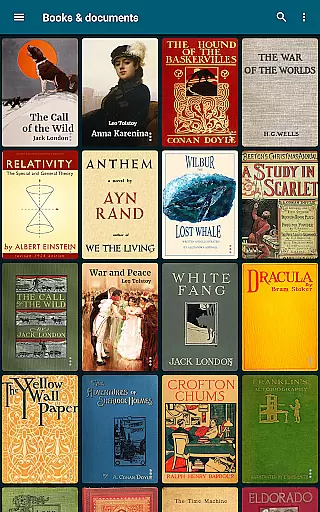
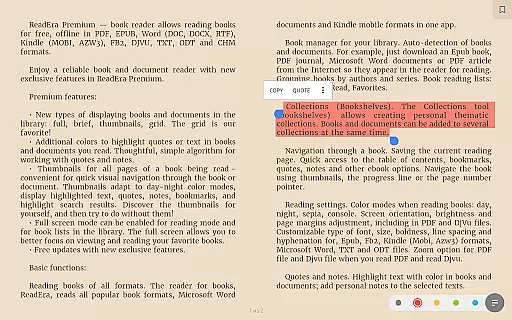
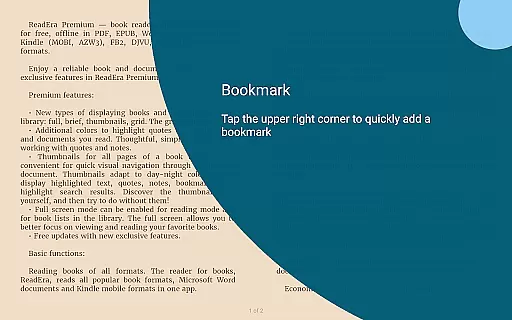
ReadEra Premium is an advanced ebook reader and document manager that transforms the way you interact with digital literature. This app serves as a comprehensive library tool, enabling users to automatically detect, organize, and read various book formats including PDF, EPUB, Kindle, and Microsoft Word documents. With its powerful search functionality, readers can quickly locate specific titles across their device by author, series, or format.
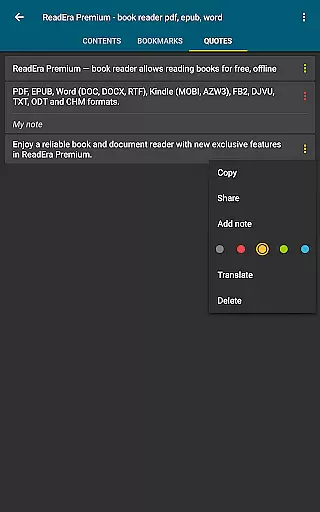
Beyond basic reading capabilities, ReadEra Premium offers sophisticated features like Google Drive synchronization, background text-to-speech functionality, and customizable reading views. The app's unique organizational tools allow users to create personal collections, manage duplicate files, and maintain detailed document information. Whether you're a casual reader or a dedicated bibliophile, ReadEra Premium provides a seamless reading experience across Android devices while maintaining complete control over your digital library.
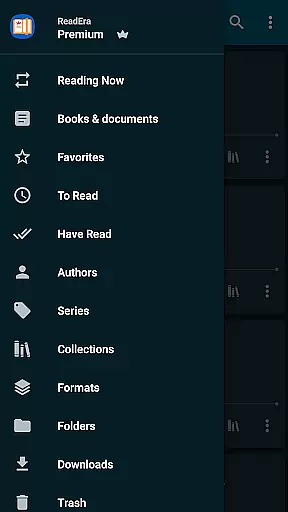
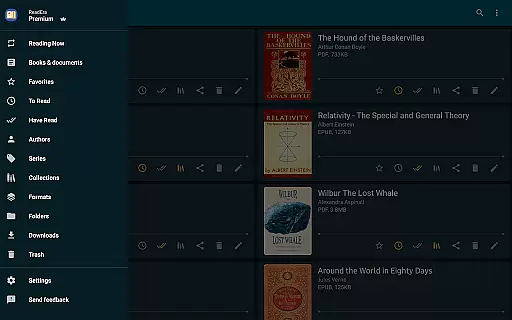
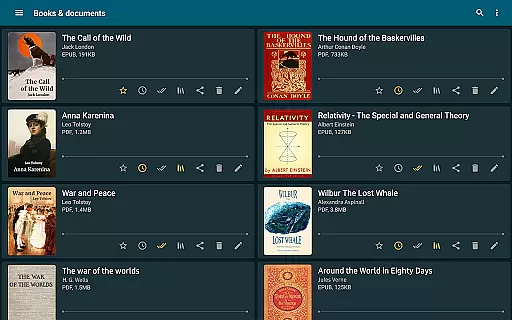
ReadEra Premium distinguishes itself through its comprehensive feature set designed for both casual readers and power users. The app's automatic detection system scans your device for compatible files, organizing them into intuitive categories such as authors, series, and formats. Its advanced file management capabilities enable users to view, rename, and move files across folders while identifying duplicate copies of books.
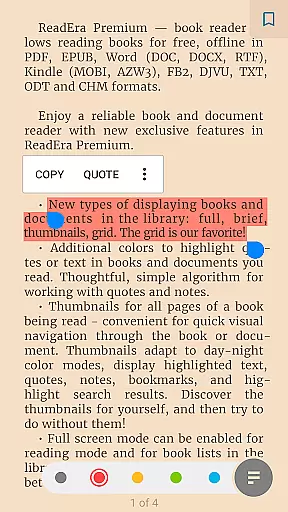
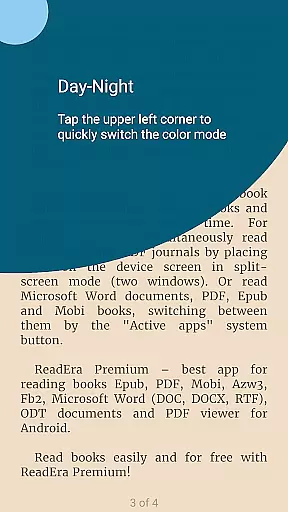
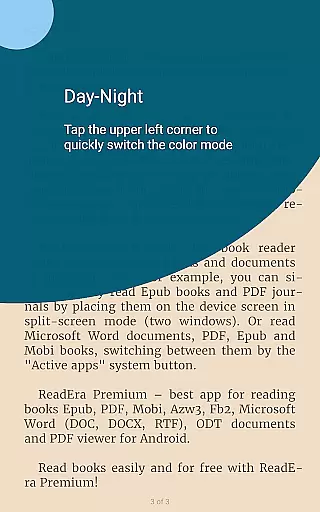
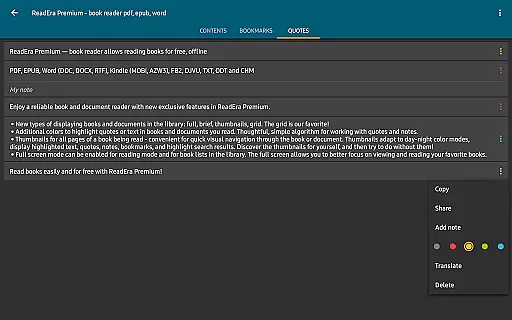
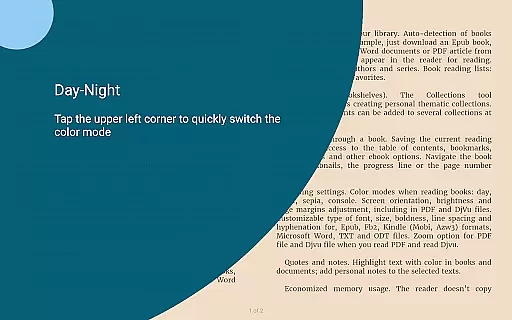
The premium version expands these capabilities with enhanced synchronization features, allowing seamless integration with Google Drive for backup and cross-device access. Readers can customize their experience through multiple viewing modes, personalized font settings, and specialized color themes for different reading environments. The app's text-to-speech functionality and background reading mode make it particularly valuable for multitasking users who want to listen to their books while performing other tasks.
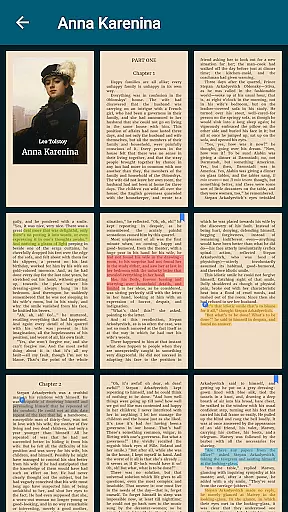
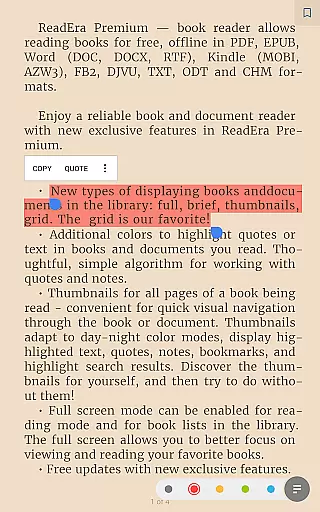
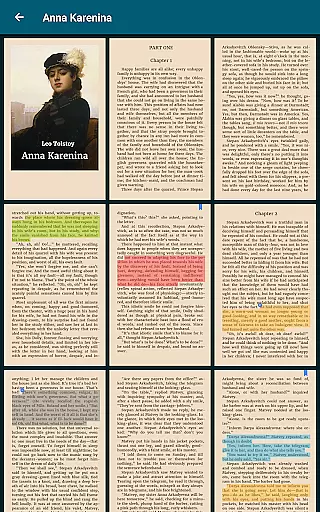
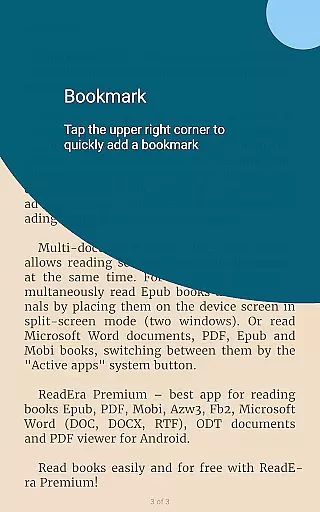
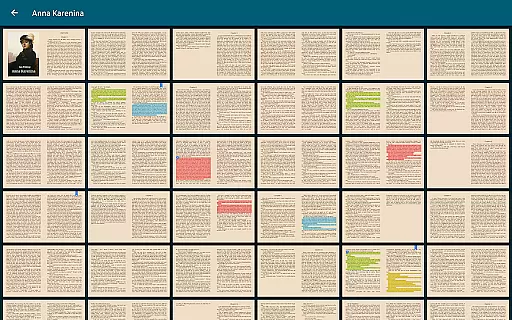
Additional professional-grade features include a centralized dictionary section, custom font support, and visual page thumbnails for quick navigation. These tools, combined with traditional reading settings such as adjustable font sizes and line spacing, create a versatile reading environment suitable for various preferences and needs.
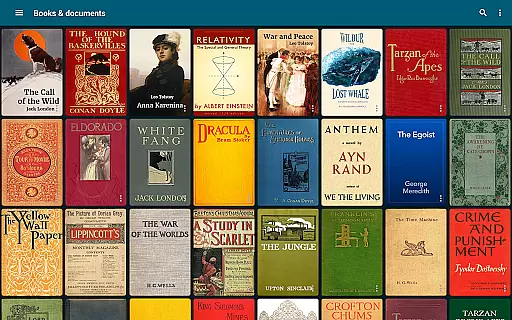
ReadEra Premium offers an extensive e-book library that supports multiple formats including PDF, EPUB, Microsoft Word, Kindle, Comic, DJVU, FB2, TXT, ODT, and CHM. This wide-ranging compatibility ensures users can access a vast collection of books and documents across various genres and subjects.
The app's dedication to copyright authenticity is evident in its meticulous handling of licensed materials. By supporting legitimate file types and providing tools for proper document management, ReadEra Premium promotes the use of legally obtained content while offering readers an expansive digital library at their fingertips.
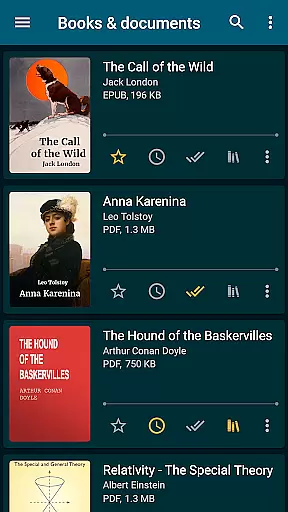
With the ability to search for books by title, author, series, format, or language, users can effortlessly navigate this extensive collection. The app's automatic detection feature scans the device for all supported reading materials, making it easy to build and organize a personalized library of ebooks.
This comprehensive approach not only enhances the reading experience but also provides peace of mind knowing that your digital library consists of properly sourced and authentic content, ready to be explored anytime, anywhere.
One of ReadEra Premium's standout features is its exceptional format compatibility. The app supports an impressive array of document types, including PDF, EPUB, Microsoft Word (DOC, DOCX, RTF), Kindle (MOBI, AZW3), Comic (CBZ, CBR), DJVU, FB2, TXT, ODT, and CHM formats. This versatility allows users to access their entire collection without worrying about format restrictions.
The application goes beyond basic reading capabilities by providing advanced management tools for each supported format. Users can view, rename, move files across external folders, and even manage folders directly from the app interface. This level of control ensures seamless integration with existing document management systems.
Furthermore, ReadEra Premium enhances the reading experience through customizable settings for each format. From adjusting font sizes and page margins to enabling text-to-speech functionality, the app caters to individual preferences while maintaining perfect rendering of original document layouts.
This comprehensive format support combined with robust management features makes ReadEra Premium an indispensable tool for anyone seeking a unified solution for their diverse reading materials.
User-friendly interface
Extensive format support
Powerful organization tools
Background audio support
Cross-device sync
Premium subscription required
Feature overload possible
Occasional performance lag
Limited iOS availability
Complex settings

Offline dictionary for learning Cantonese as a second language
 4.90
4.90
Personalized Chat with Bible
4.80
Read and study the Bible and other content in over 1,000 languages.
4.80
Learn Thai with 195,000+ entries, crisp Thai sounds, big text; works offline.
4.80
F9 Cookbook Mobile App
4.60
Full text, sheet music, and recordings of the print edition
4.60
Provides location information of vehicle Shift Interlock releases.
4.30
Build family tree & discover DNA, family history heritage, origins and ancestors
4.60
A Comprehensive Restoration of Sacred Scripture
4.50
Flora of Virginia Project (www.floraofvirginia.org)
5.00
The Original Tropical Freshwater Aquarium Fish And Plant Care Guide
4.80
Read the KJV Bible with Strong’s offline: reading plans, audio Bibles, and more.
4.70
Translate into 100+ languages with the world’s most accurate AI translator.
4.70
"Do you like green eggs and ham?"
4.70
Werewolf novels & romance stories in audiobooks for book lovers! Werewolf storie
4.60
Unlock unlimited access to bestselling ebooks, novels, stories, and audiobooks
4.60
7 Languages, Google, Wiki, Vocabulary.com, Cambridge & Urban Dictionary!
4.50
Zerobooks Light Novel Reader by GOLDENAGATO
4.20
Battle Royale Chapter 5 Season 2 HD Wallpapers Emotes Skins and BattlePass
3.00


User Reviews