
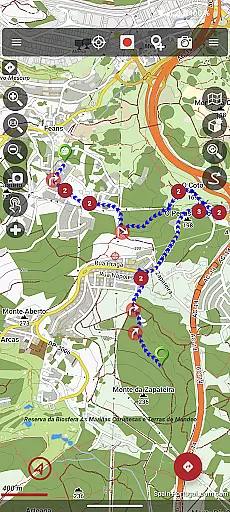
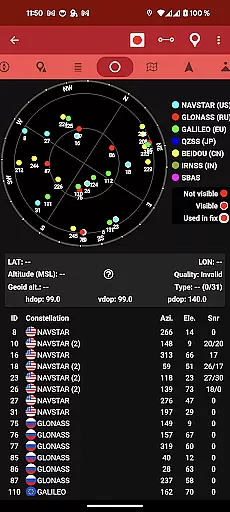
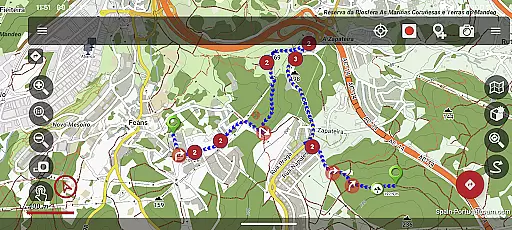
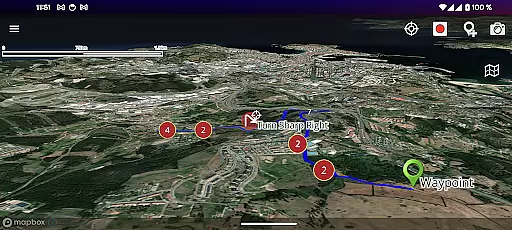
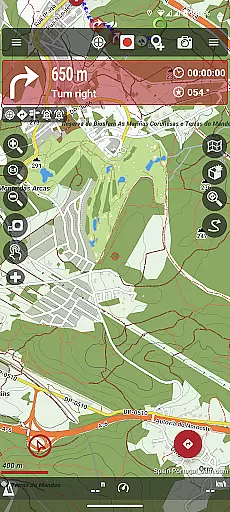
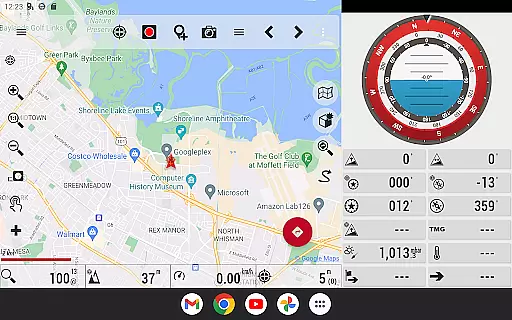
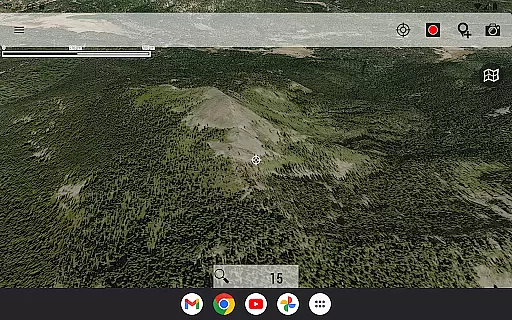
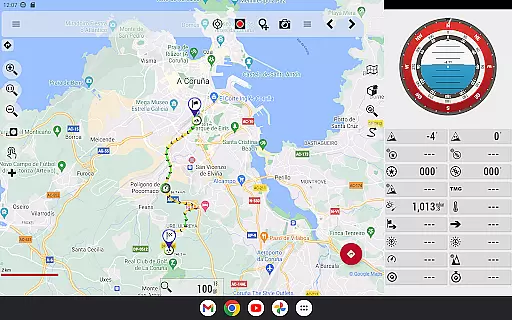
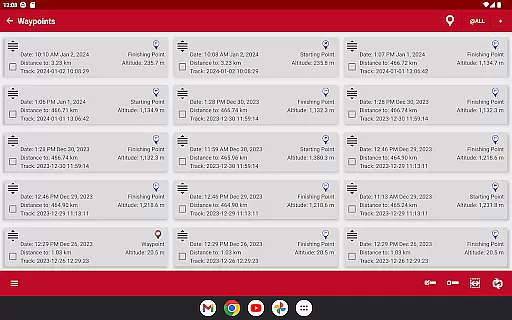
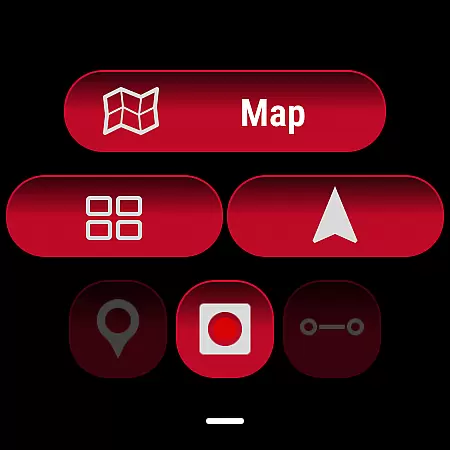
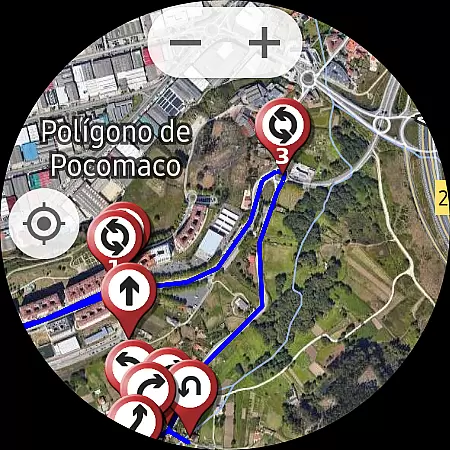
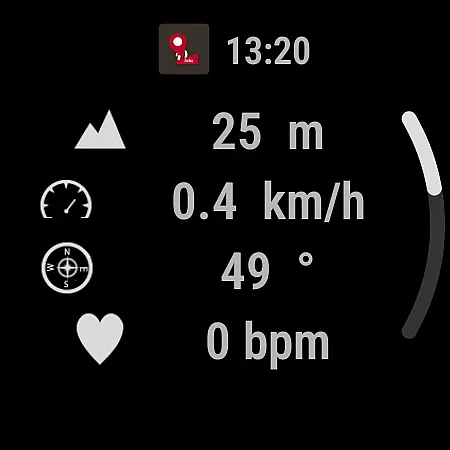
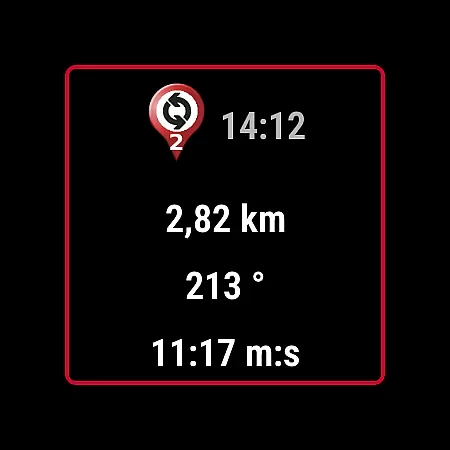
OruxMaps GP is a versatile mapping application designed for outdoor enthusiasts who require reliable navigation tools. This app supports both online and offline map viewing, allowing users to access various map formats including GeoPDF, GeoTIFF, .ozf2, .img (with limited Garmin support), .mbtiles, and more. Whether you're hiking, biking, or engaging in nautical sports, OruxMaps provides essential mapping features.
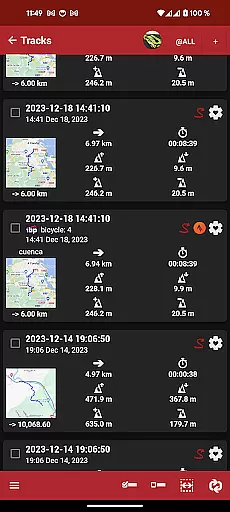
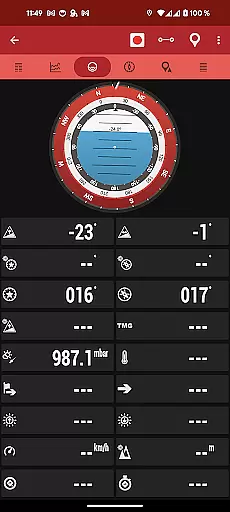
The application serves as a WMS and WMTS online map viewer, with the added ability to download maps for offline use. It also offers integration with external devices such as GPS units, heart rate monitors, bike sensors, and AIS systems for marine activities. Users can view routes and tracks in multiple formats, share their location with friends, and receive navigational alerts. With its comprehensive feature set, OruxMaps GP is an invaluable tool for adventurers and professionals alike.
OruxMaps GP stands out with its extensive support for different map formats and its ability to function offline. The app allows users to register on OruxMaps servers, though it's optional, and this registration enables additional features like multitracking. The app supports connections to various external devices, enhancing its utility for fitness and outdoor activities.
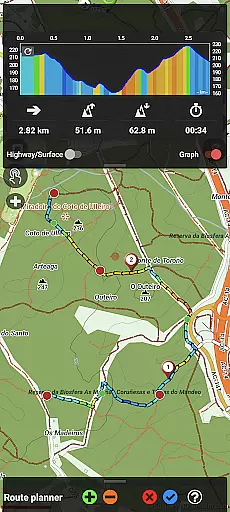
One of the key features is the ability to correct altitude data using DEM files or online services, which is crucial for accurate tracking. The track editor tool lets users modify track points, ensuring precision in their routes. Additionally, users can search and download tracks from sources like gpsies.com or create new ones using Graphopper and Brouter services. These capabilities make OruxMaps GP a powerful companion for any outdoor pursuit.
OruxMaps GP ensures booking authenticity by providing users with accurate and reliable map data for their outdoor activities. The app supports various map formats, including GeoPDF, GeoTIFF, and .mbtiles, ensuring that users can access verified and credible mapping resources.
The application allows users to download online maps for offline use, giving them the ability to prepare for trips without worrying about internet connectivity. This feature is crucial for adventurers who venture into areas with limited or no network coverage, as it guarantees that their mapping resources are authentic and available when needed most.
Furthermore, OruxMaps GP offers advanced functionalities such as connecting to AIS information systems for nautical sports, enhancing the reliability of real-time positioning and navigation. By supporting multiple external devices like GPS and heart rate monitors, the app provides an additional layer of booking authenticity through precise tracking and monitoring.
Price transparency in OruxMaps GP is evident through its clear communication regarding subscription requirements for certain featured maps like Mapbox and Google online maps. Users are informed upfront about any potential costs associated with accessing premium mapping services, allowing them to make well-informed decisions based on their budget and needs.
In addition to paid features, the app also offers extensive free functionalities, including support for a wide range of map formats and the ability to register into OruxMaps serversu2014a non-mandatory step that enhances user experience without hidden fees. This openness about what is free versus what requires payment fosters trust between the app developers and its user base.
Moreover, OruxMaps GP's support for multiple external devices does not come with additional charges, promoting an inclusive environment where users can leverage their existing gear without worrying about extra costs. Overall, the app maintains a transparent pricing model that respects user choices while delivering high-quality travel and local navigation solutions.
User-friendly interface
Extensive map format support
Offline functionality
External device compatibility
Advanced route tracking
Some features require subscription
Limited Garmin vectorial support
Registration needed for full features
Complex for beginners
Occasional bugs reported

Apply for an electronic travel authorisation (ETA) to come to the UK.
 3.20
3.20
Maps Speedometer shows your current speed in any app
3.60
A Camino de Santiago Guidebook from St. Jean Pied de Port to Santiago
3.60
Mix of explore game, travel mapping & tracking to memorize everywhere you go
3.60
GPS Live Satellite Earth to find route navigation and current location map
4.00
Streamline your U.S. entry
4.90
Rent the perfect car for wherever you’re going
4.90
Managing your travel should be easy. With the Amtrak app, it is.
4.30
Now you can book homes, experiences, and services—all in our redesigned app.
4.40
One app, 300,000+ travel experiences, tours, and tickets you’ll remember.
4.90
Plan where to stand and shave minutes off your trip!
4.80
Save on gas and convenience with the earnify™ App
4.70
Vacationing on CARNIVAL? Maximize your fun on board with the ultimate cruise app
4.60
Offline WiFi Hotspot Finder, eSIM, Caller ID, Dialer, Home Screen Launcher & VPN
4.20
INDOT Trafficwise is a traffic and traveler information mobile app.
4.00
View US public land boundary maps on your device.
3.70
Real-time flight tracking with live maps and flight status updates.
3.70
Get Moving Made Easier® with the official U-Haul® Moving & Storage app.
3.40
The #1 Parent App in Brevard County
4.0


User Reviews