
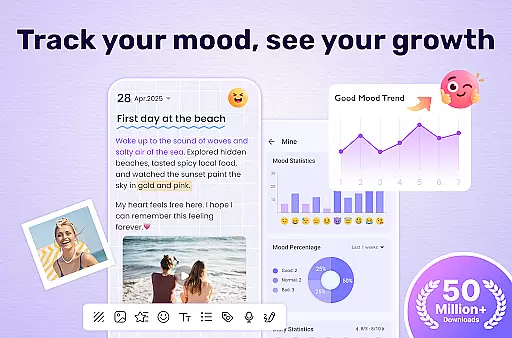
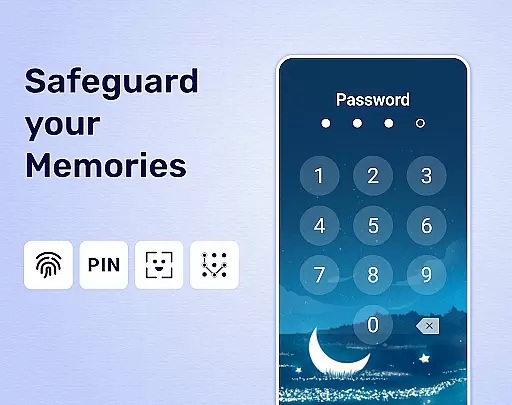
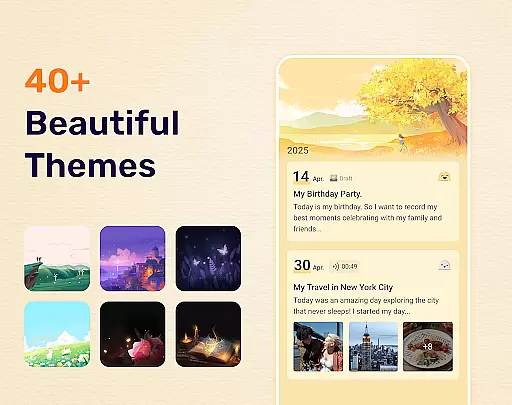
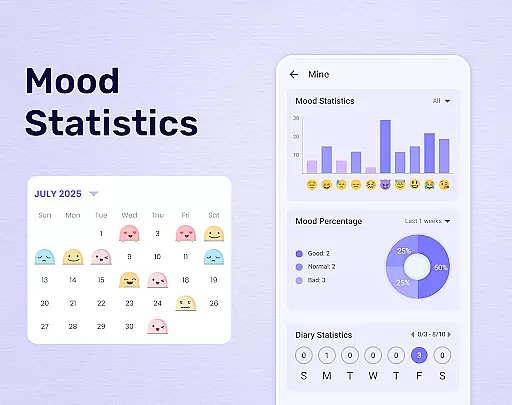
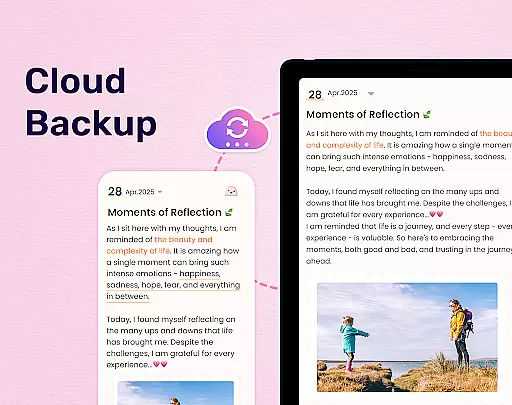
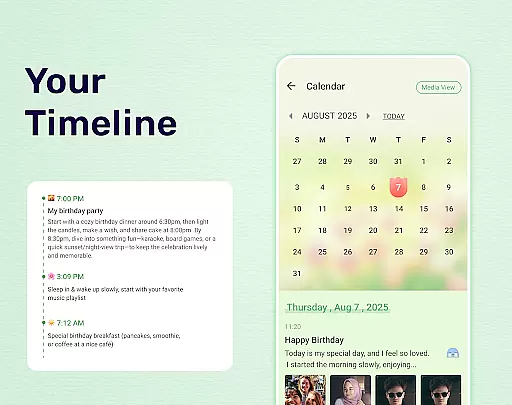
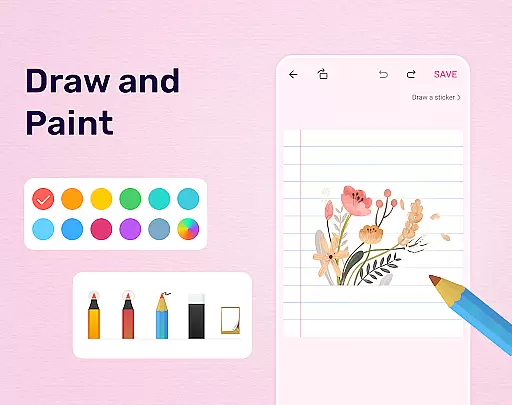
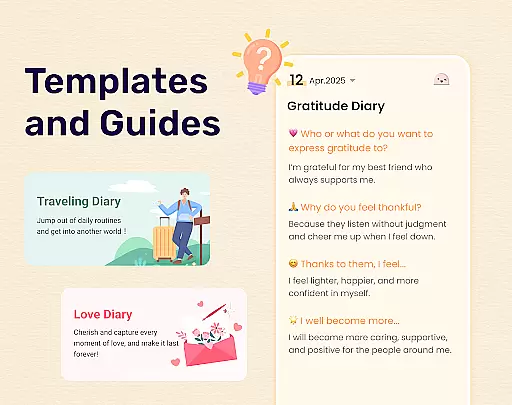
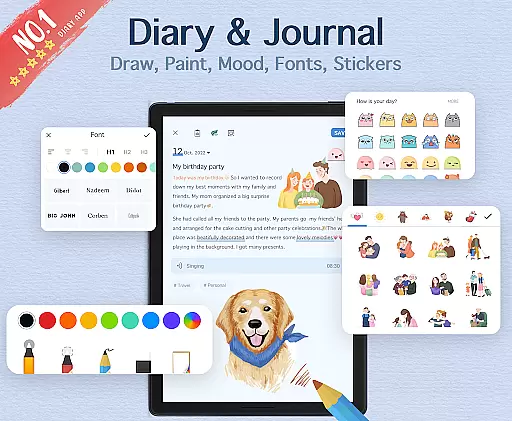
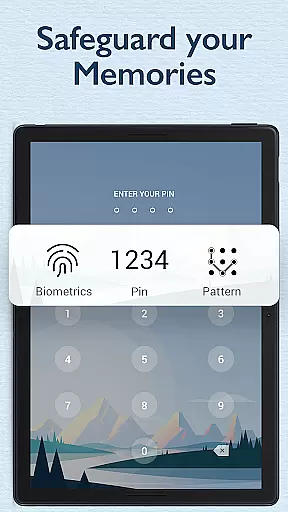

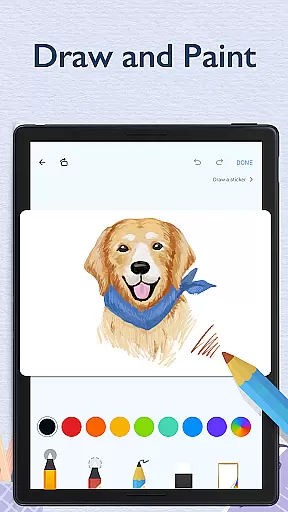
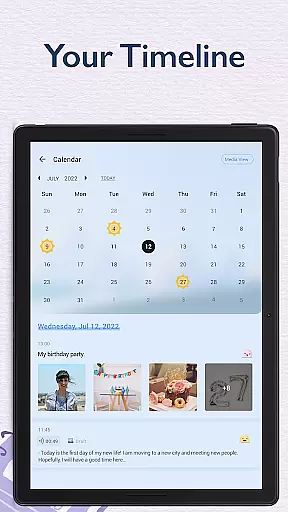
My Diary is a feature-rich digital journaling app designed for users seeking a secure and customizable way to document their daily lives. This lifestyle application allows you to record personal entries, secret thoughts, travel experiences, and mood reflections with ease. What sets My Diary apart is its comprehensive security features - including password protection, fingerprint authentication, and cloud backup options through Google Drive or Dropbox. The app's versatility extends beyond simple text entries, as it supports multimedia content like photos and videos, making it an ideal tool for creating vivid and engaging diary entries.
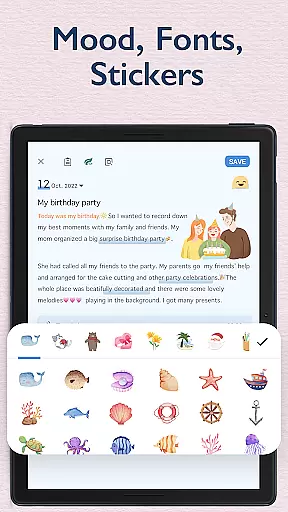
In addition to its core journaling capabilities, My Diary offers several quality-of-life features that enhance the user experience. These include artistic themes, night mode, eye protection settings, and mood tracking through stickers and emojis. Users can organize their entries with tags, export their diaries in multiple formats (TXT, PDF), and even print their memories for physical keepsakes. Whether you're looking to maintain a personal chronicle of your life or need a secure space to store sensitive thoughts, My Diary provides a comprehensive solution that combines modern technology with traditional journaling practices.
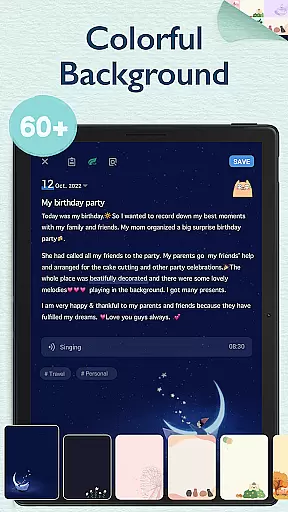
My Diary distinguishes itself through its extensive customization options and advanced security measures. The application offers multiple artistic themes and background choices, allowing users to personalize their journaling experience. Its sophisticated security system includes passcode protection, fingerprint authentication, and automatic syncing with cloud services, ensuring that your private entries remain confidential yet accessible across devices. The inclusion of night mode and eye protection features demonstrates the app's commitment to user comfort during extended writing sessions.
The app's functionality extends to practical organizational tools and multimedia integration. Users can enhance their entries with photos, videos, and voice recordings, creating rich multimedia diary entries. The mood tracking system, implemented through various stickers and emojis, helps users monitor their emotional patterns over time. Additionally, the tagging system enables efficient categorization of entries by themes such as travel, work, or personal development. These features collectively create a robust platform that not only protects your privacy but also encourages creative expression and systematic organization of your personal records.
My Diary offers extensive lifestyle category coverage, making it more than just a simple diary application. The app provides various specialized journaling options such as travel journals, mood diaries, love diaries, baby diaries, and even pregnancy and work diaries. This diversity ensures that users from different walks of life can find a suitable format for their personal expression and documentation needs.
The inclusion of multimedia elements like pictures, videos, and voice recordings further enriches the journaling experience. Users can create vivid memories by attaching media to their entries, which is particularly useful for preserving special moments during travels or family events. The availability of artistic themes and customizable backgrounds allows users to tailor the visual presentation of their diaries, adding a unique touch to their personal records.
Moreover, My Diary supports mood tracking through emojis and stickers, enabling users to document their emotional states alongside their written thoughts. This feature not only enhances self-reflection but also serves as a valuable tool for monitoring mental well-being over time. With continuous updates to these creative tools, the app maintains its relevance and appeal to users seeking a comprehensive lifestyle recording solution.
When it comes to maintaining content authenticity, My Diary employs several measures to ensure that user-generated content remains genuine and unaltered. The app's password protection and fingerprint unlock features provide an additional layer of security, assuring users that their private thoughts and sensitive information are safeguarded against unauthorized access. This commitment to privacy reinforces the credibility of the content stored within the app.
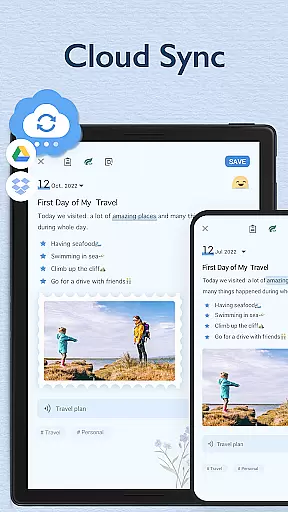
Furthermore, the ability to sync and back up diary entries to cloud services like Google Drive and Dropbox guarantees that users' data integrity is preserved. By allowing seamless access across multiple devices, My Diary ensures that users can consistently retrieve their authentic content without worrying about data loss or corruption. This reliability builds trust in the app as a dependable repository for personal memories and reflections.
Although My Diary may not involve certified experts in traditional fields such as medicine or finance, the developers' dedication to creating a secure and versatile journaling platform demonstrates a form of expertise in digital lifestyle management. Their focus on user-centric features like eye protection mode and tag organization showcases a deep understanding of modern users' needs, establishing the app as a credible tool for contemporary lifestyle documentation.
User-friendly interface
Strong security features
Multimedia integration
Cloud synchronization
Mood tracking system
Premium features locked
Occasional bugs
Ads in free version
Storage limitations
Complex settings

Unique BIG BOLD TIME with amazing colors and customisations.
 3.70
3.70
Daily lessons from A Course in Miracles with scheduled reminders
4.80
Take Hobby Lobby with you wherever you go!
3.40
A daily quote for success
4.2
A uniquely designed isometric digital watch face made for Wear OS
4.2
Smart home security protection
3.20
Get the news, events and savings that matter to you with AARP Now.
4.80
The cutest Autumn watchface featuring the adorable Mr. Squirrel
4.3
Just play, earn rewards, fetch gift cards, and turn gaming into real payouts!
4.80
Simple, stylish & fresh watch face. Customize colors, gradients & complications.
4.70
Earn money & gift cards when you take surveys, play games, scan receipts & more.
4.50
Premium floor cleaning robots
4.50
PARAVOX 4 is a professional ITC paranormal research application.
4.50
Paranormal Spirit Bell Trigger Device
4.30
Use your device sensors to detect energy and convert it into spoken words.
4.10
The Miracle Box includes methods used by Steve Huff of Huff Paranormal.
3.20
Unique Dark Analog style for Wear OS watches.
4.5
Duo Watch Face (animated)
4.1
Bring the warm colors of fall directly to your wrist with Autumn Leaves!
4.3


User Reviews