

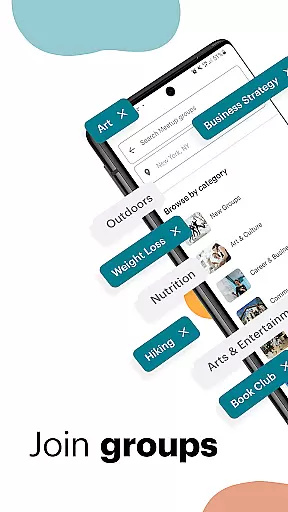
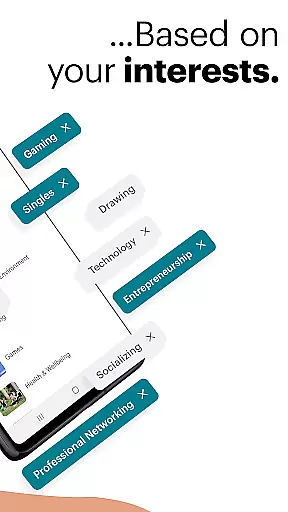
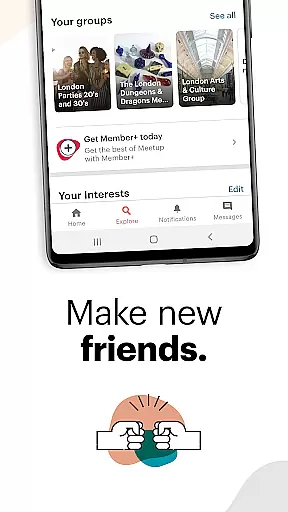









Meetup is a social networking app that connects people with similar interests, both online and offline. With over 60 million members, it helps users build professional networks, discover tech communities, create personal brands, pursue hobbies, and make friends who share their passions.
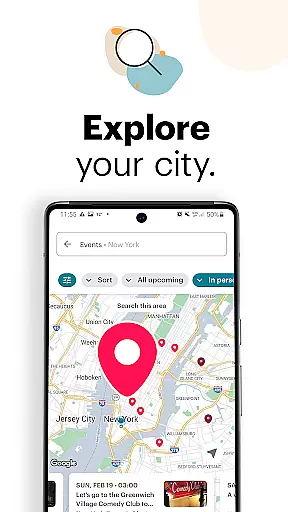
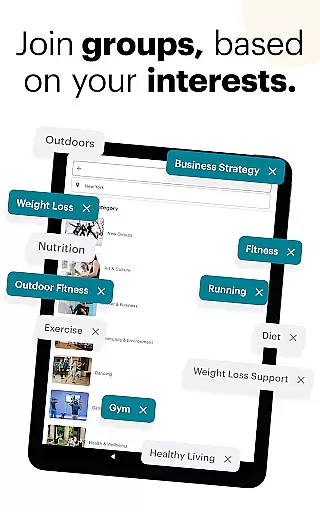
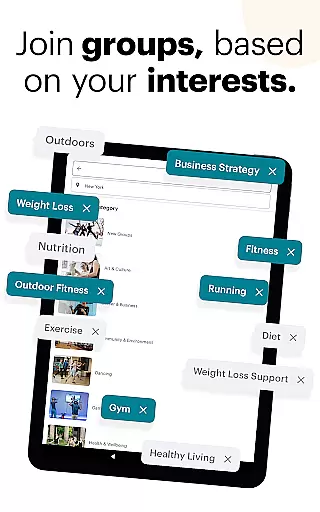
The app offers features like local and online event discovery, group creation, direct messaging, and event saving. Users can explore events by category, keyword, or popularity, and engage with communities through discussions and photo sharing. Meetup's powerful matching system connects users with over 330,000 groups based on their interests.
Whether you're looking to advance your career, develop new skills, or simply meet like-minded people, Meetup provides the perfect platform for meaningful connections. Its comprehensive event management tools allow users to host and manage events effortlessly while expanding their social and professional networks.
Meetup stands out with its comprehensive set of social networking features designed to foster meaningful connections. The app's robust event discovery system allows users to browse local and online events by category, keyword, or location-based popularity. Its intelligent matching algorithm connects users with over 330,000 interest-based groups.
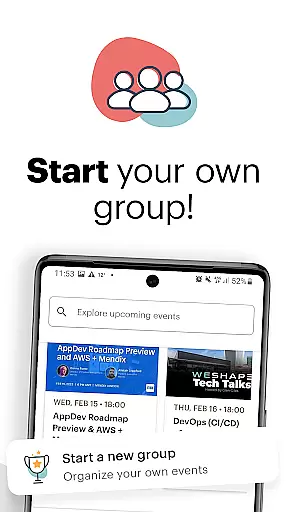
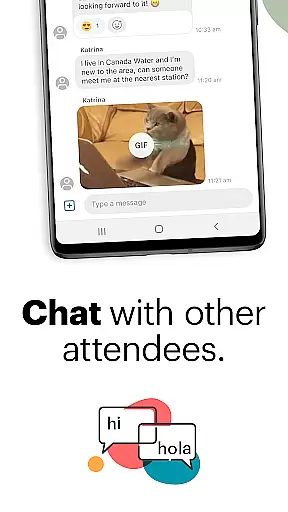
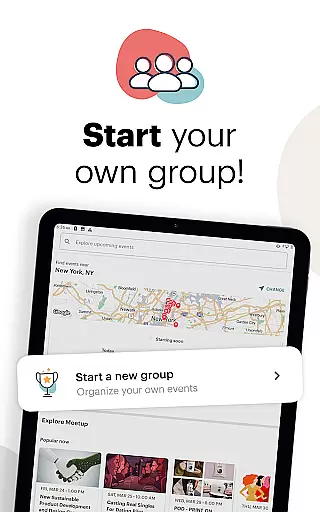
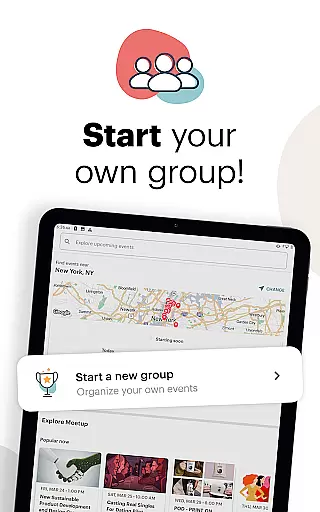
Group creation and management tools enable users to establish their own communities around specific topics. Hosts can schedule events, send notifications, share photos, and maintain engagement between meetings through discussion boards and direct messaging. The app's direct messaging system facilitates private conversations and helps build lasting relationships.
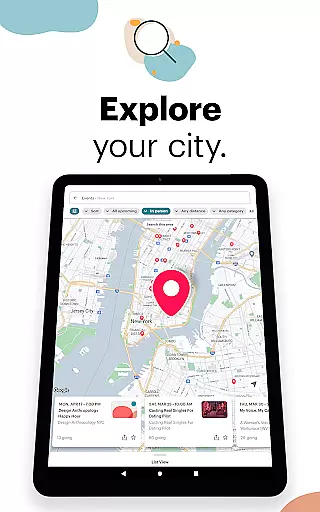
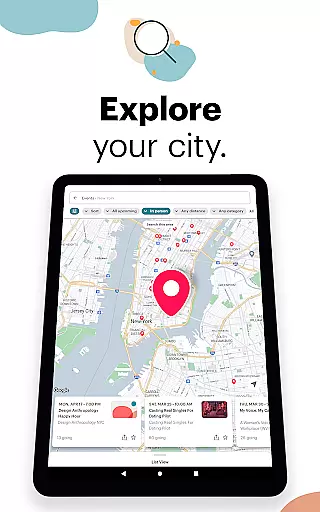
Additional features include event saving for future reference, comprehensive event details with attendee information, and integration with mapping services for easy navigation. Meetup's mobile-friendly interface allows group organizers to manage their communities on-the-go while providing participants with seamless access to event information and communication tools.
User profile customization is essential for creating a personalized and trustworthy social experience. Meetup allows users to build detailed profiles that reflect their interests, career networks, and personal brands.
The app provides options to include professional backgrounds, hobbies, and specific interests, ensuring that each profile is unique and authentic. This level of detail helps users find like-minded individuals more easily.
Authenticity verification is achieved through integration with various social networks and by analyzing user participation in events and discussions. This builds trust within the community and enhances the overall networking experience.
By offering robust customization and verification features, Meetup ensures that users can create genuine connections based on verified shared interests, leading to more meaningful interactions both online and offline.
Connection discovery is a core feature of Meetup, designed to help users expand their social and professional networks by connecting with people who share similar interests.
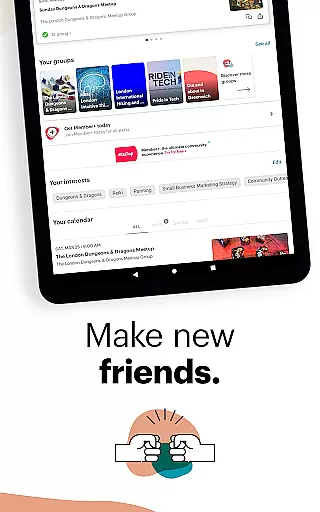
The app uses advanced algorithms to match users with over 330,000 groups based on their specified interests, ranging from tech conferences to hobby-based gatherings like yoga classes. This extensive network ensures that users can find relevant communities quickly.
Meetup offers multiple ways to discover connections, including category-based searches, keyword filters, and geographical mapping. Users can save interesting events and revisit them later, allowing for thoughtful planning of social activities.
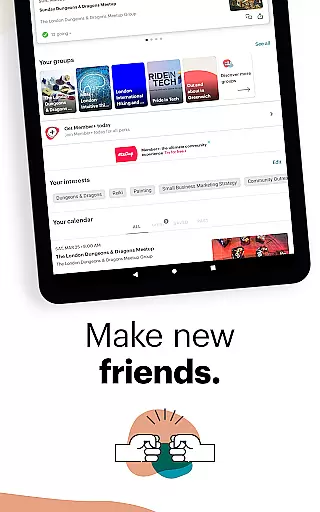
With direct messaging and discussion features, Meetup facilitates ongoing communication, helping users maintain relationships and deepen their engagement with discovered connections over time.
User-friendly interface
Extensive community network
Versatile event options
Effective matching system
Comprehensive management tools
Occasional technical issues
Limited free features
Geographic limitations
Privacy concerns
Learning curve for new users

Looking for a date or a friend? Swipe to match and meet open-minded singles.
 4.20
4.20
Dive into diverse fandoms. Connect, create, reblog.
3.90
Honest dating app where real people find genuine love and real matches.
4.20
Get notifications of FREE Stuff for Nextdoor, Letgo, offerup & TrashNothing
4.70
The world's leading social networking app for gay, bi, trans, and queer people.
4.10
SuperLive is a super popular video-streaming social network
4.60
Connection Beyond Content
4.50
Live Chat & Match! Explore Real-Time Dating and Make Friends!
4.40
Free texting (SMS) to US, Canada & more. Free new number. Call free & Text free.
4.30
Video call and chat, live stream and making friends around the world!
4.60
Get your NGL Link
4.60
Unlimited calls & texts | WiFi voice line plus group txt | Call & text now
4.50
TikTok Lite - Designed for speed, simplicity, and saving your phone’s space!
4.40
Watch 24/7 live stream, and make real friends nearby
4.30
A gathering place for 300 million people's life interests and hobbies
4.30
Connect and share ideas
4.10
Chat and make new friends around the world!
3.90
Instant video chat with cool people. Live video call & make friends with Monkey!
3.80
Resonate & Date with New Match
3.70


User Reviews