



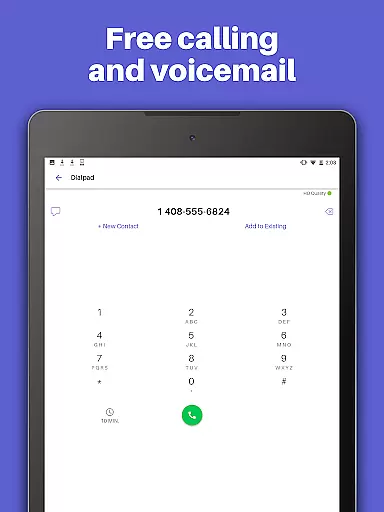
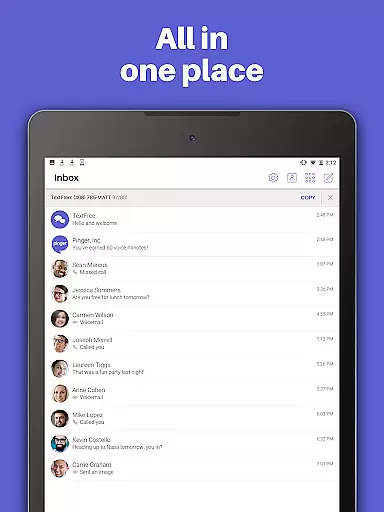
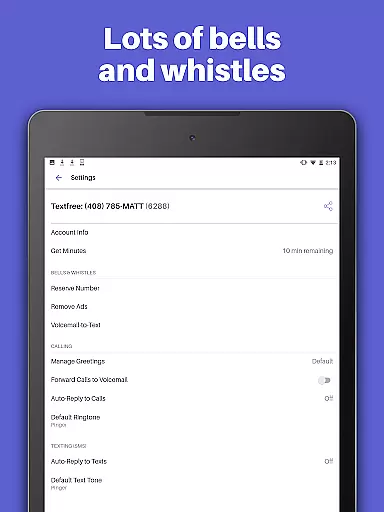
TextFree Voice is a comprehensive communication app that provides users with a free second phone number for unlimited calling and texting. The app allows you to make calls and send messages, including photos, videos, GIFs, audio messages, and PDFs, over Wi-Fi without using your primary number. It's an ideal solution for those who want to maintain privacy or separate personal and professional communications.
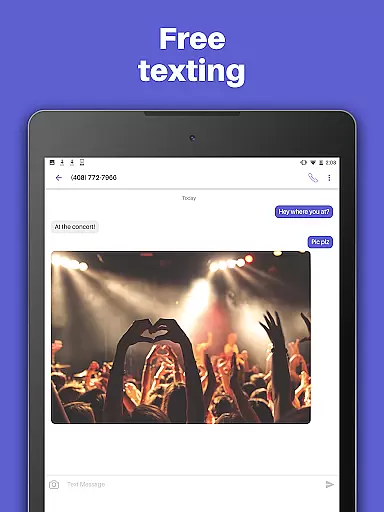
One of the standout features of TextFree Voice is its ability to offer a personalized local phone number with free unlimited texting and calling. This makes it easier than ever to stay connected with friends and family while enjoying additional functionalities such as custom call and texting tones, wallpapers, and group messaging. Whether you're at home or on the go, this app ensures you can communicate seamlessly across multiple devices including smartphones, tablets, and computers.
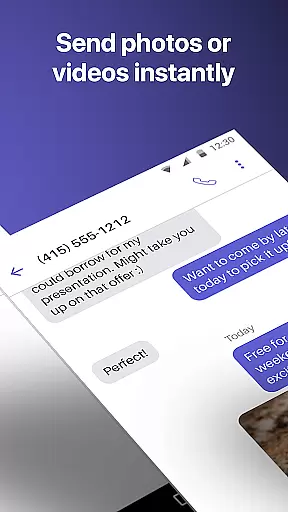
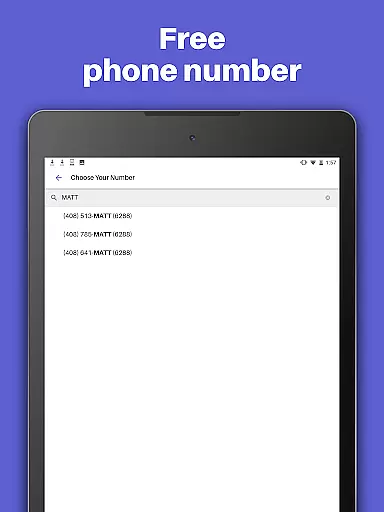
TextFree Voice stands out in the Social category due to its rich feature set tailored for modern communication needs. Users can select a free second phone number with a preferred area code, choose from various number combinations, and enjoy unlimited calling and texting over Wi-Fi. The app supports multimedia sharing, allowing users to send photos, videos, GIFs, audio messages, and even PDFs individually or as part of group messages.
In addition to basic communication tools, TextFree Voice offers advanced features like Auto-Reply, which automatically responds to calls and texts, and customizable call/text tones and wallpapers for a personalized experience. For those needing extra functionality, upgrading to TextFree Plus unlocks benefits such as ad-free usage, access to verification codes for online accounts, and the ability to lock in your chosen number indefinitely. With 24/7 customer support available, users can rely on consistent assistance whenever needed.
User profile customization and authenticity verification are essential features in social applications like TextFree Voice. These functionalities ensure that users can create personalized profiles while maintaining a level of trust and security within the app.
TextFree Voice allows users to select a personalized local phone number, which serves as their unique identifier within the app. This feature not only provides a layer of privacy but also enables users to customize how they present themselves to others. By choosing an area code of their choice, users can maintain a connection to their geographic location or opt for anonymity.
In terms of authenticity verification, TextFree Voice offers a robust system where users can secure their chosen 2nd phone number. With the TextFree Plus subscription, users can lock in their number so it won't change or expire, ensuring continuity and reliability in communications. This process helps verify that the user is consistently reachable at their selected number.
The ability to personalize one's presence on TextFree Voice while having assurances about the permanence and authenticity of their profile enhances user confidence. It encourages more meaningful interactions by reducing uncertainty about the identity of communicators, thus enriching the overall social experience within the application.
Connection discovery is a pivotal aspect of social apps, enabling users to find and connect with friends, family, or new contacts effortlessly. In TextFree Voice, this feature is integrated seamlessly to enhance user engagement and expand communication networks.
Upon downloading TextFree Voice, users can immediately start making calls and sending texts using their chosen free 2nd phone number. The app facilitates connection discovery by allowing users to share various media types such as photos, videos, GIFs, audio messages, and even PDFs. This multimedia support enriches conversations and makes it easier for users to express themselves and bond over shared interests.
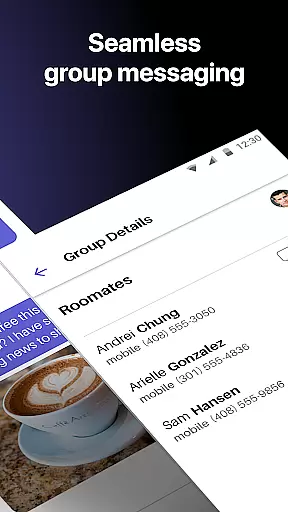
Moreover, TextFree Voice includes group texting capabilities that further promote connection discovery among communities of users. Group chats enable multiple participants to engage in discussions, fostering a sense of belonging and encouraging users to add more contacts from their existing network or through new interactions within the app.
By providing these dynamic ways to discover and maintain connections, TextFree Voice ensures that its platform remains vibrant and socially engaging. Users benefit from an intuitive interface that prioritizes easy access to communication tools, ultimately leading to sustained user activity and satisfaction.
User-friendly interface
Free unlimited calls
Customizable options
Multi-device compatibility
24/7 customer support
Limited international support
Occasional ads in free version
Premium features require subscription
Number reservation not free
Dependent on Wi-Fi for free use

Watch, Edit, Upload and Share Gaming Clips
 4.00
4.00
The video chat to meet people in the blink of an eye!
3.90
A gathering place for 300 million people's life interests and hobbies
4.30
Online group games like Mafia, Word War, Scattergories, Ludo, Uno, and many more
4.30
Discover an open-minded dating experience when you download today
4.10
Instant video chat with cool people. Live video call & make friends with Monkey!
3.80
The official Skool app. Stay connected to your communities on the go.
4.20
Build Your Team With One App
4.30
A warm, simple dating app for adults seeking real connection.
4.20
Watch super live shows 24/7, chat & meet friends in Plamfy social networking app
4.70
Live video chat to connect with people around the world. Video chatting on Olive
4.40
Live Chat & Match! Explore Real-Time Dating and Make Friends!
4.40
Looking for a date or a friend? Swipe to match and meet open-minded singles.
4.20
Second phone number for phone calls & texts. Text & SMS me now with a 2nd number
4.20
Chill and Chat with Tagged Live Video with millions of peeps
4.10
Create & share photos, stories, & reels with friends you love
3.90
Go Live, Chat & Meet New People! Friends. And more than friends.
3.80
Resonate & Date with New Match
3.70
Find your next obsession.
3.50


User Reviews