
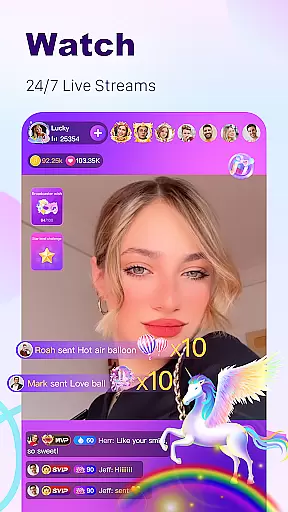
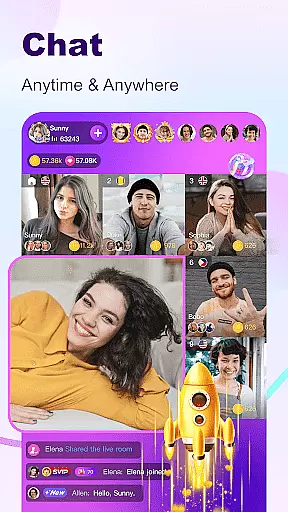
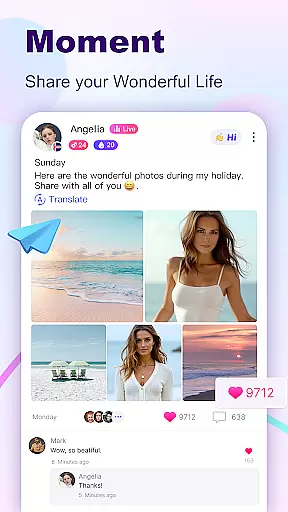

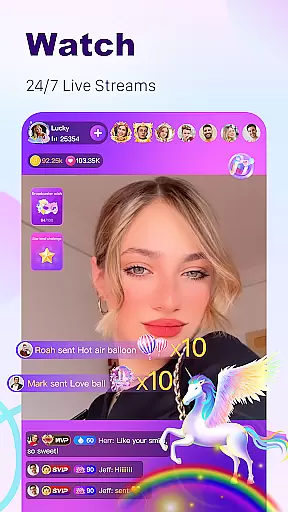
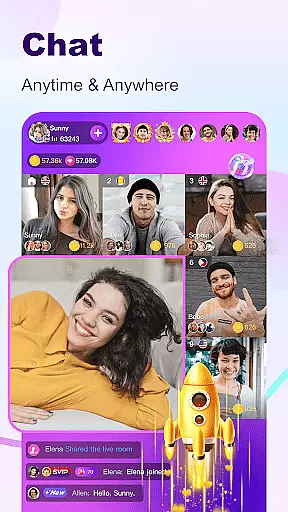
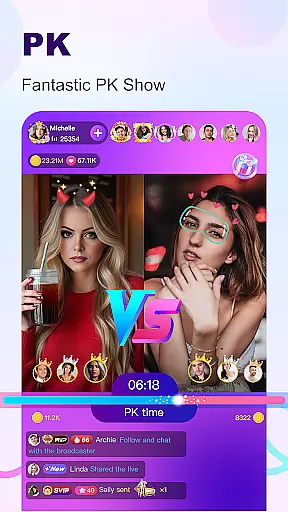

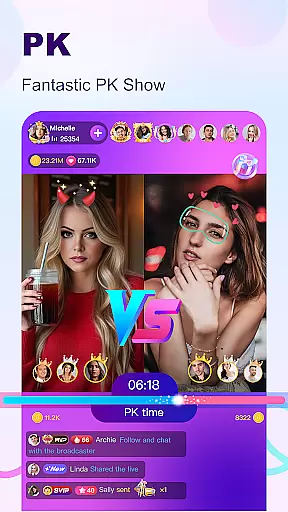

BuzzCast is a dynamic social platform that combines live streaming, instant messaging, and short video content to connect users worldwide. The app's core functionality revolves around its 24/7 live streaming feature, where users can broadcast their lives, showcase talents, or engage in live video chats without restrictions. This creates an interactive space for global communication and entertainment.
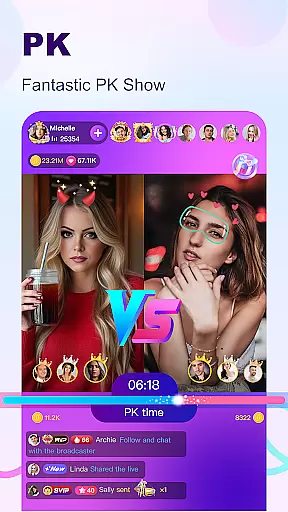
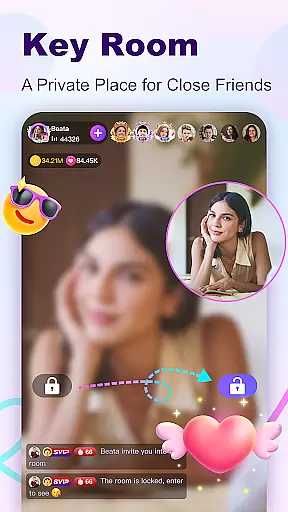
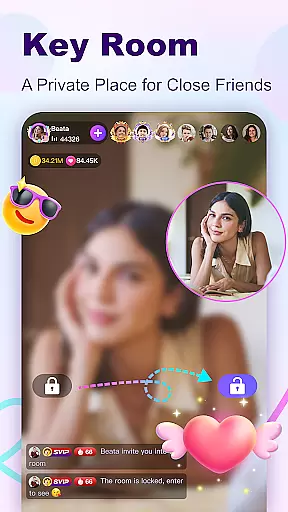
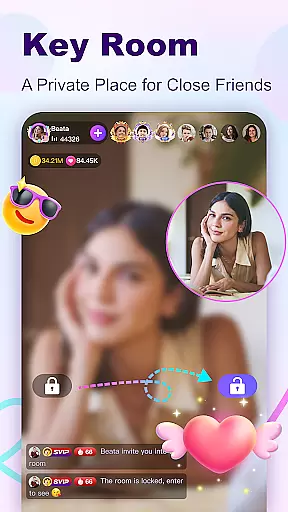
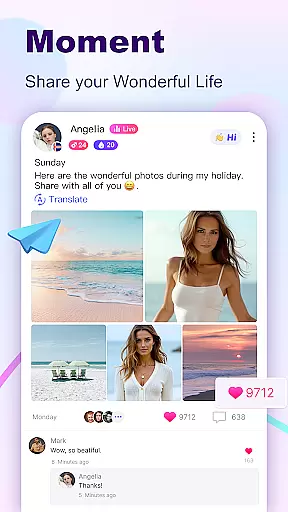
What sets BuzzCast apart is its innovative approach to social interaction. The app offers AI-powered automatic translation to break language barriers, private password-protected rooms for intimate gatherings, and creative tools for producing engaging short videos. Users can also share moments through posts, participate in live PK challenges, and explore nearby connections, making it a versatile platform for building meaningful relationships while enjoying entertaining content.
The app particularly appeals to young, active users seeking real-time interaction and self-expression. Whether you're looking to become a social media influencer or simply want to connect with like-minded individuals globally, BuzzCast provides the tools and community to make these experiences possible.
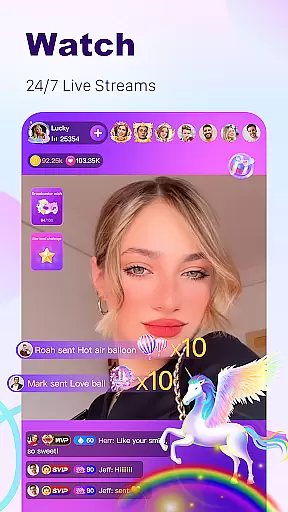
BuzzCast distinguishes itself through several key features that enhance user engagement and satisfaction. First is the unrestricted live streaming capability, allowing anyone to broadcast regardless of follower count or level. This democratized approach enables users to instantly share their lives and talents with a global audience, supported by abundant special effects and virtual gifts that enhance viewer interaction.
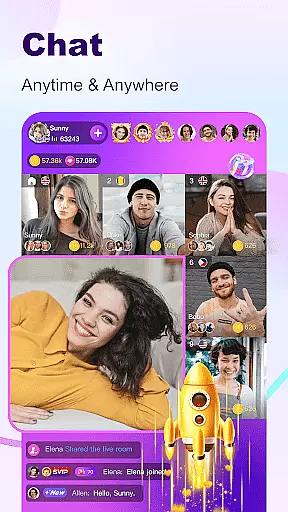
The app's Instant Message Chatting system stands out with its comprehensive communication options. Users can exchange texts, photos, emojis, videos, and voice messages, creating multiple ways to connect. The AI-powered translation feature removes language obstacles, enabling seamless cross-cultural conversations. Additionally, the Nearby Moments function helps users discover local connections and potentially transition online friendships offline.
BuzzCast's Creative Short Videos feature provides professional-grade editing tools including effects, stickers, and music tracks, empowering users to produce high-quality 15-second videos. The platform's bullet screen commenting system adds real-time interaction to video viewing. These combined features create a robust ecosystem for content creation, social networking, and entertainment that caters to diverse user preferences.
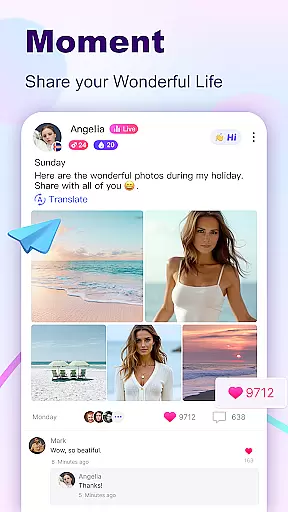
User profile customization is a crucial aspect of any social platform, and BuzzCast excels in providing users with extensive options to personalize their profiles. Users can share moments and updates as posts in the square, visible to everyone, thus expressing their individuality and connecting with others who share similar interests.
BuzzCast also emphasizes authenticity verification, ensuring that interactions are genuine and meaningful. By allowing users to follow each other and message freely, the platform fosters a community where relationships are built on trust and mutual interests.
The ability to capture important moments and engage with other users through nearby moments further enhances the personalization and authenticity of user profiles. This feature not only helps users discover people nearby but also offers opportunities to start offline friendships, making BuzzCast a dynamic space for real connections.
Connection discovery is at the heart of BuzzCast's appeal, enabling users to meet new people from all over the world effortlessly. The platform's AI automatic translation breaks language barriers, facilitating unlimited chatting and fostering global friendships without linguistic constraints.
BuzzCast's live streaming feature plays a significant role in connection discovery. With broadcasters available 24/7, sharing their lives and talents, users can interact with a diverse range of personalities. This interaction is further enriched by instant messaging capabilities, allowing users to send texts, photos, emojis, videos, and voice messages.
Moreover, BuzzCast's creative short video feature encourages users to post 15-second videos, attracting followers genuinely interested in their content. This multimedia approach to connection discovery ensures that users can find and engage with amazing people who resonate with them, enhancing the overall social experience.
User-friendly interface
Global user base
AI translation support
Private chat rooms
Versatile content tools
Potential privacy concerns
High data usage
Learning curve for new users
Limited offline functionality
Regional restrictions may apply

Video call, live video chat & talk to strangers. Meet people on Omega!
 3.60
3.60
Swipe, Meet & Chat Real People
3.80
Live video chat to connect with people around the world. Video chatting on Olive
4.40
Discover an open-minded dating experience when you download today
4.10
Find your next obsession.
3.50
Chill and Chat with Tagged Live Video with millions of peeps
4.10
Instant messaging — simple, fast, secure, and synced across all your devices.
4.00
Free texting (SMS) to US, Canada & more. Free new number. Call free & Text free.
4.30
This version of Facebook uses less data and works in all network conditions.
4.60
The hottest live chat app so far. Video chat and meet great people...
4.60
Date single & make friend
4.60
Reddit is where you’ll find your people and feel at home in every conversation.
4.60
Match, chat & date with singles nearby. The dating app to find true love
4.50
Watch 24/7 great live stream, or go live to boost your social followers!
4.50
Global short video platform: epic effects, trending videos & vibrant community!
4.40
Build Your Team With One App
4.30
Watch, Edit, Upload and Share Gaming Clips
4.00
Dive into diverse fandoms. Connect, create, reblog.
3.90
Instant video chat with cool people. Live video call & make friends with Monkey!
3.80


User Reviews