
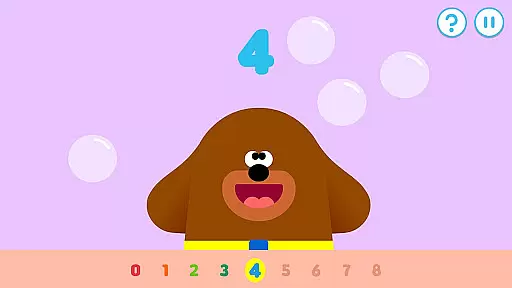
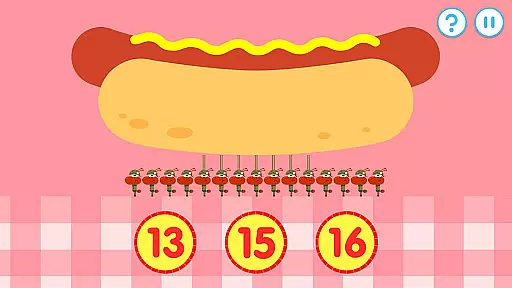
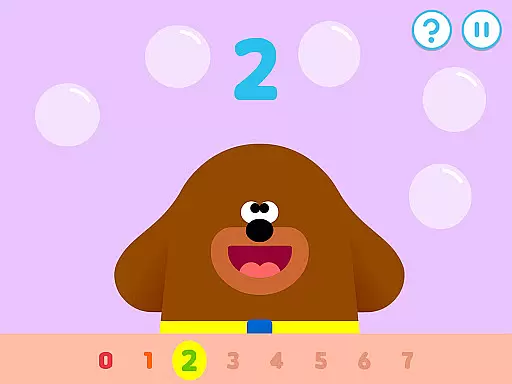
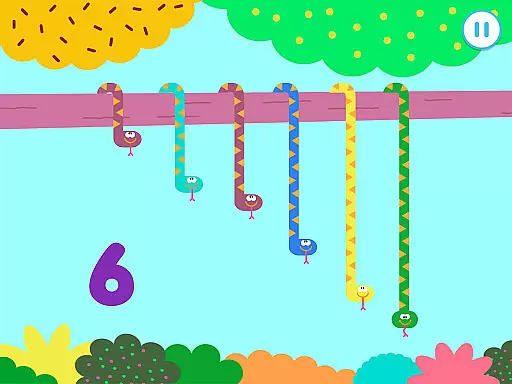
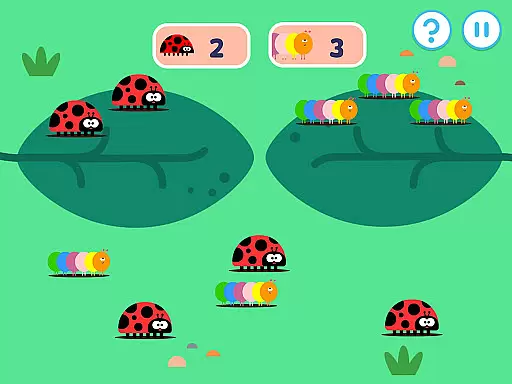
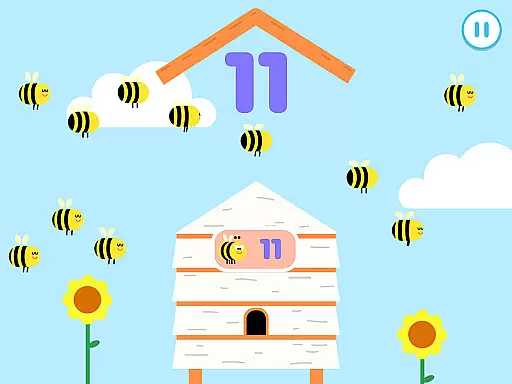
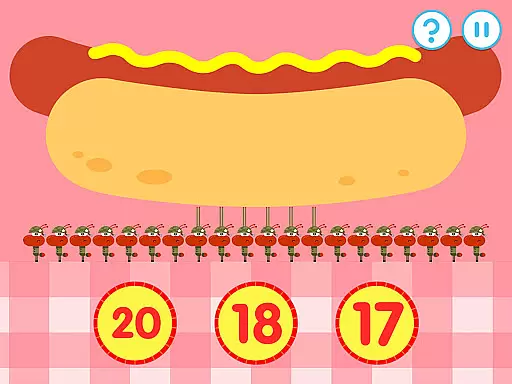
Hey Duggee: The Counting Badge is an educational app designed to make learning numbers fun for young children. Developed with Early Years Foundation Stage learning outcomes in mind, this app offers a diverse mix of engaging counting tasks that automatically adjust in difficulty, catering to Duggee fans of all ages. With nine counting tasks and four variations for each, the app provides 36 different activities, ensuring fresh content and prolonged engagement through three levels of difficulty.
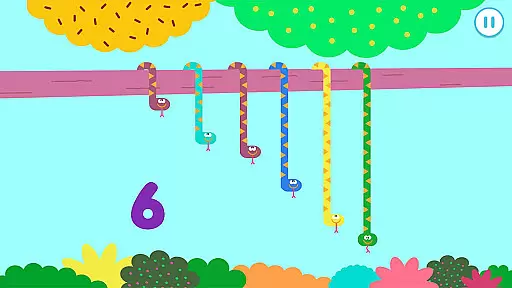
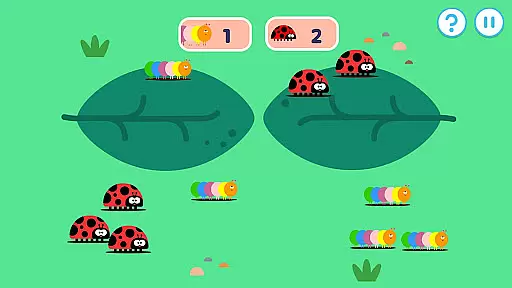
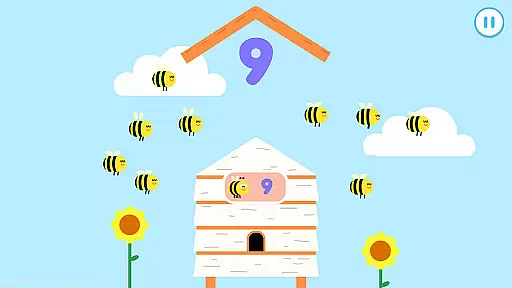
The app encourages children to practice counting through interactive activities like tapping tadpoles, picking groups of spiders, catching bees, ordering snakes, sorting toucans, counting alligators, deciding which group has more tulips or daisies, identifying numbers, and early addition exercises. Each activity is crafted to maintain interest and develop numeracy skills progressively. Profiles for up to three players can be saved, allowing children to continue their progress and earn Gold Stars, ultimately leading to the award of the Counting Badge by Duggee himself.
Hey Duggee: The Counting Badge boasts several features that enhance its educational value and user experience. The app includes counting tasks based on Early Years numeracy learning objectives, covering varying abilities within the 2 to 6-year-old range. It promotes recognition of days of the week, dates, and weather conditions, enriching the child's understanding of their environment while they learn to count.
With 36 counting screens, the app keeps content fresh and maximizes engagement duration. Each counting mechanic has three difficulty levels, regulated by stored player profiles, ensuring personalized progression. The inclusion of a Gold Star collection system and daily awards of the Counting Badge incentivizes repeat plays, motivating children to achieve their goals while having fun. This thoughtful design ensures sustained interest and continuous learning.
In the realm of educational apps, content authority and curriculum alignment are paramount. Hey Duggee: The Counting Badge app is meticulously crafted to align with Early Years Foundation Stage learning outcomes.
It offers a diverse array of counting tasks that cater to children aged 2 to 6 years old, ensuring that each activity is not only engaging but also educationally valuable. The app's design incorporates automatic adjustment of difficulty levels, which means that as children grow in skill, the app continues to challenge and educate them within the framework of their developmental stage.
Parents can be confident that their children are learning through methods that are endorsed by educational standards, providing a solid foundation in numeracy. This alignment with educational benchmarks ensures that the time spent on the app contributes positively to their overall learning journey.
Gamification in learning transforms the educational experience into an enjoyable and motivating journey. Hey Duggee: The Counting Badge excels in integrating gamification elements that captivate young learners.
Children are encouraged to engage with nine distinct counting activities, each having four variations, thus keeping the content fresh and stimulating. As they interact with playful characters and scenarios, such as tapping tadpoles or sorting toucans, they earn Gold Stars and work towards achieving their Counting Badge.
This system of rewards not only makes learning fun but also motivates children to return to the app day after day. By combining robust educational content with entertaining gameplay, this app successfully merges the joy of play with meaningful learning outcomes.
User-friendly interface
Engaging counting tasks
Automatically adjusting difficulty
Multiple player profiles
Educational and entertaining
Limited to counting skills
Repetitive for older kids
Requires parent supervision
No advanced math concepts
Simple graphics

Stack the States® 2 makes learning US geography fun!
 4.50
4.50
A world for little builders to create, imagine, and learn through play.
4.20
Fun dentist game with Cocobi friends!
4.10
Baby Phone Game for Kids & Toddlers to Learn Sounds, Numbers, ABCs, Phone Calls
3.80
Cute coloring games for girls! Draw, paint & decorate with endless colors.
4.70
Glow Doodle! Baby Coloring & Drawing games for toddlers: Color and Learn! NoAds!
4.40
Discover the infinite cycles of the universe
4.3
Where Little Healers can Make a Big Difference!
4.00
OG Trail - Lets you play the classic Oregon Trail simulation game on Android
4.20
Amazing learning and educational games for children of all ages.
4.70
Explore, create, and play with Hello Kitty and all her friends!
4.60
Fun educational jigsaw puzzles for kids and preschoolers.
4.50
Fun drawing games with coloring book, glow and paint by numbers! Color for kids.
4.20
Where the beloved world of Peppa Pig meets the creativity of LEGO DUPLO!
4.00
A world to build at the tip of your fingers!
3.80
Play pretend & explore at the doctor's & school in Daniel Tiger's Neighborhood.
3.30 2.80
2.80
Absorbing, highly visual, effective learning of multiplication, division
4.2
A speed-learning English vocabulary game designed for user to reach proficiency
4.1


User Reviews