
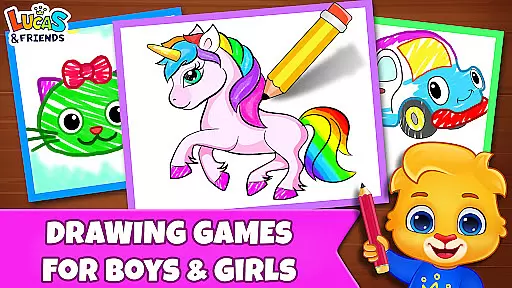
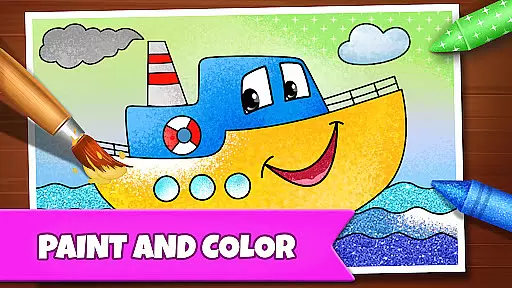
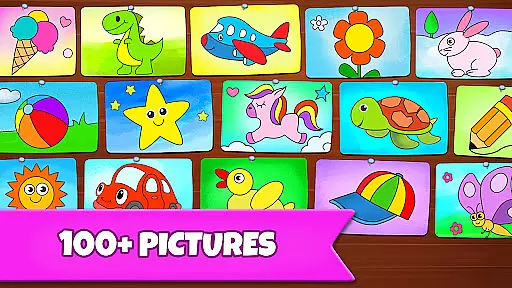
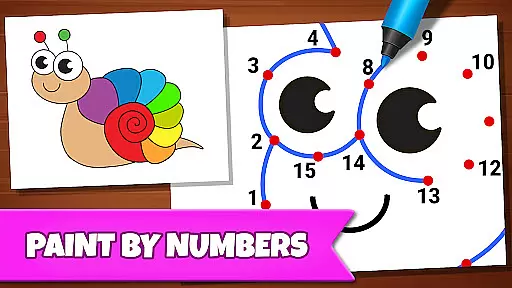
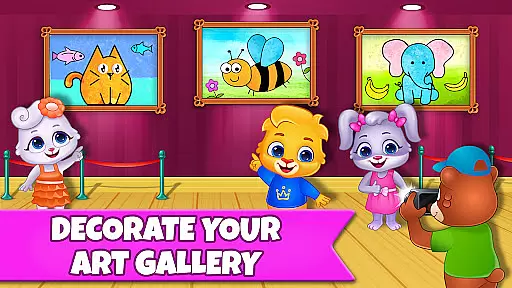
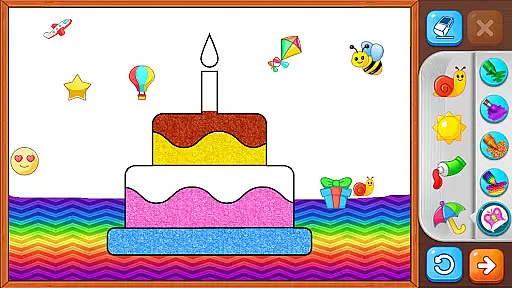
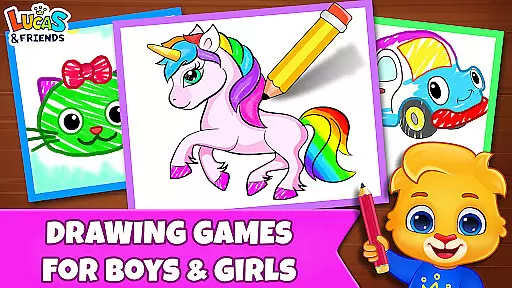
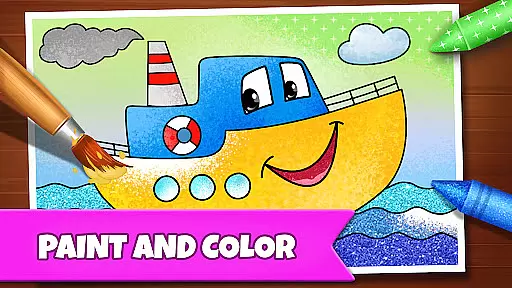
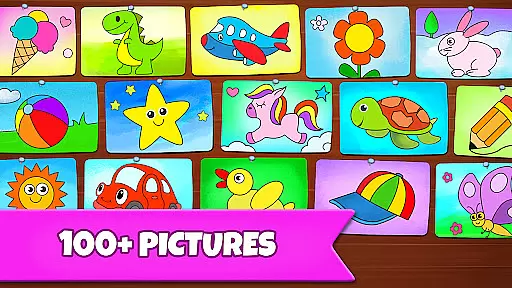
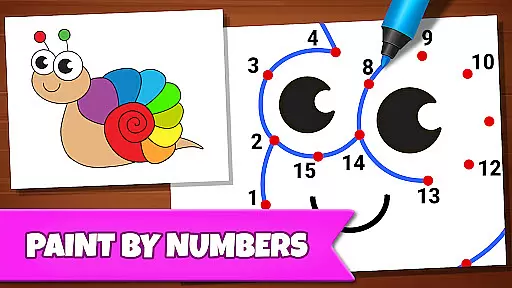
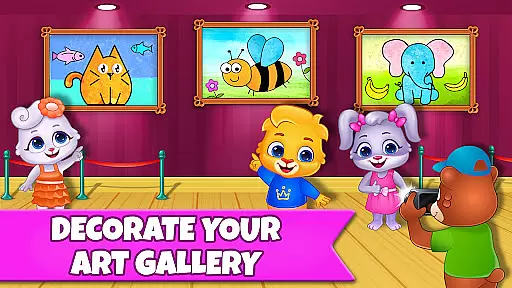
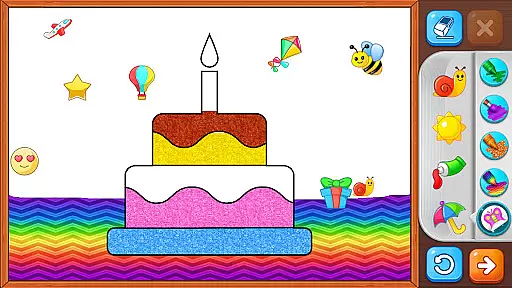
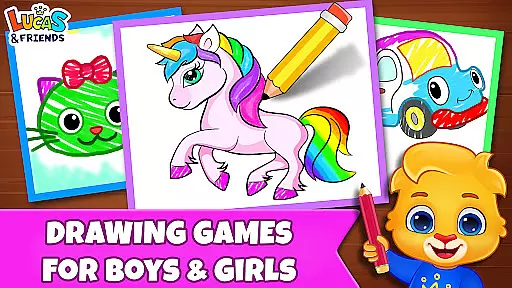
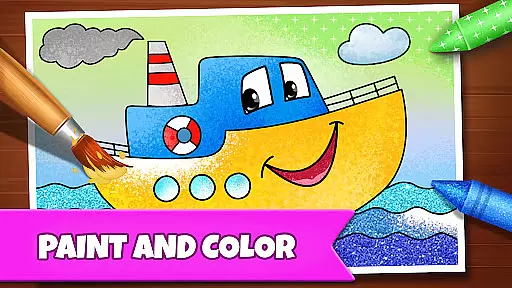
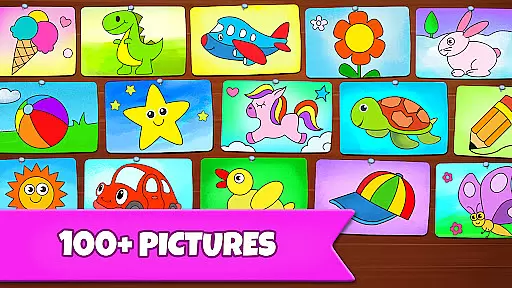
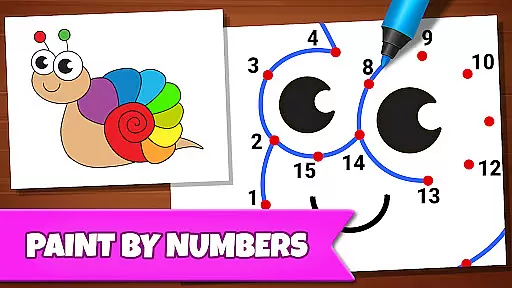
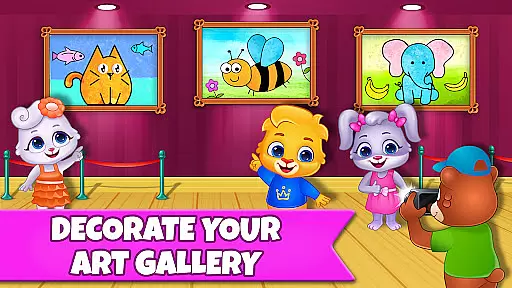
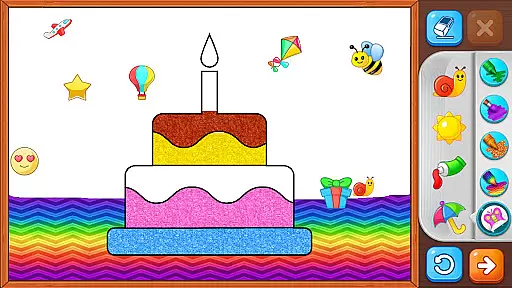
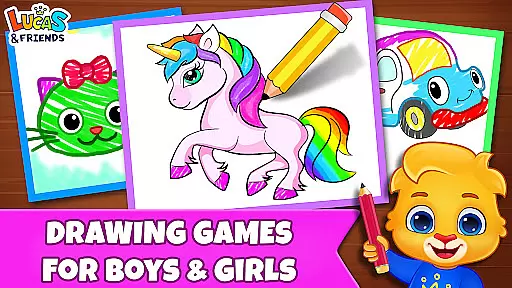
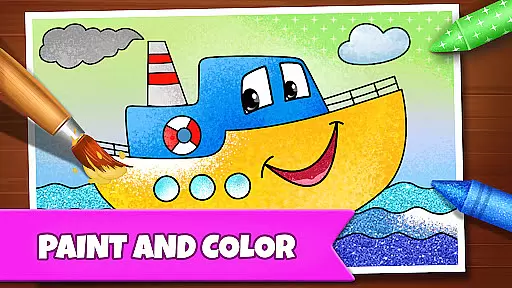
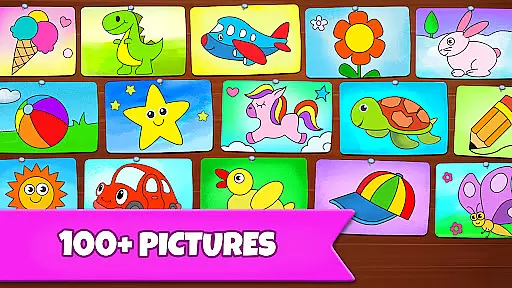
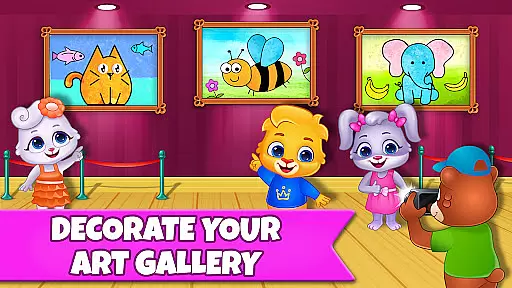
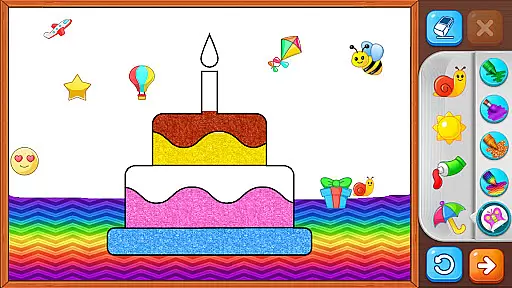
Drawing Games: Draw & Color is an educational app designed to engage children in creative drawing and coloring activities. The app offers multiple interactive modes that teach kids essential skills while providing hours of entertainment. With features like Learn to Draw, Auto Draw, Connect & Color, and Glow Paint, children can develop their artistic abilities while learning shapes, numbers, and picture recognition.
This app is ideal for toddlers, preschoolers, and kindergartners, offering age-appropriate activities that build confidence and creativity. Parents will appreciate the app's focus on education and safety, as it contains no ads or in-app purchases. Available for free, Drawing Games provides a safe and enjoyable environment where kids can express themselves through various drawing and coloring exercises.
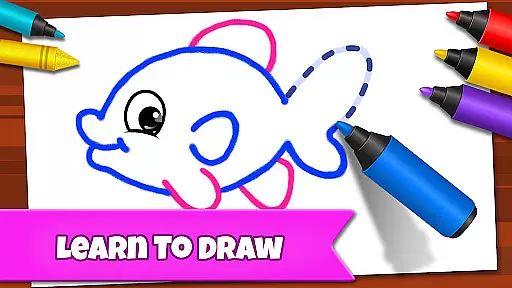
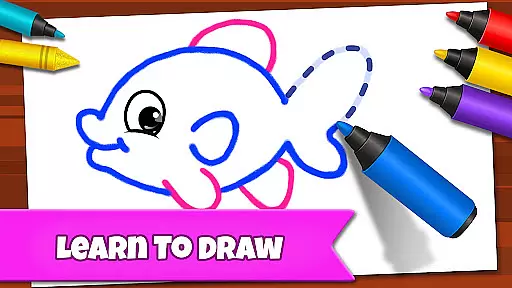
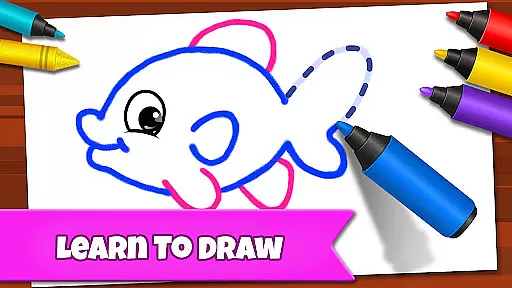
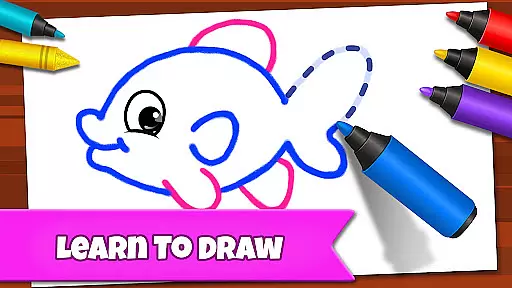
The app includes several unique features that make learning fun and interactive for children. One standout mode is Learn to Draw, which teaches kids step-by-step how to draw different pictures. This feature helps develop fine motor skills and boosts their confidence as they complete each drawing.
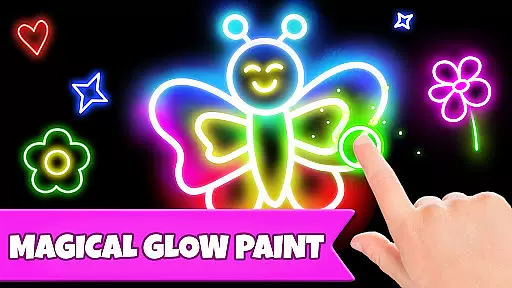
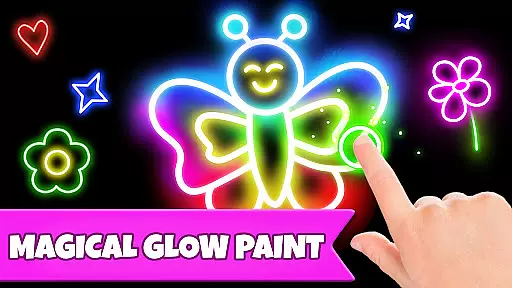
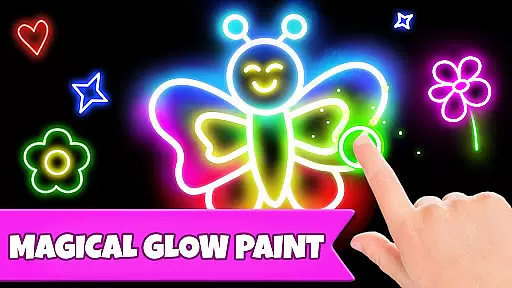
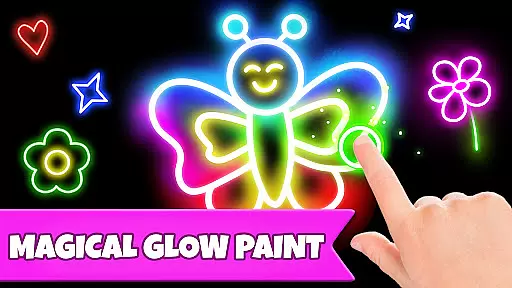
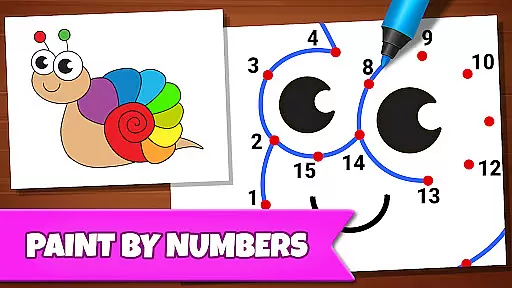
Another exciting feature is Glow Paint, where kids can experiment with glowing paint colors to create vibrant artwork. The Connect & Color mode allows children to connect dots and watch as their drawings come to life with color. These engaging activities not only entertain but also enhance cognitive abilities such as memory and picture recognition.
All features are designed to be intuitive and easy to use, ensuring that even the youngest users can navigate the app independently. The combination of educational content and entertaining gameplay makes Drawing Games: Draw & Color a valuable tool for early childhood development.
In educational apps, content authority and curriculum alignment are crucial for ensuring that children receive accurate and relevant learning experiences. Drawing Games: Draw & Color takes this responsibility seriously by offering a variety of modes that teach essential skills such as shapes, numbers, and picture recognition.
The app's Learn to Draw mode provides step-by-step guidance, allowing kids to understand the process of drawing while aligning with fundamental art education principles. Connect the Dots and Memory Drawing further reinforce cognitive skills and hand-eye coordination, which are often part of early childhood educational standards.
Parents can trust that their children are engaging with a reliable educational tool that supports their growth and development through structured activities. The absence of in-app purchases and ads ensures an uninterrupted learning journey, making it a safe space for kids to explore and learn at their own pace.
Gamification in learning transforms traditional education into an interactive and enjoyable experience. Drawing Games: Draw & Color excels in this area by integrating game-like features that captivate young learners' attention and motivate them to continue exploring various artistic challenges.
With modes like Glow Paint and Auto Draw, the app adds elements of surprise and creativity, encouraging children to experiment with colors and designs. These features not only entertain but also stimulate imagination and innovation within a controlled environment designed specifically for young minds.
By combining fun with foundational learning objectives, Drawing Games successfully bridges the gap between play and education. Children remain engaged without realizing they're developing critical thinking, memory retention, and fine motor skills u2013 all vital components of effective gamified learning solutions.
User-friendly interface
Educational and entertaining
Multiple interactive modes
No in-app purchases
Safe for kids
Limited advanced features
Basic graphics
Few customization options
Occasional bugs
Offline-only

The Squirrels have been learning how to look after animal, now it's your turn!
 3.90
3.90
Learn and practice multiplication and division
4.5
Perfect for Dino fans of all ages.Vivid illustrations.Fascinating_Facts.Narrated
4.2
Fun educational jigsaw puzzles for kids and preschoolers.
4.50
Fun baby care game for kids with dinosaur friends. Enjoy the fun kids game.
4.00
Featuring the Numberblocks
3.60
CASHFLOW - The Investing Game
4.00
Design dreamhouses and dress up creatively in the ultimate role-playing game!
4.70
Kids age 2-8 can create, explore, and play Toca Boca games their way!
3.50
Puzzles, Cats and Programming
4.80
Amazing toddler coloring games for 2+. Enjoy painting games
4.60
Fun game for preschoolers to learn addition, subtraction, counting and math!
4.50
Imagine, build and ride your own Rollercoaster!
3.90
Clean the messy house & play with cute kitty in this fun cleaning game for kids!
3.70
Play the fun healthy habits game for kids with Cocobi the little dinosaurs.
3.40
Companion app for Cozmo, the educational toy robot who’s got a mind of his own.
3.30
A logic puzzle game for 1 - 3 players
4.4
Join Rus and his friends to save Pear Island!
4.1
Discover the infinite cycles of the universe
4.0


User Reviews