
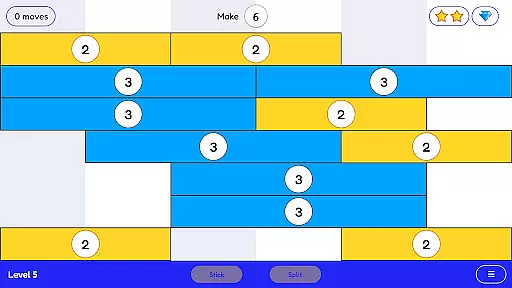
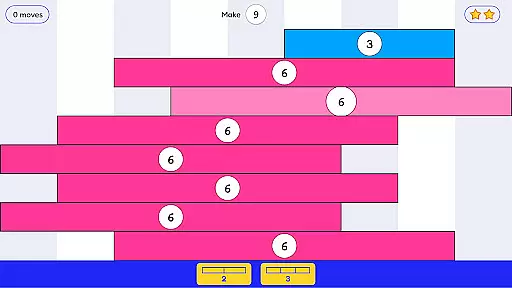
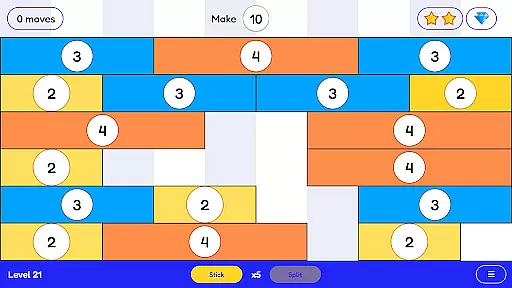
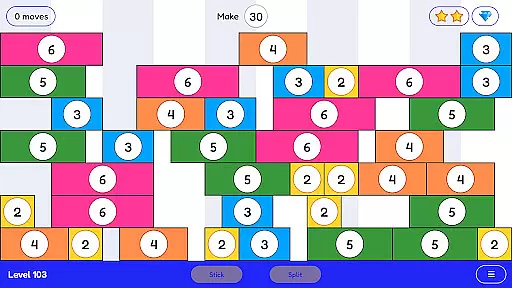
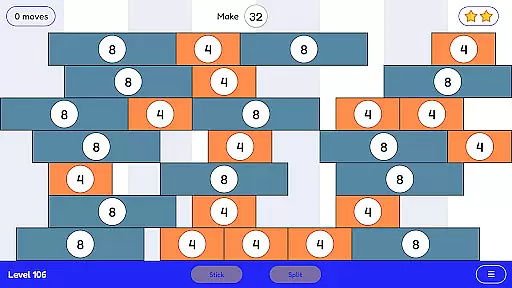
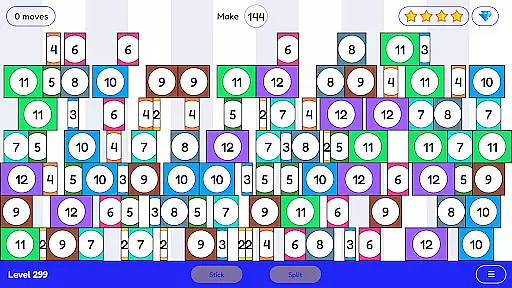
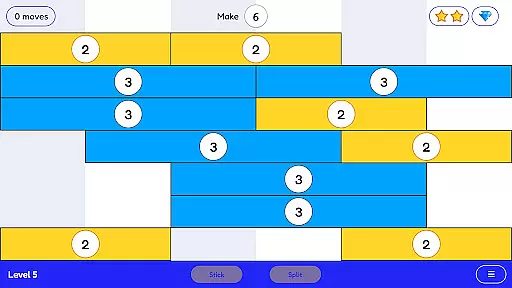
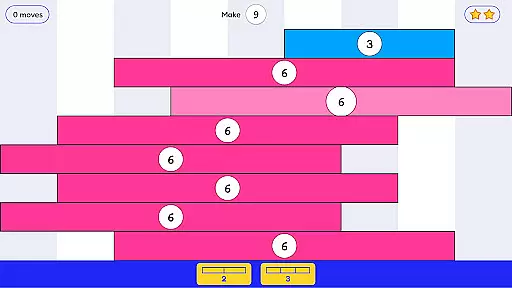
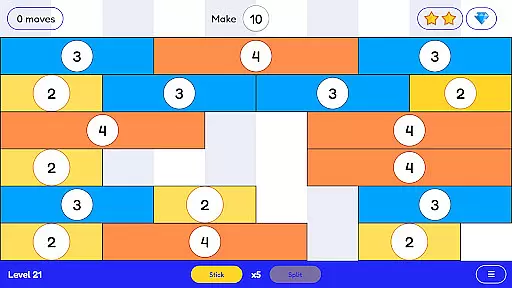
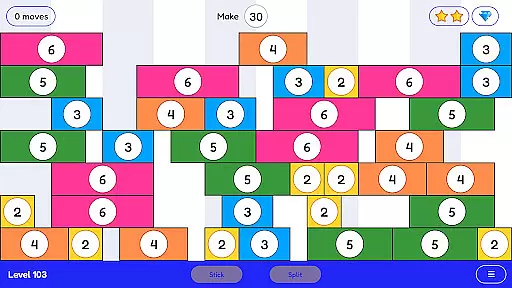
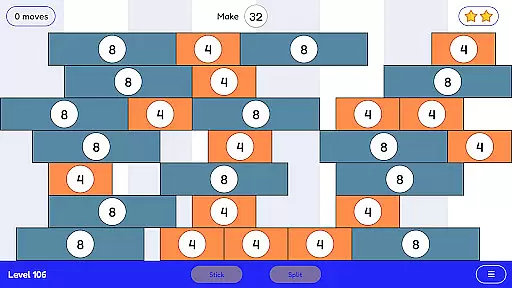
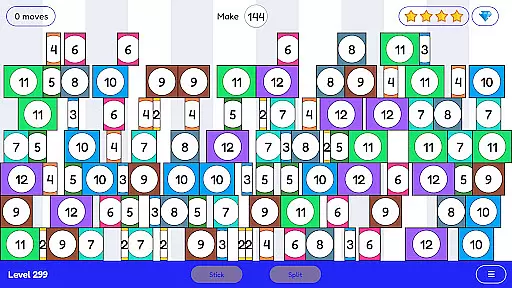
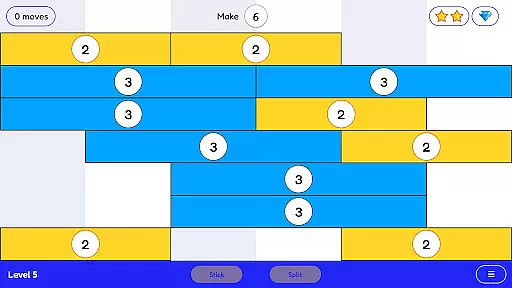
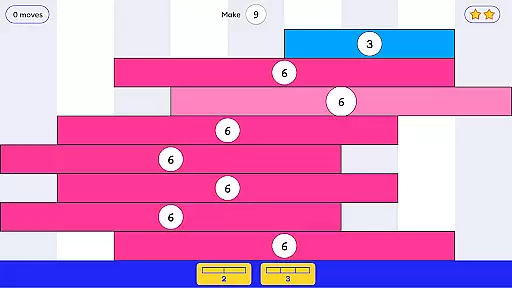
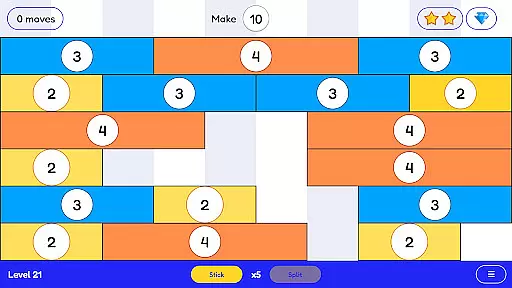
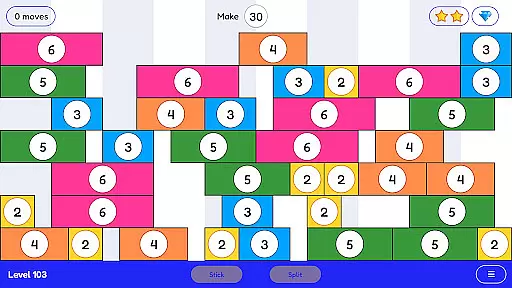
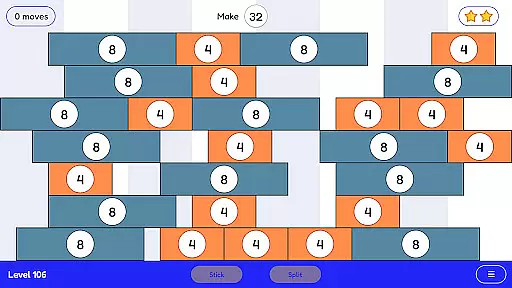
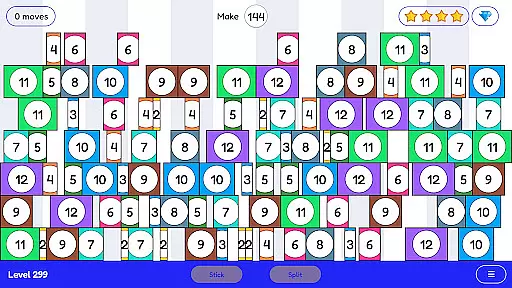
Stick and Split is an innovative educational game designed to make learning math engaging and intuitive. The app focuses on teaching multiplication and division through a highly visual and interactive approach. Users can stick numbers together to form larger values or split them into smaller components, creating an enjoyable learning experience.
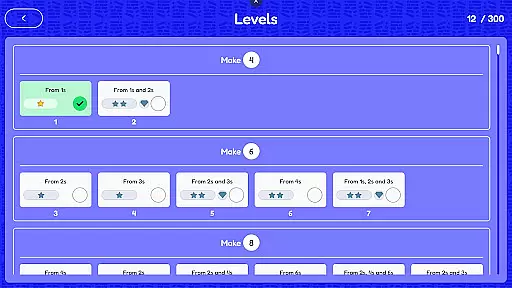
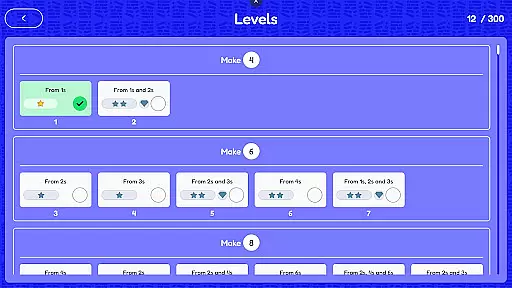
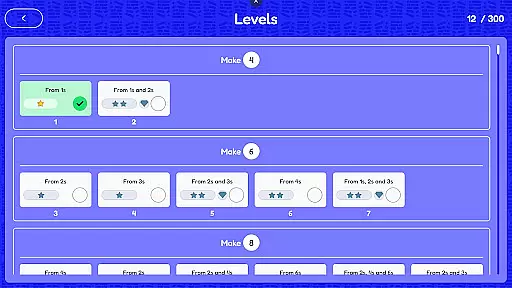
With over 300 levels available, the app provides extensive opportunities for mathematical practice. Each level is crafted to reinforce numerical concepts while maintaining a fun and absorbing gameplay style. This makes Stick and Split ideal for students who want to master their math facts with confidence and ease.
Stick and Split stands out with its unique approach to teaching math. The app uses a hands-on method where players manipulate numbers by sticking or splitting them, offering a tangible way to understand multiplication and division. This interactive mechanism helps users visualize mathematical operations in real-time.
The game includes over 300 progressively challenging levels, ensuring that learners stay engaged as they advance. Each level is designed to build upon previously learned skills, reinforcing knowledge while introducing new concepts. Additionally, the app's vibrant visuals and intuitive design create an immersive environment that keeps users motivated throughout their learning journey.
In the realm of educational gaming, content authority and curriculum alignment are paramount. Stick and Split excels in this area by offering a mathematically rich environment that aligns with educational standards. The game's 300+ levels are meticulously designed to reinforce multiplication and division concepts.
Each level within Stick and Split is crafted to ensure that learning is both effective and enjoyable. By engaging with the game, players visualize mathematical operations, which aids in understanding these concepts on a deeper level. This approach not only imparts knowledge but also builds confidence in mathematical abilities.
The game's alignment with educational curricula ensures that the skills acquired are relevant and beneficial for academic progress. Players can transfer the knowledge gained directly to their studies, making Stick and Split an invaluable tool for students seeking to improve their arithmetic skills.
Gamification in learning transforms the educational experience by integrating game mechanics into the learning process. Stick and Split employs gamification to teach multiplication and division through its unique stick-and-split mechanic, creating an immersive and interactive learning journey.
By turning mathematical practice into a game, Stick and Split motivates learners to engage with the material enthusiastically. As players progress through increasingly challenging levels, they receive immediate feedback on their performance, which is crucial for reinforcing learned concepts and correcting mistakes.
This seamless blend of gaming elements with educational content leads to increased retention and application of knowledge. With Stick and Split, learners enjoy a dynamic platform where they can develop their mathematical skills while being entertained, highlighting the game's innovative approach to education.
Engaging gameplay
Over 300 levels
Visual learning
Math fact mastery
Intuitive controls
Limited to basic math
No advanced topics
Repetitive for experts
Simple graphics
Offline only

Explore the world of reading and writing with Booker!
 4.0
4.0
A game to memorize
4.4
A logic puzzle game for 1 - 3 players
4.3
Fun educational games for kids that teach number tracing, counting with modes!
4.50
Magical girl game where dreams come true. Collect & care for cute princesses!
3.80
Clean the messy house & play with cute kitty in this fun cleaning game for kids!
3.70
Games, music, crafts and coloring with cats
4.10
Safe, fun, ad-free games for kids! For babies, toddlers, & kids age 2-6
3.60
Play safe educational games & learn with Daniel Tiger, Wild Kratts & more
4.40
Fun baby games for kids. Play baby piano, musical instruments & nursery rhymes.
4.50
Play and build with Bluey & friends in this fun LEGO® game!
4.40
A world for little builders to create, imagine, and learn through play.
4.20
Animal games! Adopt virtual pet dog, cat & rabbit to create your pet world!
4.10
The kids phonics and reading app that's helped millions of kids learn to read
4.00
Practice Early Literacy Skills and Build Vocabulary with Elmo & Cookie Monster!
3.90
Find the hidden Numberblocks, add them together and see what happens.
3.50
Explore & build the cute kitty city, create fun stories & discover surprises!
4.0
Have fun learning Alef Beit
4.5
Join Rus and his friends to save Pear Island!
4.1


User Reviews