
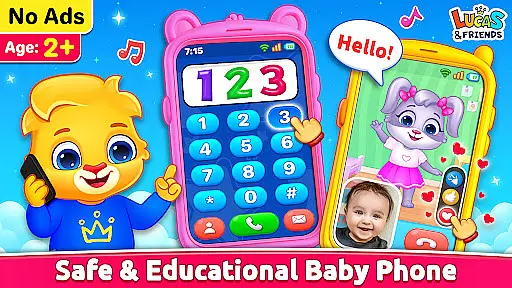
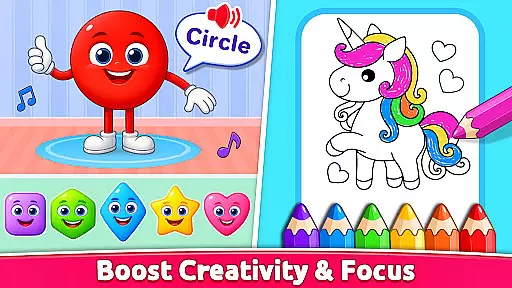
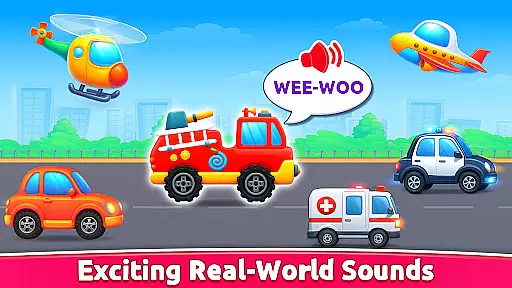
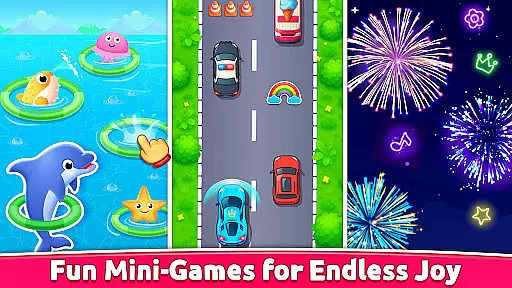
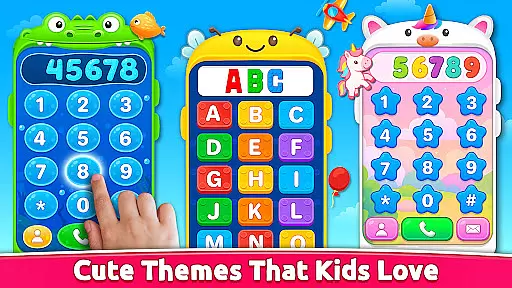
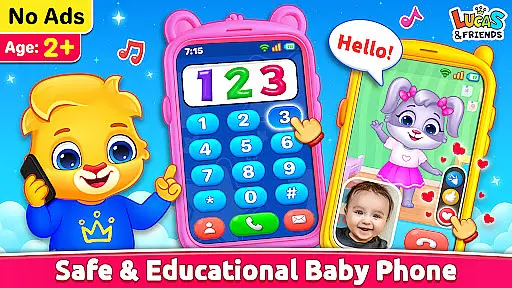
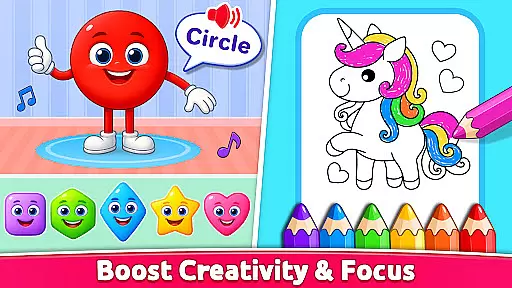
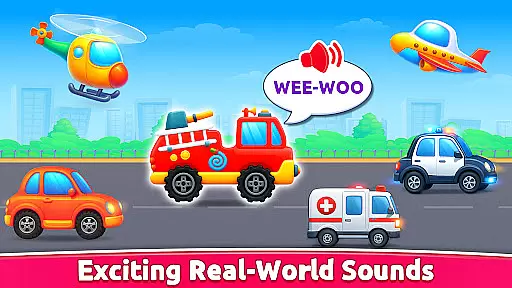
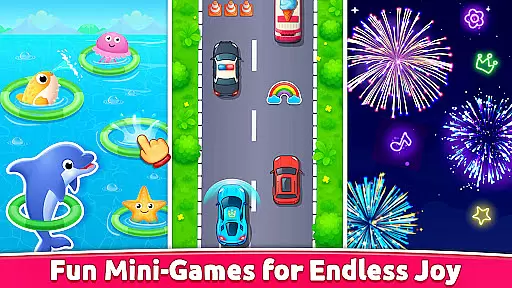
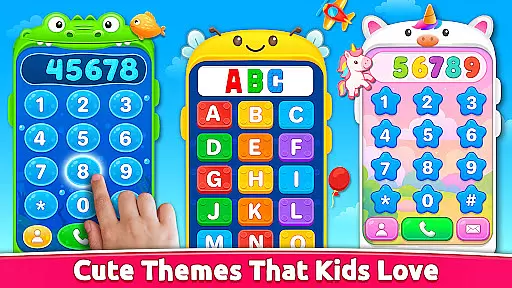
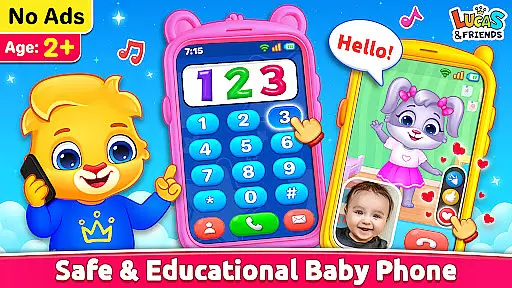
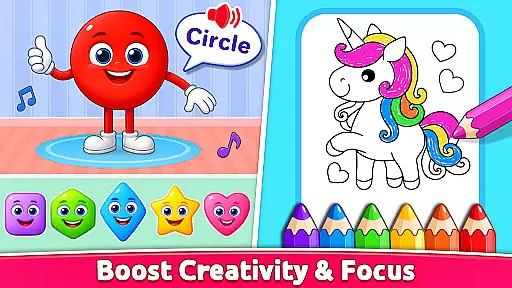
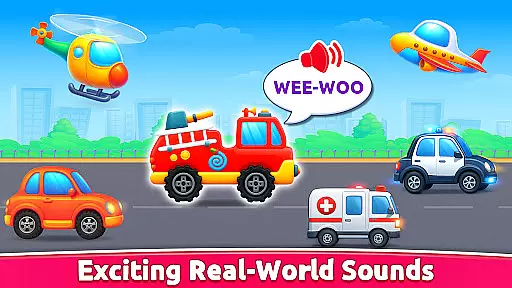
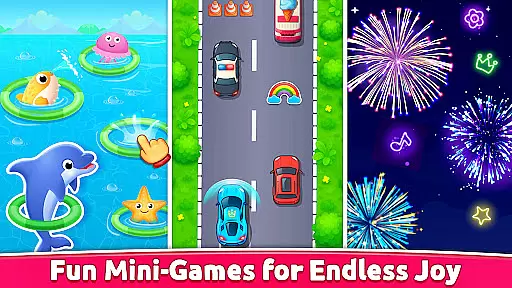
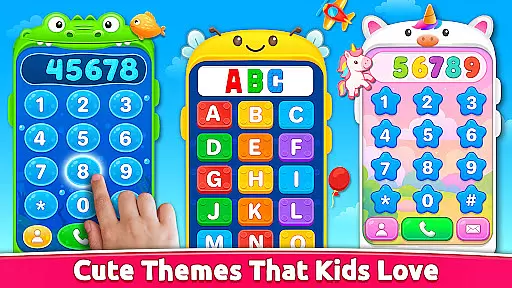
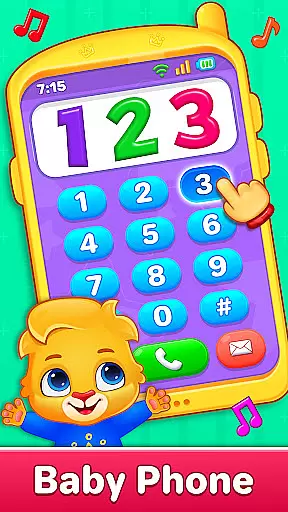
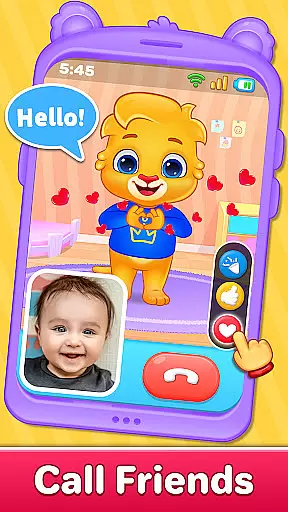
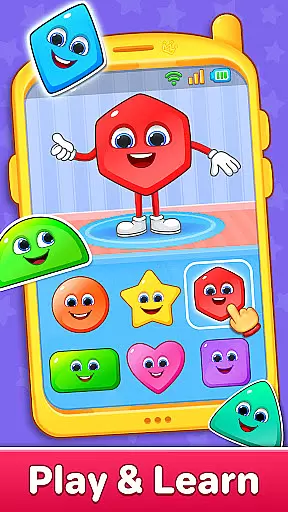
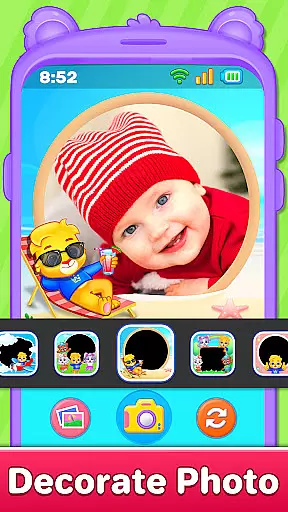
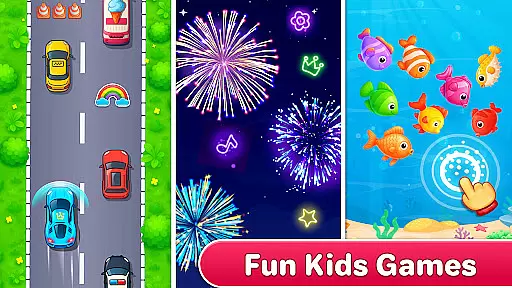
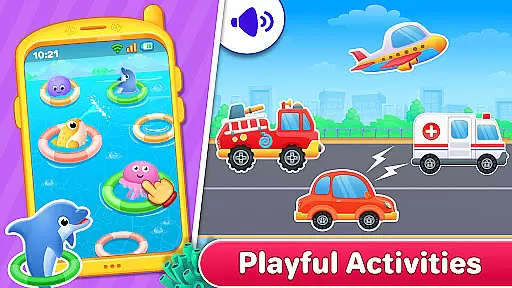
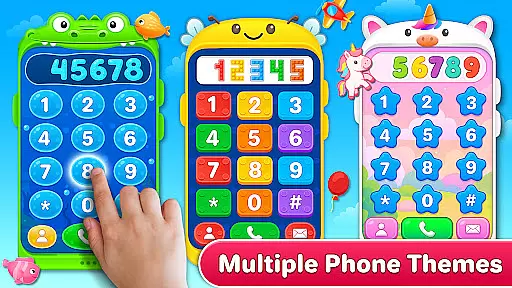
Baby Phone & Kids Games is an innovative educational app designed specifically for toddlers aged 1 to 5, turning screen time into a meaningful learning experience. This all-in-one app transforms a smartphone into a virtual toy phone filled with fun activities and interactions guided by charming characters like Lucas and Friends.
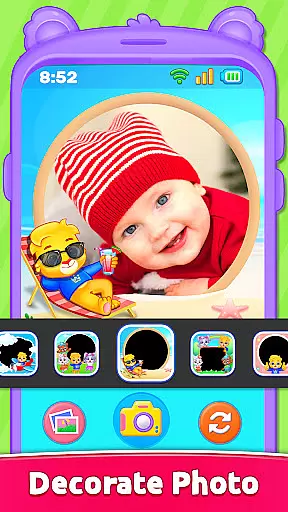
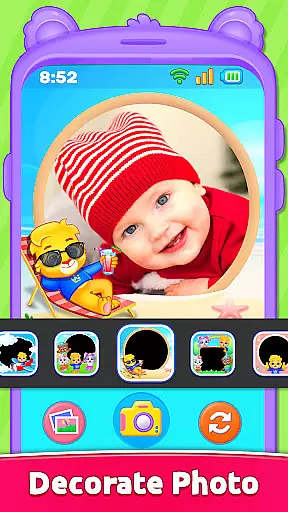
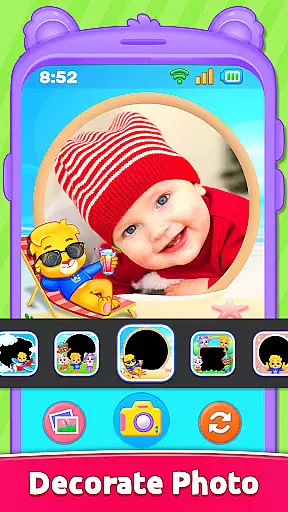
The app features a variety of engaging activities including pretend phone calls, interactive video chats, ABCs and 123 phonics learning, coloring pages, vehicle sounds, photo frames, and even a fireworks mode. Each feature is carefully crafted to provide both entertainment and educational value, making it a perfect choice for parents seeking safe and productive screen time for their children.
With its toddler-friendly design, the app offers easy tap controls, bright visuals, and a completely ad-free environment that ensures a seamless and safe user experience. Whether it's for early learning or simply for fun, Baby Phone & Kids Games creates a joyful world where kids can play, learn, and grow.
Baby Phone & Kids Games stands out with its diverse range of interactive features tailored specifically for young learners. One of the key highlights is the Phone Call feature with Lucas & Friends, allowing toddlers to engage in pretend conversations with adorable characters who respond with cute voices and playful interactions.
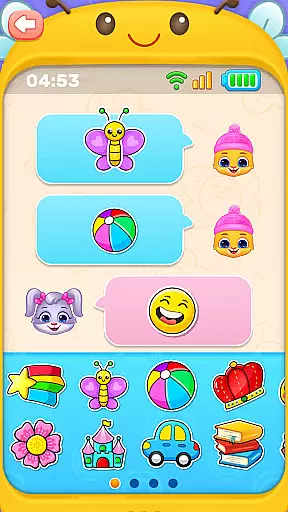
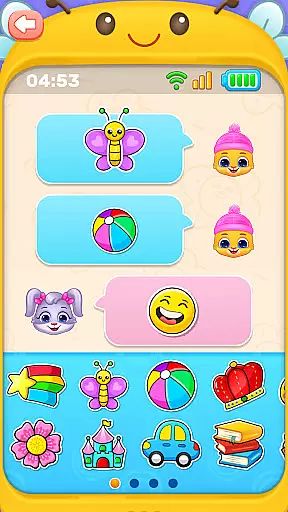
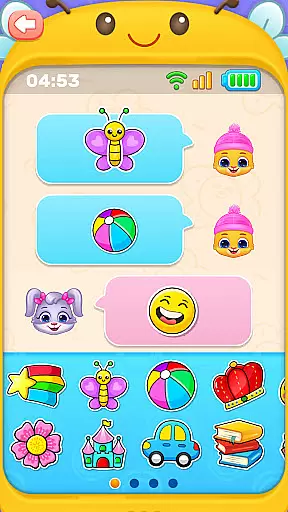
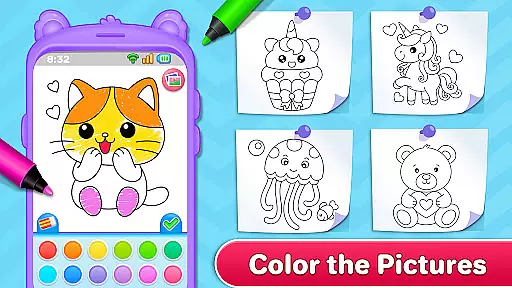
In addition to phone calls, the app includes an Interactive Video Call Mode where characters come to life with animated expressions and reactions, creating an immersive experience. The Tap-to-Chat feature introduces early digital communication through emojis and stickers, while the Toddler Coloring Fun section provides creative opportunities with shapes and animals. The app also incorporates sensory learning elements such as realistic vehicle sounds and a Fireworks Mode that captivates children with bursts of colorful lights.
Furthermore, the app supports cognitive development through activities like ABC & 123 Phonics Learning and color/shape identification games. With its safe, ad-free interface and age-appropriate content, Baby Phone & Kids Games ensures a secure and enriching environment for toddlers to explore and learn at their own pace.
In the realm of educational applications, content authority and curriculum alignment are paramount. Baby Phone & Kids Games excels in this area by offering a suite of activities that align with early learning standards. The app's ABC & 123 Phonics Learning section provides a structured approach to literacy and numeracy, ensuring that toddlers are introduced to essential concepts through sound pedagogical methods.
Furthermore, the Learn Colors & Shapes Through Play feature is meticulously crafted to aid cognitive development. By engaging in hands-on activities, children can explore and identify various colors and shapes, which lays a solid foundation for their understanding of the world around them. This careful attention to developmental milestones ensures that the content is not only fun but also enriches the child's learning journey.
The app's commitment to authoritative content is further demonstrated through its toddler-friendly video scroll. These videos, featuring Lucas and Friends, are curated to be age-appropriate and free from advertisements, providing a wholesome viewing experience that complements the educational aspects of the app.
Gamification-learning integration is at the heart of Baby Phone & Kids Games, transforming traditional learning into an interactive and enjoyable experience. The app incorporates pretend calls and emoji chats, which are not just entertaining but serve as tools for social interaction and communication skills development. Through simulated phone calls with characters like Lucas and Friends, toddlers engage in imaginative play that mimics real-world interactions.
Baby Phone & Kids Games also includes a vibrant toddler coloring feature that encourages creativity while subtly reinforcing recognition of shapes and animals. This dual-purpose design exemplifies how gamification can enhance learning without children realizing they're acquiring new skills. Additionally, the exciting vehicle sounds activity taps into sensory play, allowing kids to associate auditory stimuli with visual representations of different vehicles.
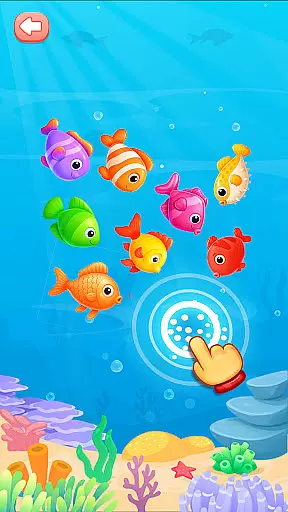
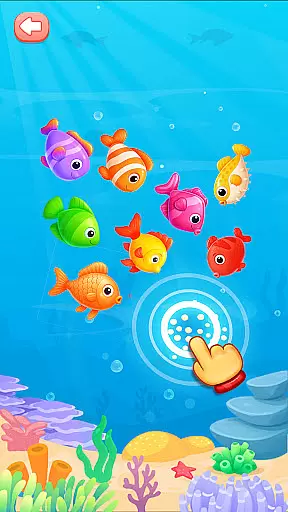
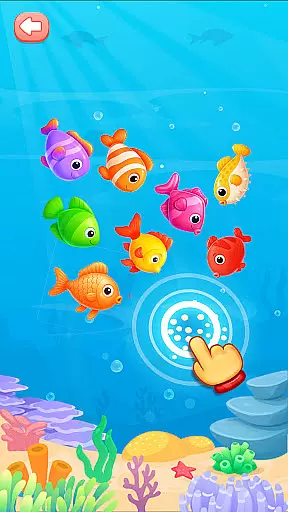
Moreover, the inclusion of photo frames and fireworks modes adds layers of playful exploration, where every tap leads to delightful surprises. These elements keep young learners engaged and motivated, demonstrating how Baby Phone & Kids Games successfully blends entertainment with education, fostering an environment where learning is synonymous with fun.
Ad-free environment
Engaging characters
Educational content
Easy navigation
Creative activities
Limited advanced features
No multi-language support
Basic parental controls
Offline-only gameplay
Few customization options

 2.80
2.80
Explore the world of reading and writing with Booker!
4.1
Spark your little ones’ imagination!
3.80
Woof! The very first official Hey Duggee app for CBeebies' new favourite show.
3.70
Fun dentist game with Cocobi friends!
4.10
Welcome to the dollhouse! Unboxing, doll games, dress up & cute pets await!
4.00
Educational game for children about emergency and other service vehicles
3.80
Explore Dopples World, build your avatar life & create endless stories!
4.70
Expert-designed fun interactive learning games to prep kids (2-5) for preschool.
4.00
Puzzles, Cats and Programming
4.80
Tracing, phonics & spelling games for toddlers, preschool & kindergarten kids!
4.50
Toddler Learning Games, Learn: Colors, Shapes, Puzzles, ABC ... ►NoAds!◄
4.50
Enjoy coloring with wide variety of 1000+ coloring games for kids & drawing game
4.50
Monkey Preschool Fix-It is an early learning game for ages 2 to 5.
4.40
Build your own BRIO railway!
4.30
Explore Fantasy Land, get to know the world and create stories!
4.30
Find Carmen - Play the classic detective game, stop VILE and find Carmen
4.10
Create, Style, Repeat!
3.70
Creating emotional connections
4.5


User Reviews