
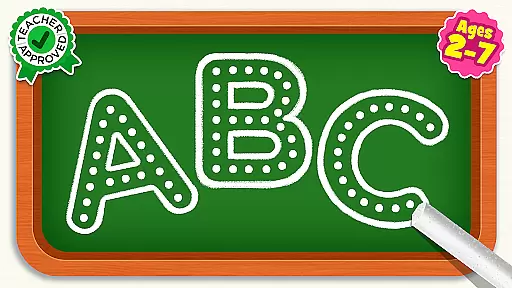
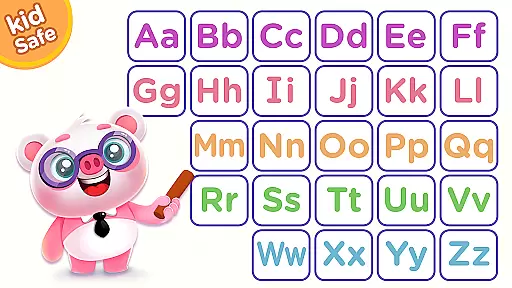
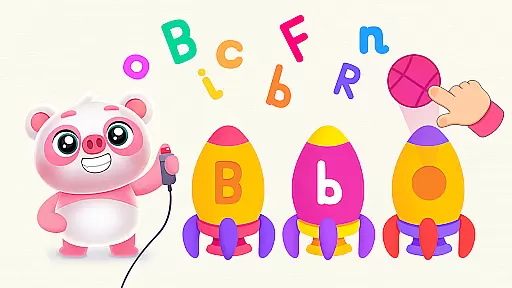
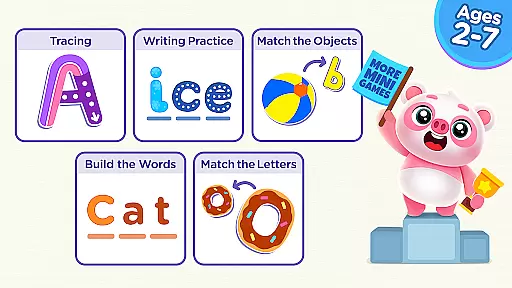
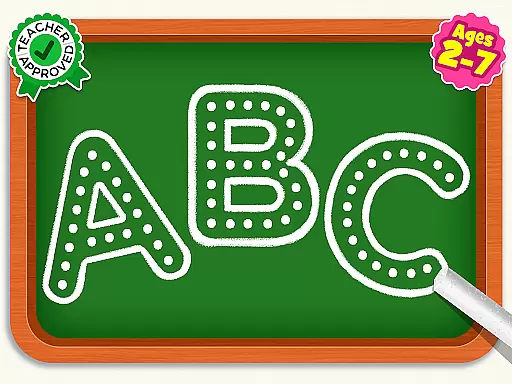
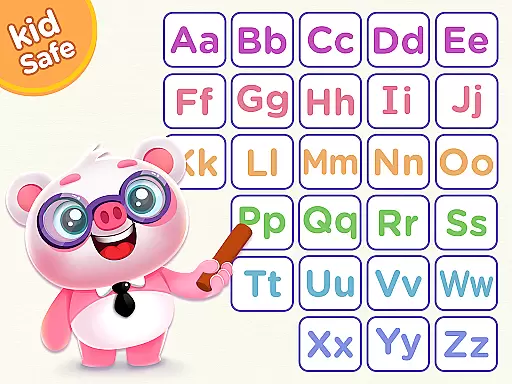
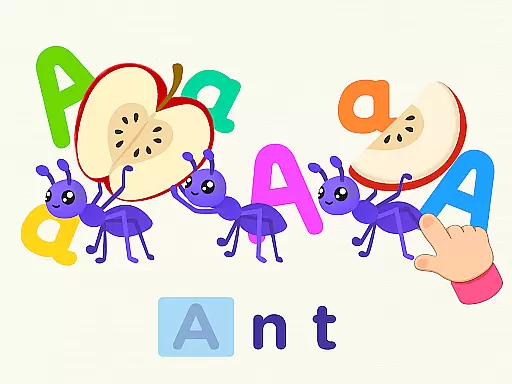
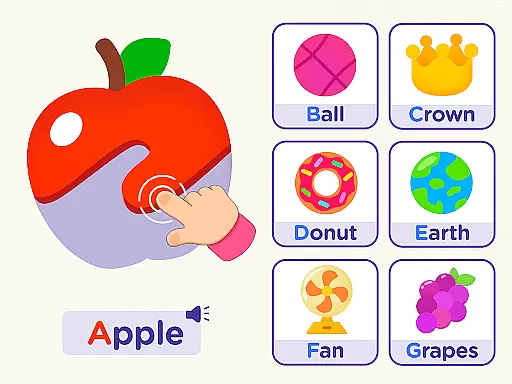
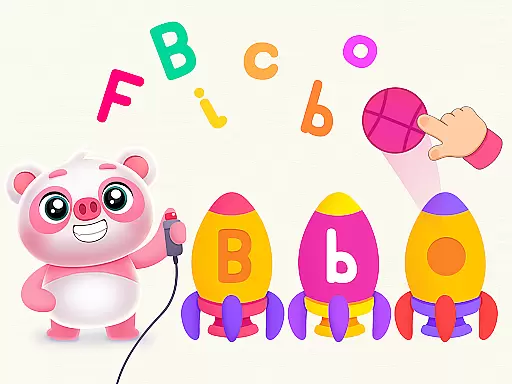
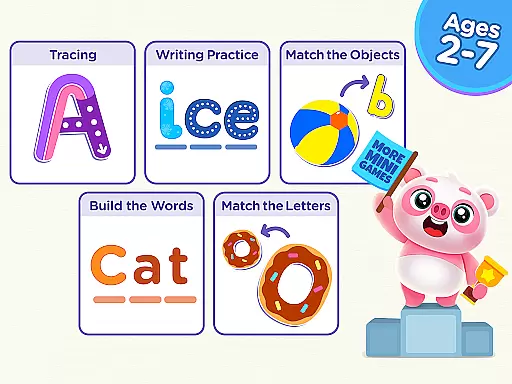
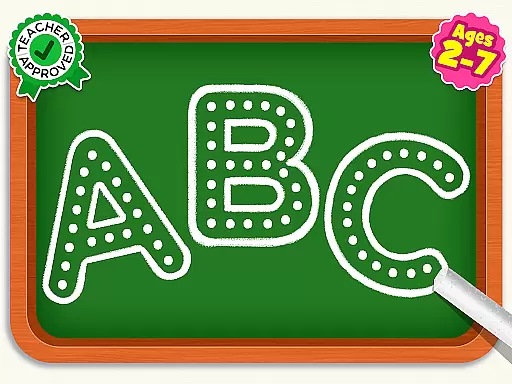
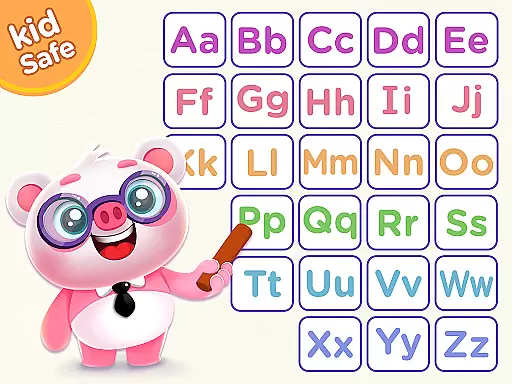
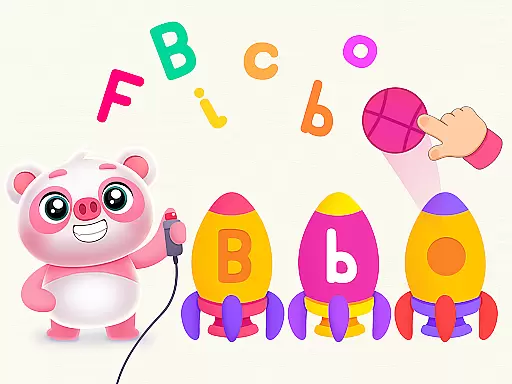
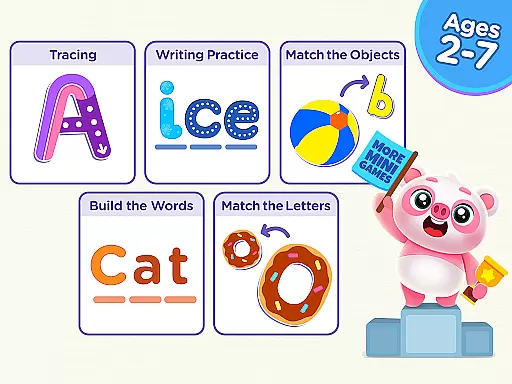
ABC Games: Tracing & Phonics is an educational app designed to help preschool and kindergarten children develop essential literacy skills. The app uses engaging drills such as letter tracing, word tracing, phonics exercises, and cursive writing to build a strong foundation in early education. With its vibrant colors, whimsical cartoon characters, and interactive design, the app creates an immersive learning experience that keeps young learners engaged while they play.
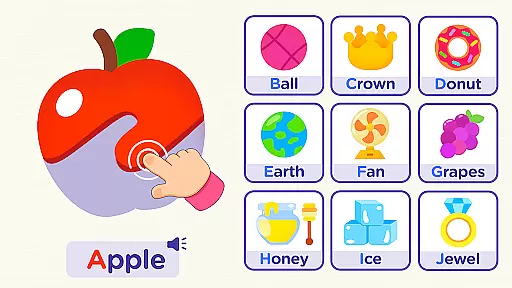
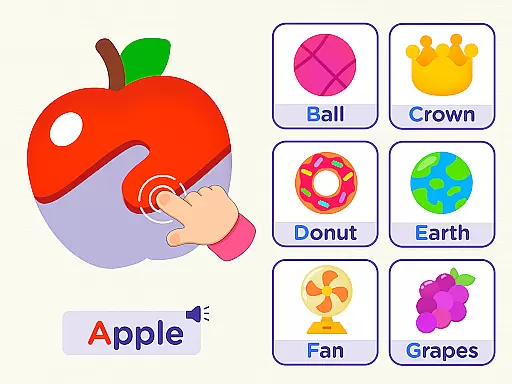
The app also incorporates Montessori-inspired teaching methods, making it a valuable tool for parents who want to start their child's education at home. It includes features like Parental Control and a parental gate to ensure a safe digital environment. By associating letters with familiar objects—such as fruits like mango, kiwi, and watermelon—the app helps children recognize and associate letters with real-world items, enhancing both cognition and motor skills.
ABC Games: Tracing & Phonics offers a variety of features that make it stand out as an educational tool for young learners. One of its key features is the inclusion of multiple learning activities such as letter tracing, word tracing, phonics training, and cursive writing. These activities are designed to improve letter recognition, phonetic understanding, and pre-writing skills, all crucial for early literacy development.
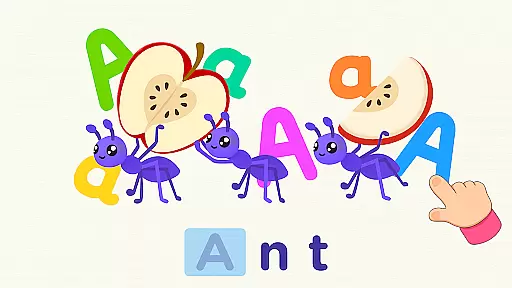
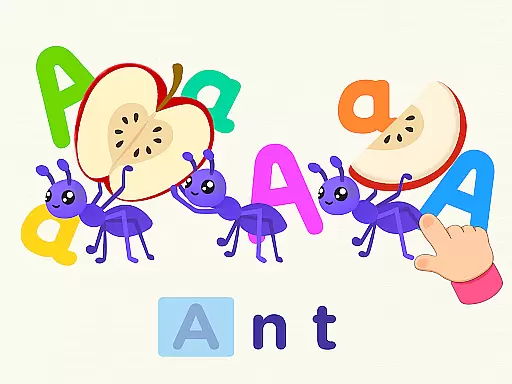
The app also boasts a child-friendly interface with easy-to-use controls, allowing kids to navigate the app independently. Its calming visual design, complete with vibrant colors and charming characters like unicorns and ants, ensures that children remain captivated throughout their learning journey. Additionally, the app provides a secure learning environment through Parental Control options and a parental gate, which restrict access to external links and in-app purchases, ensuring a focused and safe educational experience.
In the realm of educational gaming, content authority and curriculum alignment are paramount for ensuring that learning is both effective and credible. ABC Games: Tracing & phonics positions itself as a Montessori-inspired tracing game, meticulously crafted to align with early education standards. The app's design incorporates drills such as Letter Tracing, Word Tracing, Phonics, and Cursive Writing, which are fundamental components of early grade literacy curricula.
The developers have taken care to ensure that the educational content is authoritative, engaging young learners with vibrant colors and whimsical cartoon characters while they develop essential skills. By integrating elements like letter recognition and phonics, the game adheres closely to recognized educational frameworks, providing a structured path for children to advance their reading and writing abilities.
Parents and educators can appreciate the app's approach to building a solid foundation in literacy. With features designed to tap into a world of smart learning, it supports the development of cognition and motor skills. This careful alignment with educational benchmarks ensures that time spent on ABC Games is not only enjoyable but also enriches the childu2019s early academic journey.
Gamification in learning transforms the educational experience by integrating game-like elements into the curriculum, thus enhancing engagement and motivation among learners. ABC Games: Tracing & phonics leverages this approach through its interactive and visually appealing interface, turning the process of learning into an enjoyable adventure. Children use their fingers like pencils to trace letters, making each lesson feel more like play than study.
This innovative blend of gaming and education is evident in the app's design, featuring attractive visuals and recognizable objects such as unicorns, ants, and fruits. These elements help associate letters with tangible items, reinforcing memory retention and understanding. Such creative strategies capture the attention of preschoolers and kindergarteners, encouraging them to return repeatedly to the learning environment.
Moreover, parental controls and protections within the app create a safe digital space for children to explore independently. As kids progress through various levels of difficulty, they build key skills at their own pace without external pressures. This seamless fusion of gamified activities with foundational literacy exercises exemplifies how technology can be harnessed effectively to support early childhood education.
User-friendly interface
Engaging learning drills
Vibrant and colorful design
Parental control options
Montessori-inspired approach
Limited advanced features
No multi-language support
Basic phonics exercises
In-app purchase prompts
Occasional ads

Puzzles, Cats and Programming
 4.80
4.80
A world for little builders to create, imagine, and learn through play.
4.20
Fun educational jigsaw puzzles for kids and preschoolers.
4.50
Creative beauty & fashion
4.50
Preschool learning games: 123 numbers game for kids, abc learning for toddlers
4.70
Explore, create, and play with Hello Kitty and all her friends!
4.60
Glow Doodle! Baby Coloring & Drawing games for toddlers: Color and Learn! NoAds!
4.40
Amazing toddler coloring games for 2+. Enjoy painting games
4.60
OG Munchers - Play classic Number Munchers game on Android
4.40
Play virtual baby daycare simulator & be a babysitter, take care of cute babies!
4.60
Pro Doctor Dentist for PetsGame
4.60
Endless runner fun packed with animal facts, exciting wildlife, & adventure.
4.10
Games, music, crafts and coloring with cats
4.10
Magical girl game where dreams come true. Collect & care for cute princesses!
3.80
Baby Phone Game for Kids & Toddlers to Learn Sounds, Numbers, ABCs, Phone Calls
3.80
Woof! The very first official Hey Duggee app for CBeebies' new favourite show.
3.70
Play pretend & explore at the doctor's & school in Daniel Tiger's Neighborhood.
3.30
A speed-learning English vocabulary game designed for user to reach proficiency
4.2
Join Rus and his friends to save Pear Island!
4.0


User Reviews