
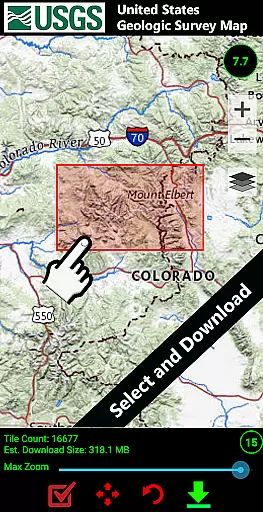
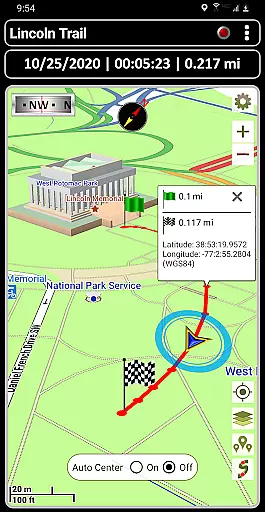
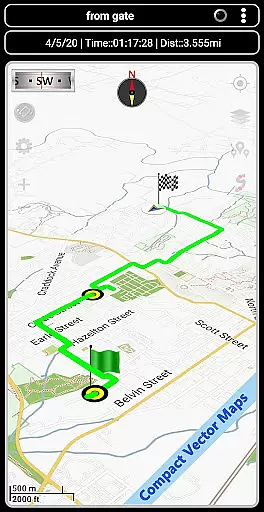
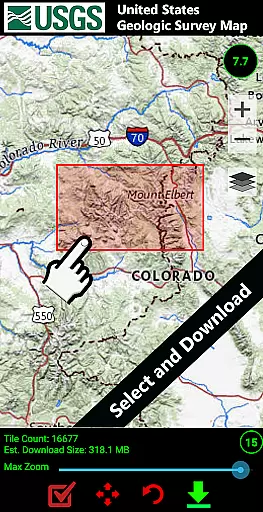

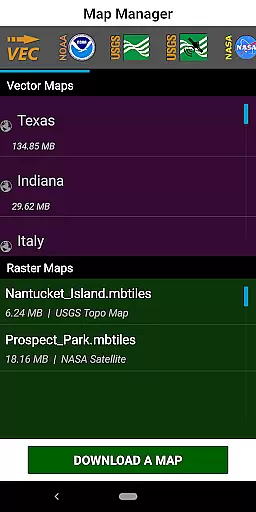
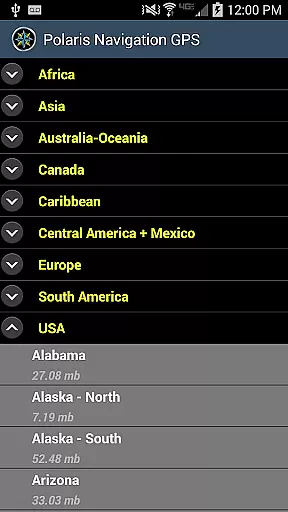
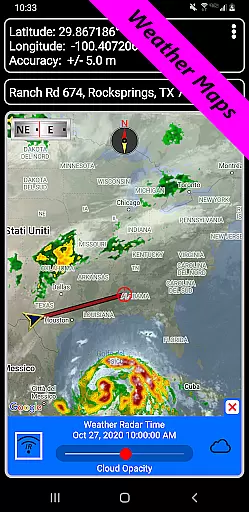
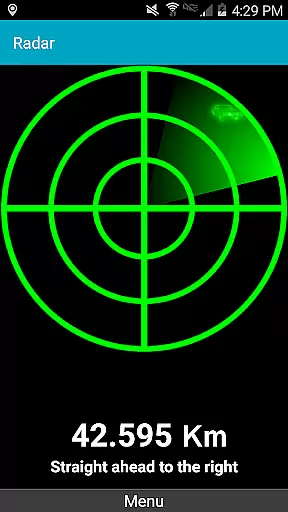
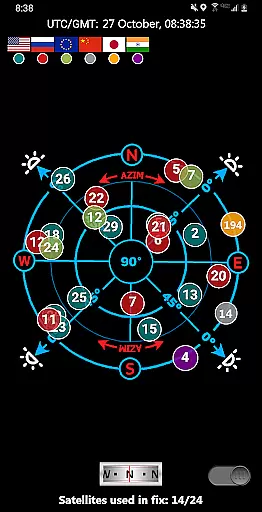
GPS Waypoints Navigator is a comprehensive navigation app that transforms your smartphone into a powerful GPS tool, ideal for outdoor enthusiasts and professionals alike. The app provides extensive offline map support, making it reliable even in areas without network coverage. With over 400 maps available in its 3D vector map library, users can download maps for offline use and transfer them to an SD card to conserve device memory.
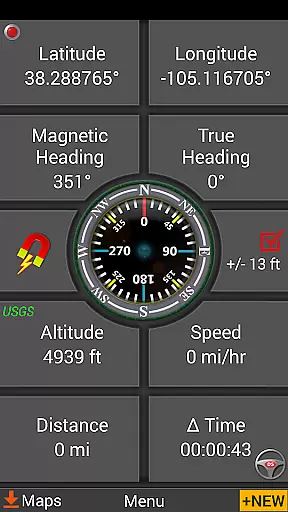
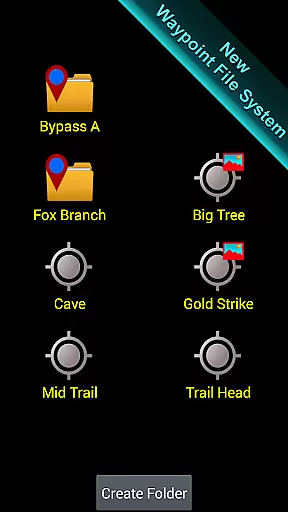
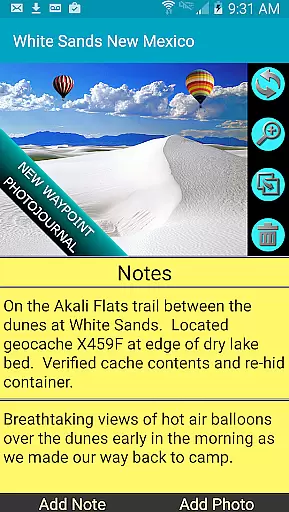
The app's functionality extends beyond basic navigation. It includes advanced features such as searchable waypoint and trail management systems, a unique waypoint filing system, and the ability to attach coordinate-tagged photos and notes to waypoints. Whether you're hiking trails, navigating waterways, or exploring urban landscapes, GPS Waypoints Navigator offers specialized tools like military coordinate finders, navigational compasses, and marine navigation charts.
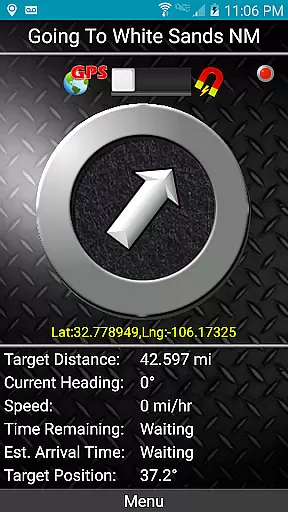
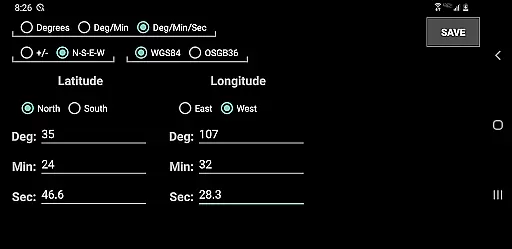
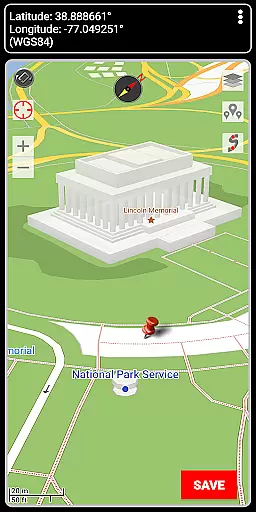
This versatile app supports multiple coordinate formats and allows users to create waypoints through various methods, including entering coordinates, dropping pins on maps, or saving current positions. Its dynamic waypoint compass and GPS Reflected Pseudo-Radar ensure accurate guidance to targets. Additionally, the app integrates seamlessly with Google Earth and offers environmental reporting features, enhancing both safety and convenience during expeditions.
GPS Waypoints Navigator stands out with its rich feature set tailored for diverse navigation needs. One of its key strengths is the extensive map options, including downloadable vector and raster maps, Topo Maps, Google Maps, Satellite Maps, OpenStreetMaps, Cycling Maps, and more. This variety ensures users have access to the most suitable map type for their activity, whether it's trail hiking, maritime navigation, or city exploration.
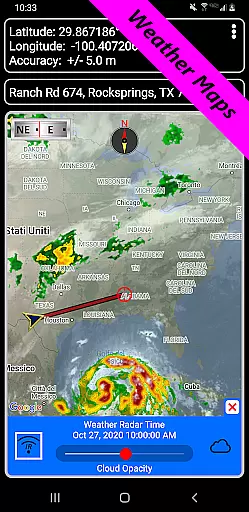
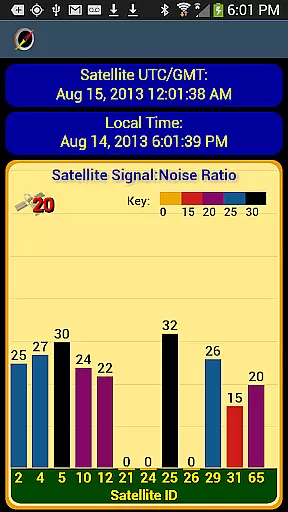
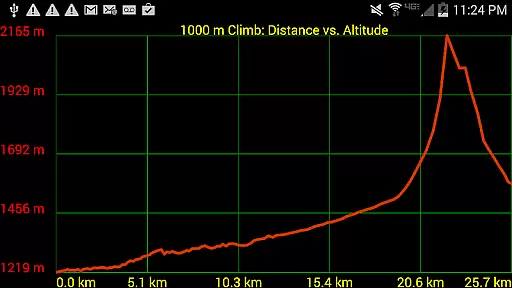
The app excels in data management and sharing capabilities. Users can import and export KML, GPX, and KMZ files for trails, waypoints, photos, and notes, facilitating easy data exchange with platforms like Google Earth. The inclusion of a reporting panel for GPS parameters, weather maps with live Doppler radar, and altitude profiles for trails adds significant value for those requiring detailed environmental information.
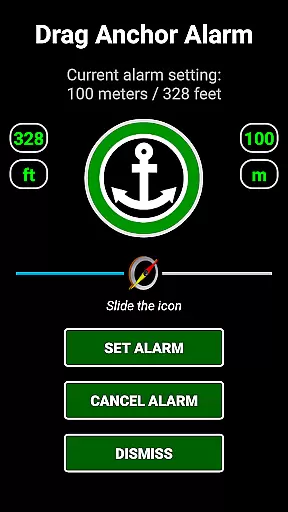
Specialized tools further enhance the user experience. Features like the drag anchor alert, which sets a drift radius when anchoring, and several waypoint creation tools cater to specific activities such as boating and geocaching. The app also supports turn-by-turn driving directions via Google Maps integration and offers control settings for all compasses, ensuring optimal performance in various environments. These robust features make GPS Waypoints Navigator an indispensable tool for anyone needing reliable navigation support.
Map accuracy is a critical feature for any navigation application, and GPS Waypoints Navigator excels in this area. The app offers access to over 400 maps in its 3D vector map library, ensuring users have detailed and precise mapping data at their fingertips. These maps are downloadable for offline use, which means that even when you're out of network reach, the accuracy of your location data remains uncompromised.
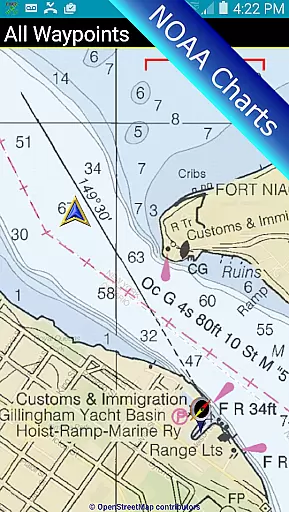
The app supports multiple map sources including Topo Maps, Google Maps, Satellite Maps, OpenStreetMaps, Cycling Maps, and more. This variety ensures that whether you're on land or at sea, you can choose the map type that best suits your environment. With options like NOAA Nautical Charts and USGS Topo Maps, users can trust the geographic information displayed, making it easier to navigate challenging terrains with confidence.
Moreover, GPS Waypoints Navigator allows maps to be stored on an SD card, freeing up internal memory without sacrificing performance or detail. This feature not only enhances the user experience by maintaining high-quality visuals but also ensures that the maps remain accurate and accessible regardless of storage constraints. Such comprehensive map support empowers adventurers to explore new territories while being assured of their exact position.
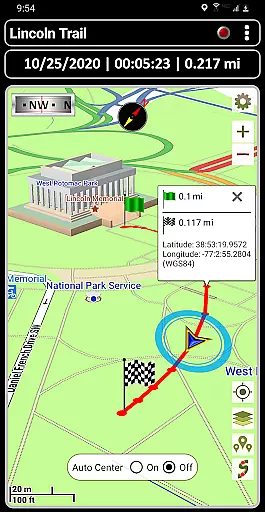
Route planning is made effortless with GPS Waypoints Navigator, thanks to its advanced tools designed for both simple and complex journeys. Users can create and organize waypoints, record trails, and share location data with friends, streamlining the process of mapping out a journey. Whether you're trail hiking, navigating off-road, or exploring urban landscapes, these features ensure that every route is well-planned and easy to follow.
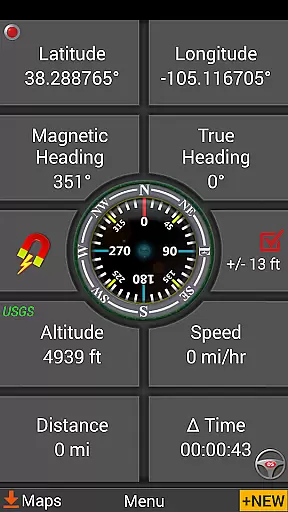
In addition to creating routes, the app provides two waypoint guidance systems, including a dynamic waypoint compass that always points to your target. This ensures that even if you deviate from your planned path, you can quickly reorient yourself towards your destination. The GPS Reflected Pseudo-Radar further aids in maintaining course accuracy, providing real-time feedback on your position relative to your waypoints.
For those who require detailed planning, the app includes a trail drawing board and measurement tools that allow you to calculate distances and bearings between points. These capabilities make it possible to plan expeditions down to the last detail, ensuring safety and efficiency. With such robust route planning features, GPS Waypoints Navigator stands out as an indispensable tool for anyone looking to traverse unknown paths with certainty.
User-friendly interface
Extensive offline map support
Versatile waypoint management
Advanced environmental reporting
Seamless Google Earth integration
Steep learning curve
High battery consumption
Limited free map updates
Occasional GPS inaccuracies
Large storage requirements

Find AI powered cameras, ALPRs, and other surveillance infrastructure near you
 4.70
4.70
Number locator, real connection map
4.10
Voice GPS with driving directions, offline maps navigation GPS for safe travel
4.50
ParkWhiz, an Arrive Mobility brand, part of the Arrive Network
4.30
Find radar, speed camera, flight tracker. Use hud, location tracker, speedometer
4.20
Route Planner is travel map to get turn by turn navigation & driving directions
3.90
Lets explore the world's famous places by using Live Cams, GPS & Satellite View.
4.20
GPS phone tracker, family locator, secure location sharing app
4.20
Navigate MTA, NJ Transit, MBTA, SEPTA, BART, MARTA, CTA & 900+ cities
4.60
LIRR and Metro-North tickets and trips
4.80
Find EV & Tesla charging stations with PlugShare
4.70
America’s largest public fast charging network, with over 500 charging stations.
4.50
"Balad" is a map and navigator with a Persian voice assistant and a complete city guide
4.40
Explore a light pollution map to find suitable dark sky locations for observing.
4.30
Simple & easy to use a compass app. Get accurate directions.
4.20
TACNAV-X: Precision MGRS navigation, built specifically for the military.
4.00
Get real-time bus and train schedules for easy, hassle-free city transportation.
3.90
MapQuest is your go-to app for maps, GPS, voice navigation & live traffic.
3.80
Explore the world with Live Satellite View, 3D Maps, GPS Navigation & Earth Map.
2.90


User Reviews