
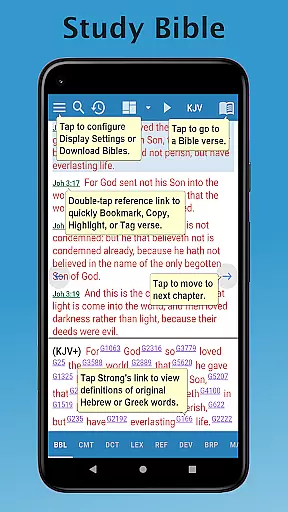
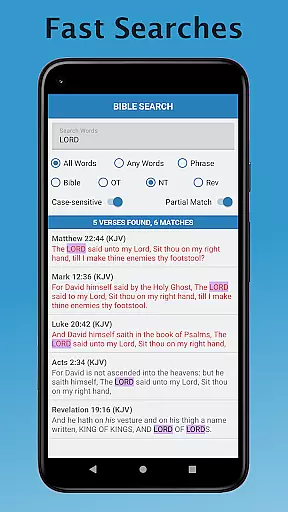
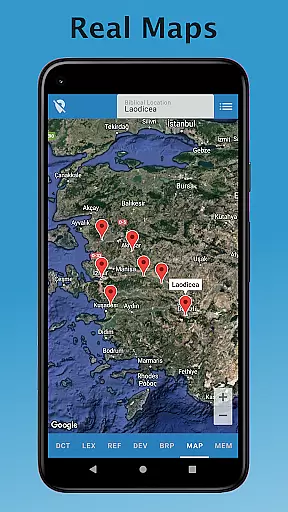
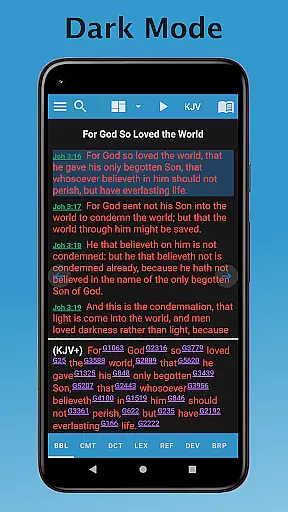
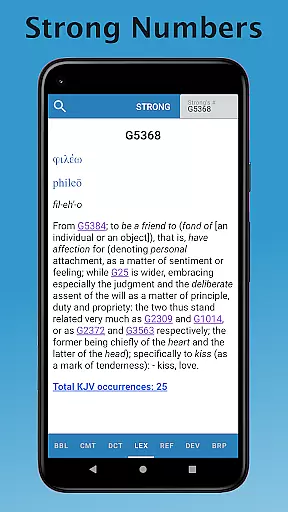
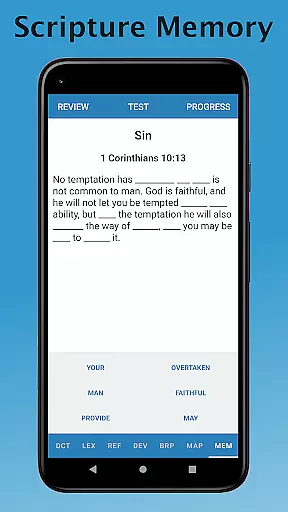
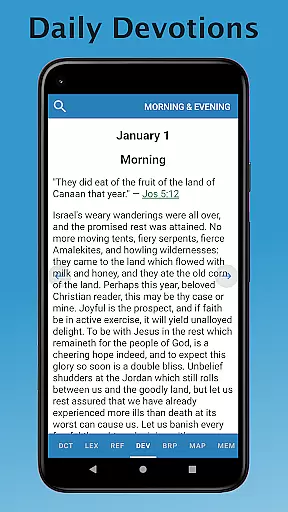
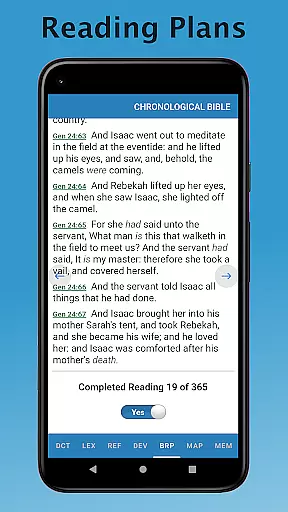
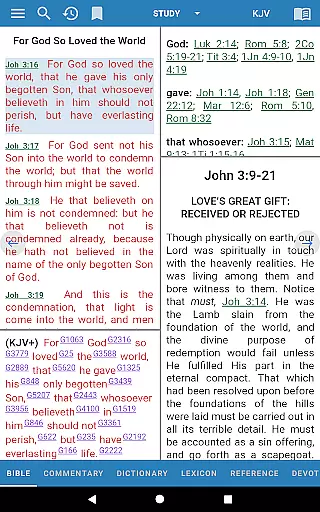
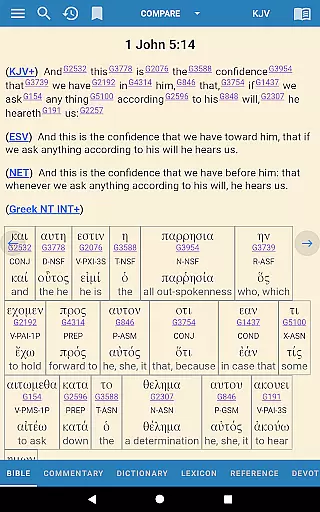
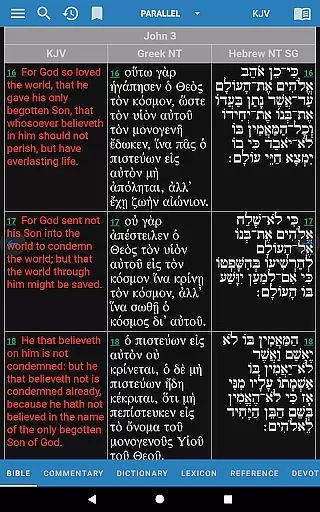
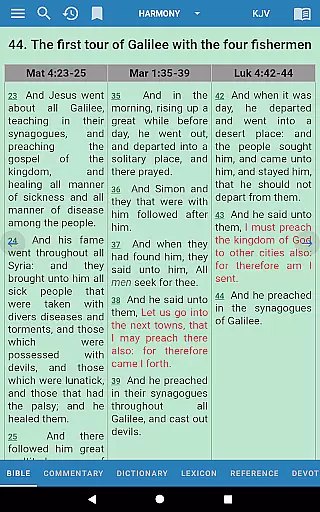
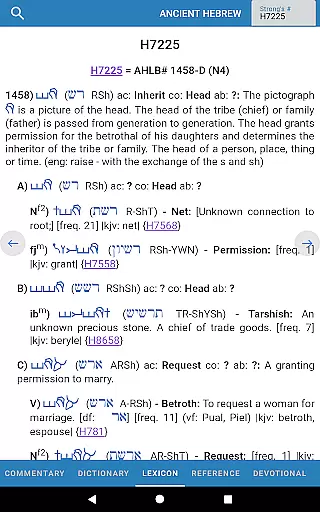
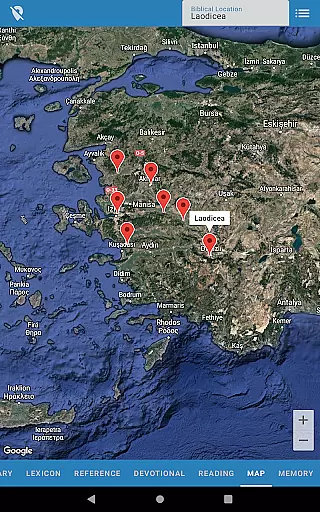
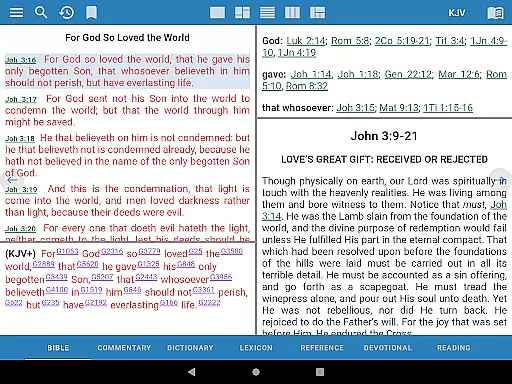
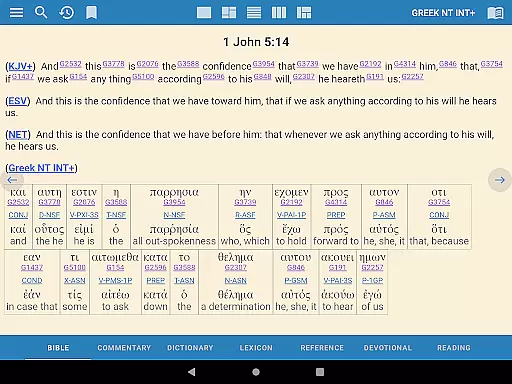
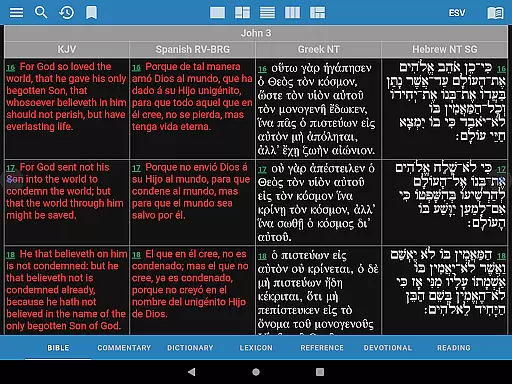
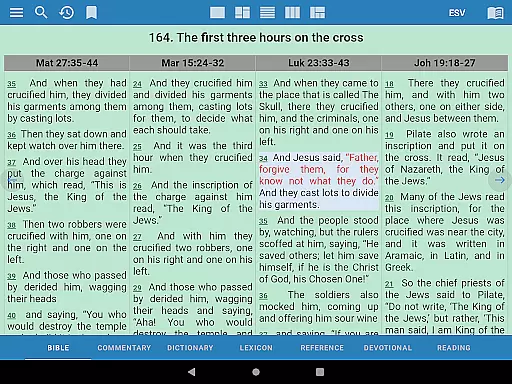
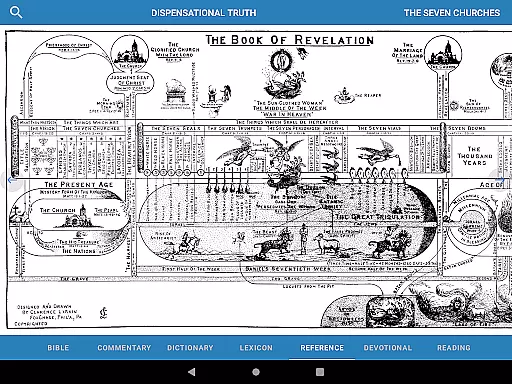
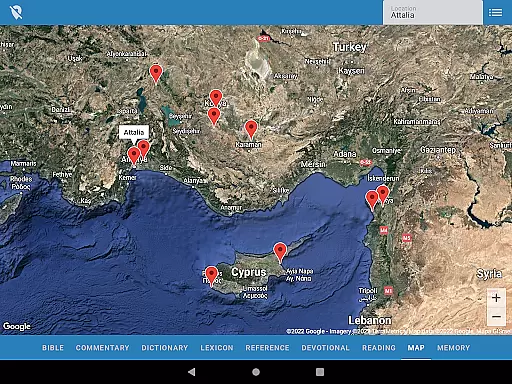
e-Sword is a comprehensive Bible study application that provides users with an extensive collection of Biblical resources. It includes multiple Bible translations, commentaries, daily devotionals, dictionaries, lexicons, and reference books. The app offers content in over 70 languages, making it accessible to a global audience. With its rich library of free resources, e-Sword stands out as an invaluable tool for personal Bible study, sermon preparation, and spiritual growth.
One of the key features of e-Sword is its vast array of Bible translations, from the American Standard Version to the World English Bible. Users can compare different translations side-by-side, gaining deeper insights into Scripture. The app also provides numerous commentaries and reference materials that help explain complex theological concepts. Whether you are a pastor, scholar, or layperson, e-Sword equips you with the tools needed to explore the Bible in greater depth.
The application's strength lies in its ability to enhance personal Bible study sessions. By offering various translations, commentaries, and reference works, e-Sword enables users to engage more deeply with the text. Its user-friendly interface and customizable features make it suitable for both beginners and advanced students of the Bible. Overall, e-Sword is an essential resource for anyone seeking to grow in their understanding of Scripture.
e-Sword boasts an impressive range of features designed to enrich your Bible study experience. One notable feature is the inclusion of multiple Bible translations, allowing users to compare different versions of the same passage. This side-by-side comparison helps readers gain a fuller understanding of the text's meaning and context. Additionally, the app offers a wide selection of commentaries from renowned scholars, providing valuable insights into Scripture.
Another standout feature is the extensive library of reference materials. These include dictionaries, lexicons, and encyclopedias that cover Biblical, theological, and ecclesiastical topics. Users can easily look up definitions, historical context, and cultural background information. The app also includes daily devotionals and classic Christian literature, encouraging regular spiritual reflection and growth. With these resources at your fingertips, e-Sword becomes a one-stop solution for all your Bible study needs.
e-Sword's innovative design sets it apart from other Bible study apps. Its intuitive interface allows users to navigate seamlessly between different sections and resources. Customization options enable individuals to tailor their study environment according to personal preferences. Furthermore, the app supports content in over 70 languages, breaking down language barriers and reaching a diverse global audience. These features combine to create a powerful tool that enhances both individual and group Bible study experiences.
e-Sword offers an extensive e-book library that includes a vast array of Biblical resources, many of which are freely included whereas other apps might charge hundreds of dollars to unlock similar content. This app provides numerous Bible translations in over 70 languages, commentaries from renowned scholars, daily devotionals, dictionaries, lexicons, and reference books.
The breadth of the library is impressive, covering not only different Bible versions but also enriching materials such as Albert Barnes' Notes on the Bible, Matthew Henry's Commentary on the Whole Bible, and Easton's Bible Dictionary. The availability of these resources ensures that users have access to a wide range of authentic and authoritative content for their study and reflection.
Regarding copyright authenticity, e-Sword has taken care to include works that are either public domain or have obtained proper permissions. Users can trust that they are accessing legitimate texts without concerns about copyright infringement, making it a reliable tool for both personal and academic use.
e-Sword demonstrates strong format compatibility by supporting a multitude of Biblical resource types, ensuring that users can engage with the content in various ways. Whether it's through reading different Bible translations, exploring commentaries, or consulting dictionaries and lexicons, the app accommodates diverse preferences and study methods.
The app supports text-based formats that allow for easy navigation and searchability across its vast library. Users can seamlessly transition between different sections, like moving from a commentary to a dictionary entry, enhancing the overall user experience.
Moreover, e-Sword's format compatibility extends to its ability to present complex theological works in an accessible manner. With options ranging from classic texts to more contemporary analyses, the app caters to a broad audience with varying levels of Biblical knowledge and interest.
User-friendly interface
Extensive library of resources
Free access to premium content
Multilingual support
Customizable study environment
Limited offline functionality
Occasional performance issues
Steep learning curve for beginners
Outdated visual design
Inconsistent update schedule

CleverBook Pro makes the popular guide for the game even better!
 4.00
4.00
Mirror Bible - eye-opening paraphrase translation of the NT by Francois du Toit
4.30
Words spoken by native English speakers and full definitions.
4.60
This is the pro version King James bible Offline that we have
4.70
Shop over 13 million new and used books at up to 80% off list price
4.20
Universal Zoom, learn about sizes & distances of the universe and microcosmos
4.80
Holy Bible with verses and audio for studying and prayer
4.30
Daily Prayer, personalized Bible Study, AI-guided Insights, and Spiritual Growth
4.80
Read Trending Romance Stories
4.00
The favorite Christmas story comes to life!
4.80
My Bible offers a comprehensive app by providing offline access, daily verses.
4.80
Contains the 365 daily readings and everything other thing needed for catholics
4.70
Crowd-sourced listing of businesses with anti-gun signs, and pro-2a alternatives
4.60
The Original & Authentic Crystals, Gemstones, Rocks & Minerals Encyclopedia.
4.60
Master AKC Rally signs with in-depth hints, diagrams, and expert guidance.
4.50
Enjoy your favorite books
3.50
Novels, audiobooks, ebooks & fanfiction. Read anytime, anywhere!
3.40
Battle Royale Chapter 5 Season 2 HD Wallpapers Emotes Skins and BattlePass
3.00
University of North Carolina Herbarium presents the flora of TN, AL, & MS.
4.4


User Reviews