
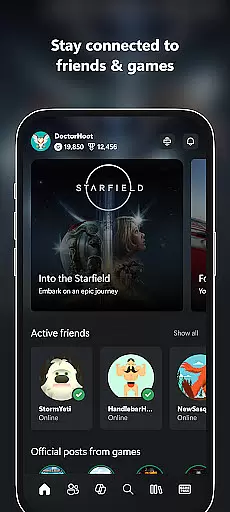
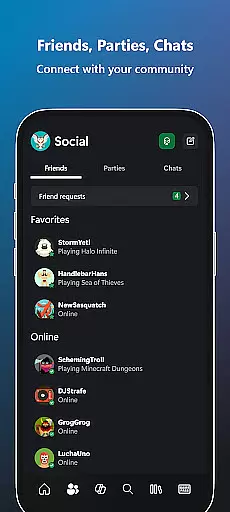
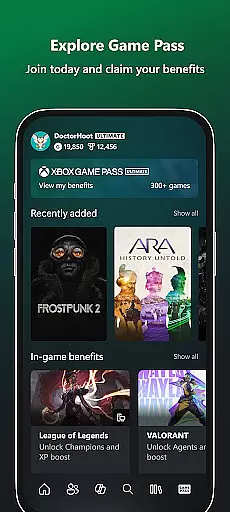
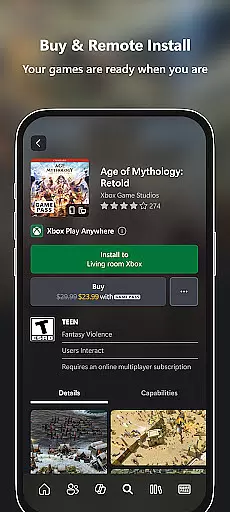
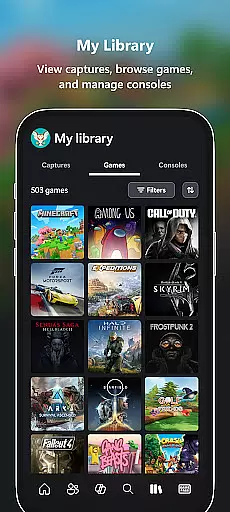
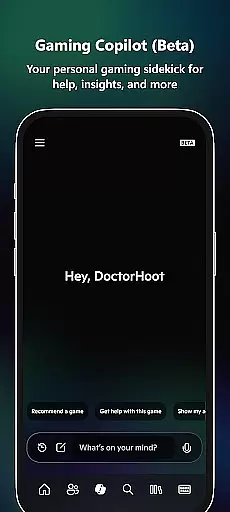
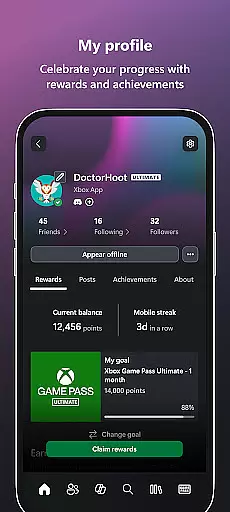
Xbox is a comprehensive entertainment app that keeps you connected to your gaming world. The app allows users to stay in touch with friends through voice and text chat, regardless of whether they are on console or PC. It provides notifications for achievements, messages, and game launches, while also enabling users to purchase games and add-on content directly from their mobile device. With integrated features like Game Pass catalog exploration and Gaming Copilot (Beta), Xbox ensures an immersive experience.
One of the standout features is the ability to download games to your console remotely, ensuring that your games are ready to play when you are. Additionally, users can easily share game clips and screenshots to their favorite social networks, enhancing the overall gaming community experience. This makes the Xbox app an essential tool for gamers who want to stay engaged with their gaming life on the go.
The Xbox app offers a rich set of features designed to enhance the gaming experience. Users can engage in seamless voice and text chat with friends, regardless of the platform they are using. The app provides real-time notifications for various activities such as party invites, messages, and new game launches, ensuring that users never miss out on important updates.
Another significant feature is the ability to buy games and add-on content without leaving the app. This convenience is further extended by the option to remotely download games to your console, making them instantly available when you're ready to play. The inclusion of Gaming Copilot (Beta) adds another layer of assistance, offering recommendations, help, insights, and more to improve gameplay. These features collectively ensure that the Xbox app remains a central hub for all gaming activities.
In the realm of digital entertainment, content variety and freshness are paramount to maintaining user engagement. The Xbox app excels in this area by offering a dynamic range of features that cater to gamers' multifaceted interests.
From integrated voice and text chat that keeps you connected with friends across different platforms, to instant notifications about game launches and messages, the app ensures you're always in the loop. This constant stream of updates and interactions fosters a vibrant community atmosphere.
Moreover, the Xbox app provides users with seamless access to the Game Pass catalog, allowing them to explore new titles and redeem exclusive Perks. With the Gaming Copilot feature, players receive personalized recommendations and insights, enhancing their gaming journey.
The ability to buy games and add-on content directly within the app further enriches the user experience. By facilitating easy sharing of game clips and screenshots to social networks, the app not only boosts content variety but also encourages user-generated contributions, keeping the platform's content perpetually fresh.
User engagement duration and retention are critical metrics for any entertainment platform, indicating how effectively it captures and maintains interest. The Xbox app addresses these aspects through its comprehensive suite of interactive tools designed to keep users invested.
One key feature is the integrated voice and text chat functionality, which allows for continuous communication with friends whether they're on console or PC. This persistent connectivity encourages longer sessions as users remain engaged in conversations and activities with their network.
Notifications play a significant role too; alerts for party invites, messages, and new game launches prompt frequent revisits to the app. These timely updates serve as reminders and incentives for users to return, thus bolstering retention rates.
Additionally, the Gaming Copilot acts as a personal aide, helping users overcome challenges and providing tailored advice. This support system not only aids in prolonging individual gaming sessions but also cultivates a sense of loyalty among users who appreciate the added assistance, ensuring they stay engaged over time.
User-friendly interface
Seamless cross-platform integration
Real-time notifications
Remote game downloads
Integrated voice and text chat
Limited offline functionality
Occasional connectivity issues
Heavy reliance on network stability
Premium features require subscription
Interface can be overwhelming for new users

Unofficial Game Companion App” “Guides • Builds • Tips • Progression
 4.1
4.1
Find out if you're on Santa's Naughty or Nice List with this magical scanner!
4.60
Create and play realistic-looking mock Emergency Alert System messages.
4.30
The classic game of rock, paper, scissors
4.2
Premium version to enjoy your favorite anime
4.60
Geooh GO is the most feature rich geocaching app available today.
4.50
Explore the unknown!
3.00
Watch New Episodes & Live TV
3.80
Watch TV shows, movies, and stream Live TV channels without a subscription!
3.80
Pathfinder 2e initiative tracker with bestiary, HP, reaction, conditions, etc
4.80
Classic dynamic pixel art from Mark Ferrari.
4.70
Hand-drawn, cartoon OC creator - original character creator
4.70
Come and watch short dramas, reels with diverse genres!
4.40
A companion app for the game Elite Dangerous
4.10
Daily immersive workout plan: Body warm up & finger yoga exercises
3.80
Fool your friends & Family with Fake ultrasound test report
3.60
Binaural Brainwave Doses for Every Imaginable Mood
3.60
A wonderful collection of the most beautiful sounds of animals and birds
4.0
EVP Recorder / Voice Recorder for ghost hunting, to communicate with ghosts.
4.5


User Reviews