
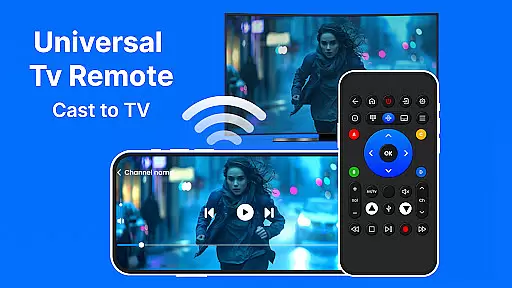
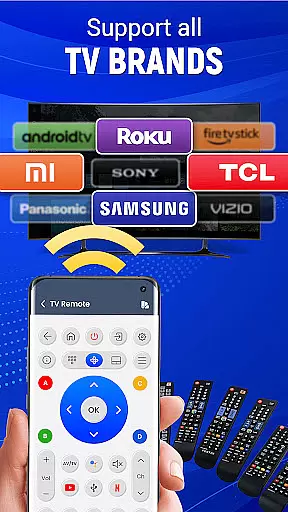
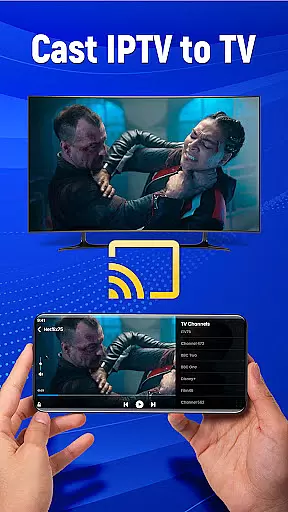
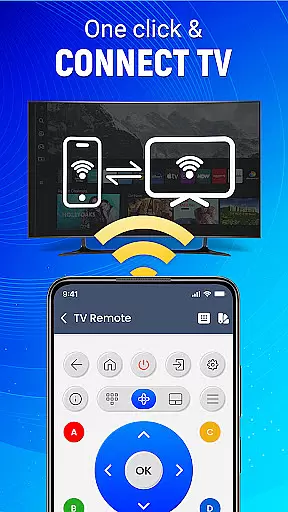
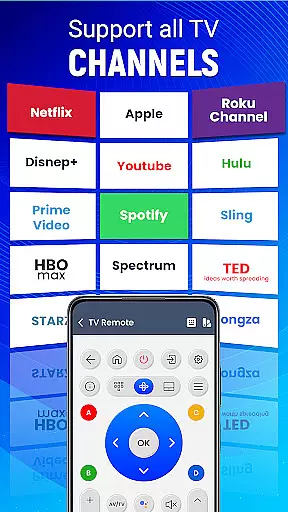
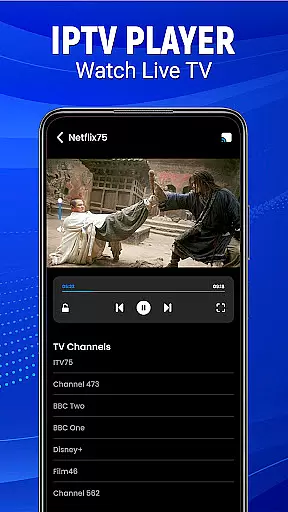
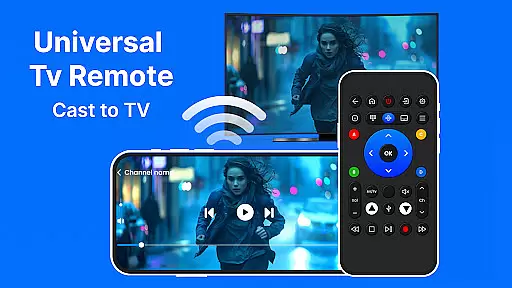
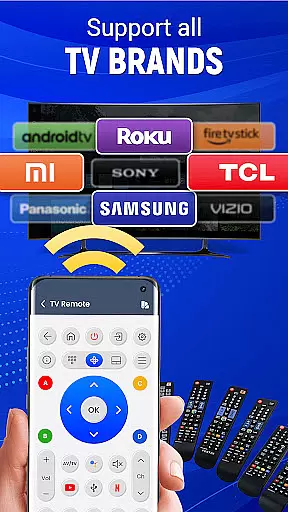
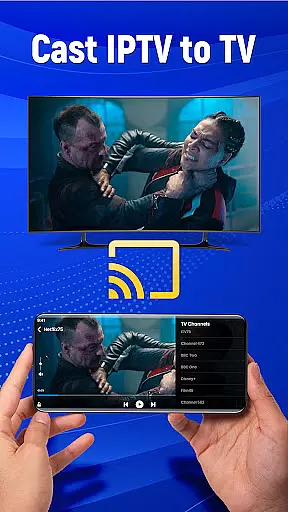
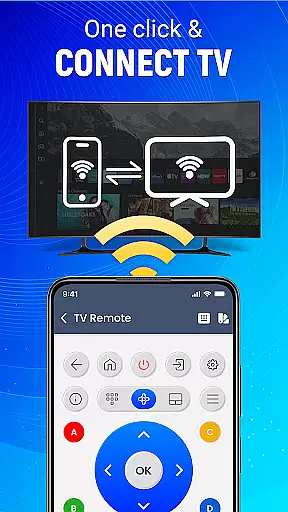
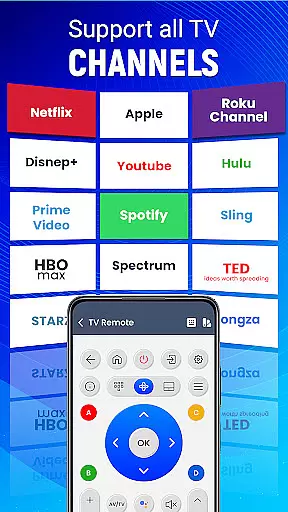
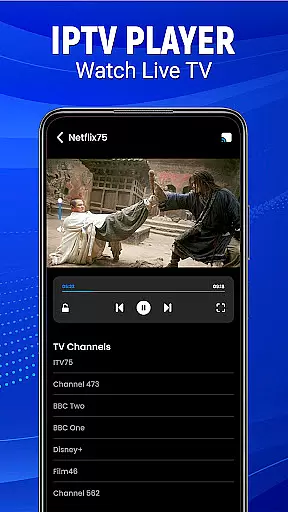
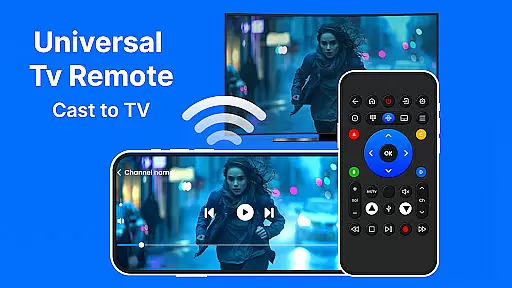
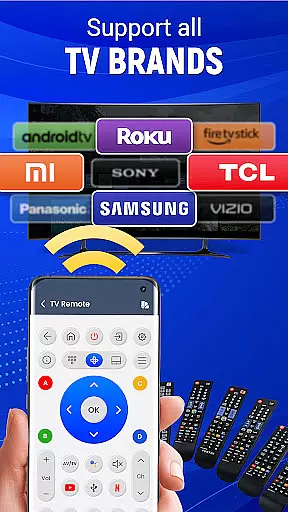
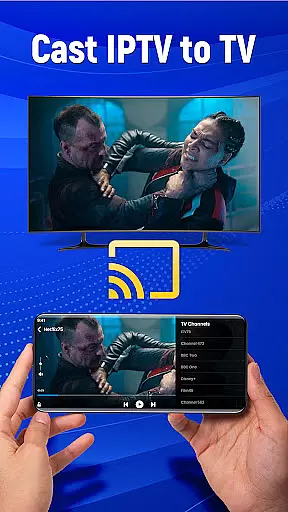
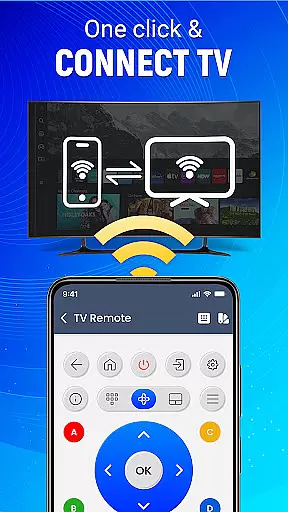
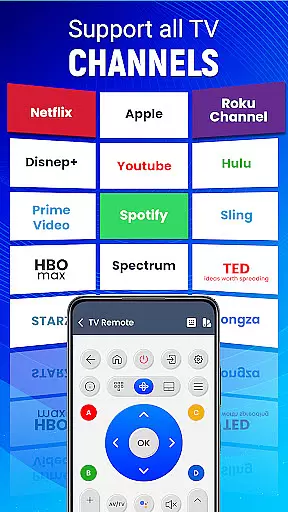
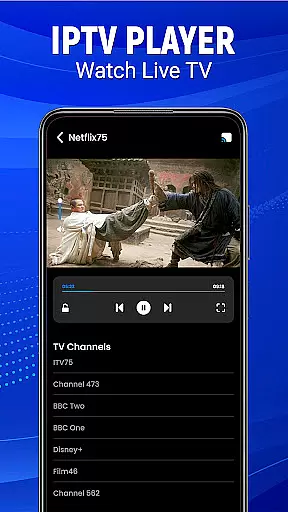
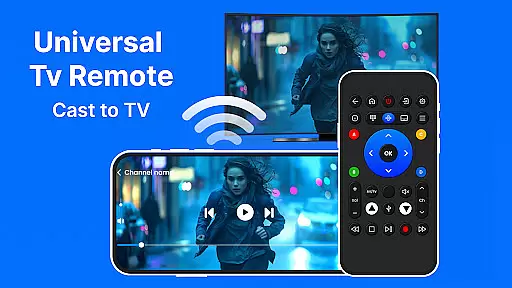
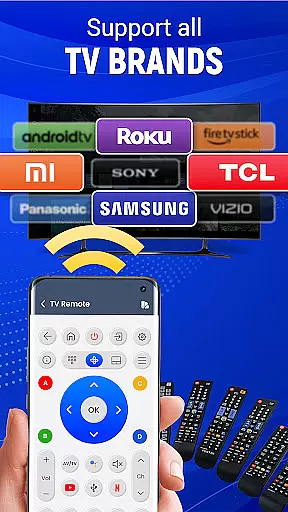
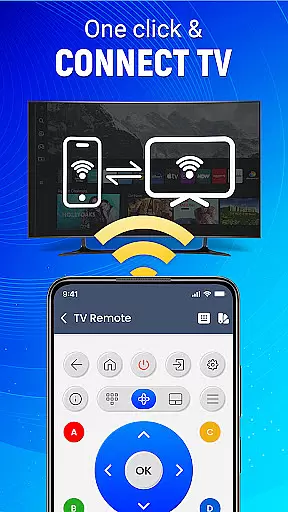
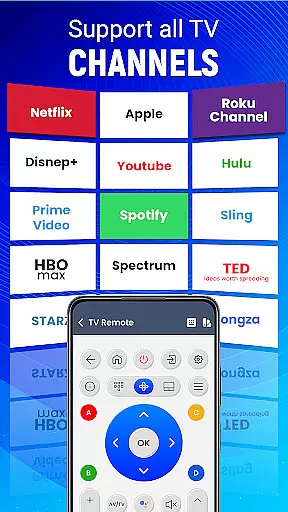
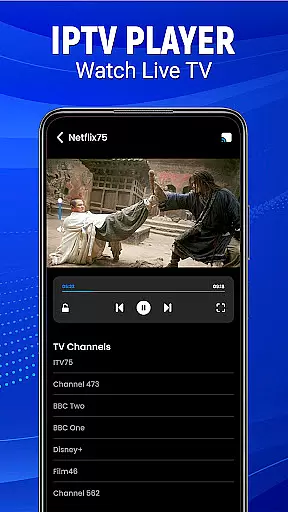
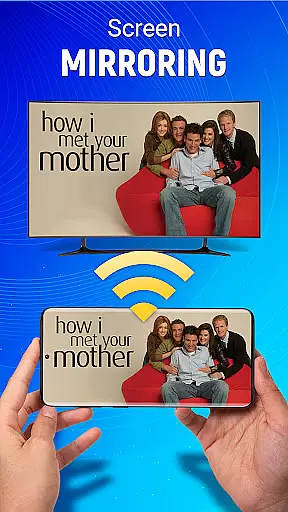
Universal TV Remote-Cast to TV is a versatile home utility application that transforms your smartphone into a universal remote control for televisions. This app supports all major TV brands and offers multiple connectivity options including infrared and Wi-Fi, making it compatible with both older and newer TV models. The application's core functionality lies in its ability to seamlessly control various TV functions such as channel surfing, volume adjustment, and input switching.
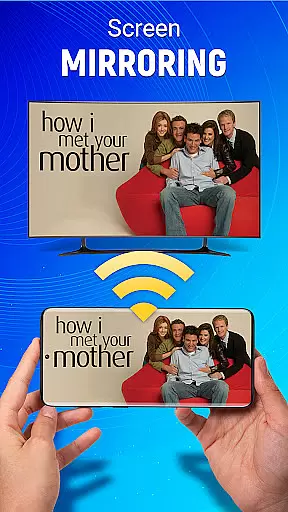
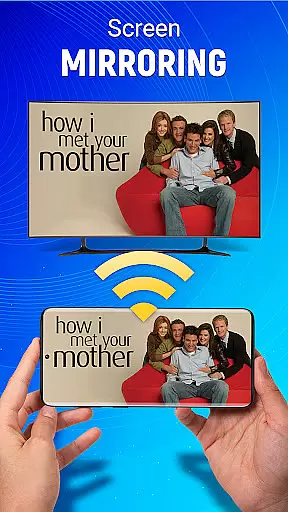
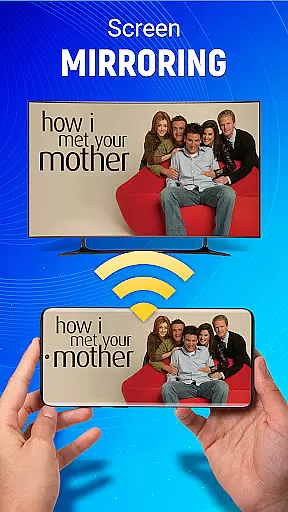
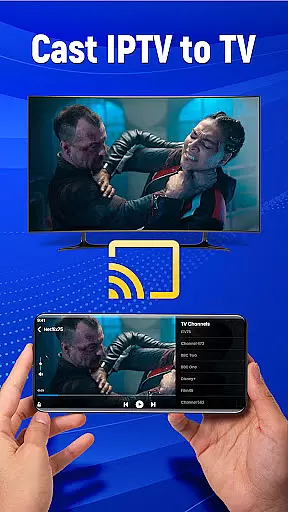
Beyond basic remote capabilities, the app features advanced functions like screen mirroring, allowing users to cast their mobile device's display directly to their television without any wired connections. The inclusion of voice command support and gesture navigation adds another layer of convenience, enabling users to operate their TVs through simple voice instructions or intuitive touch gestures. These smart features make it particularly useful in modern smart home environments where users demand integrated control solutions.
The app's value proposition extends to its customization options, letting users personalize their remote interface according to their preferences. Whether you're looking to simplify your entertainment setup or seeking a comprehensive control solution for multiple devices, Universal TV Remote-Cast to TV provides a practical and efficient solution for managing your home entertainment system from the convenience of your smartphone.
Universal TV Remote-Cast to TV distinguishes itself through its comprehensive feature set designed to enhance user experience. The app's most notable characteristic is its universal compatibility, supporting virtually all major television brands while offering multiple connection methods including both infrared and Wi-Fi options. This dual-connectivity approach ensures that users can control both older and newer TV models, addressing one of the primary limitations found in competing applications.
A key innovation is the app's implementation of advanced control mechanisms. The voice command feature allows users to execute essential TV functions through natural language processing, while the gesture navigation system enables intuitive control through simple taps and swipes. These features are complemented by the app's sophisticated screen mirroring capability, which utilizes optimized streaming protocols to deliver smooth and reliable content casting from mobile devices to televisions.
Additional distinguishing features include customizable remote layouts, enabling users to create personalized control interfaces, and multi-device management capabilities that allow seamless switching between different televisions. The application also incorporates smart integration features that extend beyond basic TV control, enabling management of connected sound systems and other peripheral devices. These comprehensive features collectively position Universal TV Remote-Cast to TV as a complete home entertainment control solution.
In the context of smart home management, ensuring the authenticity and reliability of connected devices is crucial. The Universal TV Remote-Cast to TV app guarantees that every listed device is verified and accurately represented. This verification process ensures users can trust the compatibility and functionality claims made for each television brand.
The application employs a rigorous testing protocol to confirm that all supported televisions meet the necessary standards for seamless integration. By doing so, it provides peace of mind to users who rely on their Android devices to control their TVs without encountering compatibility issues.
Users benefit from this commitment to authenticity by experiencing consistent performance across different brands and models. Whether casting content or adjusting settings via voice commands, they can be confident in the app's ability to deliver as promised.
This dedication to providing genuine and reliable listings enhances user satisfaction and fosters a trustworthy ecosystem where users feel secure in exploring new features and functionalities offered by the Universal TV Remote-Cast to TV app.
Modern home management extends beyond mere convenience to encompass comprehensive control over various household systems. The Universal TV Remote-Cast to TV app excels in this domain by offering advanced features such as effortless setup, gesture navigation, and smart remote capabilities. These functionalities empower users to manage their entertainment systems with unprecedented ease.
With support for both infrared and Wi-Fi connections, the app allows for flexible integration with existing home infrastructures. Users can customize their remote preferences, adjust volume levels, change sources, and even cast their mobile screens onto their TVsu2014all through a single intuitive interface designed specifically for Android devices.
Moreover, the inclusion of innovative features like voice command support and screen mirroring demonstrates the app's commitment to enhancing user interaction. Such tools not only simplify daily tasks but also enrich the overall living experience by making technology more accessible and enjoyable.
By consolidating multiple controls into one streamlined platform, the Universal TV Remote-Cast to TV app significantly improves home management efficiency while maintaining an emphasis on user-centric design principles.
User-friendly interface
Wide brand compatibility
Voice command support
Screen mirroring capability
Customizable controls
Requires compatible hardware
Occasional connectivity issues
Limited advanced features
Ads in free version
Device battery drain

Draw house plans, floor plans 3d & house design with house plan drawing 3d app
 3.60
3.60
AI-powered home design, interior design, home decor, and room design solutions
4.50
Resident Center, powered by Buildium, is designed with simplicity in mind.
4.50
Floor Plan Creator Home Design with 2D interior design and 3d view.
3.90
Book your local plumber 24/7, track your service order & get exclusive coupons
4.00
Find contractors for all home renovation projects. Remodeling, repair, and more.
4.20
Design your dream home with 3D planning app, Visualize your dream home in 3D.
4.20
Search for Homes, Rentals, Agents & Schools
4.70
An easier way to make payments and maintenance requests from anywhere.
3.50
Download today to join the community to help bring lost pets home faster.
4.70
Find homes for sale and apartments for rent in the best neighborhood.
4.70
Tailored Care Guides For Houseplants, Indoor Plants, Garden Plants & Flowers.
4.60
Your guide to apartments & rental homes. Find your next place to rent with AG.
4.60
Looking for the perfect apartment finder app? Find beautiful rental homes here!
4.60
For all of your Airthings devices
4.30
The official app for Home Assistant. Control your home anywhere in the world.
4.30
This Fire TV Remote control's your Fire TV Device and Insignia Fire TV Remote
3.70
PRO Version of GLB AR Viewer
4.4
Universal TV Remote for TV, control all Smart TVs with your mobile phone.
4.3


User Reviews