
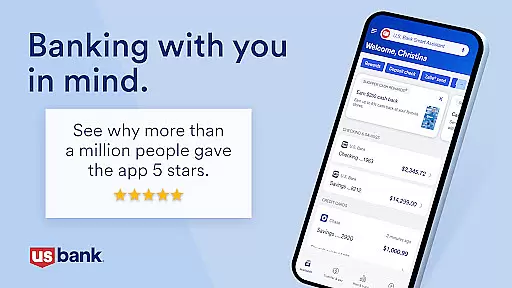
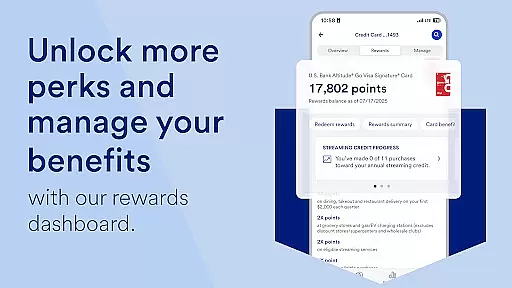

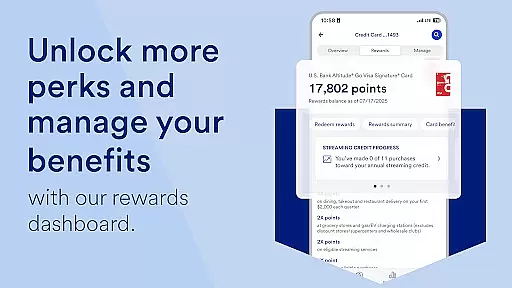

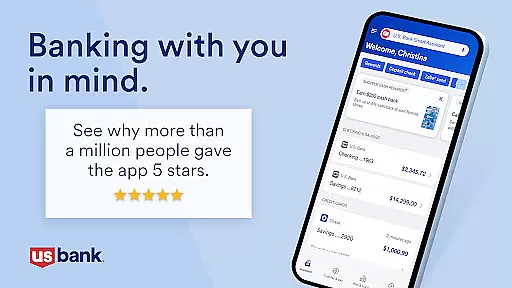
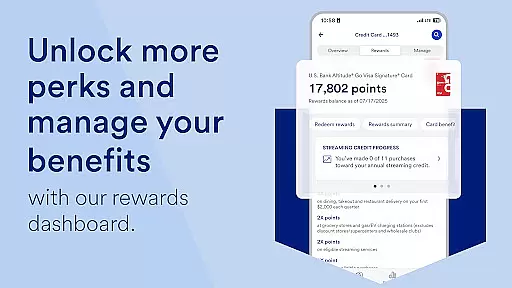

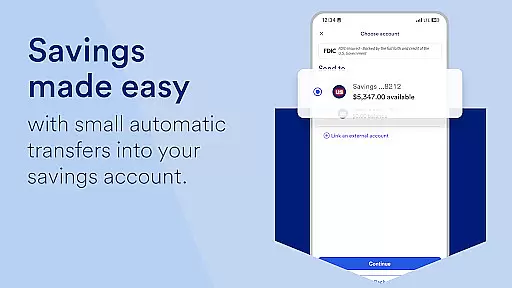
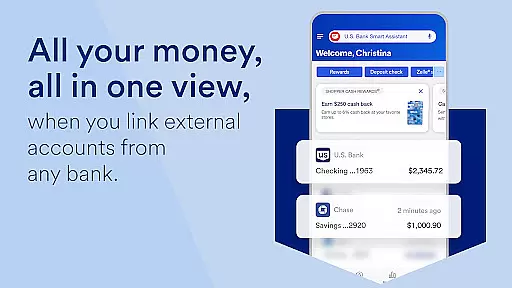
U.S. Bank Mobile Banking is a comprehensive financial management application that provides users with secure and convenient access to their banking services on the go. The app allows customers to log in using their usbank.com credentials, view account balances across checking, savings, credit cards, and loans, and manage their cards by setting travel notifications or locking them if needed. One of its standout features is the U.S. Bank Smart Assistant®, which enables users to interact with their accounts through voice commands, such as transferring money between accounts or retrieving routing numbers.
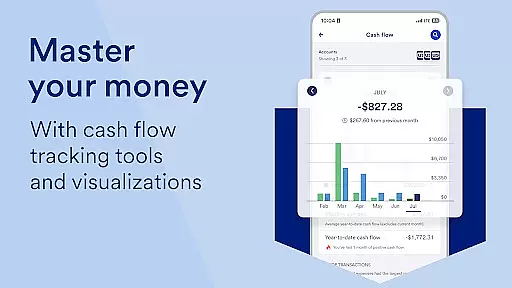
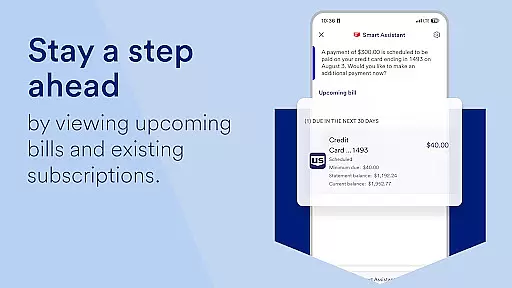
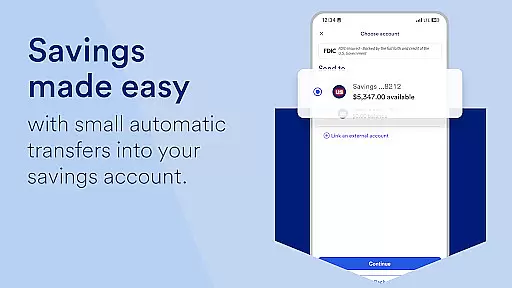
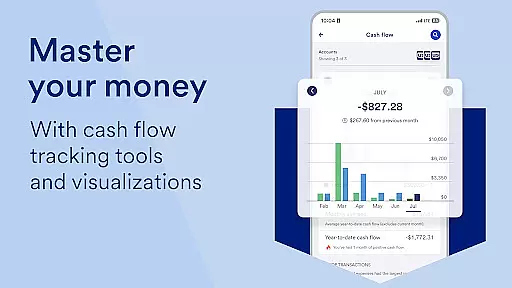
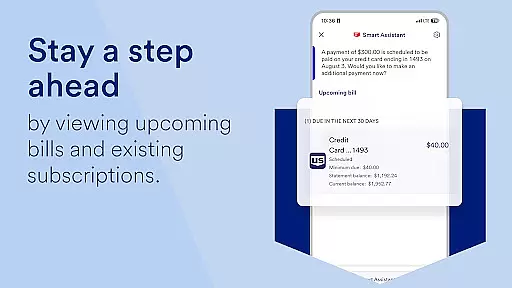
In addition to basic account management, the app offers personalized insights into monthly spending patterns and recommendations for saving based on individual financial behavior. Users can also take advantage of easy money movement options like Zelle® for peer-to-peer payments, quick check deposits, bill management, and transfers between U.S. Bank accounts. With additional tools such as investment account viewing via U.S. Bancorp Investments and 24/7 customer support, this app caters to a wide range of banking needs while maintaining top-tier security standards.
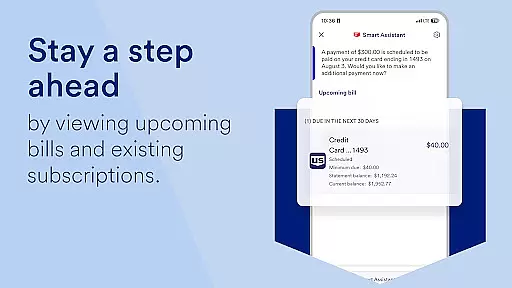
The U.S. Bank Mobile Banking app stands out due to its robust feature set designed to enhance user experience and streamline financial tasks. A key highlight is the U.S. Bank Smart Assistant®, which uses natural language processing to allow users to perform actions like checking account details or moving funds simply by speaking commands. This innovative approach saves time and makes banking more intuitive. Another notable feature is the ability to receive alerts about duplicate charges, suspicious activities, and low balances, ensuring users stay informed about their financial health at all times.
For those who travel frequently, the app provides practical tools such as setting travel notifications and managing card usage remotely. It also supports adding cards to mobile wallets for contactless payments. Additionally, users can explore new financial products directly within the app, apply for accounts or loans, and often receive instant decisions. These capabilities, combined with educational resources like Digital Explorer and seamless integration with U.S. Bancorp Investments, make the app an all-in-one solution for modern banking needs.
Account and fund security is a critical aspect of any financial application, ensuring that users' sensitive information and assets are protected. U.S. Bank Mobile Banking employs advanced security measures to safeguard your credentials and transactions. The app allows you to log in with your existing digital service credentials from usbank.com, and if you do not have online access, you can enroll directly through the app.
The application provides real-time alerts for suspicious activities, duplicate charges, and low balances, empowering you to take immediate action when necessary. With features like the ability to lock and unlock cards, set travel notifications, and add cards to your mobile wallet, you maintain control over your financial instruments at all times.
Moreover, U.S. Bank's commitment to privacy and security is evident through its adherence to industry standards and regulations. The Digital Security Guarantee ensures protection against fraud loss, offering peace of mind while conducting mobile and online banking activities. By visiting the provided links, customers can learn more about how their data is protected under the U.S. Bank Consumer Privacy Pledge and other policies.
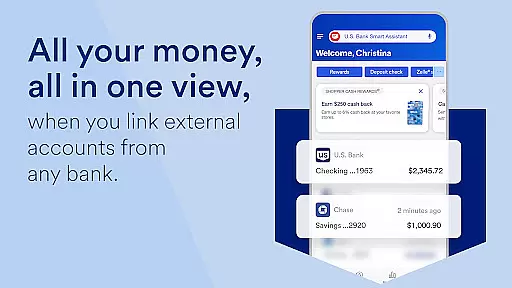
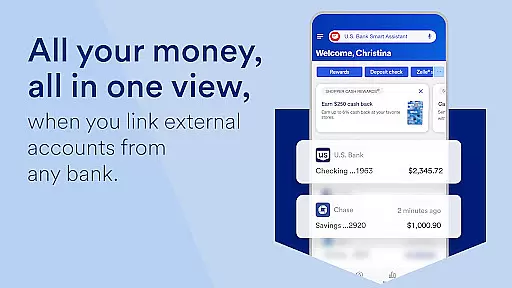
A seamless transaction experience is essential for maintaining user satisfaction in mobile banking applications. U.S. Bank Mobile Banking excels in providing an intuitive interface where users can easily manage their accounts, view balances, and perform various types of transactions without hassle. Whether it's checking, savings, credit cards, or loans, all account information is consolidated in one spot for easy access.
The app simplifies money movement by integrating services such as Zelleu00ae, which allows customers to send and request funds from friends and family quickly. Additionally, users benefit from increased limits on check deposits and streamlined bill payments within the same platform. This cohesive approach saves time and enhances the overall banking experience by reducing the need to navigate multiple systems or visit physical branches.
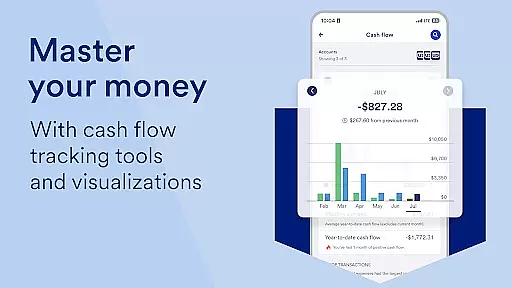
Furthermore, personalized insights based on spending history help users make informed financial decisions. Recommendations on saving and growing money demonstrate the appu2019s dedication to not only facilitating transactions but also supporting long-term financial health. These features collectively contribute to a superior transactional experience that aligns with modern consumer expectations for convenience and efficiency.
User-friendly interface
Comprehensive account management
Voice command functionality
Real-time transaction alerts
Integrated investment tools
Limited international support
Requires online enrollment
Occasional bugs reported
No offline mode available
Some features need eligibility

Play for fun, earn for real. Collect rent by owning virtual land & get cashback
 4.60
4.60
Secure, simple money transfer app. Send money to Mexico and worldwide fast.
4.80
Money transfer made easy. Send money to friends and family with great rates.
4.70
Manage and cancel subscriptions, lower bills, track expenses, create budgets.
4.60
No credit checked needed.
4.80
Easy budgeting planning on a calendar!
4.80
“Money Manager” is an optimized application for personal asset management.
4.70
Powerful Money Manager, Expense & Savings Tracker, Budget Planner - Pro Version
4.70
Insurance that's quick and easy to buy and use—anytime, anywhere.
4.60
Simple & secure international money transfers - for personal & business needs.
4.80
Check EBT, SNAP, WIC balances, manage food stamps, and save money with benefits
4.80
Money App - Earn Cash back, Fast Cash Advance, Personal Loan Offers, Banking
4.70
Currency Converter (200+ currencies) with live exchange rates and offline mode.
4.70
Need help before payday? Get cash advances with no interest or credit checks.
4.60
Car Insurance Made For You.
4.50
Make Real Cash by Playing Games! Fetch Playful Rewards, Win & Triumph
4.50
Manage budget, save money, or file tax. Build, track & improve your credit score
4.40
Make your paycheck work harder for you with Perpay.
4.10
SuperQi, Your all-in-one Super App.
1.30


User Reviews