
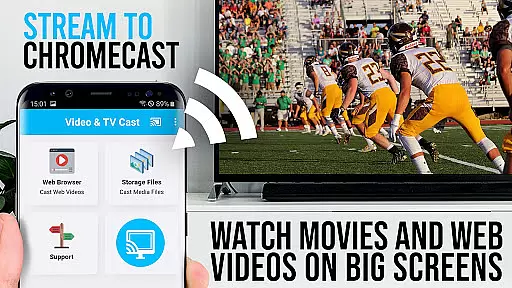
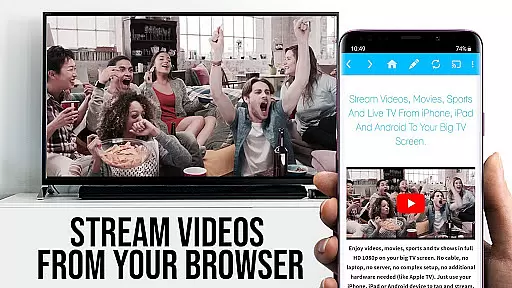
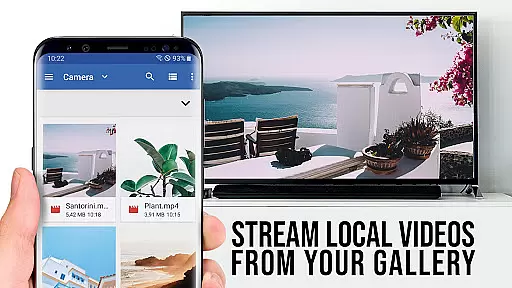
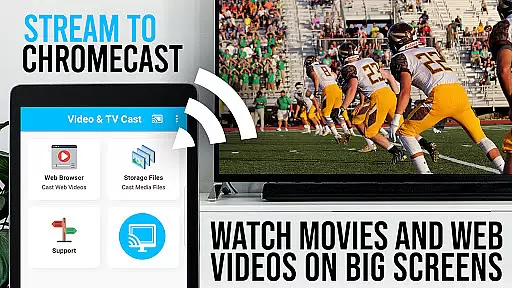
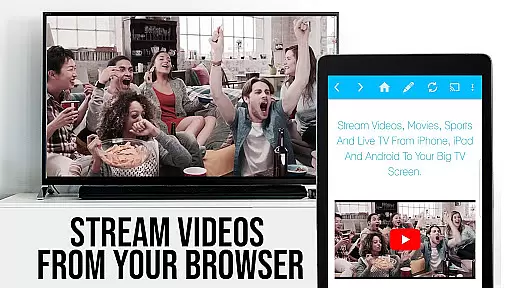
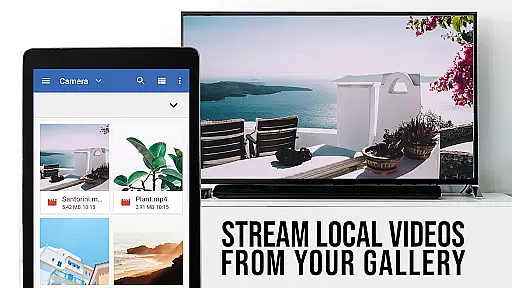
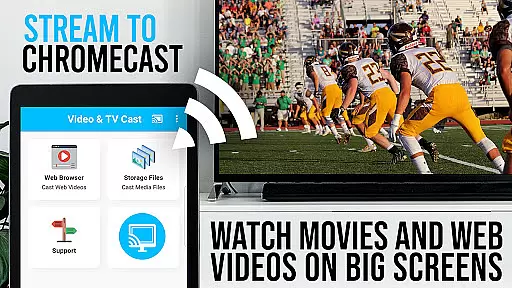
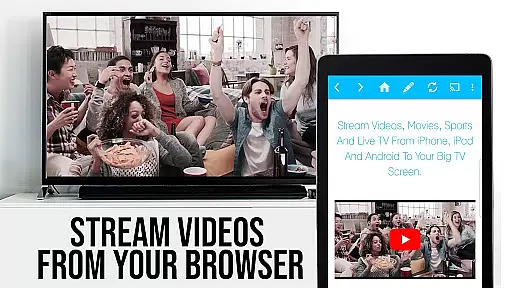
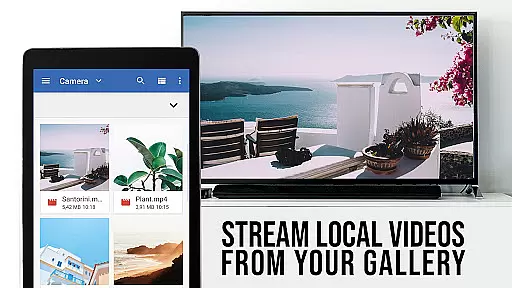
TV Cast Pro for Chromecast is the premier browser app designed specifically for streaming video content to Chromecast-enabled devices. With over 10 million users across Android and iOS platforms, this application allows you to cast web videos, online movies, IPTV, livestreams, and live TV shows directly to your television. Supporting formats like MP4, M3U8, HLS livestreams, and Full HD, it ensures broad compatibility and high-quality playback.
The PRO edition offers all premium features unlocked, providing an enhanced casting experience without limitations. It works seamlessly with all Chromecast devices from Google and Google Cast or Android TV-powered devices. By browsing the web within the app, you can effortlessly discover and cast embedded videos to your TV screen, making it a versatile tool for enjoying digital media on a larger display.
TV Cast Pro stands out with its comprehensive feature set tailored for seamless video streaming. The Remote Playbar functionality provides advanced video control while browsing, allowing users to scrub, forward, rewind, play, pause, and stop videos with ease. This feature is synchronized across all Android and iOS devices running the app, ensuring a consistent user experience regardless of the device used.
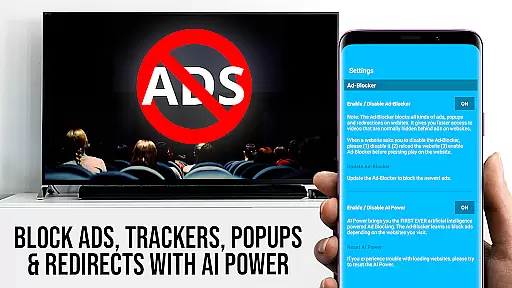
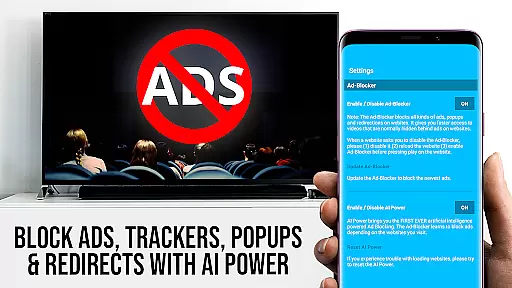
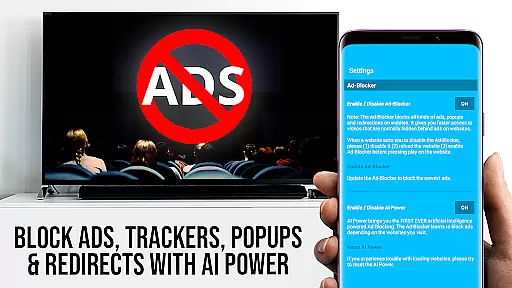
In addition to the Remote Playbar, the PRO version includes an Ad-Blocker that removes ads and popups on most websites, creating a cleaner viewing environment. Users can also manage bookmarks efficiently, switch to Desktop Mode to access desktop versions of websites, and customize their homepage. These features collectively enhance usability and provide greater flexibility in how users interact with web content on their TV screens.
TV Cast Pro for Chromecast excels in offering a diverse range of content, ensuring users have access to an extensive selection of web videos, online movies, IPTV, livestreams, and live TV shows. This vast content library is supported by compatibility with various video formats such as Mp4, m3u8, HLS livestreams, and Full HD, making it a versatile tool for entertainment.
The app's strength lies in its ability to browse the web and cast any video with a single tap, directly onto your Chromecast-enabled screen. By navigating to favorite websites and streaming embedded videos, users can enjoy a seamless transition from browsing to viewing, enhancing their overall experience.
Moreover, the app supports entering or pasting full video URLs into the browser address bar, allowing direct playback on Chromecast. This feature ensures that even if certain links aren't automatically detected, users can still enjoy their desired content without hassle.
With regular updates and improvements, TV Cast Pro maintains its position at the forefront of video streaming apps, promising fresh and relevant content for its massive user base across Android and iOS platforms.
User engagement is a critical aspect of TV Cast Pro for Chromecast, designed to keep viewers hooked with its intuitive interface and powerful features. The Remote Playbar offers advanced video control while browsing, including options like video scrubbing, forward, rewind, play, pause, and stop. These controls are synced across all Android and iOS devices running the app, providing a unified and engaging user experience.
In addition to the playbar, the Ad-Blocker feature enhances user retention by eliminating ads and popups on most visited websites. Users can toggle this feature at any time through the settings, ensuring uninterrupted viewing sessions and encouraging longer usage periods.
Bookmarks allow users to save and manage numerous favorite sites, either within the bookmarks menu or directly in the browser. This personalization fosters a sense of ownership and convenience, prompting users to return frequently to their curated content lists.
Furthermore, the Desktop Mode option changes the browser user-agent, enabling the loading of desktop websites instead of mobile versions. While this doesn't support Flash videos, it broadens the scope of accessible content, thereby increasing the likelihood of sustained user interaction and satisfaction.
User-friendly interface
Wide format support
Ad-free experience
Remote play controls
Cross-device sync
No DRM video support
Limited to Chromecast
Device mirroring absent
Occasional connectivity issues
Premium version costly

Stream Online TV - Watch Live IPTV Playlist & Channel with Built-In Player
 4.50
4.50
Colorful flows will relax and calm you down, or get you trippy and creative!
4.90
Collaboration with popular VTubers
4.1
Come and watch short dramas, reels with diverse genres!
4.40
Raise Christmas Magic with daily missions, magical scanners, and kindness.
4.2
Premium version to enjoy your favorite anime
4.60
Companion app for Elden Ring to track quests, bosses, progress and more.
4.70
Your Avatar, Endless Fun
4.60
Pop Drama is a premier app crafted for short drama lovers
4.60
The OFFICIAL PeeWee Purpdrank Soundboard!
4.80
Stream Movies & TV Series: Original Shows, Family Movies & New Releases Weekly
4.60
Triple A is a highly complex, kinetic, and interactive visualizer.
4.50
The Xbox app keeps you connected to your gaming community.
4.50
Practice and master your ESP and intuition with five mode trainer.
4.20
Realistic Baby Simulator App
4.00
Alice Box is an Instrumental Trans Communication app.
3.80
Unofficial Game Companion App” “Guides • Builds • Tips • Progression
4.0
Disney Stickers: Zootopia 2
4.3
EVP Recorder / Voice Recorder for ghost hunting, to communicate with ghosts.
4.2


User Reviews