
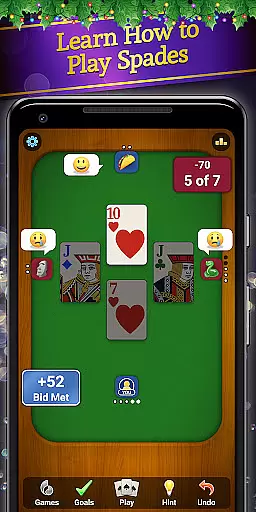
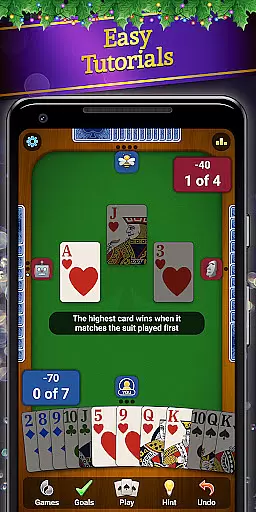



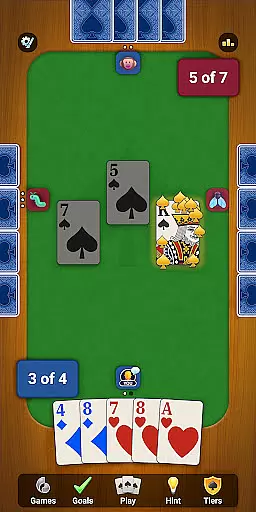
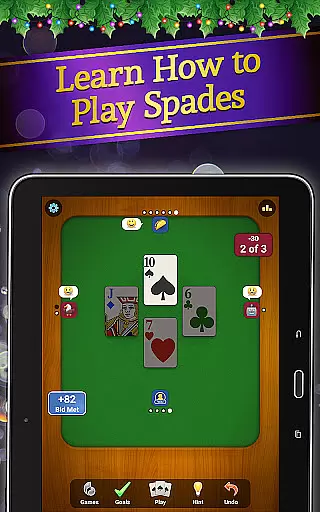
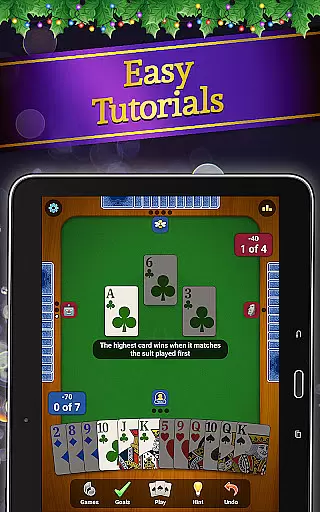
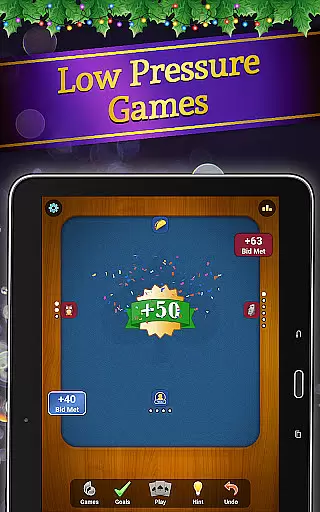
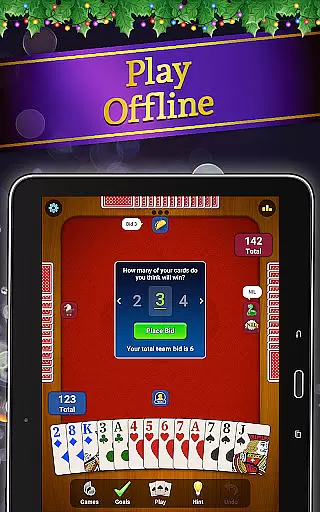

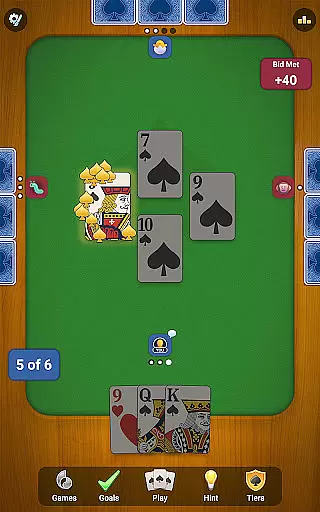
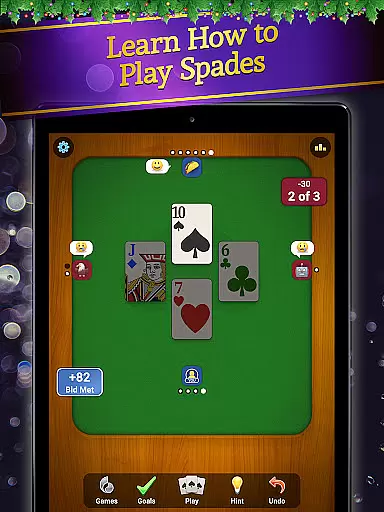
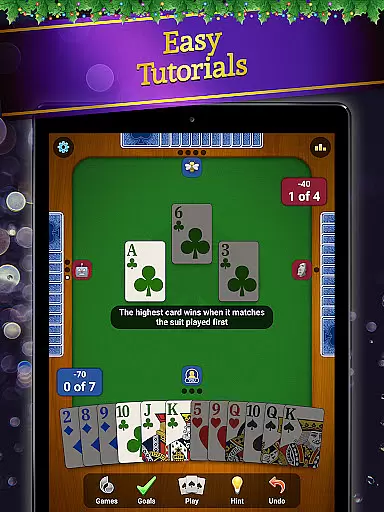
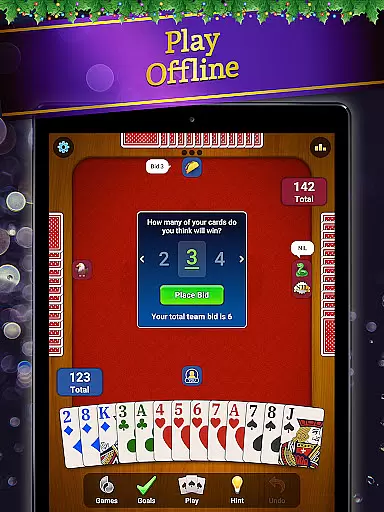
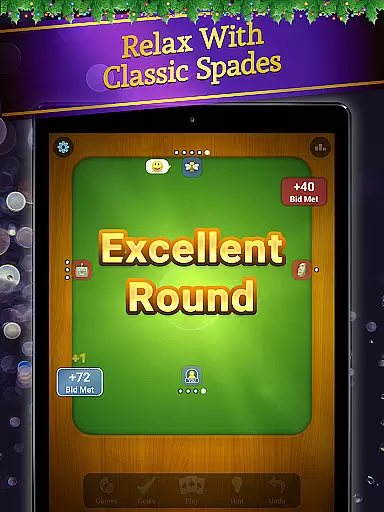
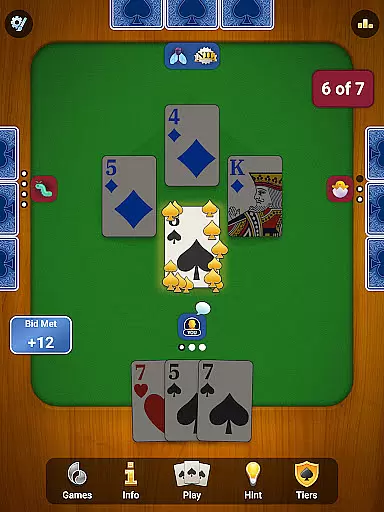
Spades: Classic Card Games brings the timeless trick-taking card game to your Android device with a modern twist. Developed by MobilityWare, this app offers a polished Spades experience featuring smoother gameplay, fresh visuals, and engaging goals. Whether you're a seasoned player or new to the game, this app provides everything from tutorials for beginners to competitive multiplayer modes. The game supports both online and offline play, allowing users to enjoy solo games against AI bots or team up with friends and family in strategic matches.
This Spades app stands out with its variety of features designed to enhance the classic gameplay. Players can customize rules, choose between portrait or landscape mode, and take advantage of auto-save functionality to ensure no progress is lost. With monthly challenges, exclusive rewards, and leaderboards, the app adds a layer of depth that keeps players coming back. Its focus on accessibility, such as unlimited hints and undos, makes it suitable for all skill levels while still offering a challenge for experienced players.
For fans of classic card games like Hearts, Rummy, or Euchre, Spades: Classic Card Games is an ideal choice. It combines strategy, teamwork, and competition in a way that sharpens the mind and entertains for hours. Whether you're looking to relax with a solo game or engage in intense multiplayer battles, this app delivers a comprehensive Spades experience that's easy to learn but hard to master.
Spades: Classic Card Games boasts a rich set of features that cater to both casual and competitive players. One standout aspect is its mobile-optimized interface, which ensures smooth navigation and gameplay. The drop-in-drop-out feature allows users to start and stop games at their convenience, while fun emojis let players express themselves during matches. For those who prefer offline play, smart AI opponents provide a challenging experience without needing an internet connection. Additionally, tools like unlimited hints and undos make learning the game stress-free.
The app also introduces special monthly opponents, adding variety and excitement to the gameplay. Each month, players face themed opponents and compete for exclusive rewards such as boosters, emotes, hats, and avatars. These limited-time events encourage regular engagement and offer opportunities to showcase skills. Multiplayer options further enhance the social aspect, enabling users to team up with friends or compete against others globally. Stats tracking and high-score boards help players monitor their progress and refine their strategies over time.
Flexibility is another key feature of this app. Players can adjust AI difficulty levels, customize game rules, and switch between portrait and landscape modes based on their preferences. The inclusion of challenge modes and sandbags adds extra layers of complexity for advanced users seeking variety. Moreover, the built-in guidance system teaches winning strategies through solo or multiplayer practice sessions. This combination of accessibility, customization, and depth ensures that Spades: Classic Card Games remains engaging for everyone, regardless of skill level.
In the realm of card games, ensuring true randomness and fairness in gameplay is paramount. Spades: Classic Card Games guarantees this through its certified Random Number Generator (RNG) system.
The application employs advanced algorithms that have been rigorously tested to ensure every shuffle and deal is completely random, providing an authentic card game experience. This commitment to RNG integrity ensures that no predictable patterns emerge, which is vital for maintaining competitive balance.
Players can enjoy peace of mind knowing that each hand is generated with the highest standard of randomness. This dedication to fair play allows users to focus on their strategy and enjoyment without concern for manipulated outcomes.
Ultimately, the certified RNG in Spades not only meets industry standards but enhances the overall gaming experience by fostering a trustworthy environment where skill and luck are the only factors in your success.
A seamless and responsive control system is essential for an immersive card gaming experience. Spades: Classic Card Games excels in delivering fluid controls with minimal input latency, allowing players to execute their moves effortlessly.
The app's interface has been optimized for quick and intuitive interactions, ensuring that every tap and swipe translates immediately into in-game actions. This responsiveness is crucial during fast-paced matches where timing can be as important as strategy.
Whether playing online against opponents or offline with AI, users will appreciate the smooth navigation and prompt feedback. The absence of noticeable delays enhances concentration and keeps players engaged in the strategic depth of Spades.
By prioritizing control fluidity and reducing input lag, Spades elevates user satisfaction, making it one of the best choices for enthusiasts seeking a premium mobile card gaming experience.
User-friendly interface
Offline and online modes
Customizable rules
Engaging monthly events
Comprehensive tutorial system
Limited free content
Occasional bugs
In-app purchases required
Ads between games
Steep learning curve

Word-building meets deck-building in the unique game Paperback Vol. 2
 3.30
3.30
The classic Solitaire card game, with intuitive game-play and stunning graphics.
3.10
Reiner Knizia's classic card game, Masters Gallery
4.60
FreeCell Solitaire Card Game: Play Classic Solitaire Card Game from MobilityWare
4.50
Card-Based Farkle Fun
4.80
The classic Hand & Foot experience with a premium, easy to play, offline design.
4.10
Play your cards carefully in this 4 player trick-taking card game!
4.60
Swipe and be the Queen!
4.60
Kill the monsters & grab the loot in the classic card game!
3.70
Special Klondike Edition
5.00
Relax and unwind with Solitaire: Card Games.
4.70
Play for fun, practice or get advice for 400+ VP games and over 2000 pay tables.
4.60
Easy play. Relax with daily solitaire fun!
4.60
Collect sets and runs but don't give away a card your opponent needs!
4.60
A game of apocalypse and yearning. Experiment. Die. Ascend.
4.60
Craft and plan your strategy with Vault of the Void's dynamic deckbuilding!
4.40
Defeat the Uberlich in this challenging, deck-building roguelike adventure!
4.20
The card-crafting deck-builder by AEG
3.50
A fun and challenging rougelike dungeon card game.
4.3


User Reviews