
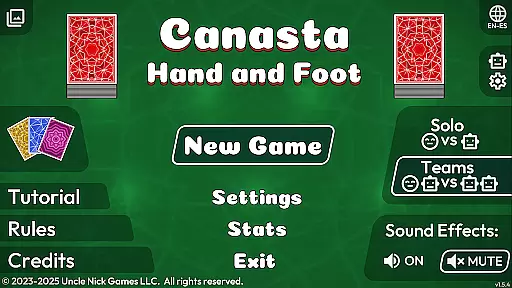
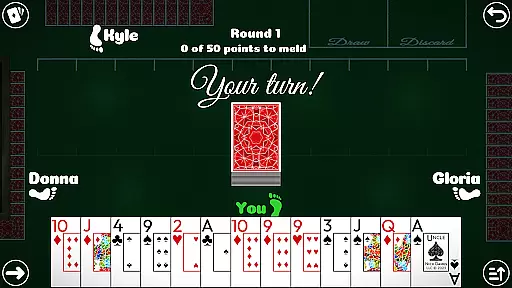
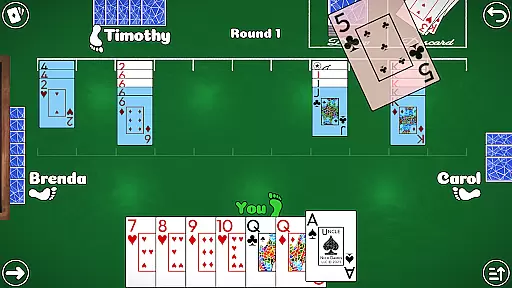

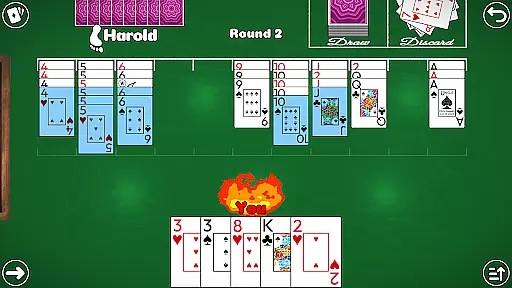
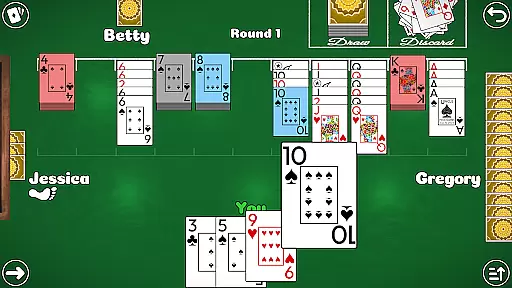
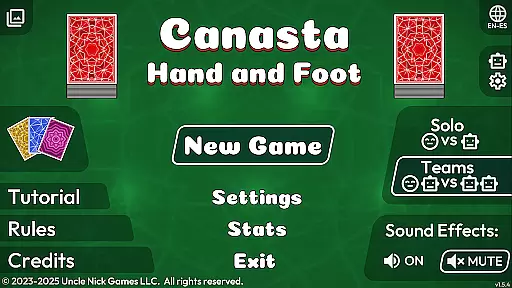
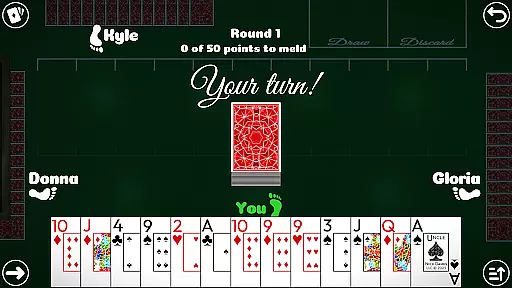
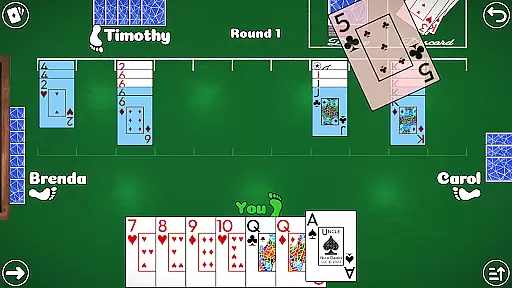
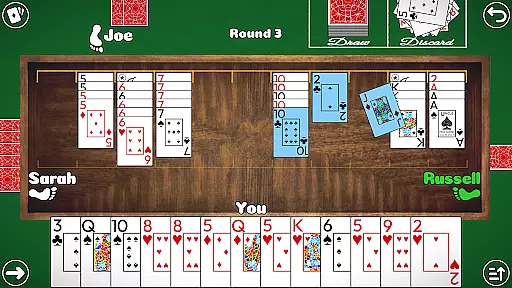
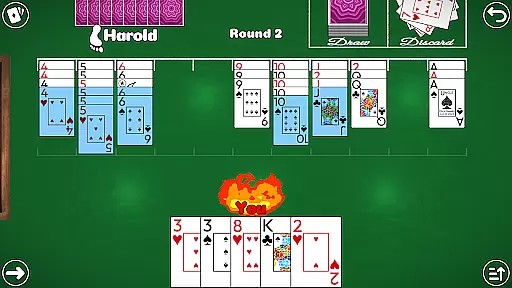
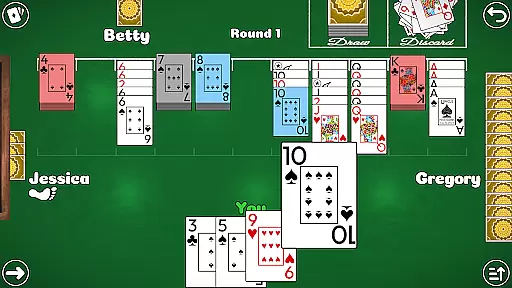
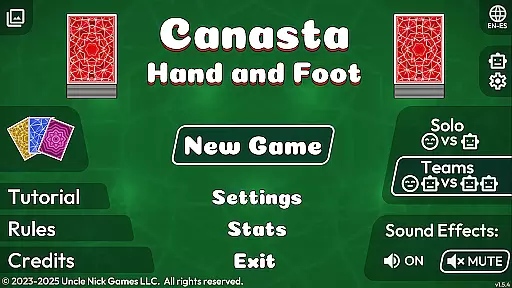
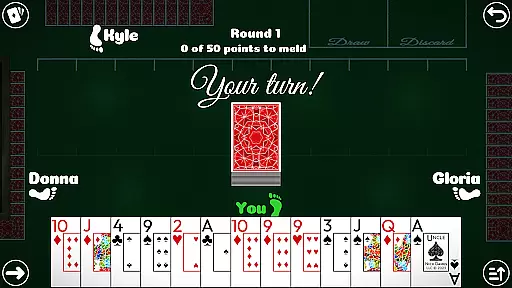
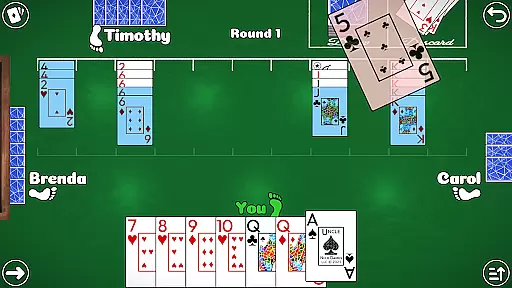
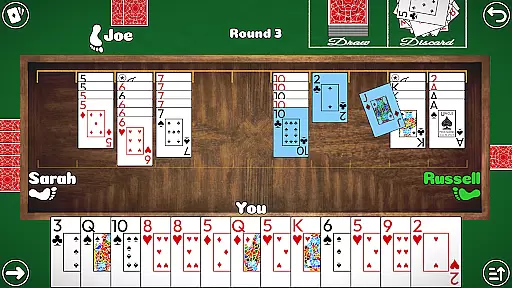
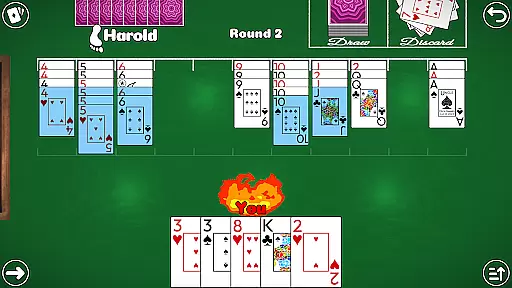
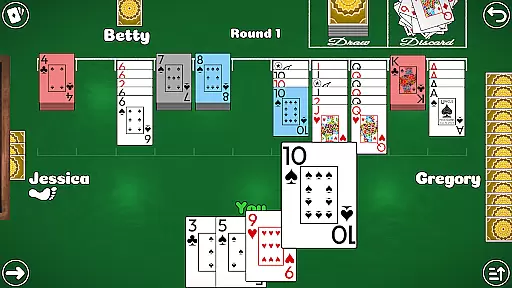
Canasta Hand and Foot is a premium card game app designed for both beginners and experienced players. This offline game offers authentic Canasta gameplay with multiple modes including 2v2 Teams and 1v1 Solo duels. The app provides various rule variations, ensuring strategic depth and replayability.
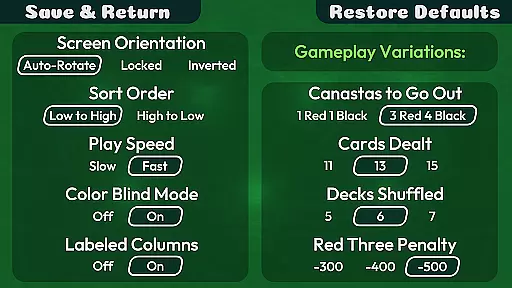
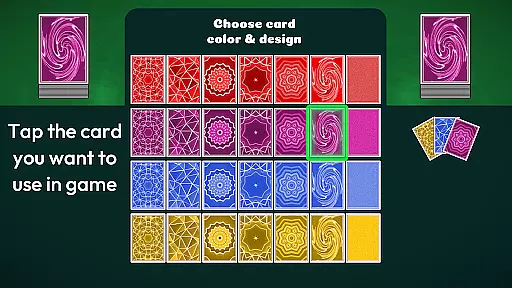
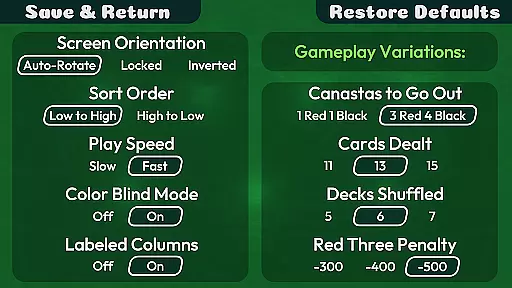
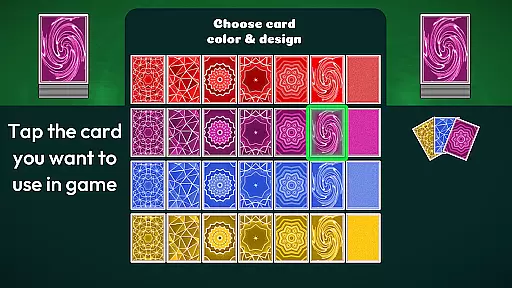
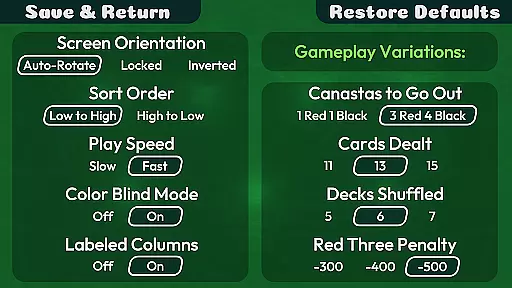
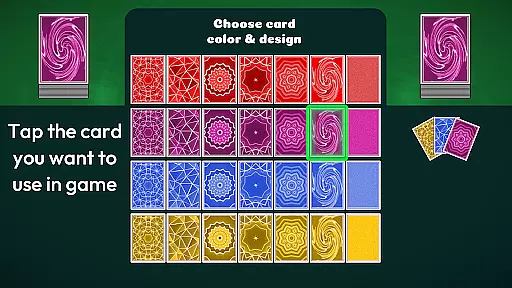
With intuitive touch controls, customizable settings, and accessibility features like color blind mode, the app ensures an enjoyable experience for all users. Players can enjoy high-quality graphics, seven card back designs, and adjustable computer-player speeds without any ads or microtransactions.
This card game app stands out with its robust feature set tailored for an optimal user experience. It includes auto-save functionality, three difficulty levels, and multiple rules variations that allow players to customize their gaming strategy.
The app also offers helpful tools such as a Meld Point Counter, sort button for cards, and adjustable play speed settings. Additional highlights are the inclusion of a video tutorial, stats tracking, high score notifications, and support for both English and Spanish languages.
Random Number Generation (RNG) fairness is crucial in card games like Canasta Hand and Foot to ensure every player has an equal chance of winning. This app guarantees a certified RNG mechanism that mimics the randomness of a physical deck of cards, providing an authentic experience.
The game employs advanced algorithms to shuffle the cards, ensuring unpredictability and fairness in each match. Players can trust that their victories are based on skill and strategy rather than manipulated outcomes.
By offering multiple difficulty settings, from Open Hand to Expert, the app maintains consistent RNG standards across all levels. This consistency allows players to enjoy a genuine card game experience whether they're playing casually or competitively.
Ultimately, the commitment to RNG fairness enhances user confidence, making Canasta Hand and Foot a reliable choice for both beginners and seasoned players who seek a true-to-life card gaming session without any concern of bias or unfair advantage.
Control fluidity and input latency are vital components in digital card games, impacting how responsive and enjoyable the gameplay feels. Canasta Hand and Foot excels in delivering smooth touch-screen controls that make interactions seamless and intuitive.
Players will appreciate the large, readable text and buttons designed for ease of use. The absence of timers allows users to play at their own pace, further enhancing the fluidity of control as they strategize their next move without pressure.
In addition to responsive controls, the app offers features such as auto-sorting cards and adjustable computer-player speeds. These elements contribute to reducing input latency, ensuring swift responses during intense matches or relaxed sessions alike.
With these considerations in place, Canasta Hand and Foot provides an engaging experience where players can focus on enjoying strategic gameplay without being hindered by sluggish controls or delayed inputs.
User-friendly interface
No in-app purchases
Offline functionality
Variety of rule sets
Accessible design
Limited to Canasta
No multiplayer online
Few language options
Basic AI opponents
Fixed card designs

Find dragons in mysterious land and play card games.
 4.60
4.60
Train your brain with the challenging & addictive Solitaire Classic Card Games!
4.70
Classic Solitaire card games - Play Klondike Solitaire to unwind and feel good!
4.90
World Series of Poker: Texas Hold em, Video Poker & Omaha Poker Card Games!
4.20
Fishing, the card game that combines trick-taking strategy with deck-building
4.1
The original digital version of the cult-classic kitty card game!
4.40
Deckbuilding Dungeon Crawl
4.30
Classic Solitaire with big cards, smooth play, beautiful themes, and hints!
4.40
Classic spider solitaire card game! Play to train your brain & sort the cards
4.80
Play Solitaire, win real cash prizes, and enjoy endless fun anytime, anywhere!
4.70
Play for fun, practice or get advice for 400+ VP games and over 2000 pay tables.
4.60
Easy play. Relax with daily solitaire fun!
4.60
Solitaire games and ocean adventure await!
4.60
Beautiful customisable Klondike challenge - 3 levels, 1 or 3 card draw!
4.60
Spider Solitaire - Relax and Play Classic Spider Game for Easy Daily Fun
4.60
Play the legendary Blackjack 21! Win like a pro in this exciting casino game!
4.50
Swipe left, swipe right, be the King.
4.50
Shards of Infinity is the follow up deckbuilder to Ascension.
3.40
The official Android version of the card game Wizard
3.00


User Reviews