
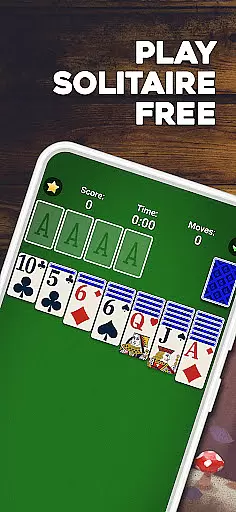
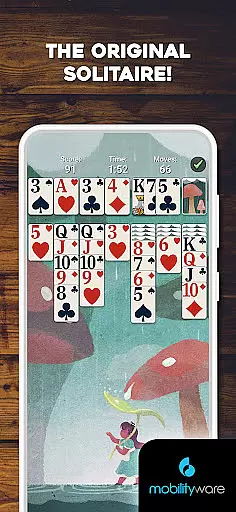
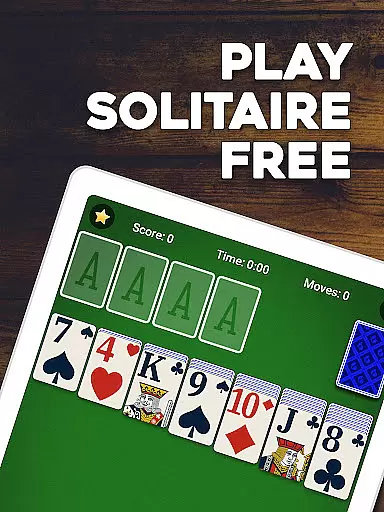
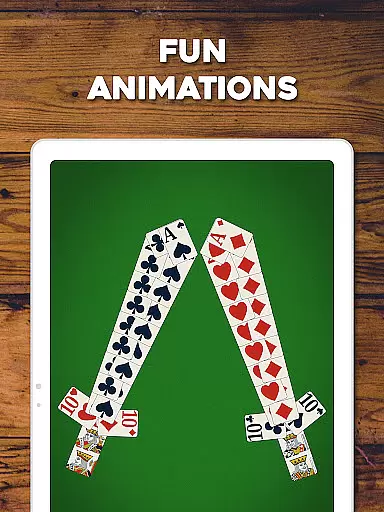
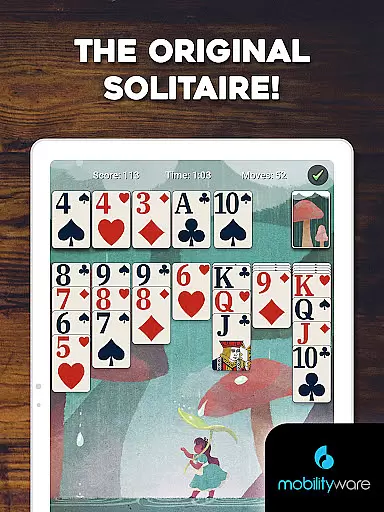
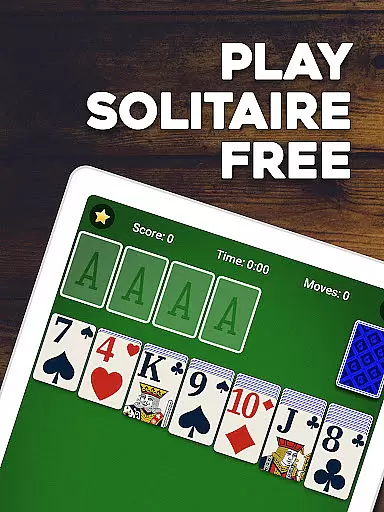
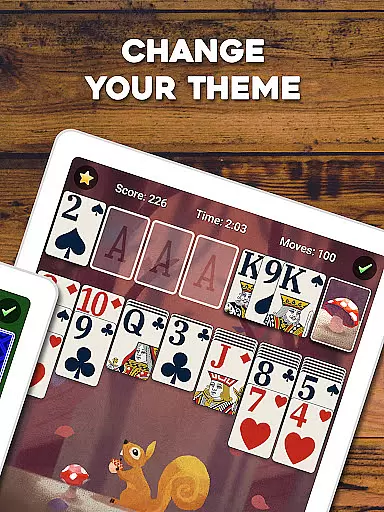
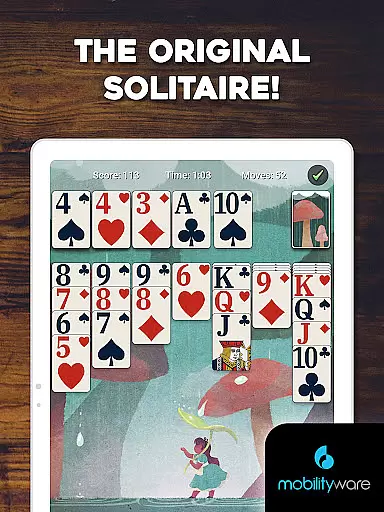
Solitaire by MobilityWare represents the quintessential digital adaptation of the classic Klondike Solitaire card game. Designed for both casual players and card game enthusiasts, this app offers an authentic Solitaire experience with modern enhancements. The game features stunning graphics, smooth animations, and an intuitive user interface that makes organizing cards effortless. Players can enjoy various modes including Draw 1 and Draw 3, providing different difficulty levels to suit all skill sets.
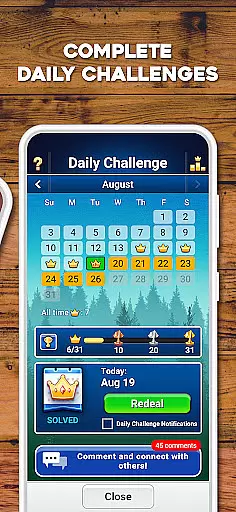
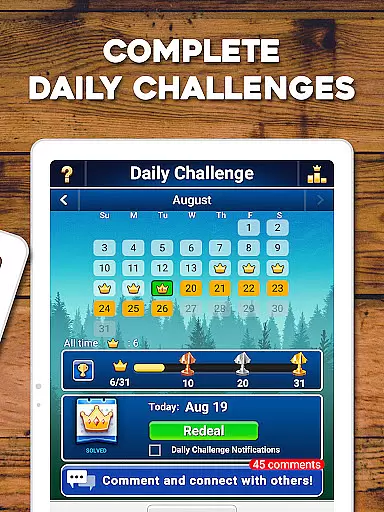
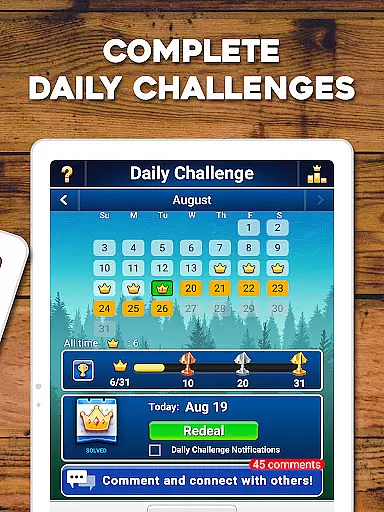
One of the standout features is the Daily Challenges, which offer unique puzzles each day, rewarding players with crowns and exclusive trophies. The app also includes a Statistics Tracker, customizable card designs, and both standard and Vegas scoring options. Whether playing offline or competing in multiplayer mode, users can sharpen their strategic thinking while enjoying a personalized gaming experience. With regular updates and a vibrant community, Solitaire by MobilityWare ensures endless entertainment and mental stimulation.
Solitaire by MobilityWare stands out through its comprehensive feature set tailored to enhance the classic card game experience. The app provides multiple gameplay modes such as Draw 1 and Draw 3, catering to beginners and advanced players alike. A hint system and unlimited undos help users improve their skills without frustration. The inclusion of daily challenges adds a layer of engagement, allowing players to earn rewards and track their progress over time.
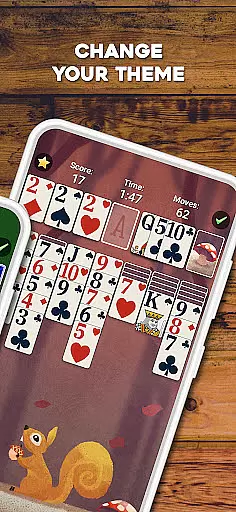
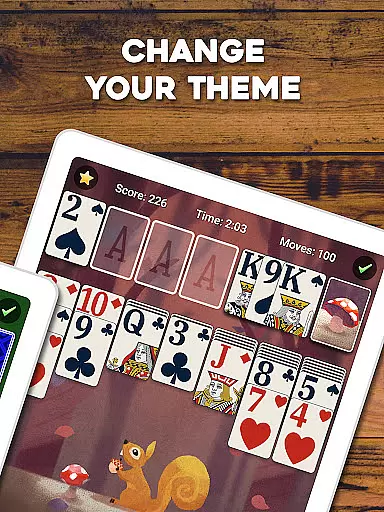
Customization is at the heart of the Solitaire experience, with options to personalize card backs, backgrounds, and even upload personal photos. The Statistics Tracker lets players monitor their performance, while left-handed mode and dark mode ensure comfort during extended play sessions. Multiplayer functionality enables competition with friends and global leaderboards, fostering a sense of community. These features collectively create a dynamic and immersive environment that keeps players coming back for more challenging and enjoyable Solitaire sessions.
In card games like Solitaire, the fairness of the Random Number Generator (RNG) is crucial for ensuring that every game starts with a unique and unpredictable shuffle. This RNG fairness guarantees that no two games are the same, providing players with a fresh experience each time they play.
Solitaire by MobilityWare employs advanced algorithms to ensure that its RNG meets industry standards for randomness and unpredictability. The game undergoes regular testing and certification processes to maintain these high standards, which reinforces player trust in the authenticity of each game session.
For users, this means that whether you're playing Draw 1 or Draw 3 modes, the level of challenge remains consistent and fair. Players can focus on honing their strategy and card skills without worrying about manipulated outcomes, making each victory genuinely rewarding.
The implementation of certified RNG also supports competitive features such as leaderboards and multiplayer modes. Knowing that all players face the same level of randomized challenge ensures that rankings reflect true skill levels, adding an extra layer of excitement to friendly competitions.
Control fluidity and input latency are essential factors in determining how responsive a card game feels during gameplay. In Solitaire, smooth controls allow players to effortlessly drag and tap cards across the screen, creating an intuitive user experience that keeps them engaged.
MobilityWare's Solitaire excels in delivering seamless control mechanisms through carefully optimized touch interactions. Whether moving cards between stacks or undoing previous moves, the game responds instantly to user inputs, minimizing any potential frustration caused by delayed reactions.
This responsiveness not only enhances the overall enjoyment but also helps improve players' strategic thinking and decision-making speed. With precise control over card movements, users can execute complex strategies quickly and efficiently, leading to more satisfying gameplay sessions.
Furthermore, low input latency ensures that even fast-paced games remain manageable and enjoyable. Players can rely on the gameu2019s quick response times when making rapid decisions under pressure, whether participating in daily challenges or competing against friends on leaderboards. This technical excellence elevates Solitaire into a top-tier gaming experience.
User-friendly interface
Regular content updates
Customizable visuals
Daily challenge rewards
Offline play capability
Limited card game variety
In-app purchase pressure
Occasional bugs reported
Ads between games
Complexity for new players

Become a hero or a villain as you make choice in the fairy Middle Ages!
 3.50
3.50
FreeCell Solitaire Card Game: Play Classic Solitaire Card Game from MobilityWare
4.50
Restore and customize the truck exclusively to your own through Solitaire!
4.60
The world’s largest Spades game! Enjoy the classic card game with 52 card deck
4.70
Enjoy a beautiful solitaire card game with classic rules and relaxing play.
4.60
Play Solitaire card game and experience pure brain training.
4.50
Card-Based Farkle Fun
4.80
Easy play. Relax with daily solitaire fun!
4.60
Play and Master the Fun Classic Card Games with Friends
4.60
Enjoy Fun and Relaxing Classic Spades Card Game with Friends!
4.90
Play for fun, practice or get advice for 400+ VP games and over 2000 pay tables.
4.60
Sit on the Iron Throne
4.60
Play your cards carefully in this 4 player trick-taking card game!
4.60
Spider Solitaire - Relax and Play Classic Spider Game for Easy Daily Fun
4.60
Craft and plan your strategy with Vault of the Void's dynamic deckbuilding!
4.40
Solitaire Collection Pro: Klondike, Spider, FreeCell, Pyramid, No Wifi Needed!
4.30
Spider Solitaire Pro, classic Spider Solitaire Klondike game,as Freecell,Pyramid
4.20
The official Android version of the card game Wizard
3.00
The Trading Card Game of Hunter's Gambit, Online!
4.3


User Reviews