
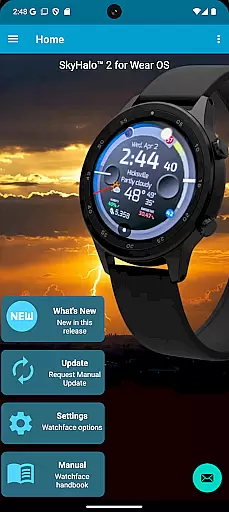
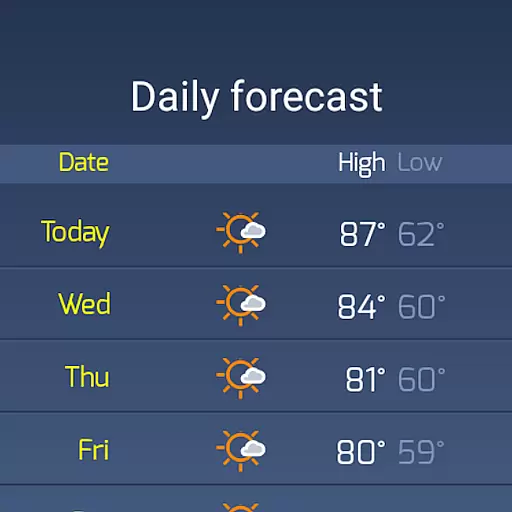
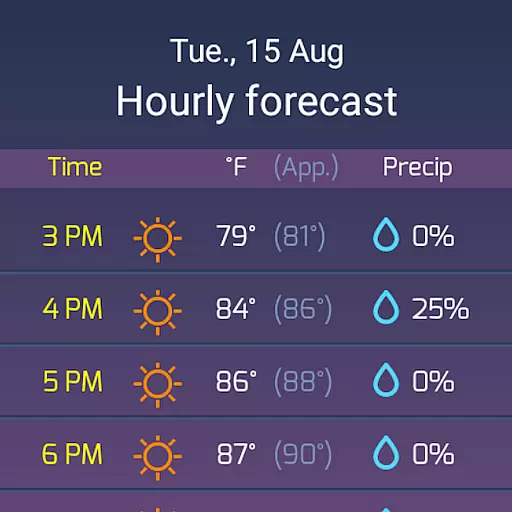
SkyHalo 2 Weather is a premier weather forecasting app designed specifically for Wear OS 5+ smartwatches. It offers users an intuitive and visually appealing way to access detailed weather information directly on their watch face. The app supports ten different forecast sources, including Apple Weather and Google Weather, providing continuous forecasts up to 48 hours and daily forecasts extending to 10 days.
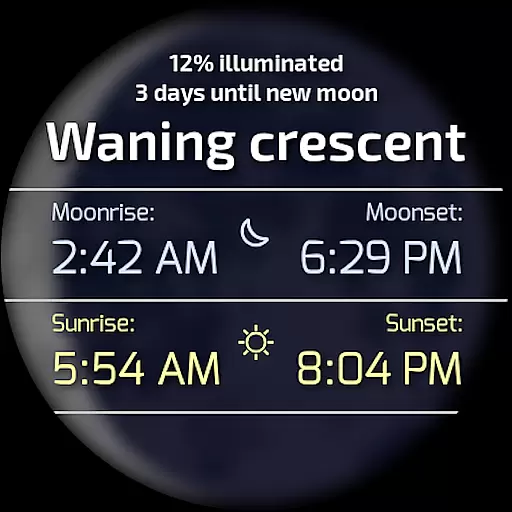
Key features include temperature, cloudiness, rain, and snow predictions displayed through an innovative halo system. Users can also view barometer readings, wind displays, sun/moon rise and set times, and moon phases. With compatibility across Wear OS versions 4.x, 5.x, and 6.x, SkyHalo 2 ensures longevity and reliability by allowing users to choose from multiple global weather sources.
This application is ideal for individuals who need quick and comprehensive weather updates at a glance, making it perfect for outdoor activities or daily commutes. Its ability to convert into a complete watch face with additional functionalities like weather alerts and complications enhances user experience significantly.
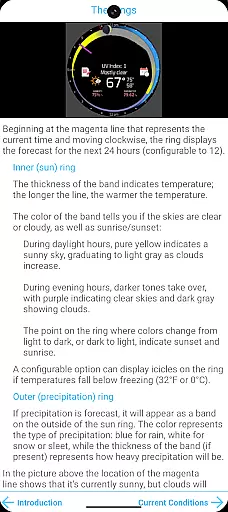
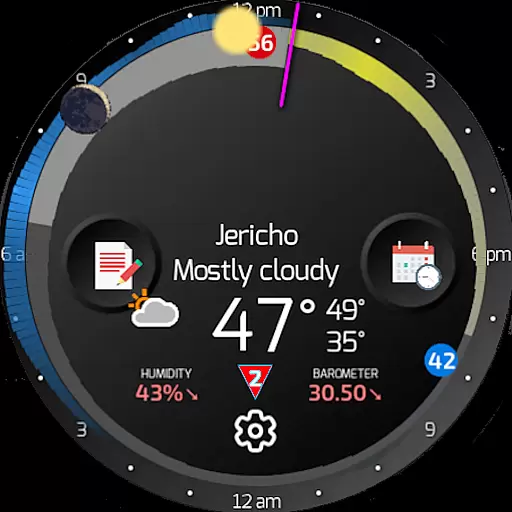
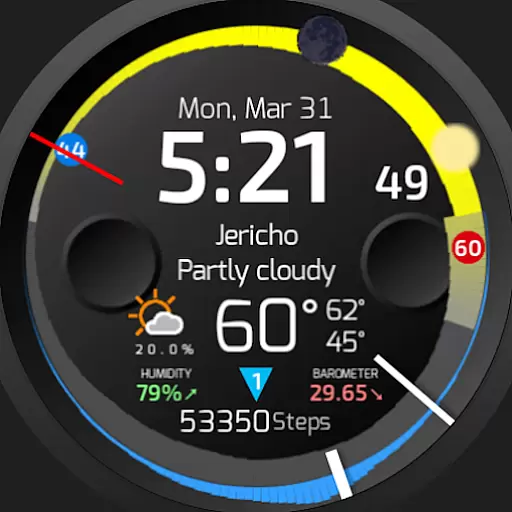
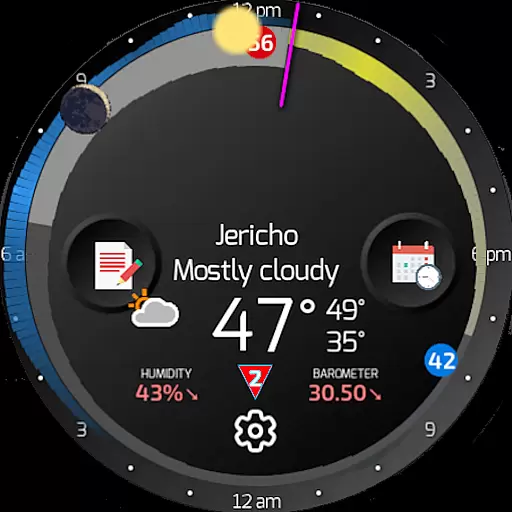
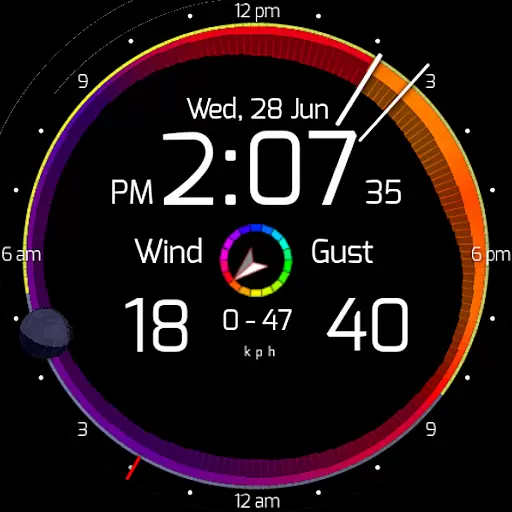
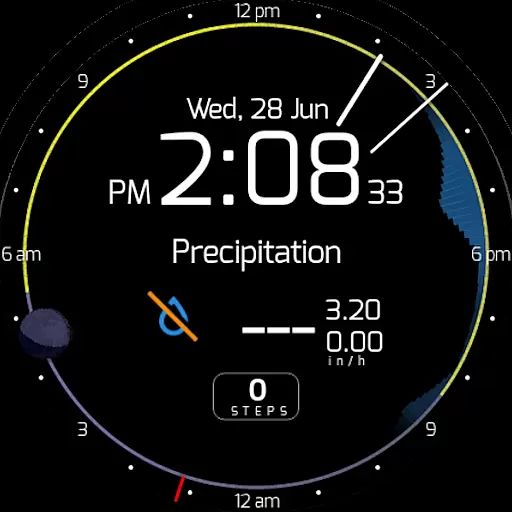
SkyHalo 2 Weather stands out with its unique halo system that graphically presents weather data in an easy-to-understand format. The width of the ring indicates temperature changes, while colors represent sky conditions ranging from sunny yellow to cloudy gray. Precipitation forecasts are shown via an outer halo, with blue indicating rain and white for snow or sleet.
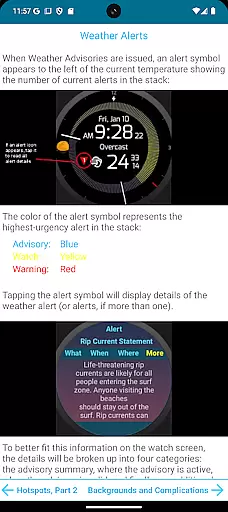
In addition to the innovative display, the app provides critical details such as current weather conditions, humidity levels, and barometric pressure. Users can tap on various sections to cycle through temperature, wind speed, and precipitation screens. Severe weather alerts are prominently displayed, offering detailed advisory information when tapped.
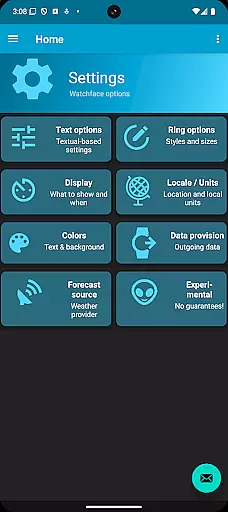
The configurability of SkyHalo 2 Weather further enhances its utility. Options include selecting preferred weather service sources, toggling between real and apparent temperatures, choosing 12h/24h time formats, and switching between imperial and metric units. Customizable standby screen elements and color schemes allow personalization, ensuring the app fits seamlessly into any user's lifestyle.
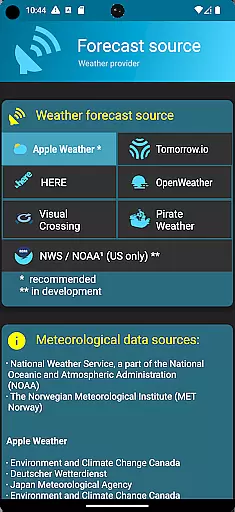
Forecast accuracy and data credibility are crucial for any weather application, and SkyHalo 2 Weather excels in these areas. The app offers users a choice of ten global forecast sources, including well-known services like Apple Weather, Google Weather, and OpenWeather. This diversity ensures that users can select the most reliable source for their location, enhancing the overall accuracy of weather predictions.
The app provides continuous forecasts for up to 48 hours, daily forecasts extending to 10 days, and hourly forecasts reaching up to 72 hours. Such comprehensive coverage allows users to plan their activities with confidence, knowing they have access to precise and timely weather information. Additionally, the inclusion of weather alerts on a global scale ensures users are promptly informed of any severe weather conditions that may affect them.
SkyHalo 2 Weather's unique graphical representation of weather data through halos around the watch face makes interpreting forecasts intuitive. The width and color of the rings convey temperature and cloudiness, while an outer halo indicates rain or snow. This innovative approach not only enhances user experience but also reinforces the reliability of the presented data, making it easier for users to make informed decisions based on accurate weather forecasts.
The temporal and spatial forecast range is a defining feature of SkyHalo 2 Weather, setting it apart from other weather applications. With forecasts extending up to 10 days ahead and detailed hourly predictions available for up to 72 hours, the app caters to both long-term planning and immediate weather awareness. This extensive forecast range empowers users to prepare for upcoming weather changes effectively, whether they're scheduling outdoor activities or simply deciding what to wear each day.
In addition to its broad temporal coverage, SkyHalo 2 Weather provides localized forecasts that consider the specific geographical location of the user. By integrating data from multiple global weather sources, the app delivers highly relevant and localized weather information. Users can trust that the forecasts they receive are tailored to their exact location, ensuring maximum relevance and utility.
Furthermore, the app's ability to display weather alerts and detailed advisory information adds another layer of value to its forecasting capabilities. Severe weather notifications, along with precise details about timing, location, and severity, enable users to take proactive measures to ensure their safety. This combination of extensive forecast range and localized, actionable insights makes SkyHalo 2 Weather an indispensable tool for anyone seeking reliable and detailed weather information on their Wear OS device.
Comprehensive weather data
Visually intuitive interface
Multiple forecast sources
Customizable settings
Severe weather alerts
Requires separate front-end
Limited free features
Complex setup process
High battery consumption
Premium subscription needed

Live weather radar, widgets & forecasts. Track rain, storms & temperature.
 4.20
4.20
Live Alabama weather from James Spann—forecasts, radar, alerts, Spanncams.
4.70
Hurricane Tracker, Rain Map
4.80
Know the weather earlier.
3.90
Weather radar, hyperlocal tracker and weather maps: follow your weather station
4.80
Download now and give your smartwatch a fresh, premium look!
4.20
Weather watch face for Wear OS 5+
4.40
A professional, comprehensive and accurate weather forecast app
4.90
Hyperlocal Forecasts, Live Radar, Severe Weather alerts & Homescreen Widgets
4.30
No ads, No data collected. Beautiful and powerfully customizable weather app
4.90
Weather - Local weather forecast, weather daily & hourly, weather radar
4.80
Weather Forecast, Trending News, Hurricane & Storm Tracker, Alerts & Live Radar.
4.80
My Aurora Forecast is the app for Northern Lights and Aurora Borealis alerts.
4.60
Your ultimate app for accurate local weather information!
4.60
Accurate weather forecast and beautiful weather & clock widgets
4.20
Your Personal Weather Assistant
4.00
Check forecasts, watch live news & track storms with FOX Weather.
3.80
A powerful weather forecast to get real-time weather information
3.60
A powerful tool for ultimate weather awareness
3.50


User Reviews