
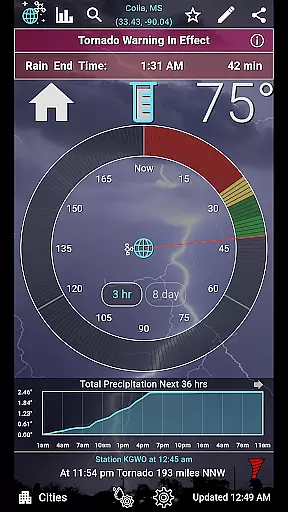
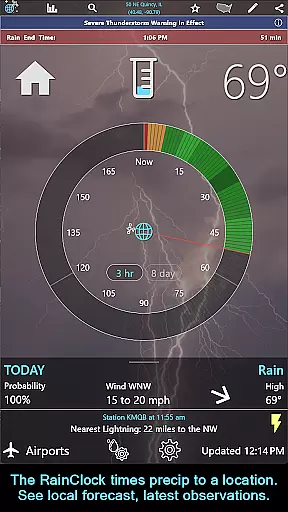
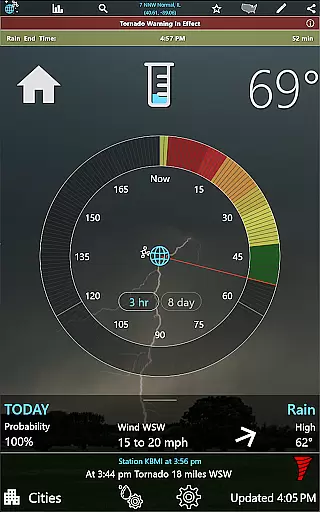
RainAware is a comprehensive weather application designed to provide users with detailed and localized weather information. The app's core functionality revolves around accurate precipitation tracking, offering precise rain start and end times up to three hours in advance. This feature is complemented by interactive graphs that display temperature, wind speed, cloud cover, and precipitation type for the next 36 hours.
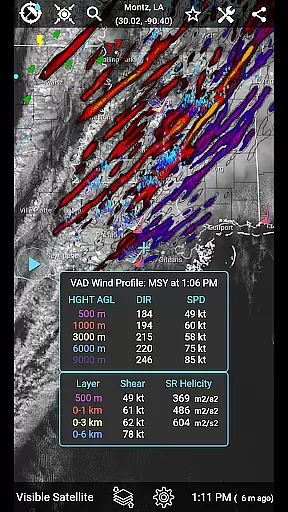
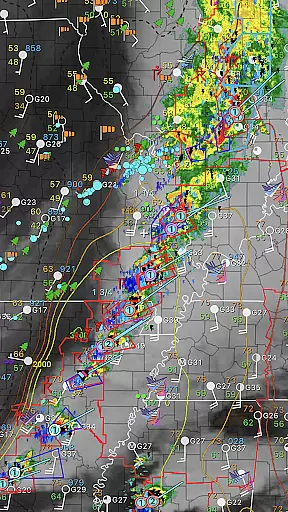
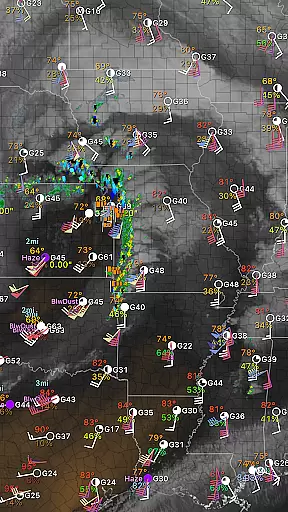
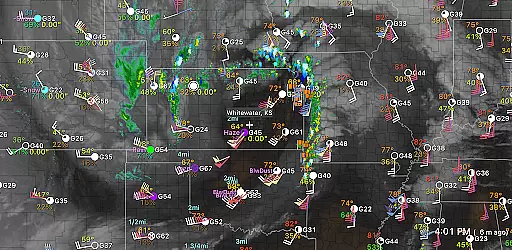
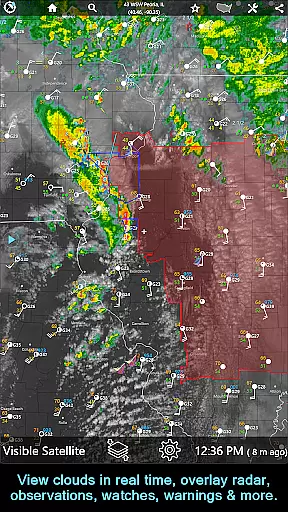
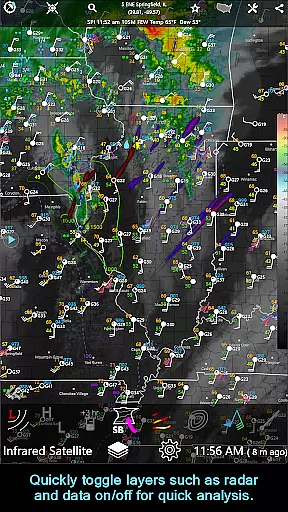
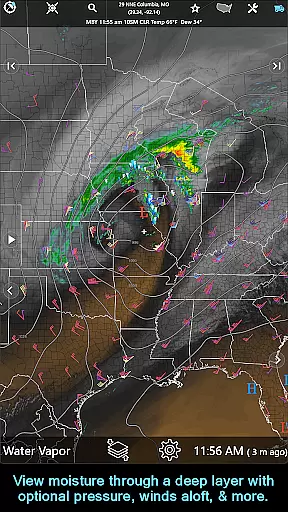
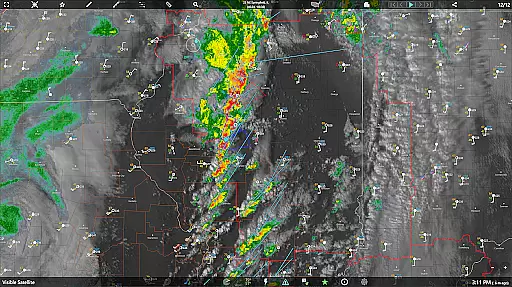
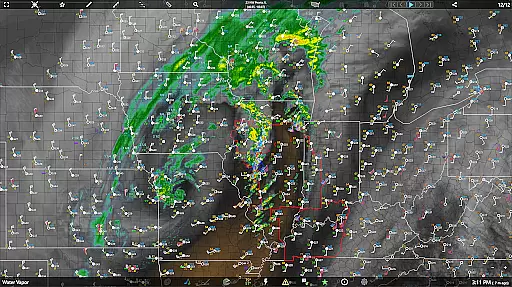
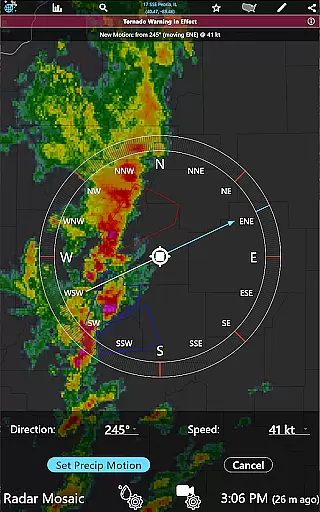
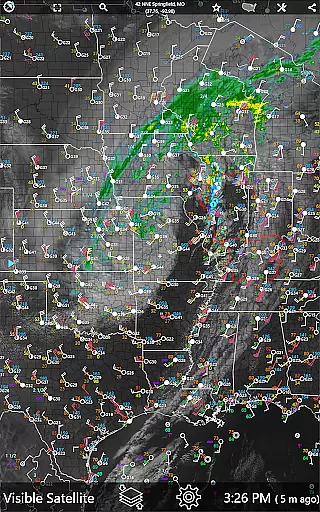
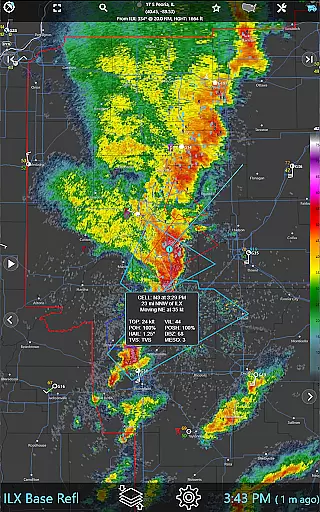
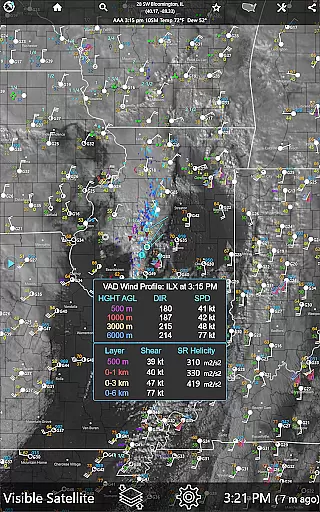
One of the standout features is the intelligent notification system that alerts users about incoming rain, severe weather threats, and significant meteorological changes. Users can customize alert parameters including proximity boundaries and duration thresholds. The app also provides advanced mapping tools, satellite imagery, and radar data, allowing users to analyze weather patterns across extended regional domains.
The application is particularly useful for outdoor event planning, travel coordination, and daily commuting. By delivering timely and accurate weather updates, RainAware helps users make informed decisions about their activities while ensuring they stay prepared for changing weather conditions.
RainAware distinguishes itself through its sophisticated feature set tailored for weather enthusiasts and professionals alike. The Rain Clock feature provides intuitive visualizations of approaching precipitation, complete with dynamic background images that reflect current weather conditions. Advanced users will appreciate the Interactive Graphs that offer detailed meteorological data readouts.
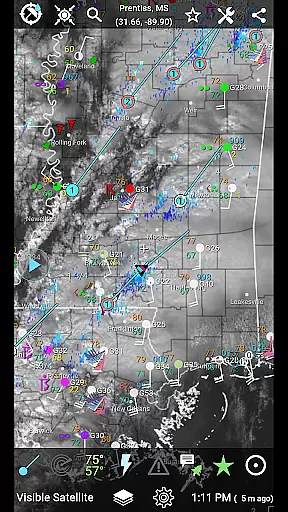
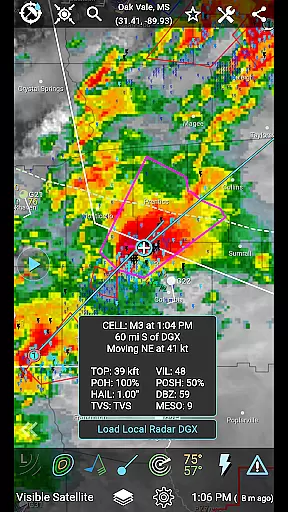
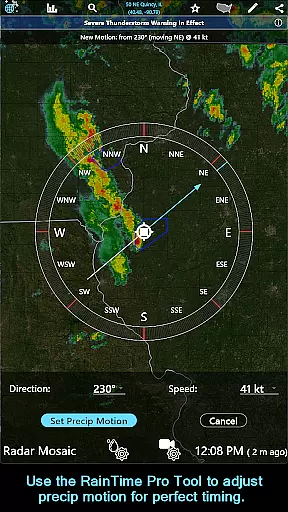
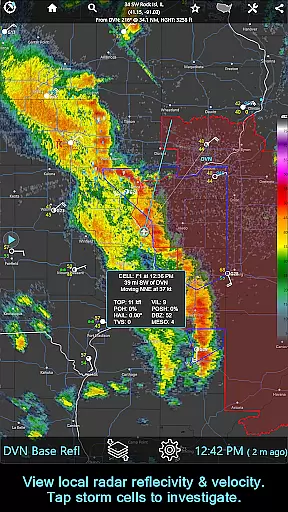
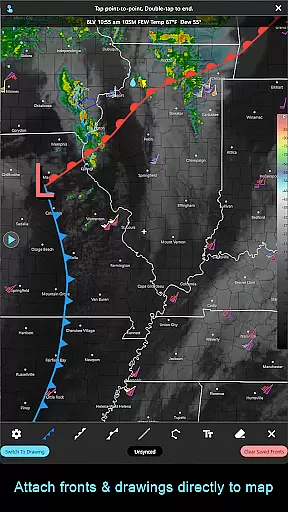
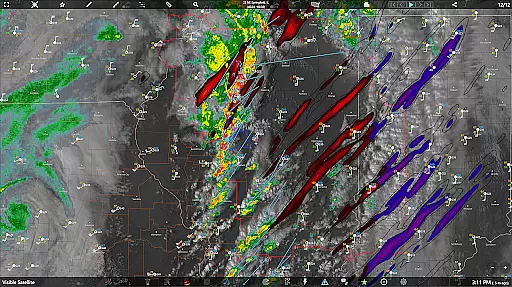
The app's mapping capabilities are exceptional, featuring multiple overlays including surface observations, lightning plots, and hurricane tracks. The Drawing Tool allows users to annotate maps with custom drawings or text, while the Forecast Clock presents an eight-day outlook in a concise format. Unique to the subscription version are professional-grade tools like the RainPro feature for refined precipitation timing and National Radar Products that include Echo Tops and Hail Swaths.
Particularly noteworthy is the app's cross-platform subscription model, enabling seamless access across iOS, macOS, and Android devices. The ability to view unrestricted weather maps and access specialized aviation mode makes it invaluable for professionals in various fields, from agriculture to transportation.
Forecast accuracy and data credibility are crucial for any weather application, and RainAware excels in these areas. The app provides precise rain timing predictions up to three hours in advance, ensuring users can plan their activities accordingly. By utilizing advanced meteorological algorithms and real-time data analysis, the app delivers reliable forecasts tailored to the user's specific location.
RainAware goes beyond basic forecasting by offering interactive graphs that display temperature, wind speed, cloud cover, and precipitation types over the next 36 hours. This detailed information empowers users with comprehensive insights into upcoming weather patterns, enhancing decision-making for outdoor events or travel plans. Additionally, the inclusion of weather badges highlights significant or rapid changes in weather conditions, further emphasizing the app's commitment to accuracy.
The value of accurate forecasting extends to safety as well. With features like notifications for severe weather threats and customizable alert settings, users can stay informed about potential hazards. Whether it's setting a proximity boundary for rain alerts or receiving updates on lightning and storm reports, RainAware ensures users have timely and credible information to protect themselves and their property.
Understanding both temporal and spatial forecast ranges is essential for effective weather planning, and RainAware offers extensive coverage in these dimensions. The app provides detailed forecasts extending up to 36 hours, allowing users to anticipate weather changes well in advance. This temporal range is complemented by a broad spatial coverage that spans from Hawaii to the Caribbean, ensuring comprehensive regional data availability.
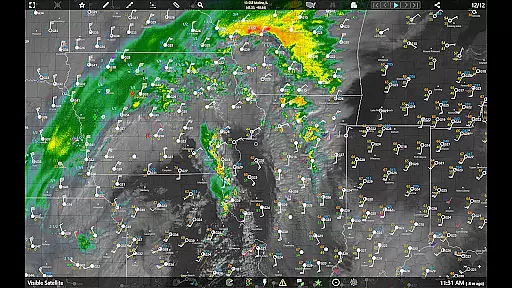
RainAware's satellite and radar imagery tools enhance spatial awareness by enabling users to view weather maps over large domains. Users can move the domain to different locations, providing flexibility in monitoring weather conditions across various regions. This feature is particularly beneficial for travelers or those managing operations across multiple locations, as it allows them to stay updated on weather developments anywhere within the coverage area.
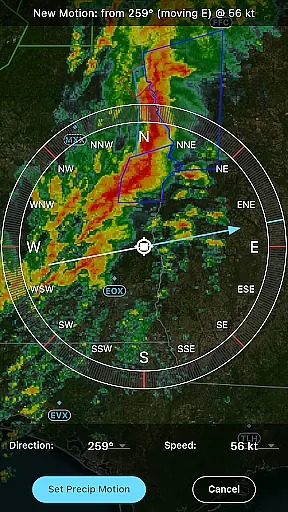
In addition to expansive spatial coverage, RainAware includes specialized tools such as the RainPro feature, which refines precipitation motion for optimal timing predictions. This level of detail ensures that users receive the most accurate and relevant information for their specific needs. Whether tracking storm cells, plotting hurricane tracks, or analyzing environmental fields, RainAware's robust temporal and spatial forecast capabilities make it an indispensable tool for weather-conscious individuals.
Accurate rain prediction
Customizable notifications
Advanced mapping tools
Cross-platform compatibility
Professional-grade features
Subscription required for full features
Complex interface for beginners
High data usage
Limited free version
Regional limitations

Weather for Indiana, Kentucky and Ohio
 4.90
4.90
Local weather forecast, reliable daily weather report
4.30
Track rainfall totals with ease using our rain gauge app. Accurate rain tracker.
4.50
Most precise & accurate compass app give true North South East West directions.
3.00
Your Trusted Weather Companion
4.40
No ads, No data collected. Beautiful and powerfully customizable weather app
4.90
Industry leading whitetail movement predictor & hunting app.
4.60
NOAA forecast & radar for your exact location.
4.80
Stay Ahead Of Changing Weather Conditions
4.00
A professional, comprehensive and accurate weather forecast app
4.90
Weather radar, hyperlocal tracker and weather maps: follow your weather station
4.80
Live Weather Forecast app with acu weather radar, weather alert & weather widget
4.80
The reliable and trusted global air quality, wildfire, pollen, PM2.5 forecast
4.70
Live weather forecast for your everyday life
4.60
My Aurora Forecast is the app for Northern Lights and Aurora Borealis alerts.
4.60
Accurate Thermometer: indoor & outdoor temperature, humidity, pressure, and wind
4.50
NOAA radar, weather forecasts, hurricane tracking & customizable alerts.
4.50
Weather watch face for Wear OS 5
4.40
A powerful weather forecast to get real-time weather information
3.60


User Reviews