
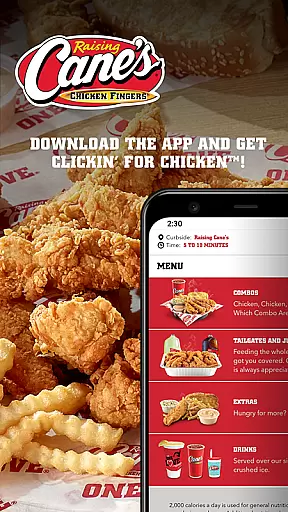
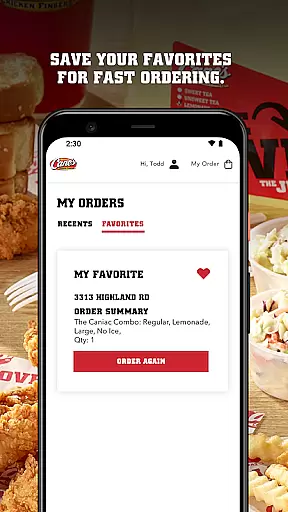
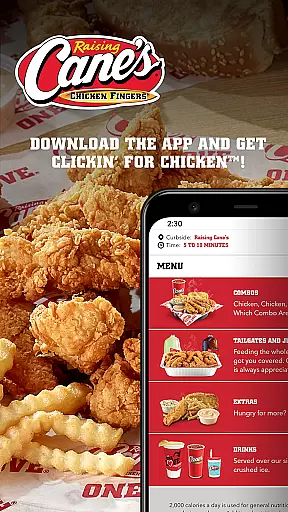
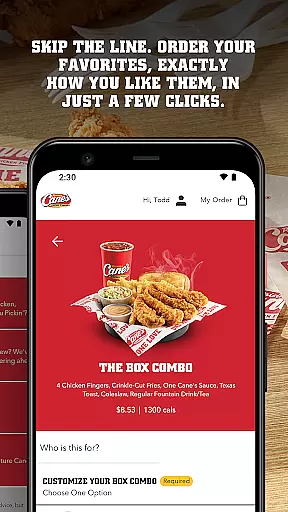
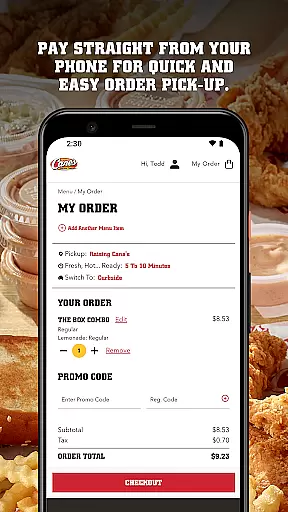
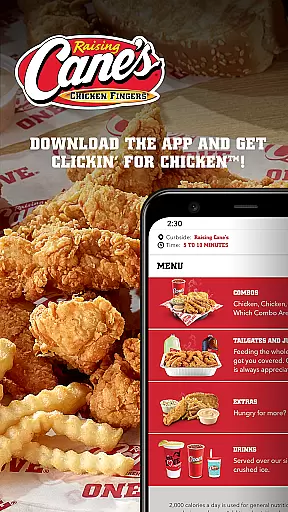
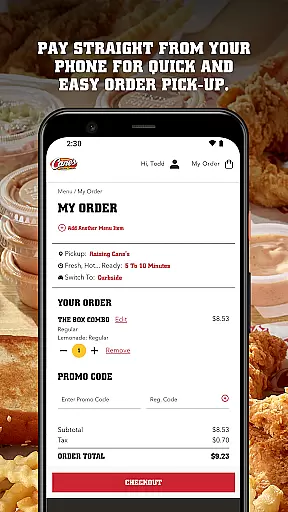
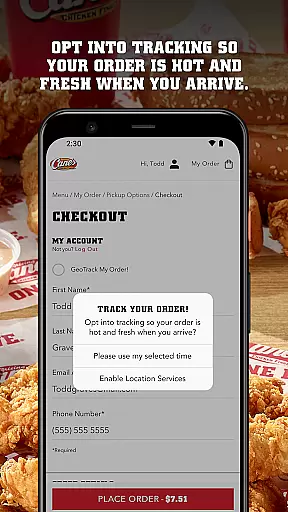
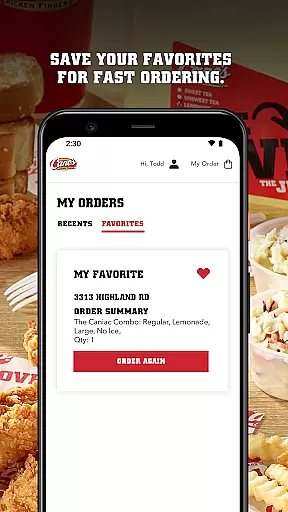
Raising Cane's Chicken Fingers app is your go-to solution for ordering their signature chicken finger meals. Designed for convenience, this app allows users to skip lines by ordering ahead and paying directly through their mobile device. With features like Tasty Tracking and Quick Reordering, it ensures that customers receive fresh, hot meals every time while saving their favorite orders for future visits.
The app caters specifically to those who love quality chicken and want a seamless experience when picking up their food. Whether you're a regular customer or new to Raising Cane's, the app enhances your dining experience by making transactions smoother and faster.
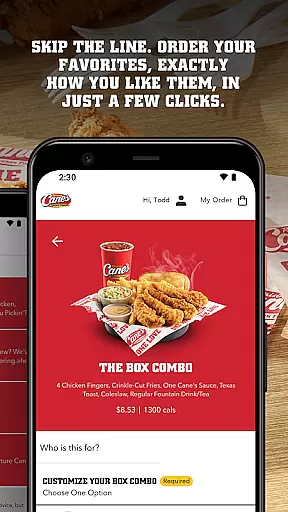
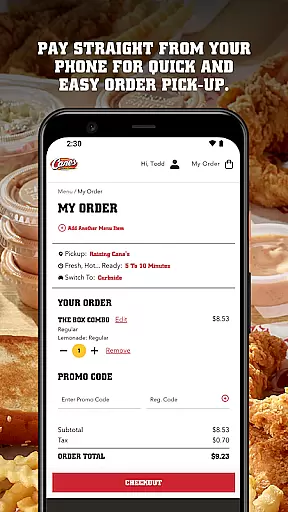
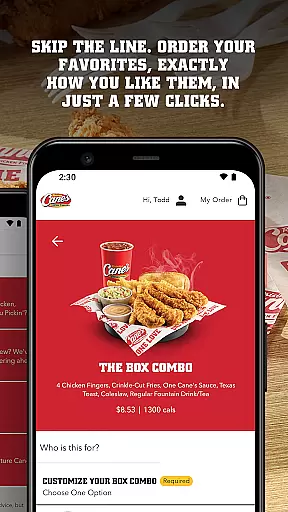
The Raising Cane's Chicken Fingers app offers several standout features that make ordering food more efficient. The ORDER AHEAD function lets users customize their meal exactly how they like it, all within a few taps. PAY AHEAD ensures quick and easy payment directly from the phone, eliminating the need to wait in line at the counter.
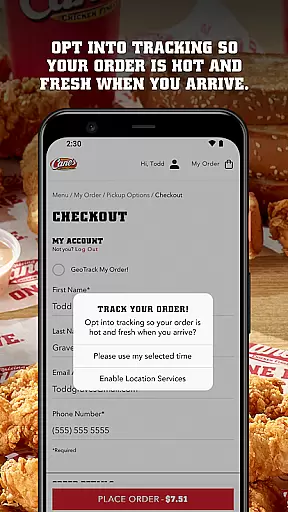
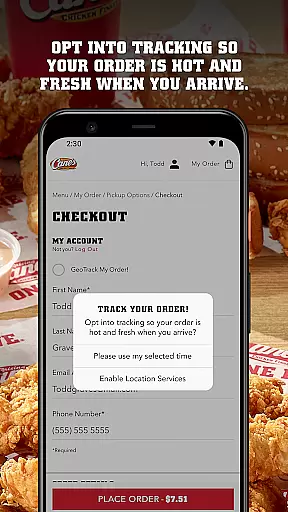
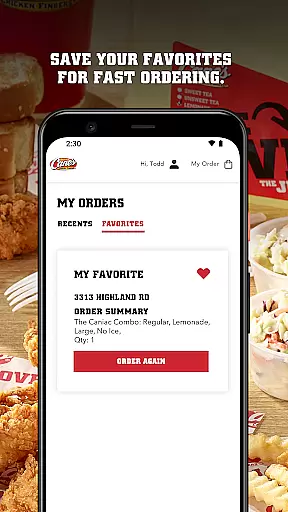
TASTY TRACKING keeps customers informed about the status of their order, ensuring that their meal is fresh and hot upon pick-up. Additionally, QUICK REORDERING saves previous orders as favorites, allowing for even faster transactions in the future. These features collectively create a streamlined and user-friendly experience tailored to fast-food lovers.
Locating your nearest Raising Cane's Chicken Fingers is effortless with the app's store locator feature. This functionality ensures that you can find a location no matter where you are, providing accurate and up-to-date information on all nearby outlets.
The app provides essential details such as operating hours, address, and contact information for each store. This makes planning your visit straightforward and efficient, ensuring you know exactly when and where to pick up your order.
Additionally, the integration of maps within the app offers seamless navigation to your chosen store. With just a few taps, users can access directions, estimate travel time, and decide the best route to take, enhancing the overall customer experience.
Raising Cane's app excels in offering flexible delivery and pickup options, allowing customers to enjoy their favorite chicken finger meals at their convenience. The ORDER AHEAD and PAY AHEAD features ensure that your meal is prepared and ready precisely when you arrive.
For those who prefer dining at home, the app provides reliable delivery services. By partnering with trusted delivery platforms, Raising Cane's guarantees that your food arrives fresh and hot, maintaining the quality that customers love.
Moreover, the QUICK REORDERING option simplifies the process for regular customers. By saving your favorites, the app streamlines future orders, making both pickup and delivery quicker and more efficient, thus catering to your fast-paced lifestyle.
User-friendly interface
Fast ordering process
Secure mobile payments
Order tracking feature
Quick reordering option
Limited to Raising Cane's
No delivery option
Few customization options
Occasional bugs
Location restrictions

Krispy Kreme Mobile Ordering, Loyalty and Hot Light
 3.20
3.20
Easy and fast ordering, improved customization, and an enhanced guest experience
4.20
Fix bad slushies with SlushIQ tools for Ninja Slushi, Iceman, and home mixers.
4.2
Earn rewards, order ahead, and never miss a celebration! At select locations.
4.90
Order from Gopuff and get your essentials delivered in as fast as 15 minutes
4.50
Now it's easier than ever to order, pay and earn delicious rewards.
3.50
Discover restaurants, reservations, food delivery, reviews & services near me
4.60
Get Rewards, Easy Ordering & Exclusive Offers
4.70
Order, Deals & Rewards
4.20
Rescue tasty unsold food from local stores for ½ price or less.
4.90
Save at the pump AND in store with deals on gas, snacks & drinks at Murphy USA.
4.80
Fresh sandwiches and boxed lunches for delivery or pickup. Plus, track rewards!
4.80
Quickly order, pay, reload your Starbucks Card and earn free drinks or food.
4.80
Top restaurants delivered
4.70
NEW digital gift cards available in exclusive designs!
4.60
The ultimate app to save recipes from Instagram, TikTok, Facebook & more.
4.60
Not just food delivery. Shop for groceries from local supermarkets to your door.
4.60
Eating fresh just got a whole lot better with the new Subway app.
4.20
Food Delivered to your door! Order from 1800+ Grocery & Retail Store Brands.
4.10


User Reviews