
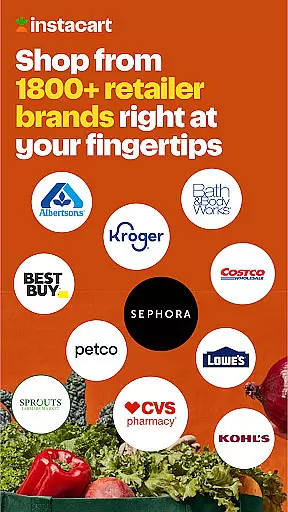
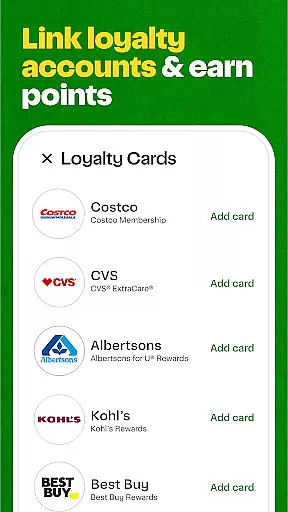
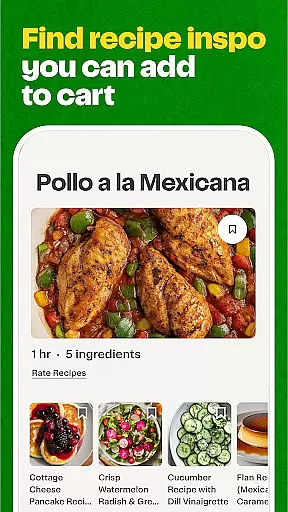
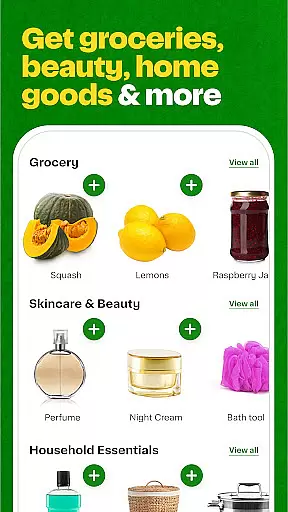
Instacart is a leading grocery delivery and pickup service that connects users to over 85,000 stores across North America. The app allows customers to shop from their favorite retailers like Aldi, Publix, Costco, and Safeway, getting fresh produce, beverages, snacks, and household essentials delivered in as fast as 30 minutes. With features such as contactless delivery, real-time shopper communication, and exclusive discounts, Instacart provides a convenient and safe shopping experience.
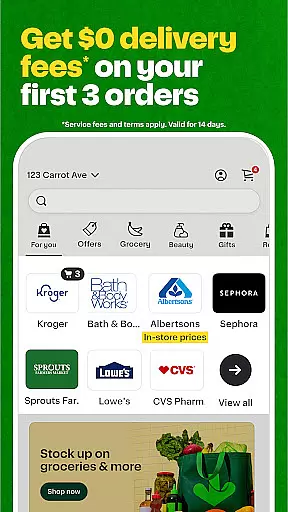
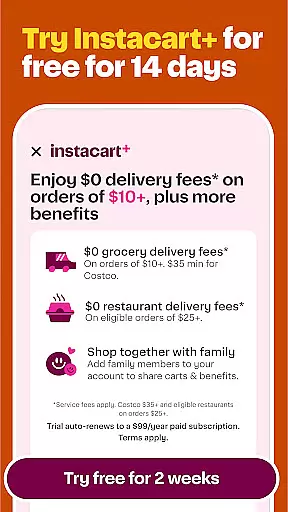
One of the standout aspects of Instacart is its ability to save users time by consolidating multiple store visits into one seamless digital platform. Whether you're looking for specific grocery items or planning your weekly meals, Instacart's intuitive interface makes it easy to browse products, compare prices, and complete purchases. Additionally, new users can enjoy $0 delivery fees on their first three orders within 14 days, making it an attractive option for those trying the service for the first time.
Instacart offers a comprehensive suite of features designed to enhance the grocery shopping experience. The app's core functionality revolves around its robust delivery system, which ensures groceries are delivered quickly and efficiently. Users can enter their zip code to view available local stores, browse product catalogs, and add items to their cart with ease. The real-time chat feature allows customers to communicate directly with their designated shopper, ensuring any last-minute changes or special requests are accommodated.
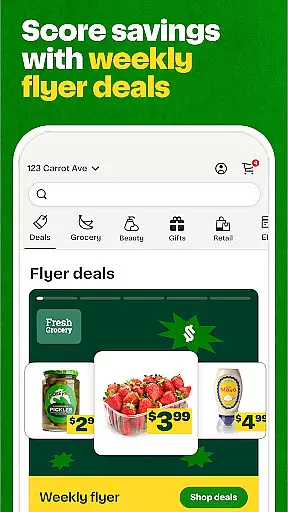
Beyond basic shopping capabilities, Instacart also provides significant value through its rewards program and exclusive deals. Shoppers can earn coupons and access special promotions that help them save money on frequently purchased items. The app's focus on convenience extends to its pickup options as well; customers who prefer to collect their orders themselves can do so while avoiding delivery fees. These features collectively create a versatile platform that caters to various shopping preferences and needs.
Instacart's store locator functionality is designed to connect users with over 85,000 supermarkets and stores across North America. This feature ensures that no matter where you are located, you can easily find and access your favorite grocery stores, including popular chains like Aldi, Publix, Costco, and Safeway.
The app allows users to enter their zip code before shopping, ensuring accurate location-based results. This makes it simple to browse and shop from local supermarkets or support nearby businesses. The precision of the store locator guarantees that users receive relevant options tailored to their geographic area.
With this tool, Instacart not only simplifies the process of finding grocery stores but also enhances convenience by offering same-day delivery or pickup options. Whether you're looking for fresh produce, beverages, or household essentials, the store locator ensures you have access to a wide variety of products from trusted retailers in your vicinity.
Ultimately, the store locator feature saves time and effort by eliminating the need to physically visit multiple stores. It streamlines the shopping experience, allowing users to efficiently complete their grocery lists while enjoying the benefits of fast and reliable delivery or easy in-store pickup.
Instacart provides robust delivery and pickup options, ensuring customers can choose the most convenient method for receiving their groceries. With delivery available in as fast as 30 minutes, users can enjoy quick and safe contactless deliveries directly to their doorsteps.
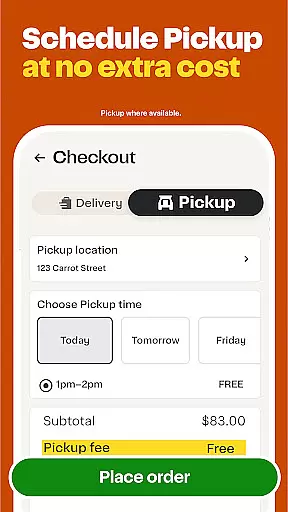
For those who prefer a more hands-on approach, Instacart offers a seamless pickup option. Customers can place their orders online and select a time to pick up their groceries at the store, skipping additional fees associated with delivery services. This flexibility caters to different preferences and schedules.
The app further enhances these services through real-time communication features. Users can chat with their designated shopper to make any last-minute changes or special requests regarding their order. This level of interaction ensures accuracy and customer satisfaction throughout the entire process.
By combining speedy deliveries, flexible pickup arrangements, and interactive communication tools, Instacart optimizes both convenience and efficiency. These comprehensive delivery and pickup solutions help users save time while providing peace of mind about their grocery needs being met promptly and reliably.
User-friendly interface
Wide store selection
Fast delivery times
Secure payment options
Excellent customer support
Service fees apply
Limited international availability
Occasional stock issues
Subscription required for max savings
Variable delivery quality

Home baked, made easy! Passionate baking with Mauela Kjeilen @passionforbaking
 4.40
4.40
Skip the line, get delivery + exclusive treats
3.90
Delivery. Pickup. Rewards.
4.70
Restaurant Reservations
4.90
Easily Order, Earn Crumbs & Unlock Rewards!
4.80
Mobile Ordering - Order your favorite burgers, chicken, breakfast, and desserts
4.60
Discover. Create. Plate.
4.40
Your most rewarding experience is in the Cracker Barrel app.
4.20
Exclusive deals, mobile ordering & find your nearest BK® restaurant anytime
4.40
Get 20% Back at thousands of 4+ star restaurants when you pay using inKind
4.90
Monthly Perks. Fuel Discounts. App Exclusive Deals.
4.90
Fresh sandwiches and boxed lunches for delivery or pickup. Plus, track rewards!
4.80
Quickly order, pay, reload your Starbucks Card and earn free drinks or food.
4.80
Tons of tasty options, ready in an instant! Order for pickup or delivery.
4.70
The fast and practical app to help you make the best cocktails at home!
4.60
Discover restaurants, reservations, food delivery, reviews & services near me
4.60
Order your Domino's favorites then follow the progress with Domino's Tracker®!
4.60
Order from Gopuff and get your essentials delivered in as fast as 15 minutes
4.50
Order pizza and earn points
3.90


User Reviews