
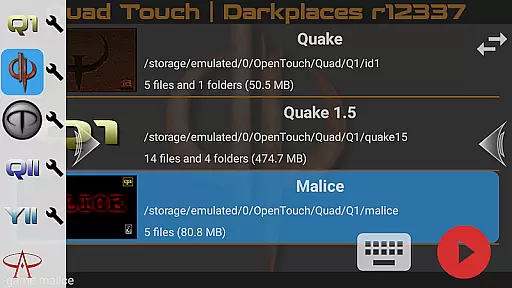
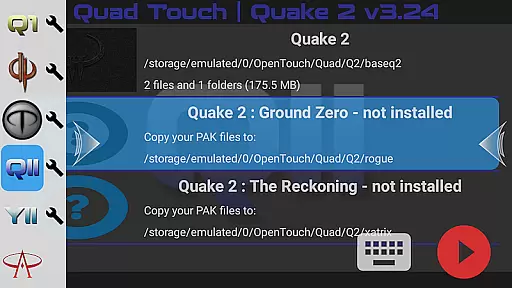
Quad Touch brings the most advanced Quake engines to Android, offering an unparalleled first-person shooter experience. The app supports multiple game engines including DarkPlaces, QuakeSpasm, FTEQW, and more, each providing unique features for different versions of Quake and Hexen 2.
With full gamepad support, built-in keyboard, weapon wheel, and customizable touch controls, Quad Touch delivers a premium gaming experience. It also includes gyro aim assist and the ability to play all official expansion packs, making it a must-have for Quake enthusiasts.
Ideal for high-end devices with 6GB+ RAM, Quad Touch allows players to enjoy enhanced graphics and multiplayer options. Whether you're a fan of classic Quake or looking to explore total conversions, this app provides the tools needed for an immersive experience.
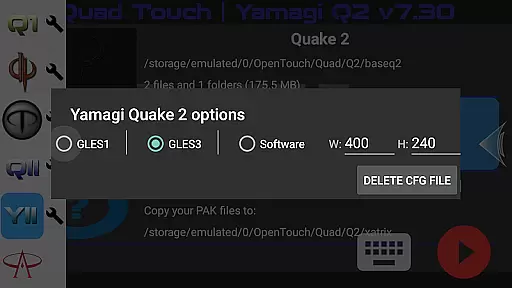
Quad Touch stands out with its comprehensive selection of Quake engines, each tailored for specific gaming experiences. From the classic QuakeSpasm to the feature-rich FTEQW engine, users can enjoy both single-player campaigns and multiplayer modes with enhanced graphics.
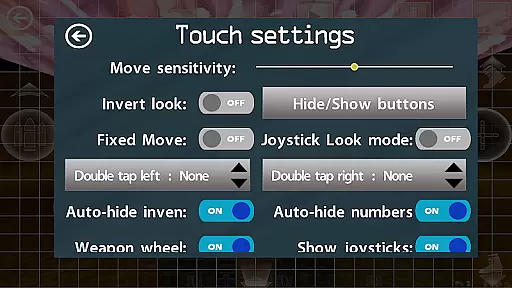
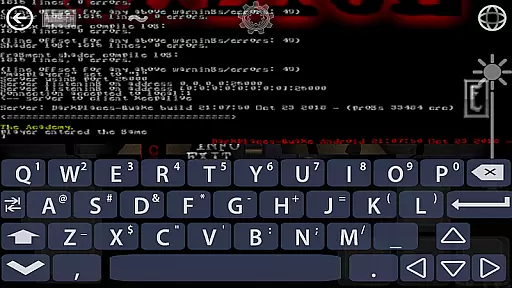
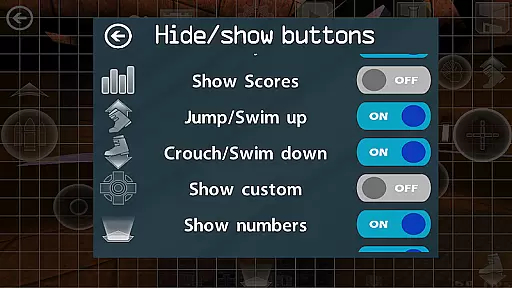
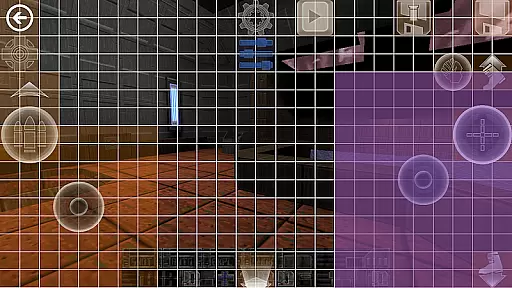
The app's innovative touch screen controls are designed specifically for FPS games, ensuring precise aiming and smooth gameplay. With six customizable buttons, players can create personalized control schemes. The built-in console access and GUI for mod selection further enhance customization options.
Additional notable features include scoped storage compatibility, import/export settings functionality, and full money-back guarantee. These aspects ensure user convenience, flexibility, and satisfaction while using Quad Touch for an authentic Quake gaming session.
Control responsiveness and latency are crucial factors in action games, determining how quickly and accurately a player's inputs are translated into in-game actions. Quad Touch offers an advanced touch control system specifically designed for first-person shooter (FPS) games, ensuring that every tap and swipe on your Android device is instantly recognized and executed within the game.
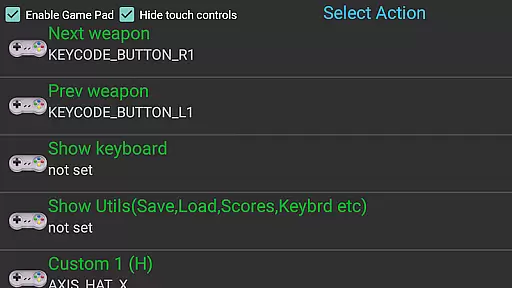
The app supports full gamepad integration, providing players with a traditional console-like experience. This feature significantly reduces input delay, making gameplay smoother and more responsive. Additionally, the built-in keyboard and customizable buttons allow users to tailor their controls to their liking, further enhancing the speed and precision of their commands.
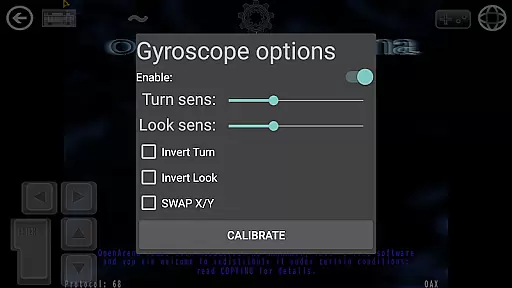
Quad Touch also includes gyroscopic aiming assistance, which leverages your device's gyroscope to deliver intuitive and precise aiming controls. This not only improves accuracy but also reduces the perceived latency between physical movement and in-game response. As a result, players can enjoy a seamless and immersive gaming experience, where their actions are accurately reflected without noticeable delays.
Combat feedback tightness refers to how well a game communicates the impact of combat actions to the player through visual, auditory, and tactile cues. In Quad Touch, this aspect is meticulously crafted to ensure that every shot, explosion, and hit is felt by the player, enhancing the overall immersion and excitement of the gameplay.
The app provides high-quality sound effects and detailed graphics that work together to create a visceral combat experience. Whether it's the roar of an explosion or the crisp sound of gunfire, these elements combine to give players immediate and satisfying feedback for their actions. Furthermore, the weapon wheel and custom button layout enable quick access to various weapons and abilities, allowing for dynamic and responsive combat scenarios.
Quad Touch also emphasizes visual feedback, with realistic animations and particle effects that make each combat encounter feel intense and impactful. The appu2019s support for multiple Quake engines ensures that players have access to cutting-edge graphics and physics, resulting in tight and engaging combat sequences. Overall, Quad Touch delivers a combat experience that is both visually stunning and mechanically satisfying, keeping players engaged and immersed in the action.
Advanced Quake engines
Full gamepad support
Customizable controls
Built-in keyboard
Gyro aim assist
No included game data
High-end device required
Complex setup process
Limited to Quake series
Potential compatibility issues
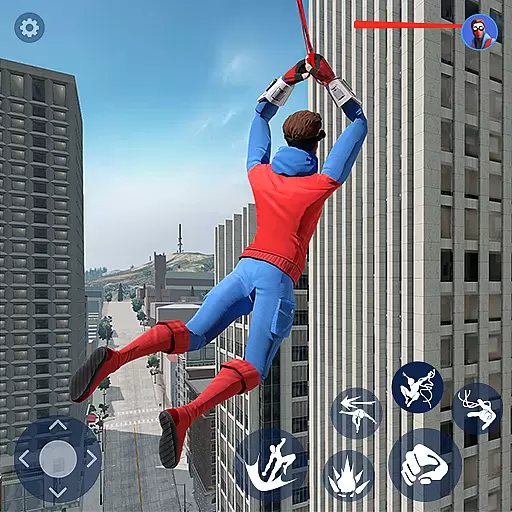
Be a spider hero and conquer the vice town
 4.50
4.50
Try not to fall while rolling the ball high in the sky and on the ground!
4.20
Prove your ninja skills by creeping through the shadows and taking out bad guys
4.40
Craft, build, and survive in a zombie-infested open world!
3.40
A Troll Platformer Game
3.30
Survive the Wild West: Bullet Hell Roguelite Action Awaits!
4.70
Play through 45 action-packed missions with over 90 iconic Marvel characters!
3.00
Get pixel gun, kill hords of stupid zombies dead ahead, be a lone survivor
4.80
Become the ultimate expert in deer hunting through intense shooter attacks!
4.90
BLEACH anime action RPG. Relive the story, unleash Bankai, battle Hollows!
4.80
A classic console-feeling action game
4.40
Aim the arrow and become a legendary archer! Multiplayer action & shooting games
4.40
Rockstar Games brings its biggest release to mobile yet.
4.40
Epic Fantasy RPG & Arena
4.30
Race around the world!
4.30
Command your army, crush the enemy, and reclaim the nation!
4.30
Descend deeper into the toy factory with more puzzles and a new threat looming
4.20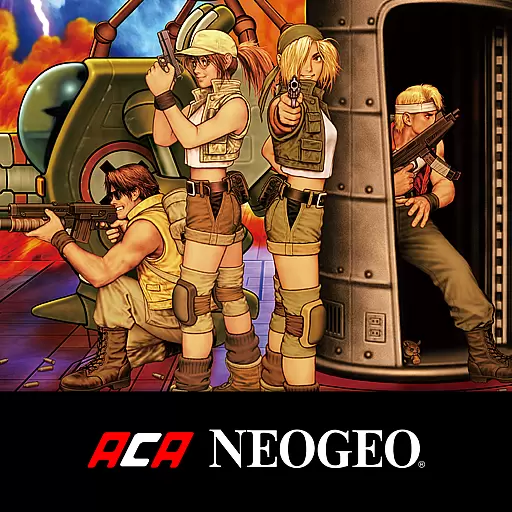
NEOGEO's masterpiece game is now available in the app!
3.90
Retro pixel war game! Destroy enemies and survive the chaos!
4.3


User Reviews