
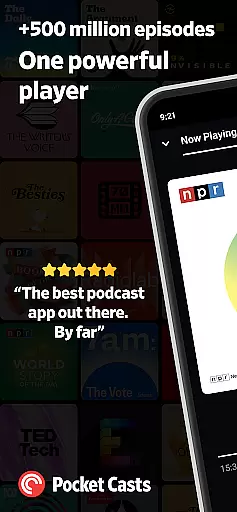

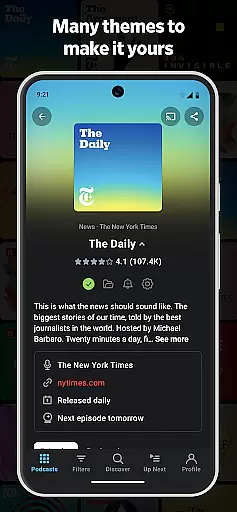

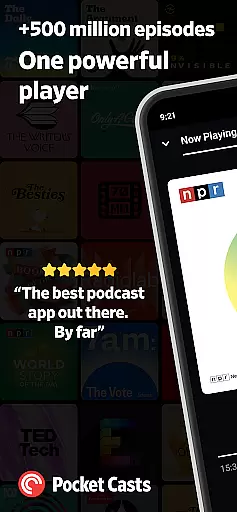

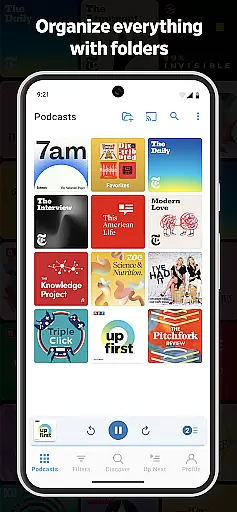
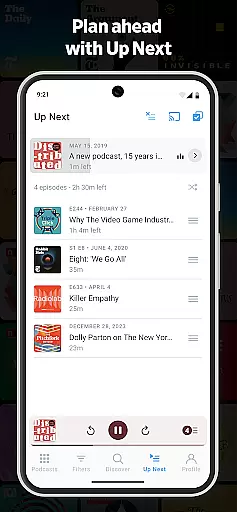
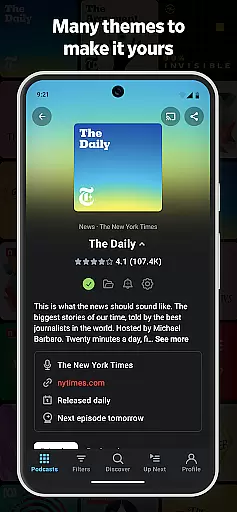

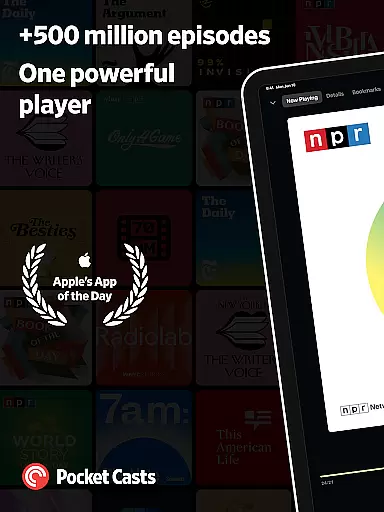
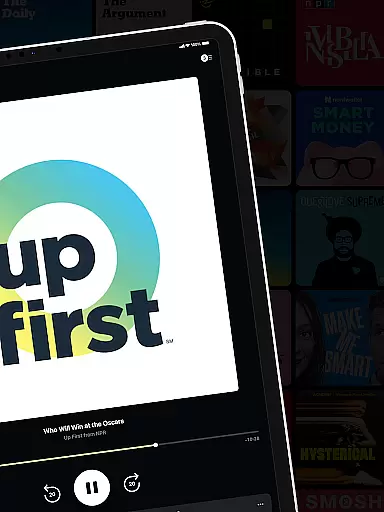
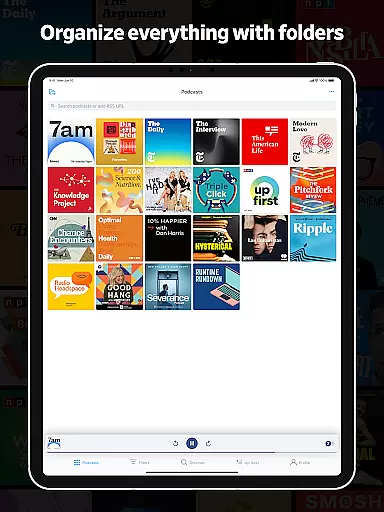

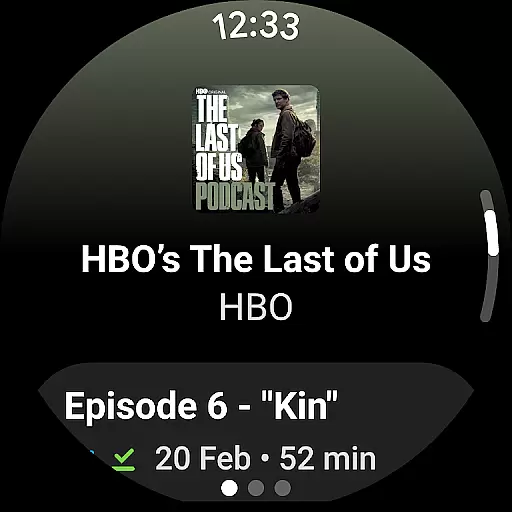
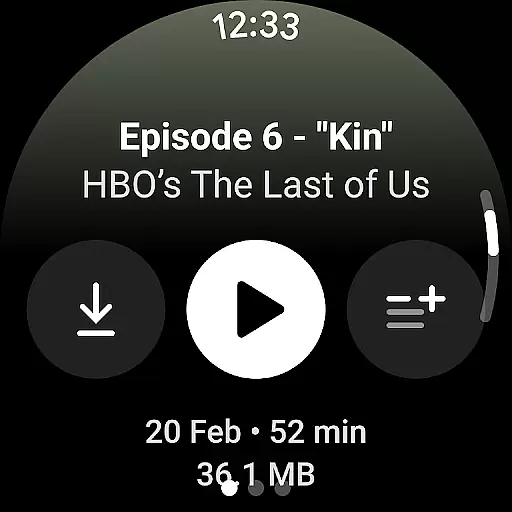
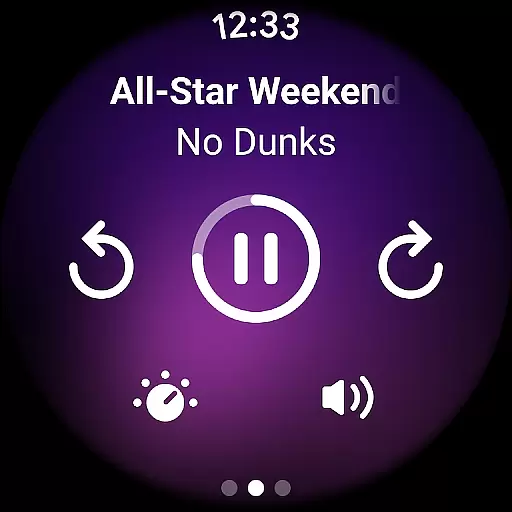
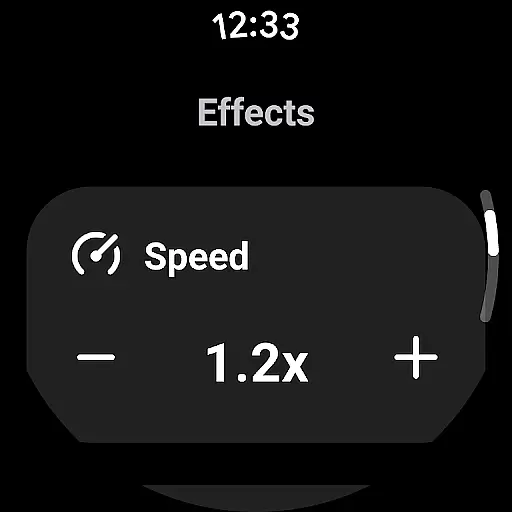
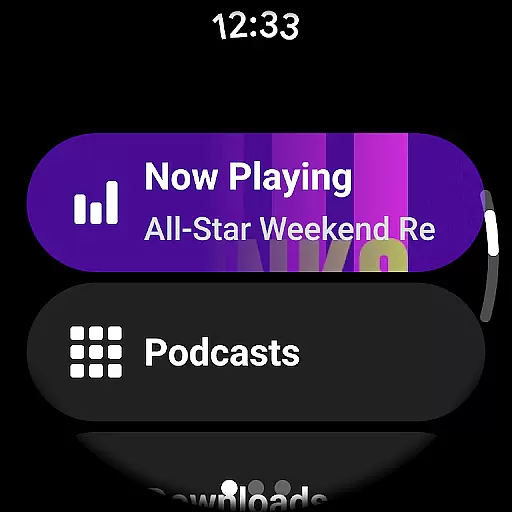

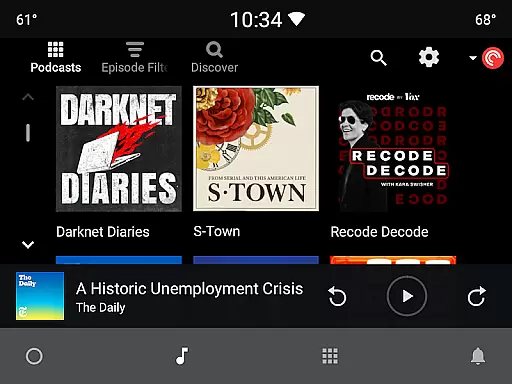
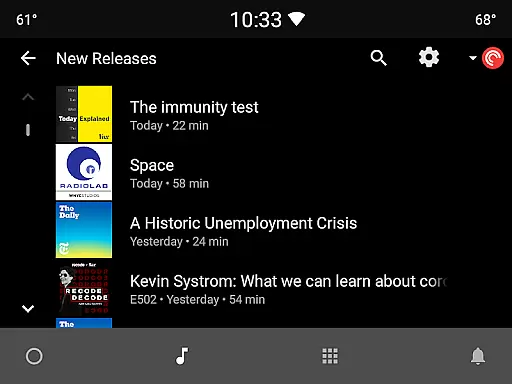
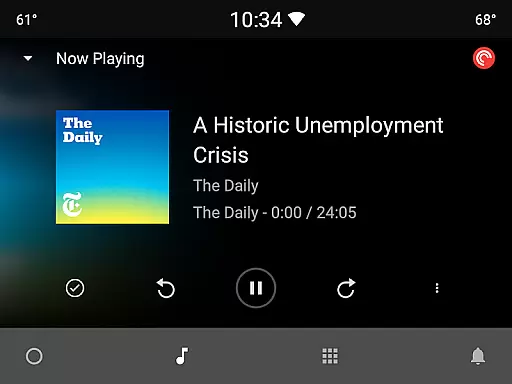
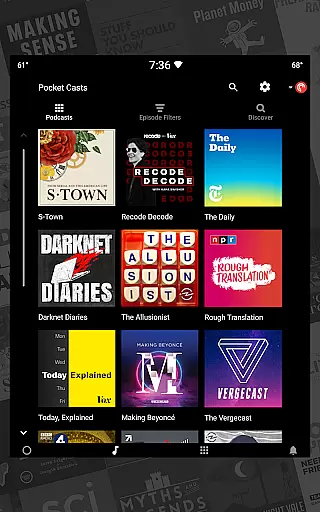
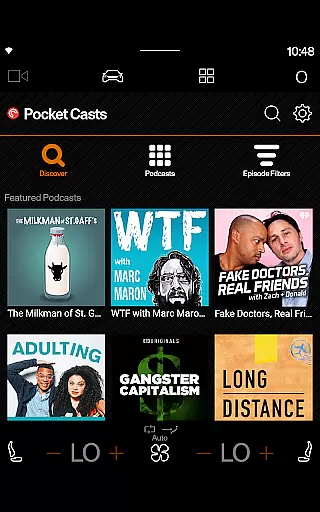
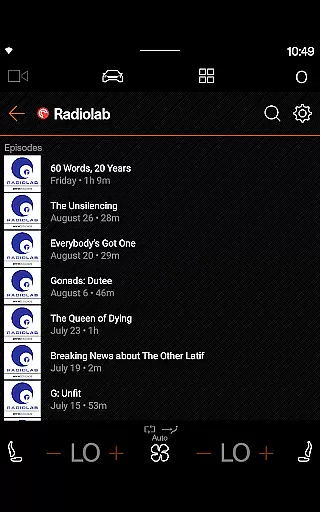
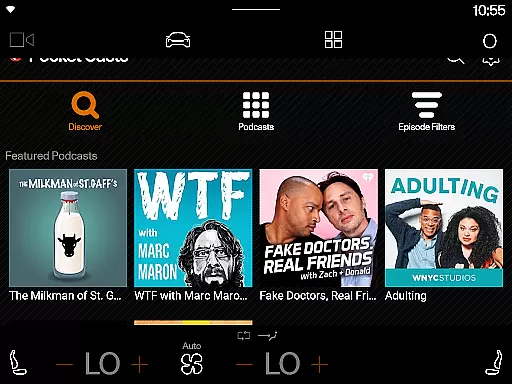
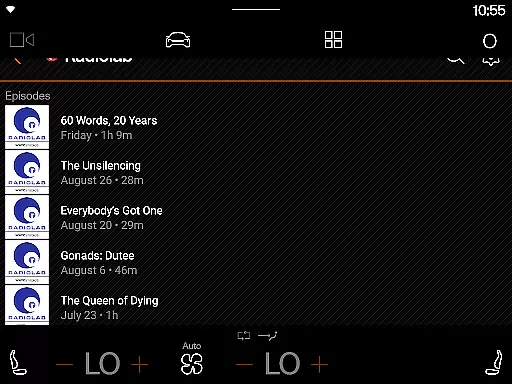
Pocket Casts stands as a premier podcast application tailored for avid listeners seeking an enriched audio experience. This app offers advanced listening, search, and discovery features that redefine how users engage with their favorite podcasts. With hand-curated recommendations, it simplifies the process of finding new content while ensuring seamless playback of popular shows without subscription hassles.
One notable feature is the introduction of Playlists, allowing users to organize episodes creatively. Whether combining different podcasts or building thematic collections, this functionality enhances user control over their listening journey. Additionally, its compatibility with various platforms like Android Auto, Chromecast, Alexa, and Sonos ensures that your podcasts are accessible wherever you go.
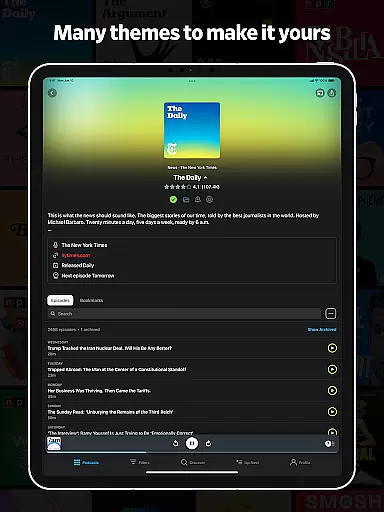
The app boasts a range of powerful tools designed to elevate the podcast listening experience. Material design principles ensure that the interface is not only visually appealing but also adapts colors to match podcast artwork. Users can choose between dark or light themes, including an Extra Dark option optimized for OLED displays.
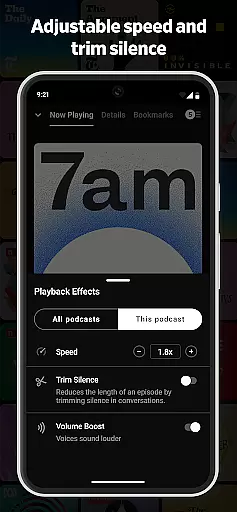
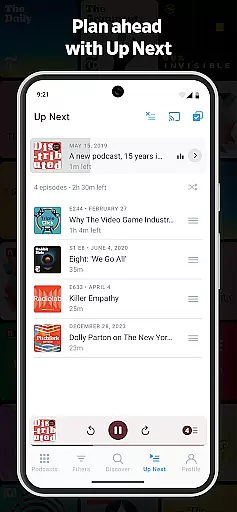
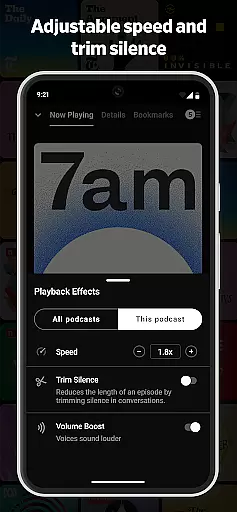
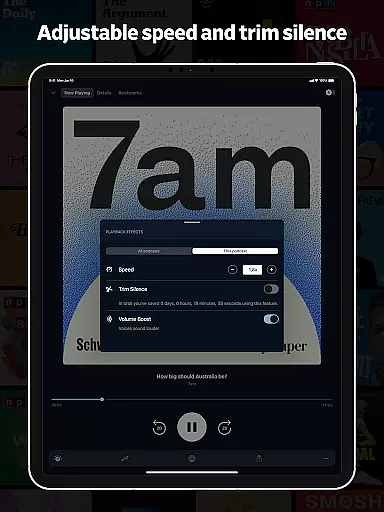
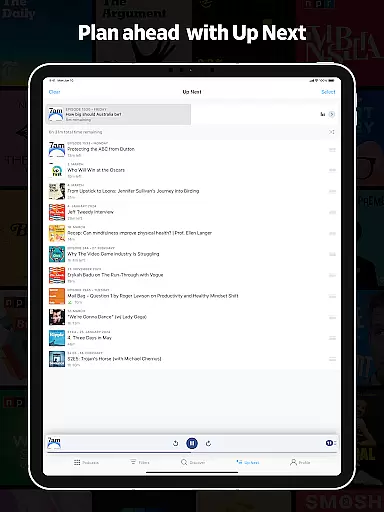
Playback options are robust, featuring variable speed controls, silence trimming, volume boosting, and chapter navigation. These capabilities allow listeners to customize their sessions extensively. Moreover, smart functionalities such as automatic Up Next queues, cloud sync across devices, and notification alerts streamline the overall user experience, making Pocket Casts a versatile choice for podcast enthusiasts.
In the realm of podcasting, Pocket Casts stands out by offering a diverse range of credible sources. The app aggregates content from various reputable podcast creators and networks, ensuring users have access to a wide spectrum of topics and viewpoints.
Pocket Casts provides curated recommendations that highlight high-quality podcasts across multiple genres. This hand-picked selection process helps listeners discover new and noteworthy content while maintaining trust in the authenticity of the sources.
Furthermore, the app supports OPML import and export functionality, allowing users to seamlessly transfer their subscriptions from other platforms. This ensures continuity and expands the diversity of available content, making it easier for users to explore different news sources.
By integrating with platforms like iTunes and offering access to top charts and categories, Pocket Casts empowers users to customize their listening experience with content from both mainstream and niche creators.
Pocket Casts places a strong emphasis on delivering accurate and reliable podcast content. As a platform that hosts a multitude of shows, it ensures that each episode reflects the credibility and expertise of its creators.
The app incorporates advanced search and discovery tools that enable users to find episodes based on specific topics or keywords. These features help listeners access well-researched and factual content tailored to their interests.
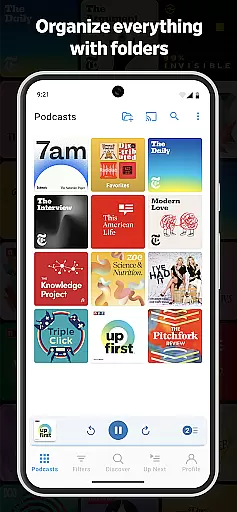
Additionally, Pocket Casts offers smart playlists and filters that allow users to organize episodes according to custom rules such as release date or duration. This functionality not only enhances user experience but also encourages consumption of up-to-date and relevant information.
With secure cloud storage for subscriptions and playback history, Pocket Casts guarantees that users can rely on consistent access to their chosen content. This commitment to accuracy and rigorous fact-checking makes Pocket Casts a trusted companion for staying informed through podcasts.
User-friendly interface
Extensive theme options
Advanced playback controls
Cross-platform compatibility
Smart playlist creation
Limited free features
Occasional syncing issues
High storage usage
Complex settings for beginners
Subscription costs for premium

Get the latest news anytime, anywhere
 4.10
4.10
Go beyond the breaking new
4.90
Get breaking news, local stories, and weather updates in one app. Stay ahead!
4.30
Watch MS NOW videos and stream audio from the team formerly known as MSNBC.
4.60
400+ News Channels. Local, Live & World Coverage. All the News in Just One Click
4.30
Local and latest news near you! Stay informed with live updates.
4.20
Watch entertainment, TV shows, movies, documentaries, and more.
3.90
Live Breaking News & Alerts. Police, Fire, Weather Radios, Air Traffic, & more.
4.80
Breaking News & Social Media
3.70
Podcasts. Live Radio. Music.
4.90
Videos, writing, podcasts & more
4.80
Crime map, police scanner & alerts
4.80
Breaking News delivers real-time updates, personalized content, and local news.
4.60
Never miss Local news, Breaking news and weather forecast from your neighborhood
4.50
Protect yourself with live emergency news alerts & 24/7 community crime updates.
4.50
Breaking News, Politics & Award-Winning Journalism
4.40
Stay informed with latest world & local news personalized for your interest
4.00
Celebrity news, entertainment buzz, true crime, free crosswords & daily games.
3.80
Watch the CBS News 24/7 live stream for breaking news & in-depth reporting.
3.20


User Reviews