
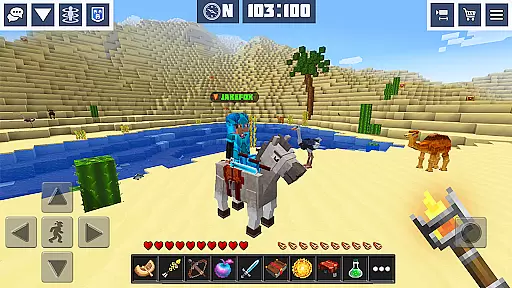
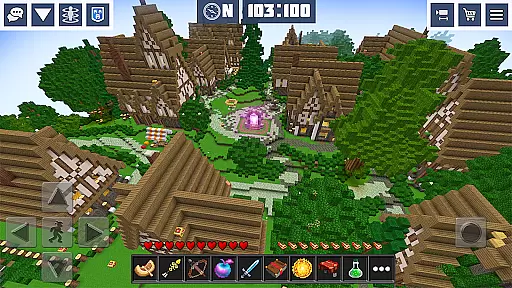
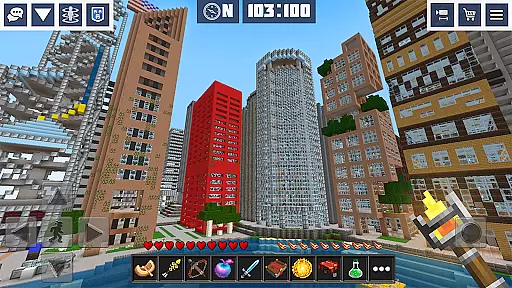
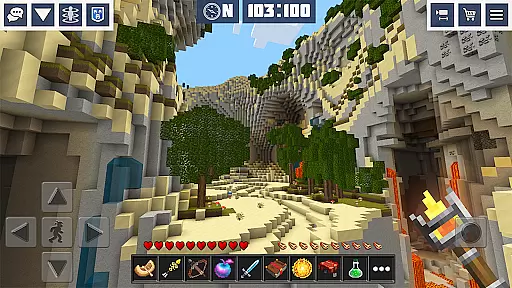
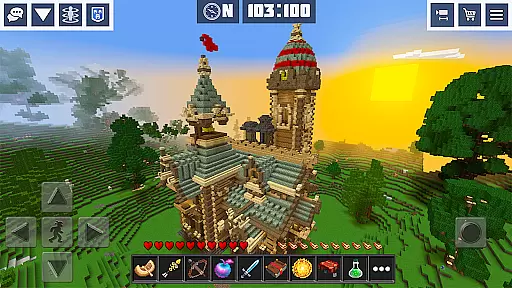
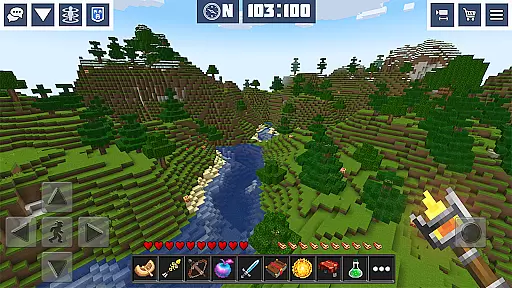
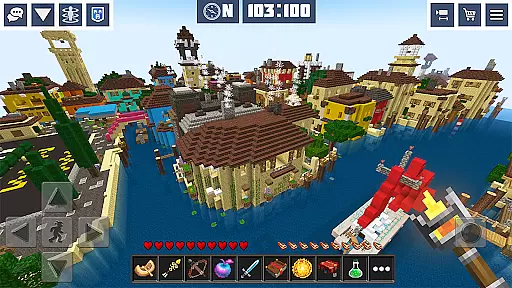
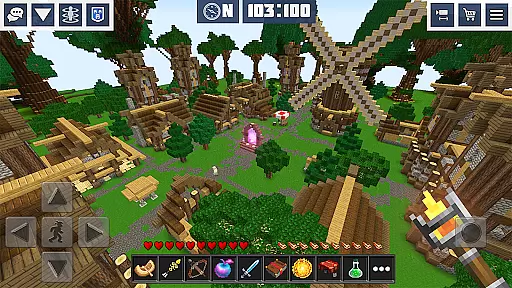
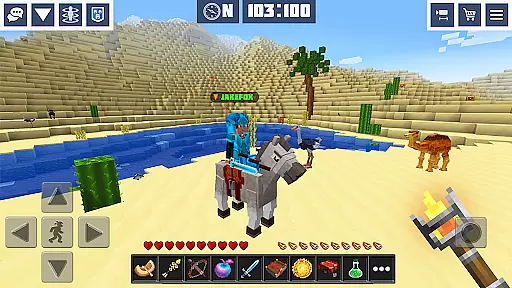
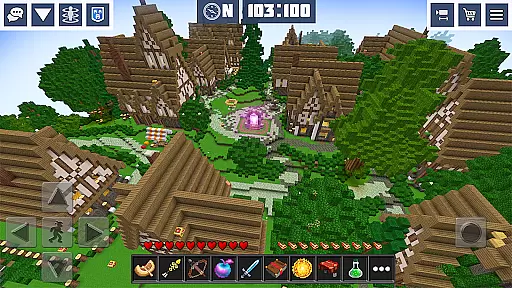
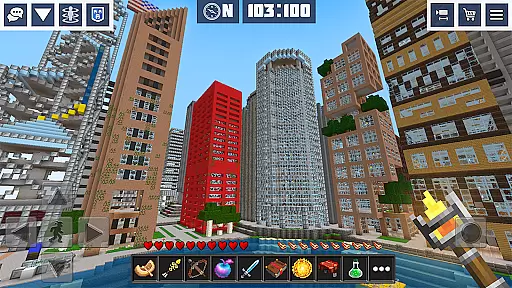
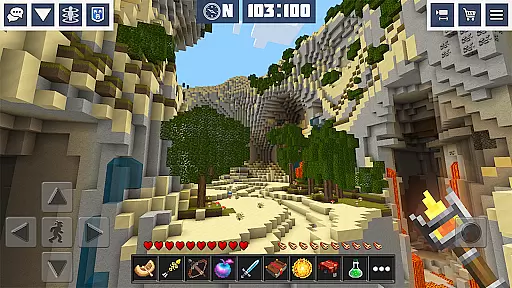
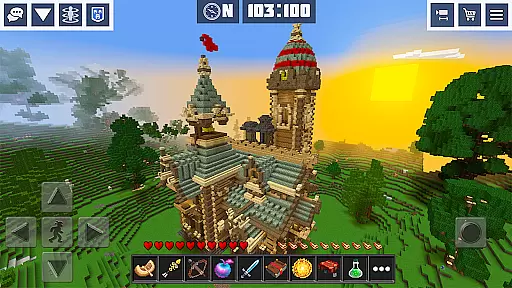
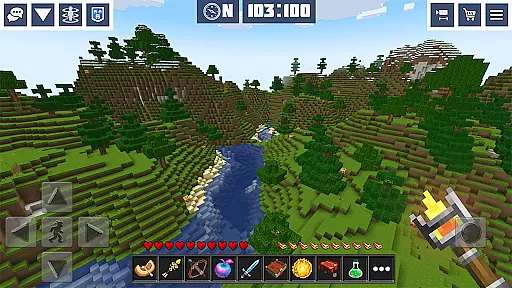
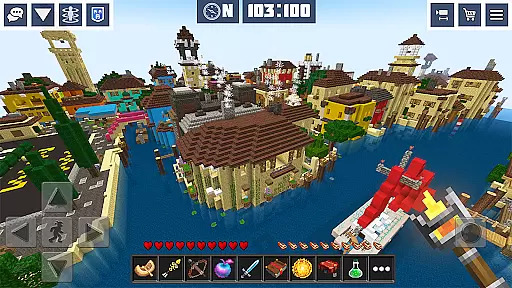
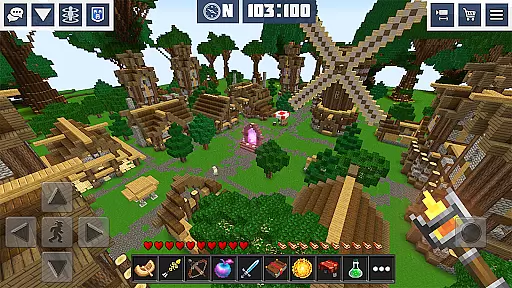
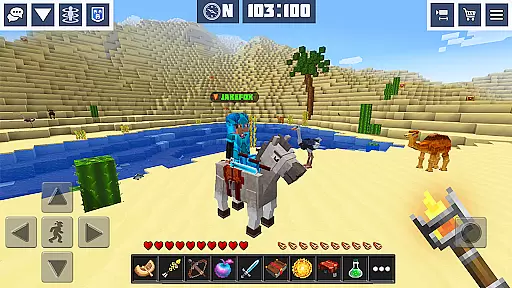
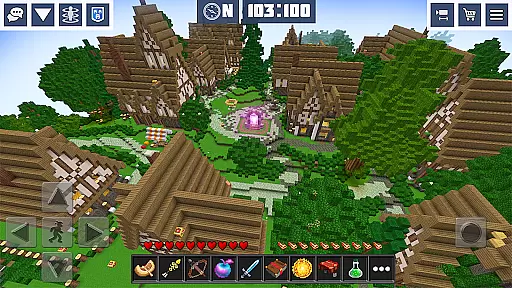
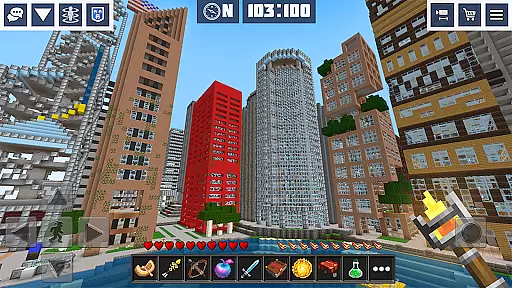
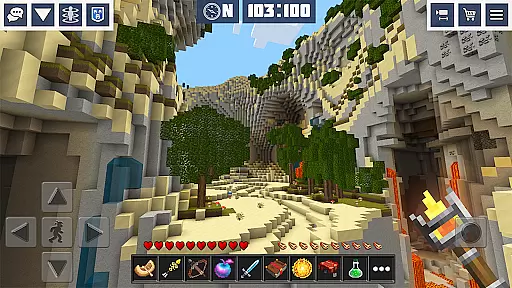
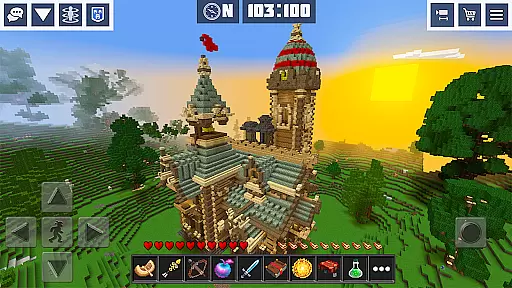
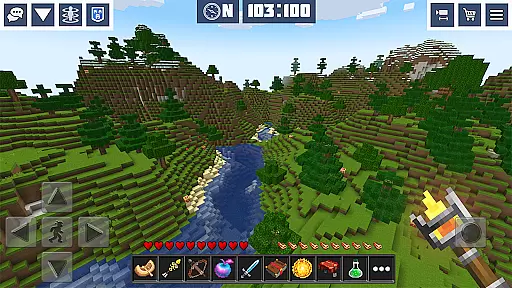
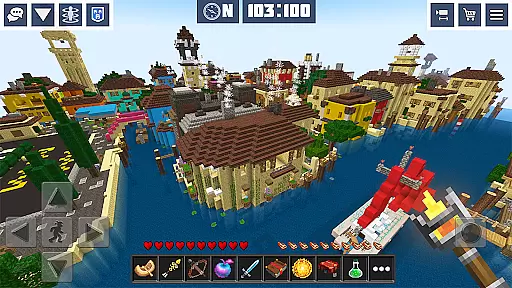
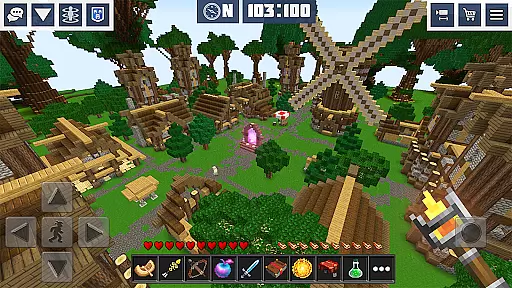
Planet Craft: Mine Block Craft is an engaging arcade game that combines the elements of survival, creativity, and multiplayer interaction. Players can explore an open-world environment where they mine resources, craft items, and build structures in either survival or creative modes. The game offers both single-player and online multiplayer options, allowing users to collaborate with friends or other players worldwide.
One of the standout features of Planet Craft is its vast array of crafting recipes and building tools, enabling players to create a wide variety of items, from basic tools to complex redstone circuits. With over 300 themed skins and more than 10 predefined mini-worlds, the game provides extensive customization options for players to tailor their experience. Additionally, the inclusion of friendly animals, hostile mobs, and pets adds depth to the gameplay, making every adventure unique.
Whether playing offline in single-player mode or joining clans and exploring dangerous Woodland Mansions in multiplayer, Planet Craft delivers a rich and immersive experience. Its easy-to-learn mechanics make it accessible for casual gamers while offering enough depth to satisfy more experienced players seeking intricate building challenges and strategic combat scenarios.
Planet Craft: Mine Block Craft boasts a plethora of features designed to captivate and engage players. At its core, the game offers two primary modes: Survival Multiplayer and Creative Multiplayer. In Survival mode, players must gather resources, fend off hostile mobs, and manage their inventory carefully. Meanwhile, Creative mode allows for unrestricted building and design, limited only by one's imagination.
The game includes a robust crafting system with recipes for blocks, items, tools, armor, and weapons. This system supports everything from simple wooden tools to advanced redstone contraptions, providing endless possibilities for innovation. Furthermore, the Redstone System lets players construct complex circuits and machinery, adding a layer of technical depth not commonly found in arcade games.
Additional highlights include the ability to adopt pets like wolves and ocelots, ride horses, and grow various plants using bone meal to accelerate growth. The game also features enchantments to enhance equipment and a clan system for social interaction. With password-protected parental controls and support for private maps, Planet Craft ensures a safe and customizable gaming environment suitable for all ages.
Arcade authenticity in Planet Craft: Mine Block Craft is evident through its engaging retro-style gameplay that captures the essence of classic arcade experiences. The game incorporates pixelated 3D graphics and vintage sounds, reminiscent of early gaming consoles, which provide a sense of nostalgia for players.
The developers have meticulously crafted an open-world environment where users can mine resources, craft items, and build structures. This sandbox-style approach harks back to the golden age of arcade games, allowing players to explore vast landscapes and interact with various elements freely.
Players benefit from this authentic arcade experience by enjoying endless hours of entertainment without the constraints of linear storytelling or restrictive gameplay mechanics. The freedom to create and survive in a blocky universe offers a modern twist on beloved classics, ensuring that both older gamers and new generations can appreciate the charm of arcade gaming.
This nostalgic journey not only entertains but also educates younger audiences about the roots of video gaming culture while providing a space for seasoned gamers to relive their past adventures.
Control responsiveness in Planet Craft: Mine Block Craft ensures that every action taken by the player translates seamlessly into the game world. With intuitive touch controls, users can easily navigate through the expansive cube planet, mine resources, and engage in combat with hostile mobs without any noticeable input lag.
The game's interface has been optimized for mobile devices, offering precise control over character movements and interactions within the virtual environment. Whether you're building intricate structures or battling enemies using a wide array of weapons like bows and crossbows, each command is executed swiftly and accurately.
For players, responsive controls mean enhanced immersion and enjoyment as they delve deeper into survival and creative modes. Quick reflexes are rewarded during intense moments such as fending off attacks or racing against time to complete tasks before nightfall.
Ultimately, Planet Craftu2019s commitment to delivering tight control feedback enhances user satisfaction, making it easier than ever to lose oneself in this vibrant blocky universe filled with endless possibilities for crafting and exploration.
Engaging Gameplay
Vast Customization Options
Multiplayer Interaction
Rich Crafting System
User-Friendly Interface
Occasional Bugs
High Resource Usage
Limited Offline Content
Ads in Free Version
Steep Learning Curve

Turn-based pixel game where jumping is the only weapon!
 4.2
4.2
Play retro games with ease – NES, SNES, PSX, PSP & more supported
4.3
Mine planets, upgrade your space ship, battle others, and dominate the galaxy!
3.90
Infinite Arcade
4.5
Reach high, and shine in the neon world in 3D!
4.0
Meet Snake Run Race! Slither through an obstacle course in our fun running game!
4.70
Running game: dance in a twerk battle and become the twerk hero in our fun race!
4.30
Absorb, or be absorbed...
4.70
You are a Black Hole, escaping the darkness trying to swallow you!
3.60
Punch your way through the Streets of Rage once again!
4.80
Ready… Set… DASH! Play now!
4.70
Shoot the web, jump and teleport! Be a stickman hero and destroy your enemies!
4.50
Premium version. Save the galaxy from alien shooter in this classic game
4.50
Suck the other’s blood and be the longest surviving mosquito!
4.40
Relax and catch fish for your aquarium while earning rewards in these tank games
4.40
Three awesome new levels for The Impossible Game.
4.30
Granny keeps you locked in her house.
4.30
Snake Legacy, sans pub, repensé pour une expérience fluide et élégante.
4.3
Infinite Arcade
4.2


User Reviews