
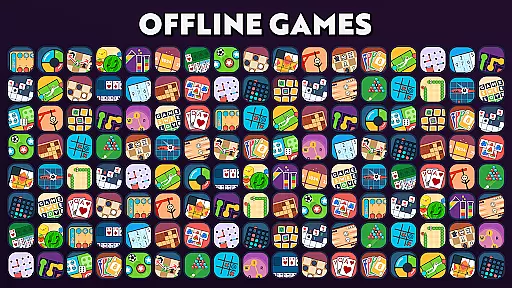
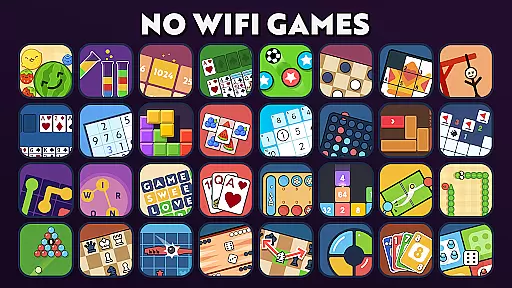

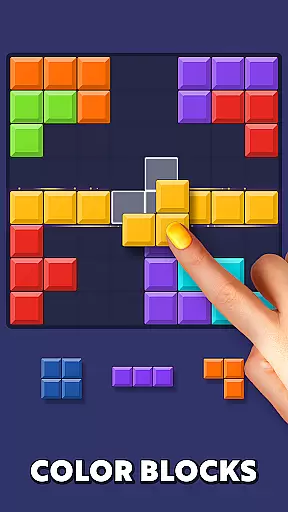

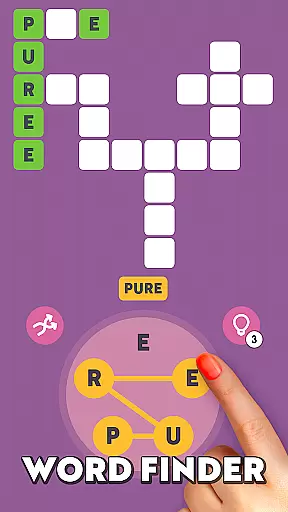
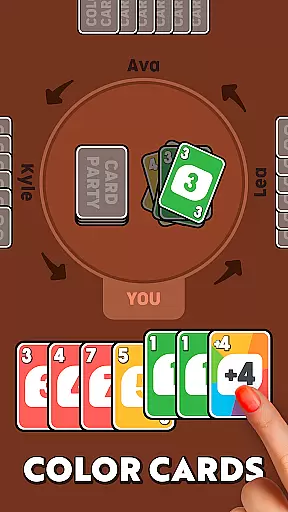
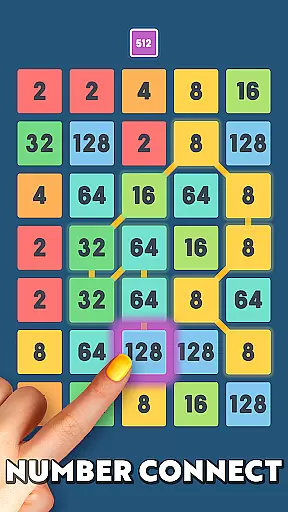
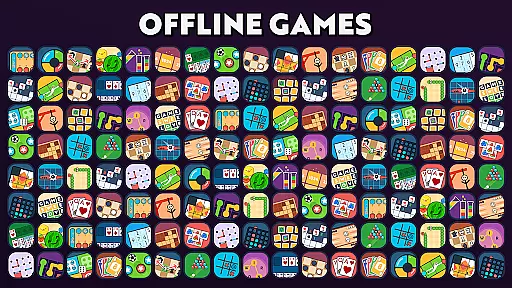
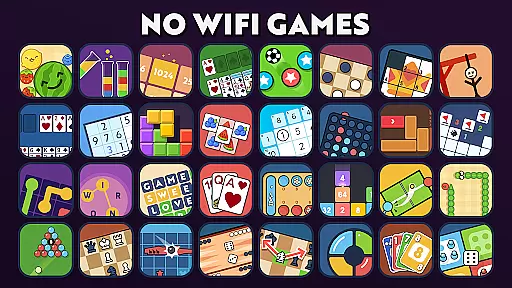
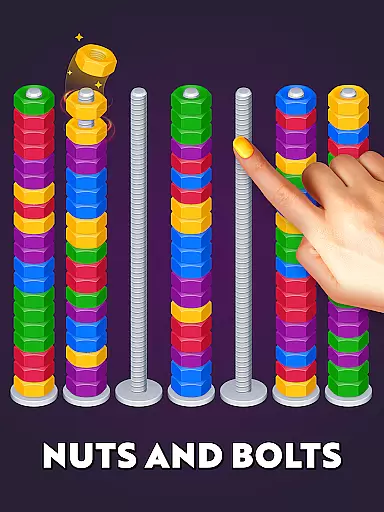
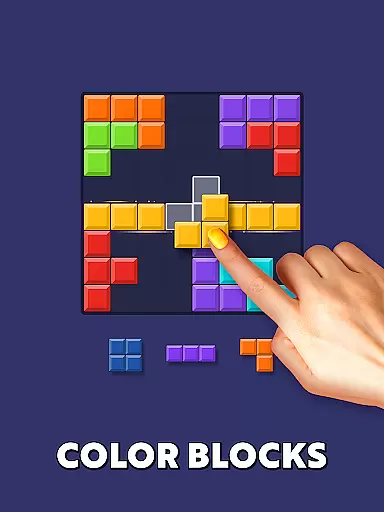

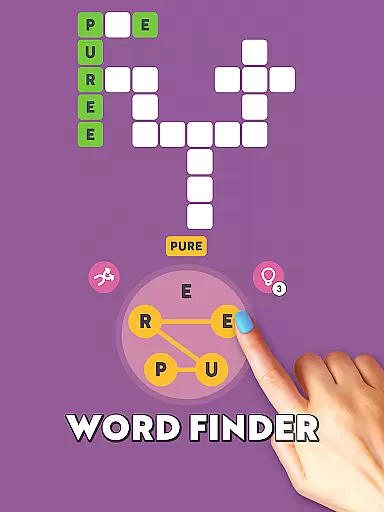
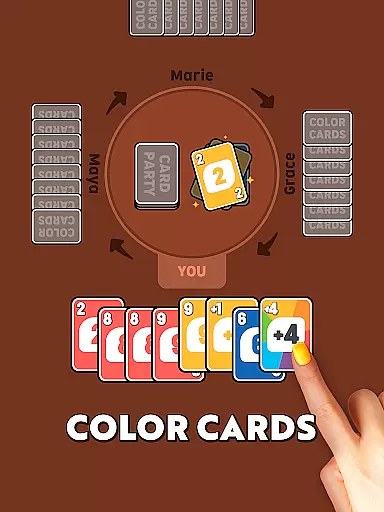
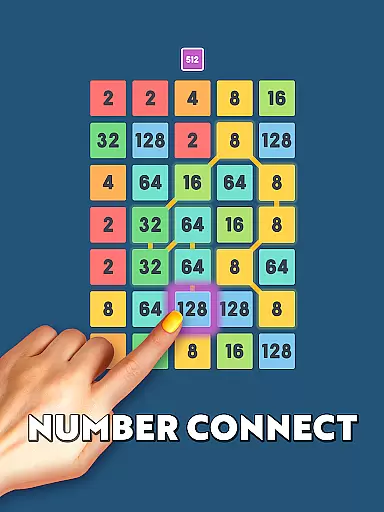
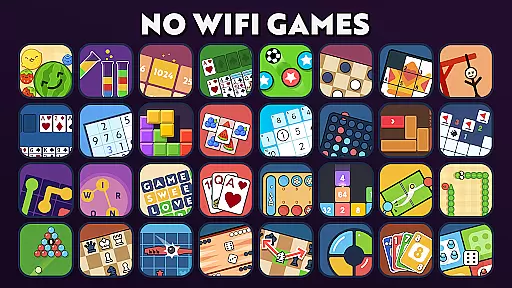
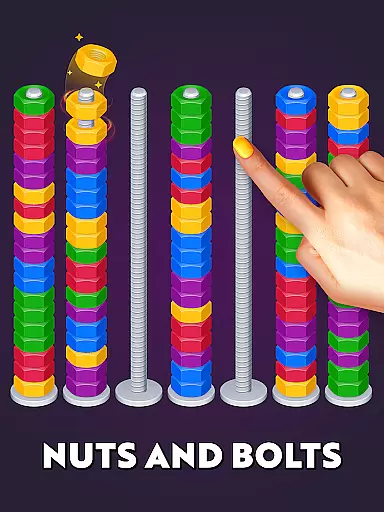
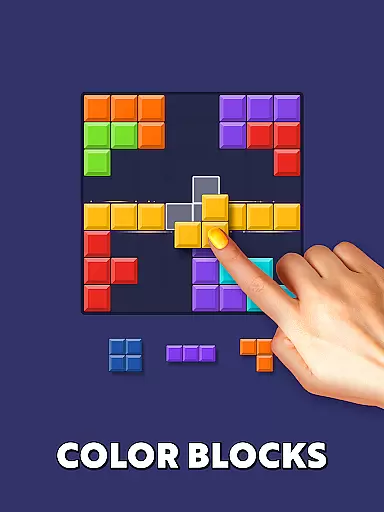

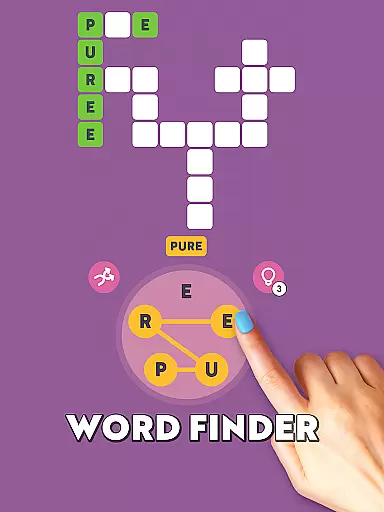
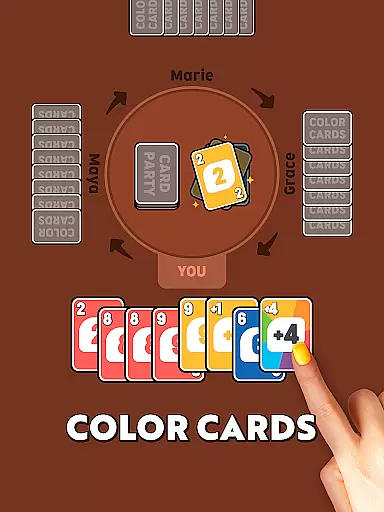
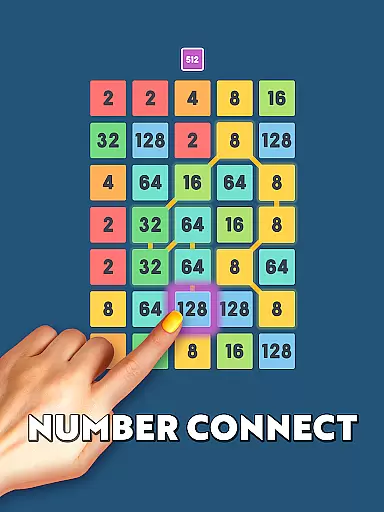
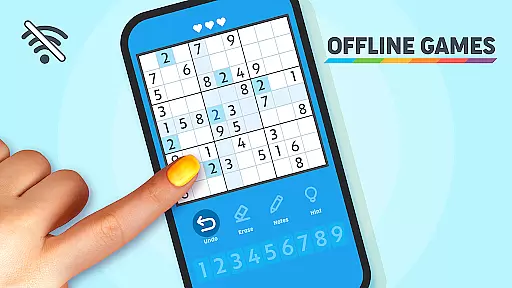
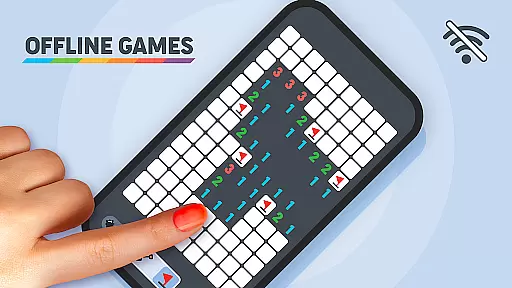
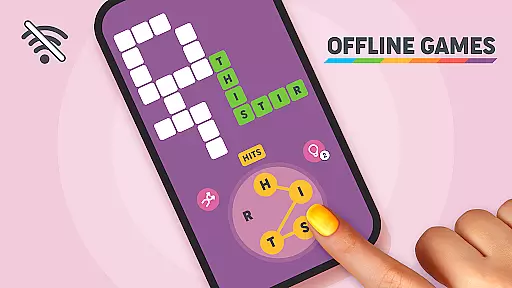
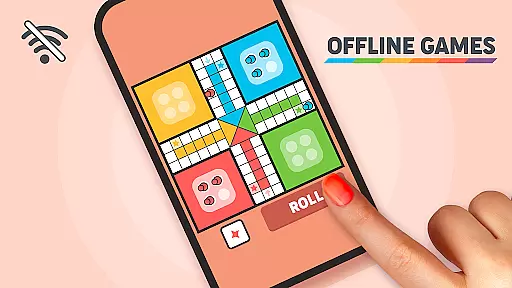
Offline Games - No Wifi Games is a versatile collection of over 20 unique minigames designed for gamers of all ages. This app offers a diverse range of gaming experiences, from classic puzzles to strategic challenges, without requiring an internet connection. Whether you're a fan of numeric games like 2048, word games that expand vocabulary, or timeless classics like Snake and Minesweeper, this app has something for everyone.
The application provides a mental workout through engaging number games, word puzzles, and mind-bending challenges such as Chess and Sudoku. It also features two-player showdowns in games like Checkers and Tic Tac Toe, allowing users to compete against AI even in airplane mode. With its wide variety of games, Offline Games ensures that players can enjoy a fun and stimulating experience wherever they are.
Designed for convenience and entertainment, Offline Games is perfect for long journeys, flights, or when you're simply stuck at home. The app's offline functionality makes it accessible anytime, anywhere, offering endless entertainment without the need for an internet connection. Its engaging gameplay and diverse selection make it an ideal choice for kids, teens, adults, and seniors alike.
Offline Games boasts an impressive array of features that cater to different types of gamers. One standout aspect is its extensive collection of more than 20 minigames, each offering unique challenges and gameplay styles. From numeric games like 2048 and 2248 that sharpen your math skills, to word games that enhance vocabulary, the app covers a broad spectrum of gaming preferences.
In addition to classic games, the app includes thrilling challenges such as Minesweeper and Hangman, which provide an adrenaline rush with every move. Strategy enthusiasts will appreciate the Mind Benders section, featuring Chess and Chess puzzles that require deep thinking and planning. The Two-Player Games section allows users to engage in friendly competition with AI opponents in games like Checkers and Pool, ensuring hours of entertainment.
Another remarkable feature is the app's offline capability, enabling users to play without an internet connection. This makes it highly convenient for travelers or those in areas with limited connectivity. With sections like Keep Them Thinking, which includes Solitaire and Sudoku, and Exotic Games featuring Mancala, Offline Games delivers a comprehensive and enjoyable gaming experience tailored to challenge and entertain users of all ages.
Offline Games - No Wifi Games exemplifies core gameplay simplicity by offering a collection of over 20 unique minigames that are easy to learn and play. The app includes classic games like Snake, Chess, and Checkers, which have straightforward rules and intuitive mechanics.
The beauty of this app lies in its accessibility. Each game is designed with clear objectives and controls, ensuring players of all ages can dive in without a steep learning curve. Whether it's tapping to match tiles in Tap Match or strategically moving pieces in Chess, the gameplay remains engaging yet simple.
Users benefit from the app's focus on essential fun. Without complex interfaces or convoluted mechanics, players can enjoy pure entertainment. This simplicity enhances user retention as gamers are more likely to return to games they can easily understand and play.
The app's design emphasizes the importance of providing accessible entertainment without sacrificing depth. While the games are simple, they still offer challenges that keep users engaged for hours, proving that core gameplay simplicity does not mean compromising on enjoyment.
Offline Games - No Wifi Games offers remarkable session length flexibility, catering to both short breaks and extended gaming sessions. With a diverse selection of minigames, players can choose quick matches in Tic Tac Toe or deeper strategic battles in Chess, depending on their available time.
This flexibility is crucial for modern gamers who may only have a few minutes to spare. For instance, games like 2048 or Sudoku can be played in brief intervals, making them perfect for commutes or waiting times. Conversely, the app also supports longer sessions with more involved games like Minesweeper or Pool.
The app's structure allows users to naturally fit gaming into their schedules. Players can pause and resume games at will, accommodating unpredictable routines. This adaptability ensures that gaming can be seamlessly integrated into daily life.
By offering varied session lengths, Offline Games enhances user satisfaction. Gamers appreciate the ability to customize their experience based on time constraints, leading to increased engagement and consistent usage patterns across different lifestyles.
User-friendly interface
Variety of game options
No internet required
Suitable for all ages
Engaging gameplay
Limited multiplayer options
Ads between games
Graphics could be improved
Occasional bugs
Some games repetitive

The classic Snake with vibrant neon colors for just 5 cents!
 4.1
4.1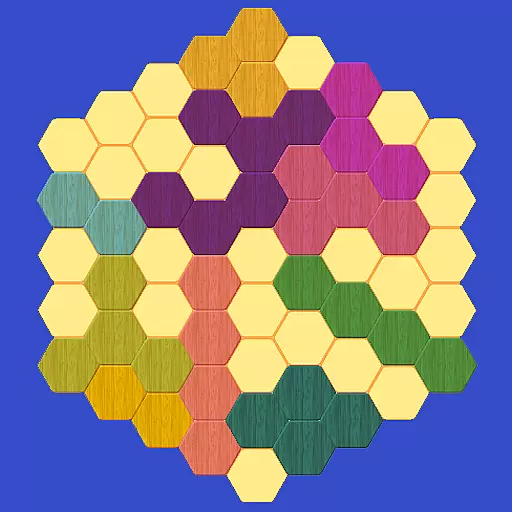
Please solve the hexa puzzle.
4.2
Dodge missiles, collect stars, and test your reflexes in Aero Escape!
3.40
"My PlayHome School" expands the PlayHome world into the classroom!
4.30
A Cozy Cooking Game. Mix, Cook, and Discover New Recipes!
3.70
A companion app for score tracking while playing My Cows! on a roadtrip
4.3
The official Taskmaster app. A jam packed extravaganza of Taskmaster fun!
4.00
Draft dice in Sagrada to construct your stained glass window masterpiece.
4.60
Puppy rescue meets puzzle escape! Save pups, dodge traps & build a dream shelter
4.50
Sort colorful balls in this relaxing puzzle game. Train your brain & have fun!
4.80
Fast, fun, and relaxing tap minigame challenges – anytime, anywhere!
4.70
The award winning game where everything burns.
4.70
Greed is a virtue in Idle Trillionaire. Success is defined by your net worth.
4.50
Talking Tom and pets bring adventure to this fun virtual cat game.
4.30
Go exploring with Duggee!
4.20
The SPY Corps needs your help! Spy Fox need’s you!
4.10
How does a p fall?
3.70
A minimalist game about digging a hole in the garden of a newly purchased house
3.00
Just shoot and drop blocks.
4.3


User Reviews