
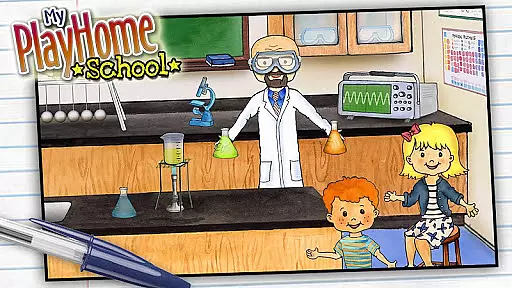
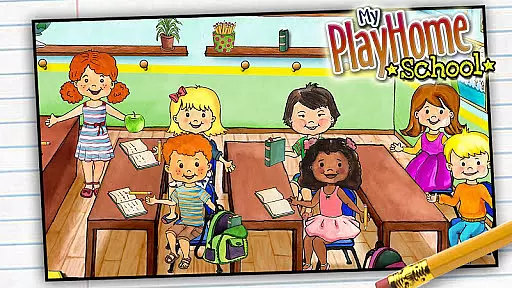
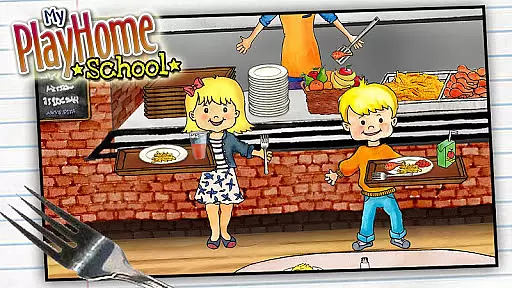
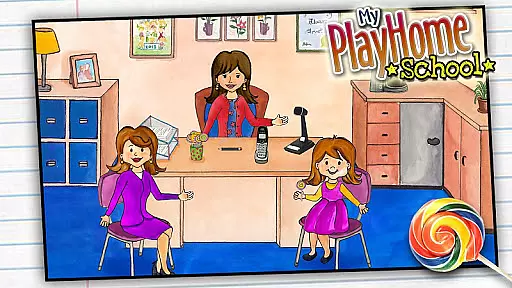
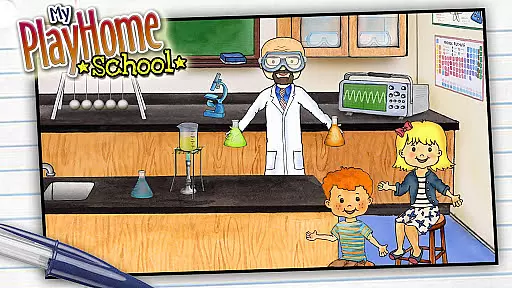
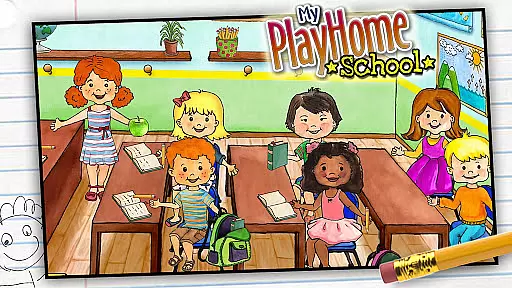
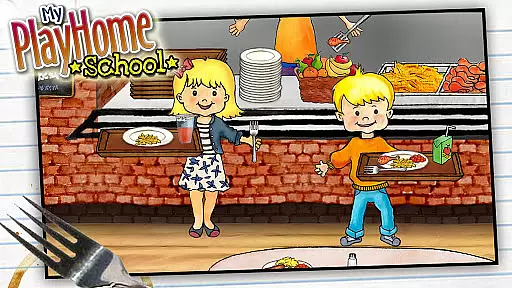
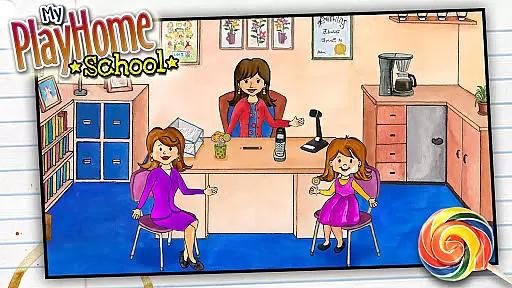
My PlayHome School is an interactive casual game that brings the award-winning PlayHome experience into a school setting. This app allows children to explore various areas of a school environment, including classrooms, science labs, and cafeterias.
The game encourages imaginative play by enabling kids to role-play as teachers, students, or janitors. With seamless integration with other PlayHome apps, it creates an expansive world for endless creative possibilities without any time limits or competitive elements.
My PlayHome School offers a rich array of features designed to stimulate creativity. The app includes multiple interactive rooms such as classrooms and science labs where children can conduct experiments or teach classes.
Unique to this app is its ability to connect with other PlayHome series apps, allowing characters and items to move between different environments. This interconnected play space enhances storytelling potential and provides a comprehensive virtual world for children to explore.
My PlayHome School offers a straightforward and intuitive gaming experience that is easy for children to grasp. The absence of time limits, scores, or power-ups ensures that kids can focus on creative and imaginative play without the pressure of achieving specific goals.
The game invites players to explore various school environments such as classrooms, science labs, and cafeterias. Each area provides interactive elements that respond to the child's actions, encouraging experimentation and learning through play.
This casual game stands out by providing an open-ended play environment where children are free to create their own stories and scenarios. By removing complex mechanics, My PlayHome School allows young players to concentrate on the joy of role-playing and storytelling.
One of the key features of My PlayHome School is its adaptability to different play session lengths. Whether a child has a few minutes or several hours, the game accommodates varying timeframes effortlessly. This flexibility makes it ideal for both short bursts of play and extended gaming sessions.
The integration with other My PlayHome apps enriches the experience by allowing seamless transitions between different settings. Children can easily move from playing at school to continuing their adventures at home, ensuring that playtime is never abruptly interrupted.
Parents appreciate this feature as it enables kids to naturally pause and resume their play, fitting around busy schedules and diverse daily routines. The ability to pick up where they left off fosters a sense of continuity and ongoing narrative development.
Encourages creativity
No in-app purchases
Safe environment
Interconnectivity with other apps
Hours of imaginative play
Limited to school setting
No multiplayer mode
Simple graphics
May require other apps
Not educational

Freddi and Luther have arrived at the Founder’s day festival!
 4.20
4.20
RPG Adventure in the Caribbean as Pirate or Trader.
4.60
Blend & Match! Mix colors on paper, compare with objects, aim for perfect match!
4.30
Aim and Destroy as many blocks as you can!
4.40
Five new incredible party games to liven up any gathering!
3.30
Be the Coin Master: attack friends & collect coins in this fun adventure game!
4.80
Play the Angry Birds game enjoyed by millions of players every day!
4.10
Talking Tom and pets bring adventure to this fun virtual cat game.
4.30
Unfurl tent flaps, cut through bushes, slam doors, and poke some crocodiles!!!
4.70
Search for hidden objects scattered around hand-drawn worlds.
4.70
Draft dice in Sagrada to construct your stained glass window masterpiece.
4.60
Click your way to a fortune in Treasure Chest Clicker!
4.40
Monster Attack! Hide and run cleverly or unleash your inner angry hunter!
4.20
Merge numbers on the balls and run to aim for 2048!
4.20
Smash your way down the tower and watch for the blocks!
4.10
Play music with emojis! A colorful and fun piano for all ages.
4.3
Protect nature, fight pests and harness the power of compost in Garden Invasion
4.2
Jurassic beast with one goal tear down everything in sight
4.1
InfinityLabyrinth it is the most valuable game in the universe.
4.5


User Reviews