



Hotels.com is a comprehensive travel application designed to simplify hotel bookings and enhance trip planning. The app provides access to over 500,000 properties worldwide, offering users the flexibility to find accommodations for any type of travel, from short stays to extended vacations. With features like Member Prices, free cancellation on most hotels, and the One Key™ program, users can save significantly while enjoying added benefits. The app also includes practical tools such as price comparison, verified guest reviews, and an interactive map view, making it easier than ever to choose the perfect stay.
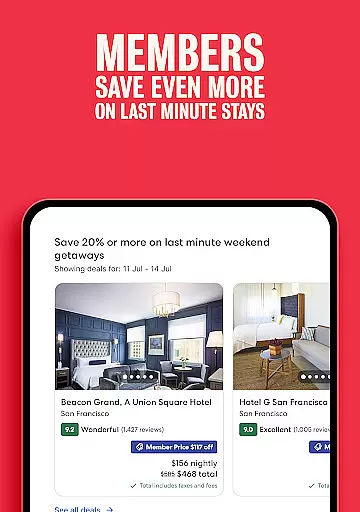
One of the standout aspects of Hotels.com is its user-friendly booking system. Whether you're booking last-minute or planning ahead, the app ensures a fast, secure, and hassle-free experience. Users can pay at the time of booking or later, save payment details for quicker future reservations, and manage their trips effortlessly. Additionally, the app serves as a reliable travel companion by providing offline access to booking confirmations, direct contact options with hotels, and real-time updates through push notifications. These features collectively ensure that travelers have all the necessary tools at their fingertips for a seamless experience.
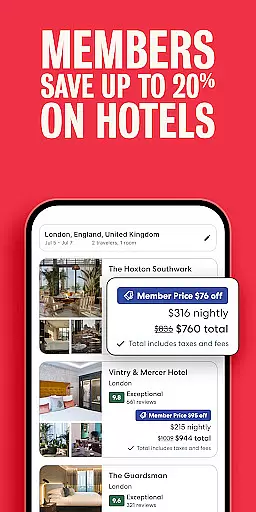
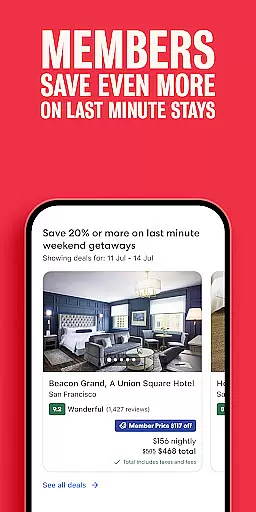
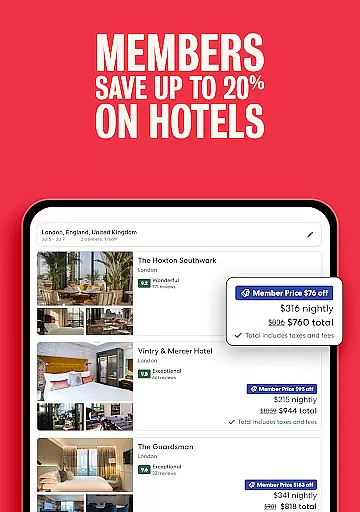
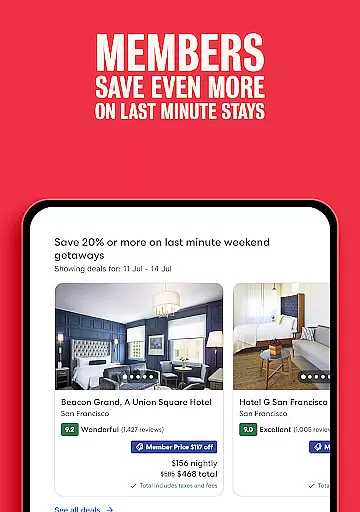
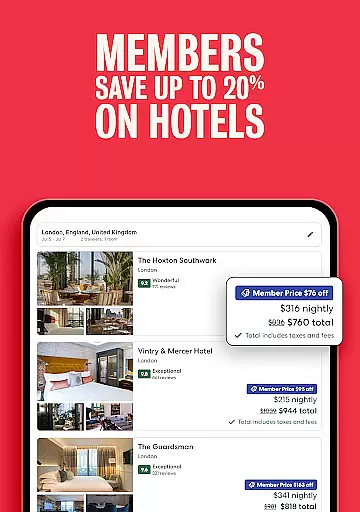
Hotels.com offers a robust set of features tailored to meet the needs of modern travelers. One of its key functionalities is the ability to access exclusive Member Prices, which provide discounts of 10% or more on over 100,000 hotels globally. This feature is complemented by the One Key™ program, which allows users to earn OneKeyCash™ rewards that can be redeemed on future bookings across Hotels.com, Expedia, and Vrbo. The app also supports tiered membership benefits, where Silver, Gold, and Platinum members receive additional perks at select VIP Access properties, enhancing the overall value proposition for frequent travelers.
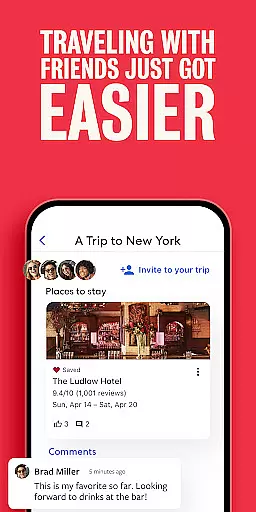
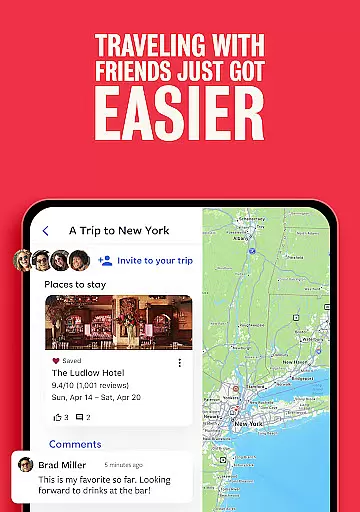
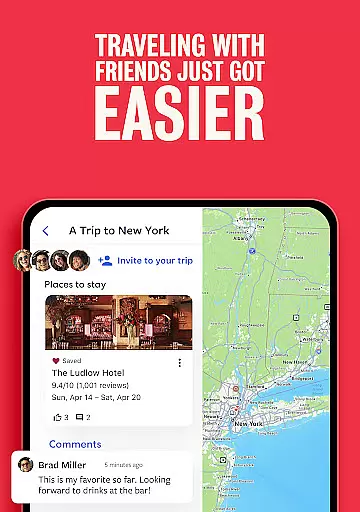
Beyond its rewarding programs, Hotels.com excels in simplifying the search and booking process. The app's comparison tool lets users evaluate hotel prices, ratings, and amenities side-by-side, ensuring informed decisions. Features like Trip Planner allow users to organize and share their favorite accommodations with friends and family, while the map view and verified guest reviews offer deeper insights into each property. With secure payment options, flexible booking policies, and intuitive management tools, Hotels.com delivers a complete solution for stress-free travel planning.
Booking authenticity is a crucial aspect of the travel experience, ensuring that reservations are legitimate and trustworthy. The Hotels.com app provides users with a reliable booking process by offering verified hotel listings and secure payment options.
Through the app, travelers can access Member Prices on over 100,000 hotels globally, which not only offers savings but also assures the authenticity of bookings. Users can pay now or later on most hotels, adding an extra layer of financial security and flexibility.
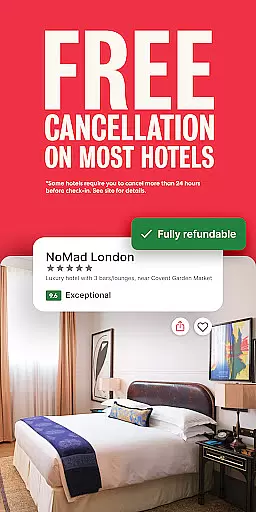
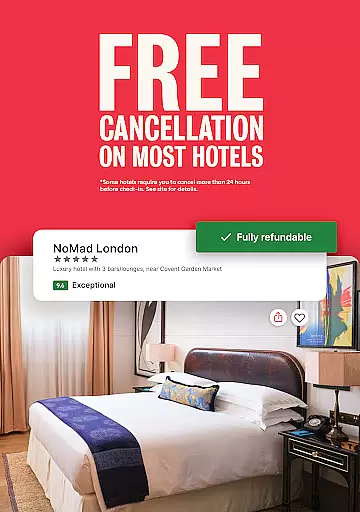
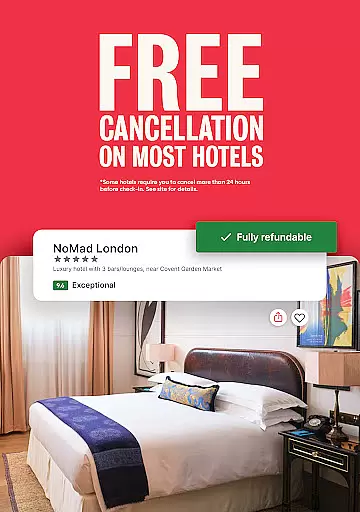
The app's interface allows customers to compare hotel prices, ratings, and amenities side-by-side, empowering them to make informed decisions. With free cancellation available on most hotels, users have the peace of mind knowing they can adjust their plans if needed.
Moreover, the Hotels.com app ensures that booking details are accessible anytime, even offline, allowing travelers to manage their reservations on the go. This level of transparency and control significantly enhances the user's confidence in the booking process.
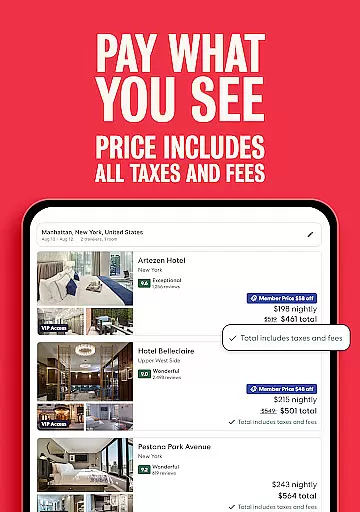
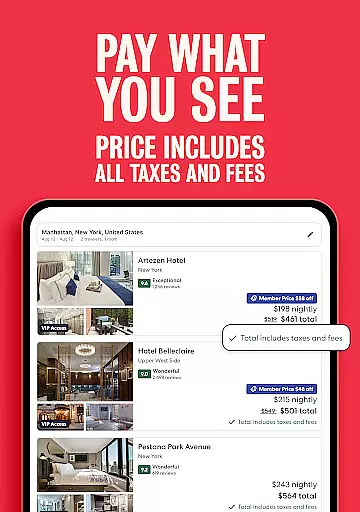
Price transparency in the travel industry means providing clear and comprehensive pricing information without hidden fees. The Hotels.com app excels in this area by displaying Member Prices that offer discounts of 10% or more on a vast selection of hotels around the world.
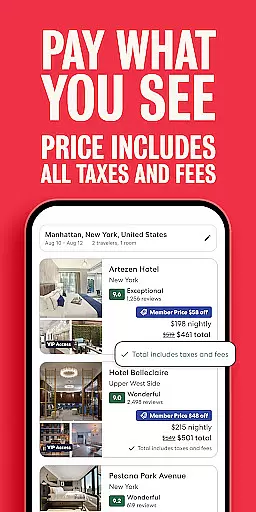
Users can easily compare hotel prices using the app's comparison tool, which presents all necessary information, including taxes and other fees, upfront. This straightforward approach helps travelers budget effectively for their trips.
In addition to visible pricing, the app provides various ways to save, such as earning OneKeyCashu2122 rewards that can be used for future bookings. These incentives contribute to overall cost savings while maintaining clarity regarding how prices are structured.
Furthermore, the ability to see the hotel location on a map and read verified guest reviews adds another dimension to price transparency. Travelers can assess the value proposition of each hotel based on its location, amenities, and customer feedback, ensuring they get the best deal possible.
User-friendly interface
Wide selection of hotels
Exclusive member discounts
Flexible booking options
Offline access to bookings
Limited OneKeyCash™ usage
Not all hotels offer free cancellation
Push notifications may be intrusive
Membership benefits vary by tier
Some features require account login

Navigate your world faster and easier with voice navigation & street view map
 4.20
4.20
INDOT Trafficwise is a traffic and traveler information mobile app.
4.00
Locate and navigate to local holiday displays
4.1
Plan where to stand and shave minutes off your trip!
4.80
Tide Table Chart provides quick and easy access to high and low tide forecasts.
3.20
The mobile panorama panel. Works offline - worldwide!
4.40
The travel app that makes booking cheap flights, hotels, and car rentals easy.
4.80
Booking your bus tickets has never been easier
4.70
The United app puts valuable travel information in the palm of your hand.
4.70
Rent the perfect car for wherever you’re going
4.90
Streamline your U.S. entry
4.90
With the Spirit Airlines app, easily manage all your trips in one place.
4.70
Get faster fuel rewards, exclusive offers, and helpful tools!
4.70
Walt Disney World Resort maps, wait times, tickets, dining & more.
4.50
Earn hotel and travel rewards, find hotel offers, and access your Digital Key.
4.50
Link & locate for real-time child & family safety: GPS tracker for families
4.40
View delays, closures, and weather-related conditions on Missouri state roads.
3.30
Find the best prices, pay for the cheapest gas, and save on every fill up
3.30
The #1 Parent App in Brevard County
4.3


User Reviews