
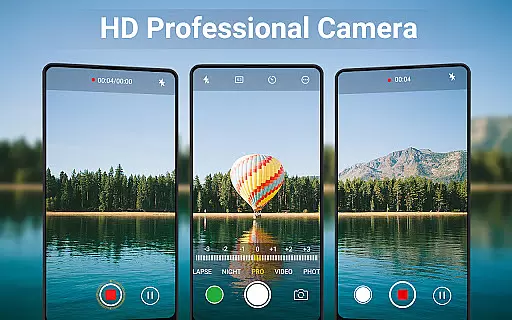
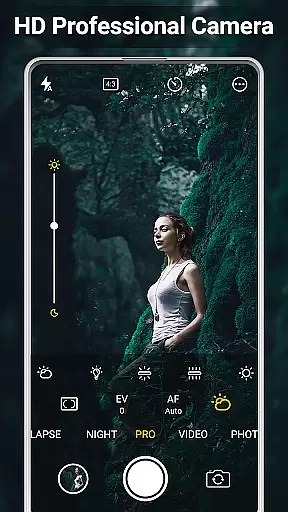
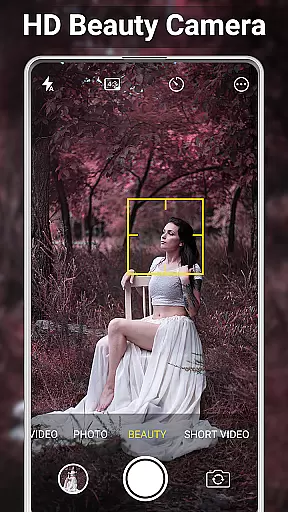
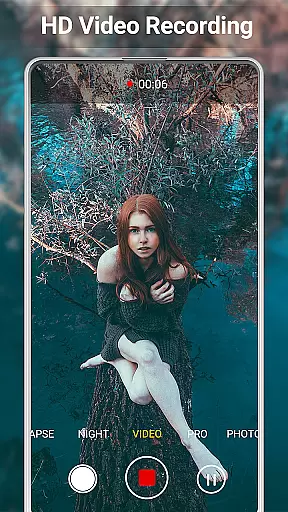
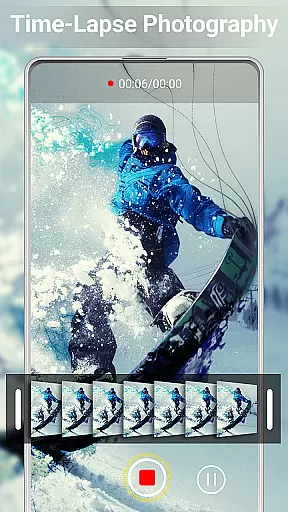
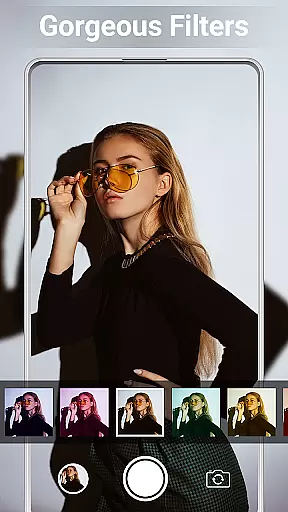
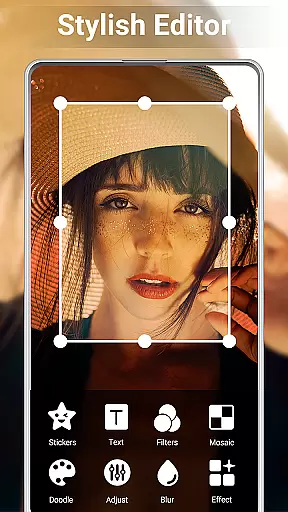
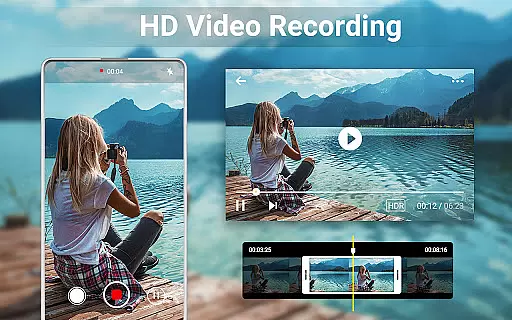
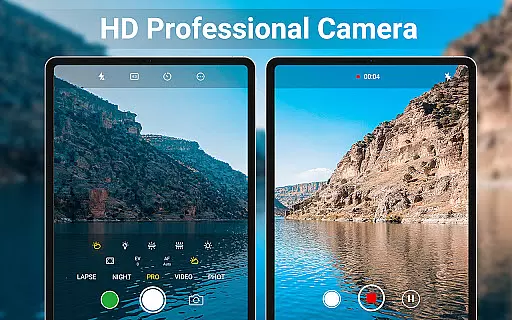
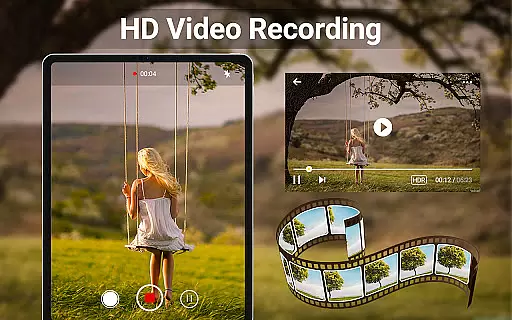
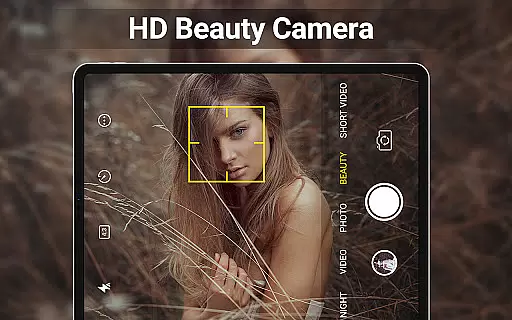
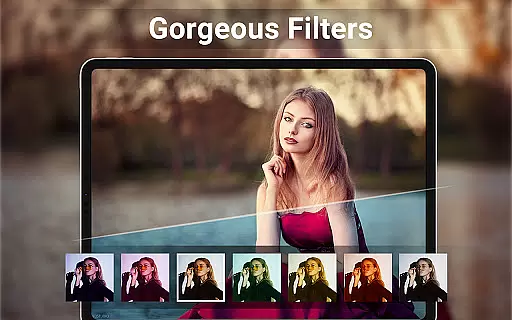
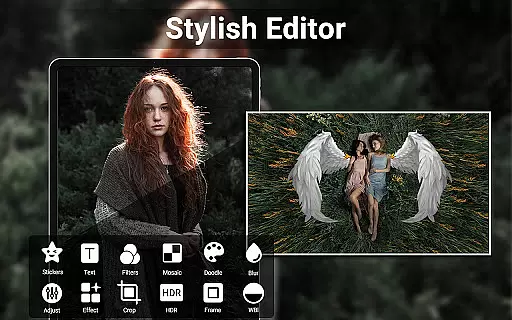
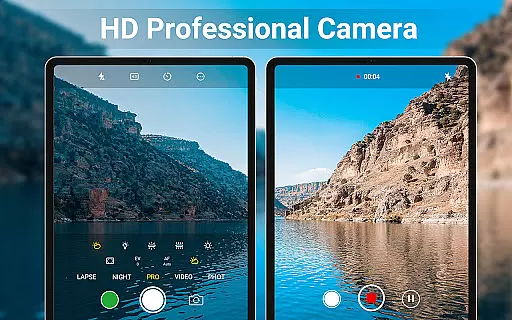
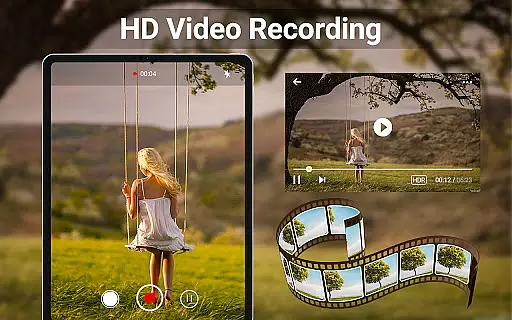
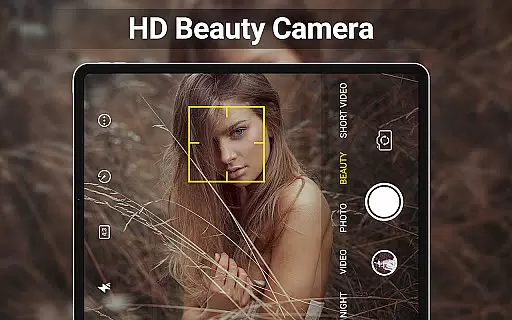
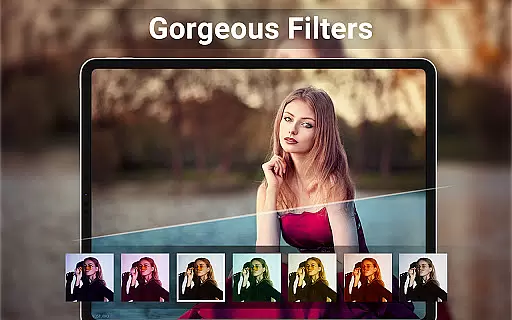
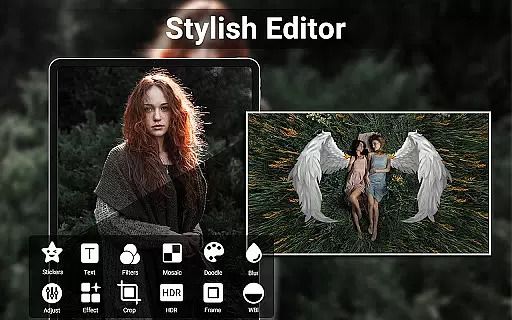
HD Camera for Android is a feature-rich beauty camera app designed to help users capture stunning 4K-quality photos and videos. The app offers professional-grade capture modes, real-time filters, and advanced editing tools, making it an ideal choice for photography enthusiasts who want high-quality results on their Android devices.
One of the standout features of HD Camera is its intelligent face detection and auto-stabilization capabilities, ensuring that every shot is clear and well-composed. Additionally, users can preview filter effects before capturing images or recording videos, allowing for greater creative control. With quick snap functionality and easy photo collage creation, this app is perfect for those looking to enhance their social media presence with impressive visuals.
The app's value extends beyond just taking pictures; it also provides robust video editing options. Users can trim and cut videos effortlessly, adjust photo settings like brightness and contrast, and even apply timestamps or geotagging information to their images. Whether you're capturing everyday moments or creating professional content, HD Camera offers the tools needed to produce shareable, high-definition media.
HD Camera for Android boasts an array of powerful features that cater to both amateur and professional photographers. One of its key strengths is the professional capture mode, which includes scene modes, color effects, white balance adjustments, ISO settings, and exposure compensation. These features provide users with extensive control over their photography, enabling them to fine-tune every aspect of their shots.
In addition to its advanced capture capabilities, HD Camera offers real-time filters that allow users to preview how their photos will look before they take them. This innovative feature ensures that users can experiment with different styles and achieve their desired aesthetic without any guesswork. The app also supports HDR, quick snap, continuous shooting, and HD video recording, providing versatility for various shooting scenarios.
Another notable feature is the built-in photo editor, which lets users adjust brightness, contrast, vignette, fade, and temperature. The collage maker and photo grid functions make it easy to create visually appealing compositions from multiple images. Furthermore, the app allows users to edit videos by trimming and cutting clips, adding another layer of creative possibilities. With these comprehensive tools, HD Camera empowers users to produce polished, professional-quality content directly from their mobile devices.
When it comes to beauty and photography applications, having a comprehensive product database is crucial for user satisfaction. HD Camera for Android offers an extensive array of features that cater to both amateur and professional photographers. The app includes advanced functionalities such as 4K camera support, professional capture modes, and real-time filters that allow users to preview effects before capturing images or videos.
The application's intelligent face detection and auto-stabilization ensure that every photo taken is clear and well-composed. Additionally, the inclusion of scene modes, color effects, white balance adjustments, ISO settings, and exposure compensation provides users with the tools needed to fine-tune their photography experience. These features collectively contribute to a deep and versatile product database that enhances the overall utility of the app.
For users, this depth in the product database translates to an enhanced ability to capture high-quality content. Whether it's adjusting the brightness, contrast, or applying artistic vignettes and fades, the built-in photo editor empowers users to transform their images into shareable works of art. Moreover, the ease of editing and cropping pictures, making photo collages, and trimming videos adds another layer of value, ensuring that users can fully express their creativity without needing multiple apps.
Personalization is at the heart of user engagement in beauty applications, and HD Camera for Android excels in providing precise personalization options. The app offers a variety of customization features, including real-time filters, professional capture modes, and advanced editing tools. Users can apply these features to tailor their photography experience according to their preferences and needs.
One of the standout aspects of HD Camera is its ability to intelligently detect faces and stabilize images automatically. This ensures that users can take sharp and well-balanced photos effortlessly. Furthermore, the app supports HDR, quick snap, continuous shooting, and various other professional settings like ISO, exposure compensation, and white balance adjustments. These options allow users to personalize their camera settings for different environments and lighting conditions.
The benefits of such precise personalization are manifold. Users can enjoy a seamless experience when capturing both photos and videos, thanks to features like capture timers, customizable save paths, and optional GPS location tagging. By allowing users to apply date and timestamps, location coordinates, and custom text to their photos, HD Camera ensures that each piece of content is not only personalized but also meaningful and contextually rich.
User-friendly interface
High-quality 4K capture
Real-time filter previews
Advanced editing tools
Versatile shooting modes
Occasional performance lags
Limited free features
Ads may disrupt experience
Consumes significant storage
Requires learning curve

Photo enhancer 360, image enhancement, restore old photos, colorize photo ai
 4.70
4.70
Color haircut changer style on
3.30
Enhance Your Look with Face Analysis, Hair Style Changer, Beauty Score, Rating
3.90
True mirror app with zoom, LED light, for makeup & shaving anywhere!
4.20
Use your phone as a makeup mirror, shaving mirror. Magnifying mirror with light!
4.80
Beauty Camera AI Photo Editor with effect, filter, makeup tools for photo editor
4.30
Beauty Mirror - True mirror app with light, shaving mirror, makeup mirror app
4.50
Hair style app, Face shape finder, Face shape, Hair style, Face shape detector
4.30
DSLR Hd camera capture high quality 4k hd picture with filters and blur editor
4.50
Monthly Perfume Subscription
4.70
Face Makeup Camera: Photo makeup app and perfect Lipstick app, beauty lip filler
4.70
Professional HD Camera App: Capture Bright HD Selfie & Record Stunning Moments
4.40
Beauty for every eye, lip & face. Earn rewards, play games, connect with others.
4.30
The all new Cosmo Prof app offers exclusive pro products, deals, and training.
4.00
The Official Voting App
3.90
Intelligent Beauty calculator tool! Face scale and face symmetry in one app!
3.80
Design unique tattoos and preview them on your body image using Tattoo Maker App
3.30
Beauty/age defining ai coach guides you through the exercises in daily routine.
3.30
Your Personal Stylist for Smart Shopping, Beauty & Styling Outfits.
4.4


User Reviews