
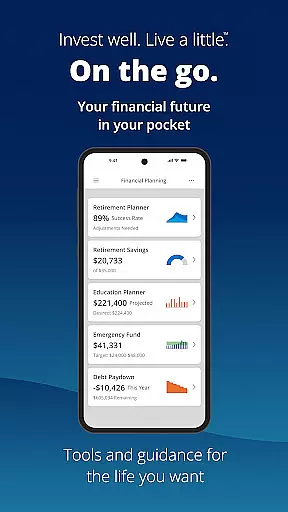
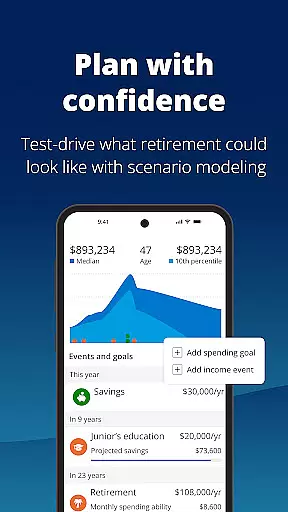

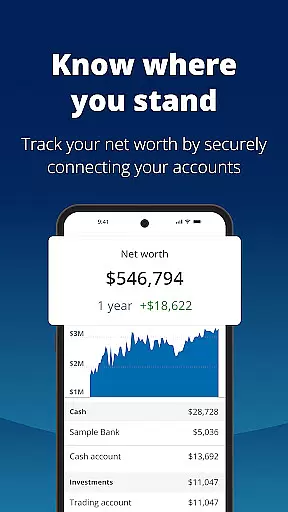
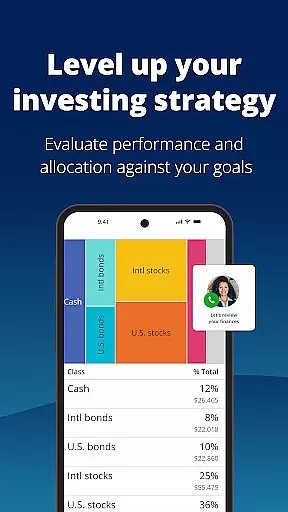


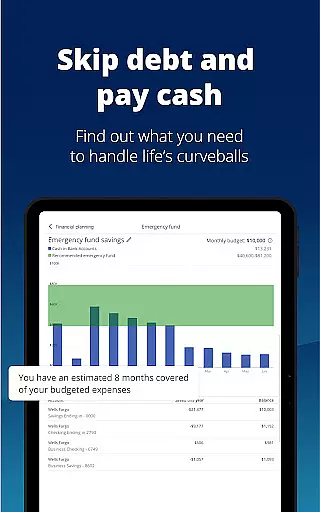

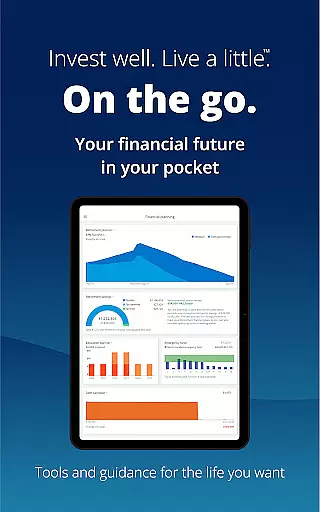
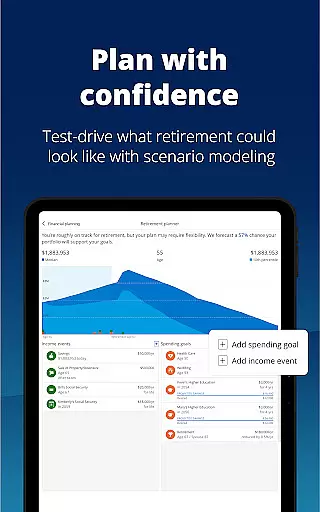

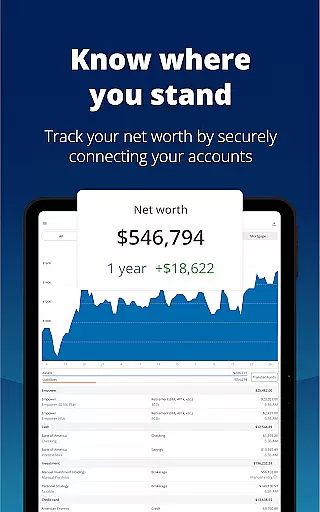
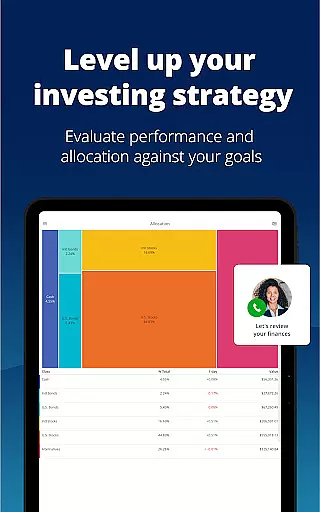
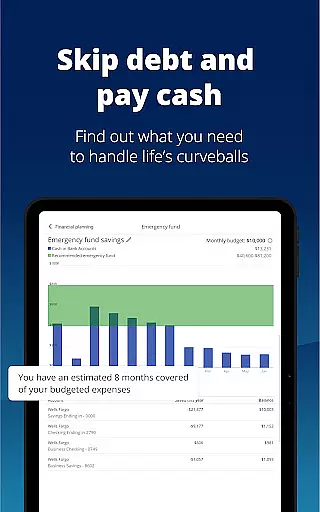

Empower is a comprehensive financial management application designed to simplify and clarify your monetary life. This app consolidates all your financial accounts into one dashboard, providing a clear overview of your net worth, income, expenses, and investments. With industry-leading tools, Empower helps you plan for retirement, simulate economic scenarios, tackle debt, and build an emergency fund.
The app stands out with features like biometric and multi-factor authentication, ensuring top-notch security for your financial data. It also offers budgeting tools, allocation checks, and professional investment advice, making it easier than ever to manage your finances efficiently. Whether you're adjusting financial scenarios or tracking budgets, Empower provides the clarity and control needed to achieve your financial goals.
By using Empower, users can spend less time on tedious tasks such as sorting spreadsheets and checking individual accounts, and more time focusing on what they enjoy. The app's intuitive design and powerful functionality make it an essential tool for anyone looking to take charge of their financial future.
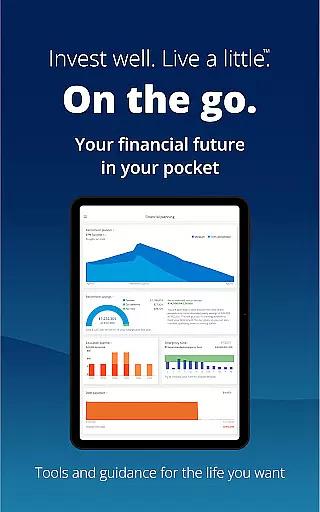
Empower boasts a rich array of features tailored to enhance your financial management experience. One of its standout capabilities is the ability to view all your financial accounts in one place, offering a holistic view of your financial health. This includes detailed insights into your net worth, income streams, expenses, and investment portfolios, which are updated in real-time.
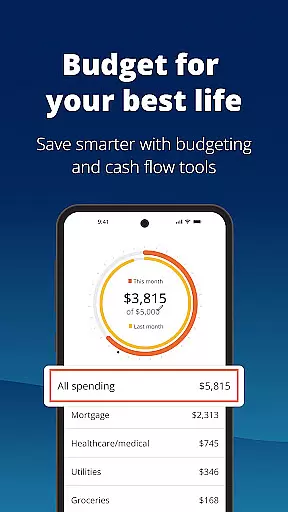
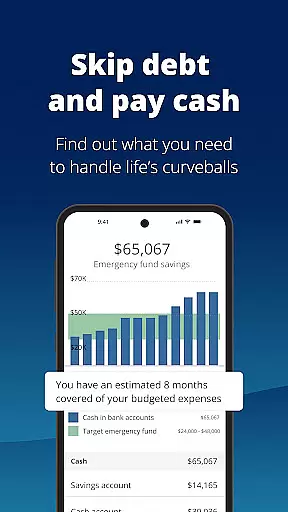
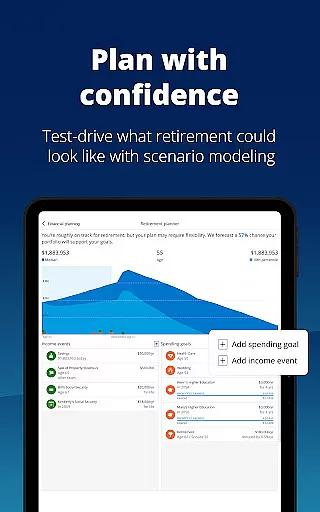
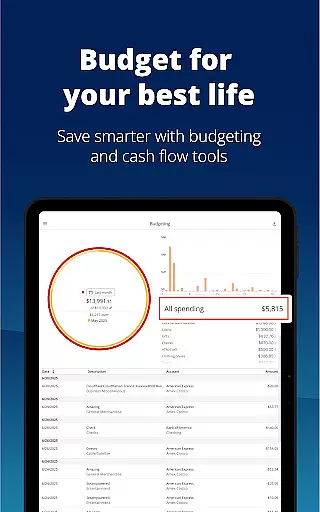
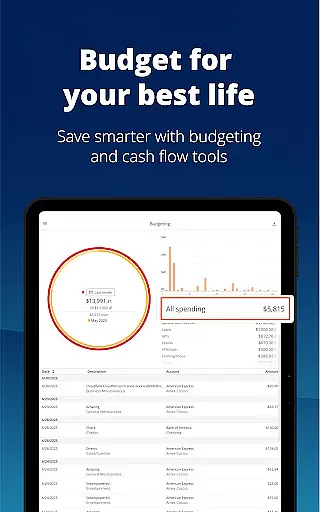
In addition to account aggregation, Empower provides advanced planning tools. Users can simulate various economic scenarios, including recessions, to better prepare for uncertainties. The app also offers retirement planning features, allowing you to adjust and compare different financial strategies to optimize your savings. With built-in budgeting tools, you can set and track budgets effortlessly, ensuring you stay on top of your financial commitments.
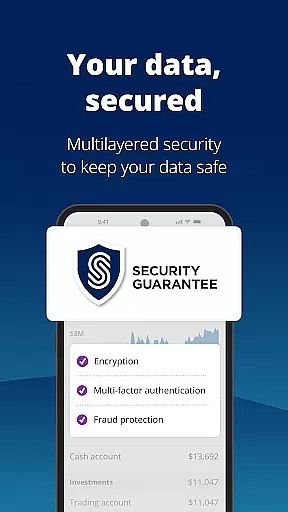
Security is paramount, and Empower addresses this with biometric and multi-factor authentication options. These features ensure that your sensitive financial information remains protected at all times. Furthermore, the app's user-friendly interface and customizable settings enable you to tailor the experience to your specific needs, making financial management both efficient and enjoyable.
Account and fund security is a critical aspect of any financial application, ensuring that users' sensitive information is protected against unauthorized access. Empower takes this responsibility seriously by implementing top-tier security measures.
The app secures user data with biometric and multi-factor authentication, providing an additional layer of protection beyond traditional passwords. This ensures that only authorized individuals can access personal financial details, significantly reducing the risk of fraud and identity theft.
Moreover, Empower's commitment to safeguarding customer information extends to its compliance with industry regulations and standards. As part of Empower Financial Services, Inc., the app adheres to strict guidelines set forth by regulatory bodies such as FINRA and SIPC, which govern the securities industry in the United States.
By prioritizing account and fund security, Empower not only protects its users but also enhances their peace of mind when managing finances digitally. Users can confidently plan for retirement, adjust scenarios, simulate recessions, and more without worrying about the safety of their assets.
A seamless transaction experience is essential for maintaining user engagement and trust within a finance app. Empower excels in delivering a smooth and intuitive process for handling various financial activities.
Users benefit from real-time updates on income and expenses, allowing them to make informed decisions quickly. The ability to see all accounts in one place simplifies the management of funds, making it easier to track budgets and tackle debt efficiently.
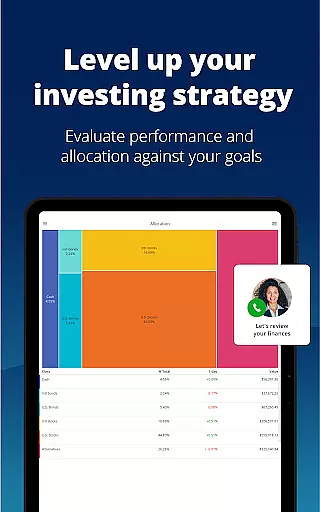
Empower goes beyond basic transactions by offering advanced features like simulating recessions and checking for allocation imbalances. These tools empower users to prepare for different economic situations and optimize their investment strategies accordingly.
In addition to these capabilities, Empower provides professional investment advice, enhancing the overall transaction experience. With clear insights into financial health and expert guidance at their fingertips, users can focus on achieving their long-term goals with confidence.
User-friendly interface
Comprehensive financial tools
Real-time account updates
Advanced security features
Professional investment advice
Premium features require subscription
Occasional syncing issues
Limited international support
Higher learning curve
Some features are US-only

Companies owe you money.
 4.80
4.80
Bitcoin gpu app helps you remote mine using your cell phone easily .
3.60
Get 250$ Cash Advance to solve emergencies instantly in loan app called LendMe
4.70
Car Insurance Made For You.
4.50
Mine Bitcoin in the cloud! Earn BTC daily with high-speed mining power.
4.30
Easy budgeting planning on a calendar!
4.80
Currency Converter (200+ currencies) with live exchange rates and offline mode.
4.70
Military retirement pay estimation calculator
4.70
SuperQi, Your all-in-one Super App.
1.30
Currency Converter supports all currencies of the world.
5.00
Money transfer made easy. Send money to friends and family with great rates.
4.70
Money App - Earn Cash back, Fast Cash Advance, Personal Loan Offers, Banking
4.70
Navigate your unique financial path confidently with help from Credit Karma.
4.70
Real-time tracking: Stocks, Indices, Futures, Commodities, ETF, & Funds prices.
4.60
Access State Farm accounts, policies, ID cards and more
4.60
Earn cash & save money daily. Access instant cash advances* - no credit check!
4.50
Make Real Cash by Playing Games! Fetch Playful Rewards, Win & Triumph
4.50
Get up to 500, get paid early, earn interest and find work with no hidden fees.
4.40
Registration of your debts and Mdionatk and assembled, as well as a significant reports
4.30


User Reviews