
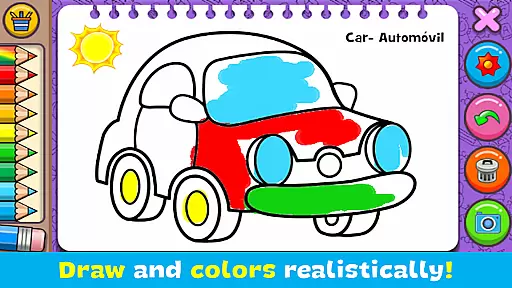
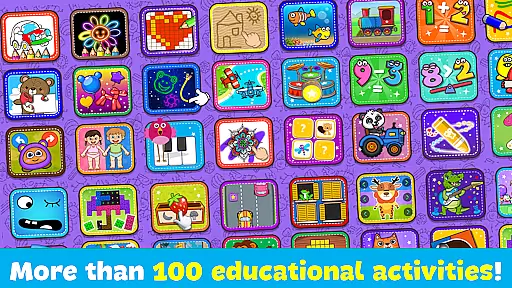
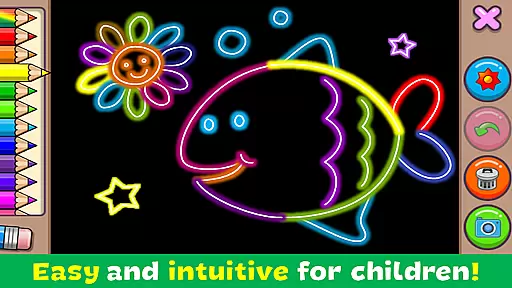
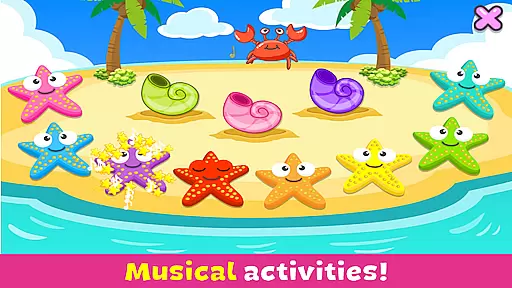
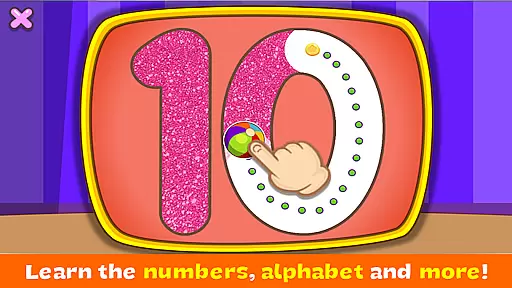
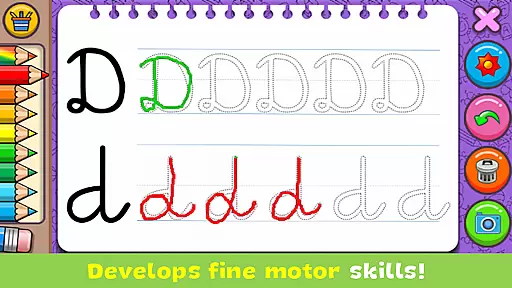
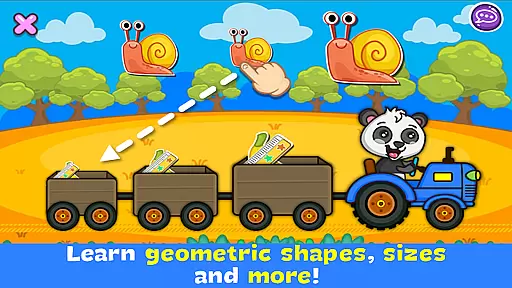
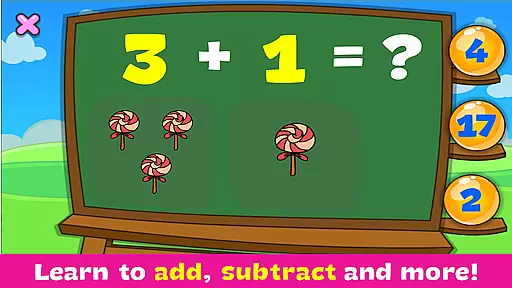
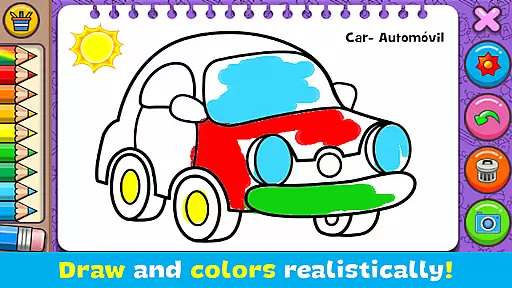
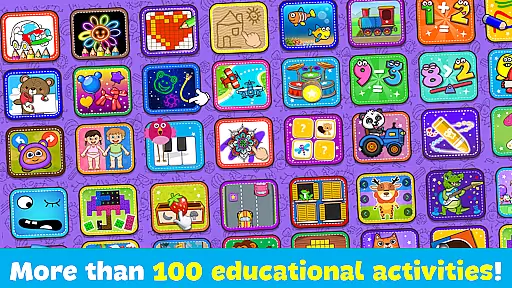
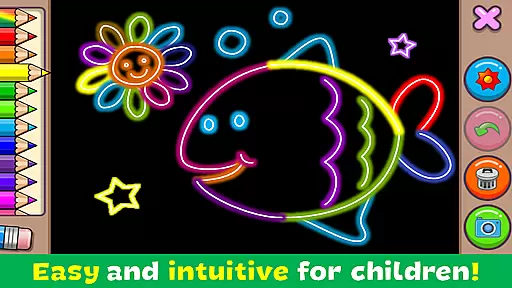
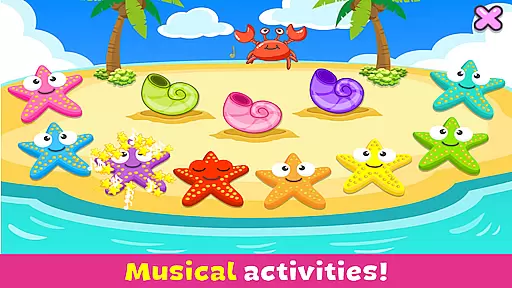
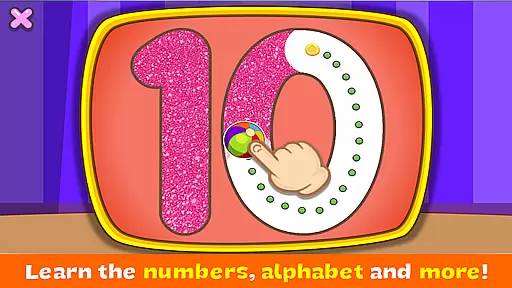
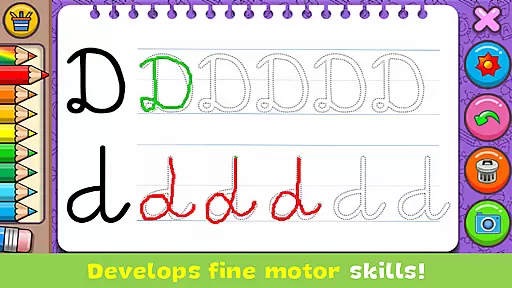
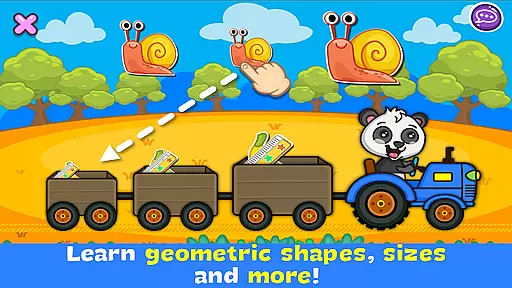
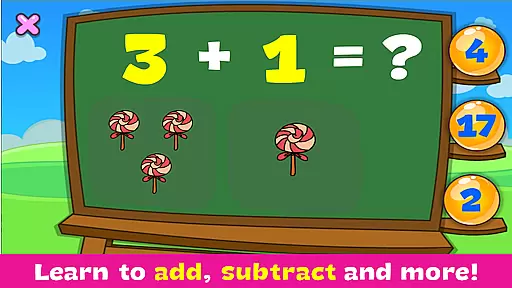
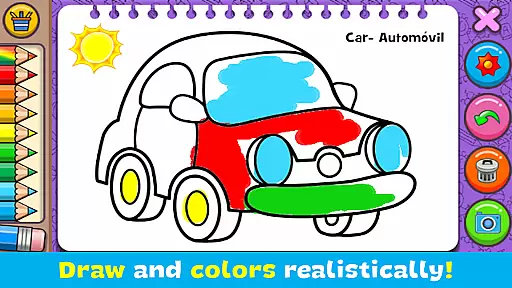
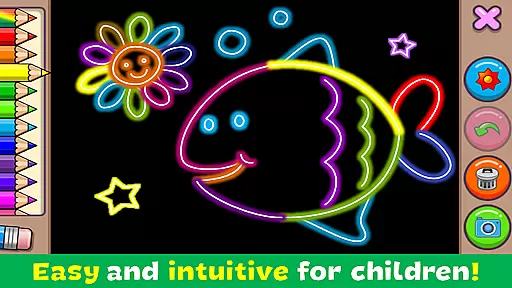
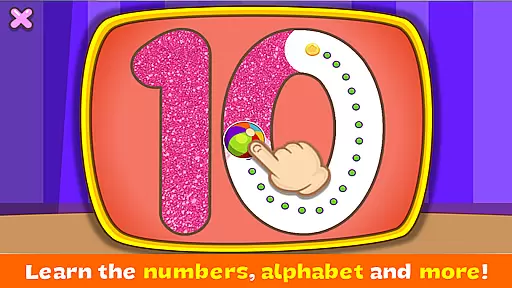
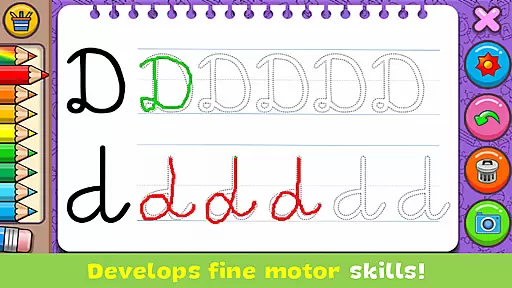
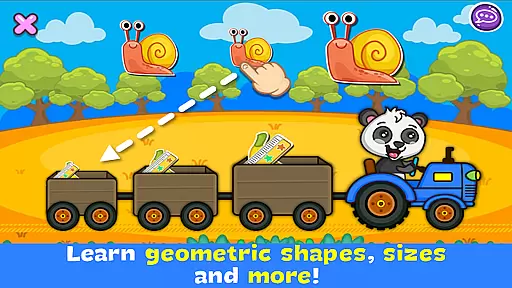
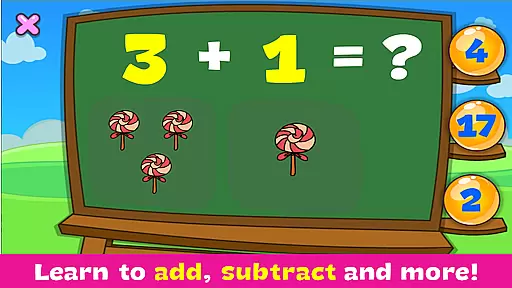
Coloring & Learn is an educational coloring game designed for all ages, offering over 250 pages of content that combines fun with learning. The app features multiple modes including 'Free mode' for unrestricted drawing and 'Glow coloring mode' for neon artwork. It provides a realistic coloring experience similar to paper while promoting creativity, concentration, and fine motor skills.
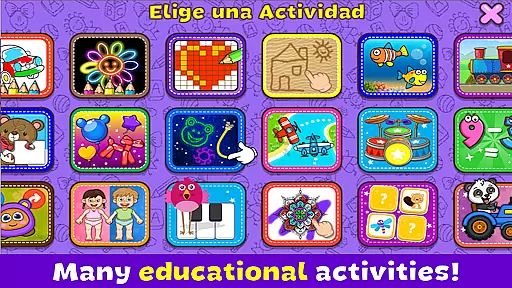
The application goes beyond basic coloring by incorporating educational elements such as alphabet writing, counting, geometric shapes, and more. With additional activities like drumming, pixel art, and puzzles, it creates an engaging environment for both children and parents. Users can save their creations, decorate them with 100+ stickers, and share via social media platforms.
This app is perfect for family bonding, allowing parents and children to color together or even hold friendly contests. Its intuitive design and diverse features make it suitable for various devices, providing an enriching experience for the entire family.
Coloring & Learn offers a rich set of features that cater to both entertainment and education. One standout feature is the inclusion of various collections such as Animals, Vehicles, Alphabet, and Numbers, each designed to teach specific concepts through interactive coloring pages. These collections help users learn while they play, making education enjoyable.
The app includes unique modes like 'Glow coloring mode,' which lets users create dazzling neon effects, and 'Free mode,' where imagination knows no bounds. With tools mimicking real-world drawing instruments, dynamic color options, and an eraser function, users have complete creative control. Advanced functionalities like 'Undo' and 'Clear All' ensure ease of use.
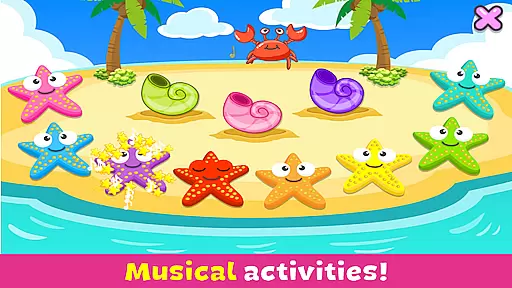
Additional activities extend beyond coloring, featuring mini-games like drumming, pixel art, and puzzles. This variety keeps users engaged and encourages skill development in music, spatial recognition, and problem-solving. By saving artworks in an album and sharing them on social media, users can showcase their talents and connect with others.
In the realm of educational applications, content accuracy and alignment with educational standards are paramount. Coloring & Learn offers a comprehensive suite of activities that are not only engaging but also pedagogically sound. The app includes carefully curated content that spans various educational themes such as the alphabet, numbers, geometric figures, and more.
Each activity within Coloring & Learn is designed to align with fundamental educational milestones. For instance, while coloring pages featuring animals or vehicles, children learn to recognize and name these objects, thus expanding their vocabulary and understanding of the world around them. This strategic integration of fun and learning ensures that each session contributes positively to a child's developmental journey.
The application further supports curriculum alignment by providing structured learning paths through its collections like 'Connect Points' for motor skills and counting, and 'Pixel Art' for spatial recognition. These features ensure that while children enjoy their creative play, they simultaneously work towards achieving specific learning objectives endorsed by educational experts.
Gamification in educational tools has proven to be an effective method for enhancing student engagement and motivation. Coloring & Learn brilliantly incorporates gamified elements throughout its platform, making learning an enjoyable experience for children. By integrating game-like features such as challenges, rewards, and interactive activities, the app captivates young learners' attention and sustains their interest over time.
One standout feature is the 'Free Mode', which allows children to unleash their creativity without constraintsu2014a true testament to how gamification can foster imagination and artistic expression. Additionally, specialized mini-games like 'Drum', where kids can create music, and 'Pop Balloons', which combines auditory stimulation with tactile interaction, further enrich the playful learning environment.
Moreover, the presence of collectibles such as stickers adds another layer of gamification, encouraging repeated use and exploration. As children accumulate these virtual rewards, they are indirectly honing essential skills such as fine motor control, concentration, and problem-solving abilitiesu2014all under the guise of play. This seamless blend of education and entertainment exemplifies the potential of gamified learning systems.
User-friendly interface
Educational content included
Multiple creative modes
Engaging for all ages
Completely free
Limited advanced tools
No offline support mentioned
Ads may be present
Simple graphics only
Basic sharing options

 2.80
2.80
Wind down, relax and snuggle up with your favourite Blocks characters.
3.30
A logic puzzle game for 1 - 3 players
4.1
Help your child improve their number literacy with Numberblocks: Card Fun!
2.60
Endless runner fun packed with animal facts, exciting wildlife, & adventure.
4.10
Companion app for Cozmo, the educational toy robot who’s got a mind of his own.
3.30
Explore Fantasy Land, get to know the world and create stories!
4.30
Fun phonics & alphabet tracing game for toddlers, preschool & kindergarten kids!
4.60
Coloring book for kids! Learn Color, paint, neon drawing with educational games.
4.40
Preschool learning games: 123 numbers game for kids, abc learning for toddlers
4.70
Design dreamhouses and dress up creatively in the ultimate role-playing game!
4.70
Kids coloring games for boys! Fun drawing, painting & learning book for kids.
4.60
Toddler Learning Games, Learn: Colors, Shapes, Puzzles, ABC ... ►NoAds!◄
4.50
Fun baby care game for kids with dinosaur friends. Enjoy the fun kids game.
4.00
Imagine, build and ride your own Rollercoaster!
3.90
Practice Early Literacy Skills and Build Vocabulary with Elmo & Cookie Monster!
3.90
Baby Phone Game for Kids & Toddlers to Learn Sounds, Numbers, ABCs, Phone Calls
3.80
A game to memorize
4.2
Draw shapes, mix colors, and dodge traps to defeat foes in the vibrant Art Zone!
4.4


User Reviews