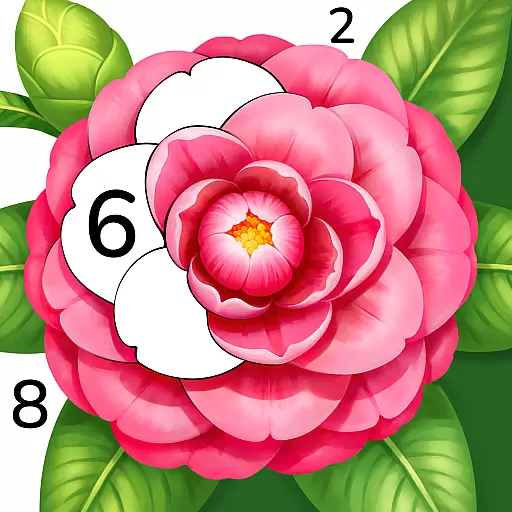
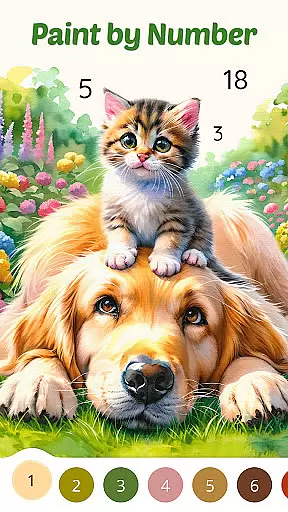
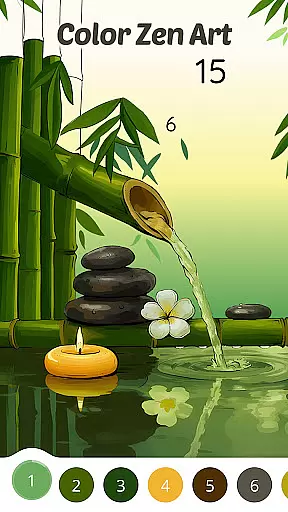

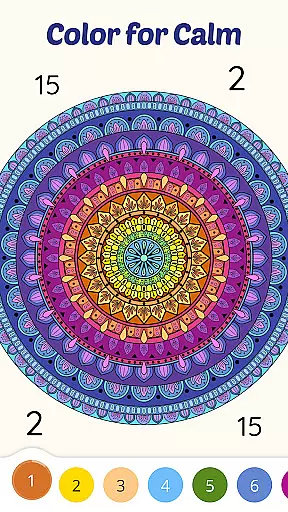
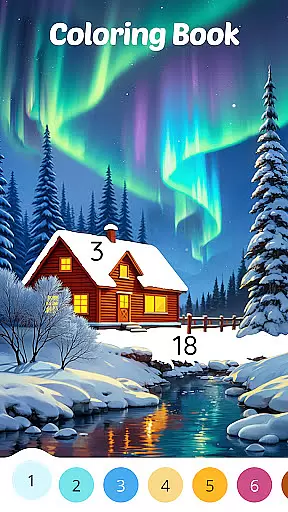
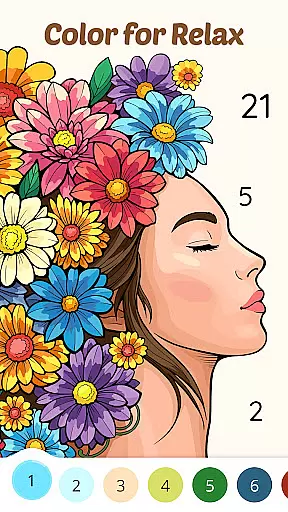
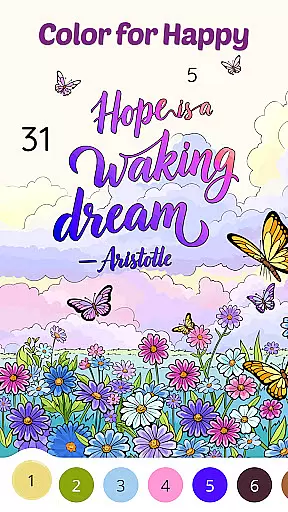
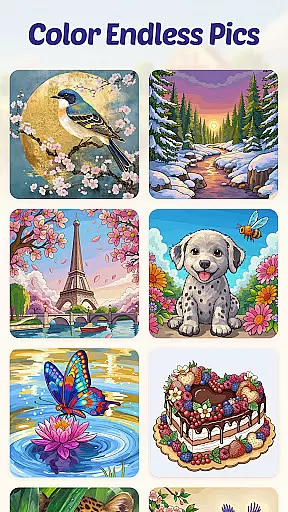
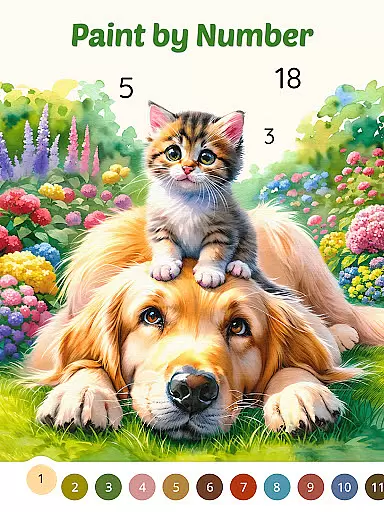
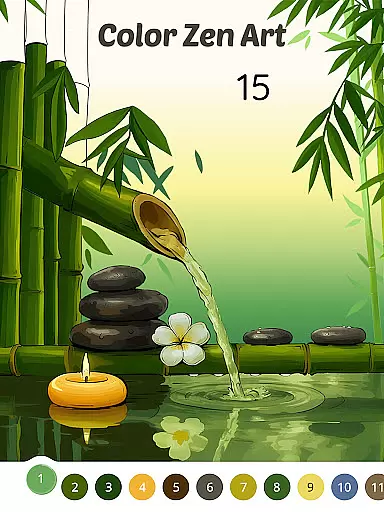

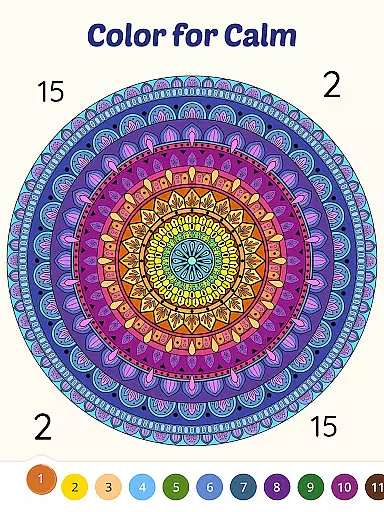
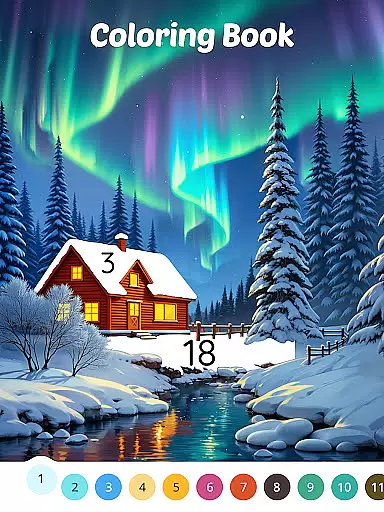
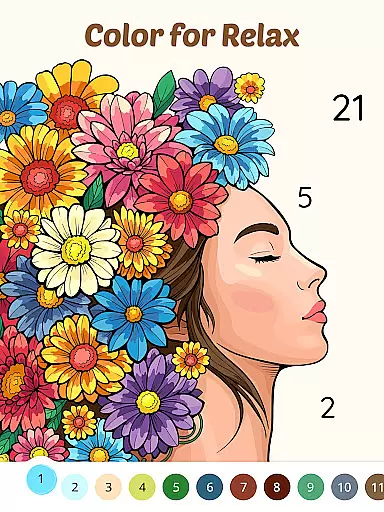
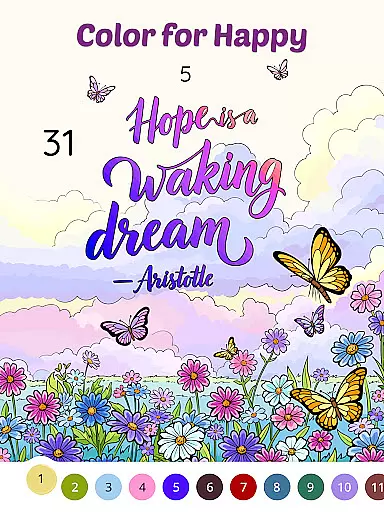
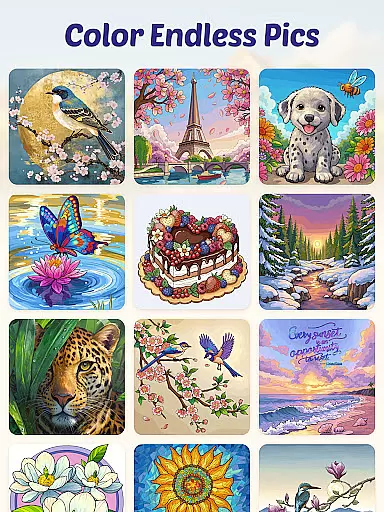
Color Aura: Paint by Number is a casual coloring game designed for users of all ages who seek relaxation and creativity through art. This app offers a classic paint-by-number experience with over 10,000 free pictures across diverse themes such as nature, animals, mandalas, and exclusive original artworks. Each image is crafted by talented artists worldwide, ensuring high-quality designs that inspire creativity while promoting mindfulness.
The app provides an easy-to-use interface that allows users to color anytime and anywhere, whether during a morning break, an afternoon pause, or before bedtime. With rich themes and styles ranging from traditional art to modern sketches, Color Aura creates a calming space where colors and lines quiet the mind and awaken artistic expression. The app's regular updates ensure fresh content tied to holidays, seasons, and cultural events, keeping users engaged and inspired.
Color Aura stands out with its vast selection of over 10,000 free images, offering unparalleled variety in themes like Zen-inspired mandalals, cute animals, serene landscapes, and more. These images are created by more than 100 global artists, ensuring professional-grade quality and unique styles tailored to different preferences. The intuitive paint-by-number gameplay makes it accessible even for beginners while still providing depth for experienced users seeking intricate designs.
Beyond its expansive library, the app emphasizes convenience and personal well-being. Users can enjoy seamless navigation and customization options, including adjusting colors and brush sizes. Regular updates introduce seasonal collections and new artwork, maintaining user interest. Additionally, the app promotes mental wellness by encouraging mindful coloring sessions that reduce stress and enhance focus, making it not just a creative outlet but also a therapeutic tool.
Core gameplay simplicity is essential for ensuring that users of all ages can easily engage with and enjoy an application. For Color Aura - Paint by Number, this principle is embodied through its classic paint-by-number format, which offers a straightforward yet deeply satisfying coloring experience. The game's mechanics are designed to be intuitive, allowing players to jump right in without the need for extensive tutorials or prior artistic skills.
The app provides over 10,000 pictures across diverse themes such as nature, animals, mandalas, and exclusive original art. This vast selection not only caters to different interests but also maintains a simple interface where users can effortlessly choose and start coloring their preferred images. Each picture is segmented into numbered sections, guiding users on which color to apply, thus simplifying the creative process while still offering room for personal expression.
Players benefit from this simplicity as it promotes relaxation and mental clarity. By focusing on filling numbers with corresponding colors, users can immerse themselves in a meditative activity that calms the mind and reduces stress. Whether during a morning break or before bedtime, the ease of use ensures that anyone can incorporate this calming pastime into their daily routine, making it an ideal choice for those seeking moments of tranquility amidst busy schedules.
Session length flexibility refers to the ability of an application to accommodate various time commitments from its users, allowing them to engage in short bursts or longer sessions as their schedule permits. Color Aura - Paint by Number excels in this aspect by offering a coloring experience that can be enjoyed in brief intervals or extended periods, depending on the user's preference and available time.
Each image within the app is crafted to provide satisfaction whether colored partially or completed over multiple sessions. Users can save their progress at any point, enabling them to return later without losing work. This feature is particularly beneficial for adults who may only haveu96f6u788eu7684u65f6u95f4 throughout the day, allowing them to unwind with a few minutes of coloring during breaks, commutes, or before sleep.
This adaptability enhances the overall user experience by fitting seamlessly into different lifestyles and routines. Regardless of how much time one has, Color Aura ensures that every session contributes to a growing sense of accomplishment and creativity. As players fill each numbered section with vibrant hues, they build upon previous efforts, creating beautiful artwork piece by piece, ultimately leading to a fulfilling and personalized art journey tailored to individual pacing and preferences.
User-friendly interface
Extensive free library
Diverse artistic styles
Regular content updates
Relaxation-focused design
Limited advanced tools
In-app purchases available
Ads may interrupt flow
Offline functionality restricted
High system resource usage

Aim-Shoot-Blast: Perfect Shot
 4.2
4.2
Start with a simple lemon stand and grow into a business tycoon!
5.00
Blend & Match! Mix colors on paper, compare with objects, aim for perfect match!
4.30
Roll the Dice and Build Your Kingdom - Can You Beat Your Friends?
4.70
1V1 Hunting Game
4.40
Heads or tails? Coin Flipper in an idle game about flipping coins!
3.60
Multiplayer Game featuring Daddies protecting Babies from household danger.
2.70
Short and sweet incremental mining game!
4.40
Merge numbers on the balls and run to aim for 2048!
4.20
Zen Koi Pro features single player offline play, and shiny rare koi!
4.70
The award winning game where everything burns.
4.70
Instant town building toy
4.50
Defeat your enemies by creating a larger army of bullets!
4.40
Be the coolest person when prank video call and chat with idols.
4.40
"My PlayHome School" expands the PlayHome world into the classroom!
4.30
Dodge missiles, collect stars, and test your reflexes in Aero Escape!
3.40
A minimalist game about digging a hole in the garden of a newly purchased house
3.00
Please solve the hexa puzzle.
4.1
Spice up your next game night with a threesome of hilarious adult party games!
4.1


User Reviews