
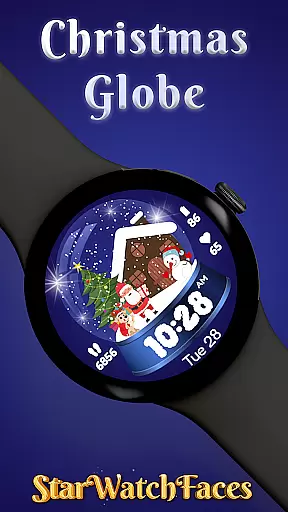
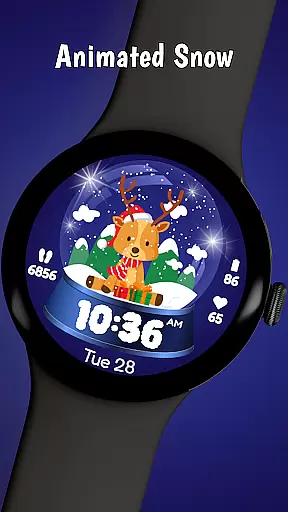
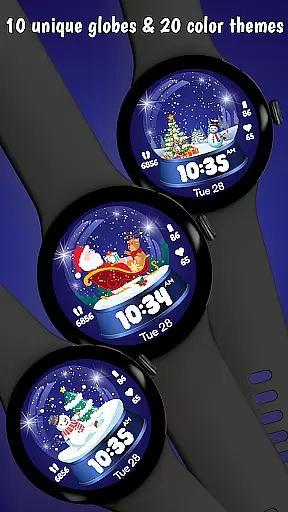
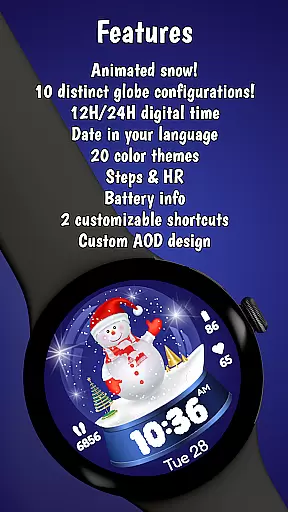
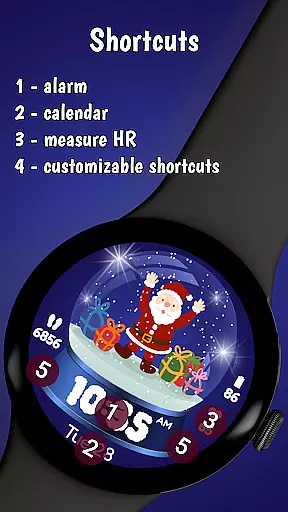
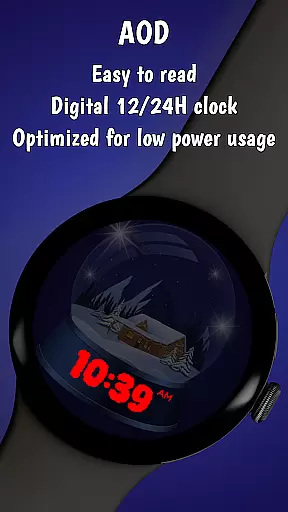
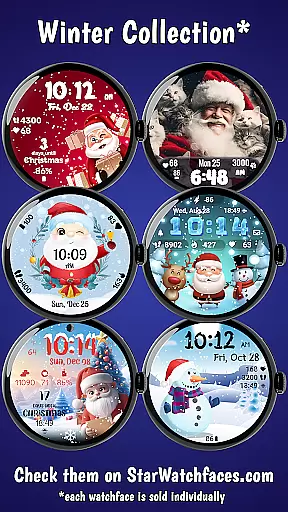
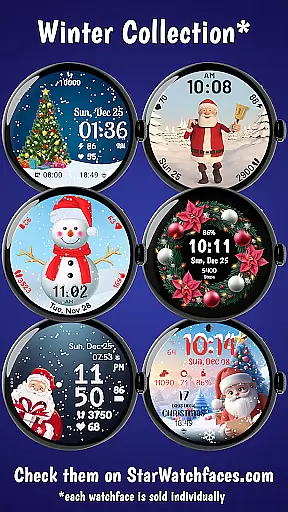
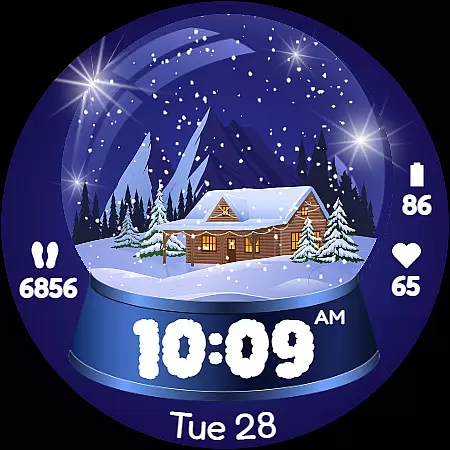
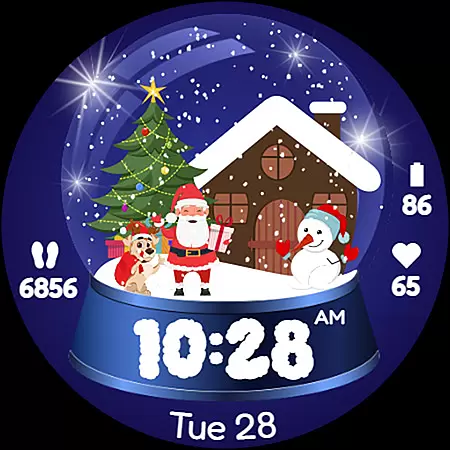
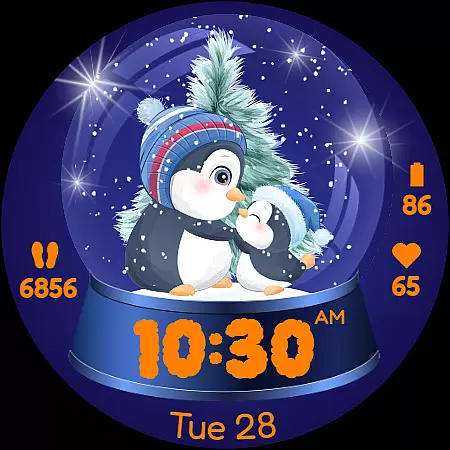
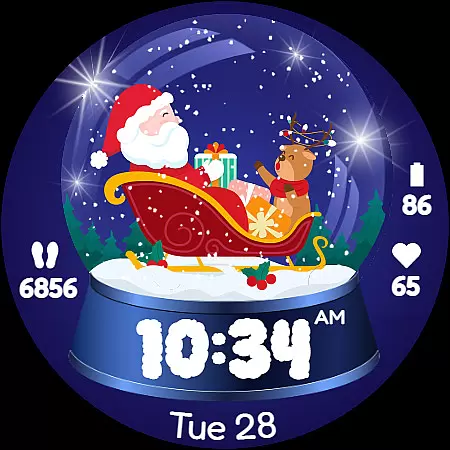
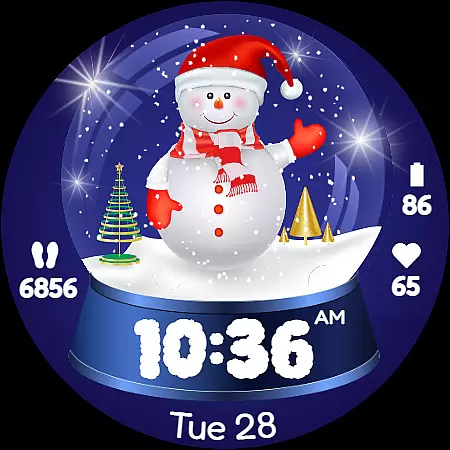
Christmas Globe is an innovative Wear OS watch face that transforms your smartwatch into a delightful winter wonderland. This unique application features a beautifully animated snow globe with 10 customizable festive backgrounds, ranging from classic Santa Claus scenes to serene winter landscapes. Users can personalize their experience through 20 distinct color themes, allowing for both vibrant Christmas colors or subtle winter tones.
Beyond its aesthetic appeal, the watch face provides essential functionality including 12/24-hour time formats, English date display, step counter, heart rate monitor, and battery level indicator. These practical features ensure users stay informed about their daily activities while maintaining the holiday spirit. Whether you're a fitness enthusiast or simply looking to add some seasonal charm to your smartwatch, Christmas Globe delivers both joy and utility in a single package.
The Christmas Globe watch face stands out with its comprehensive feature set designed to enhance both form and function. The application's signature feature is its animated snow globe that users can customize with 10 different festive background options. From traditional Christmas motifs like Santa Claus and decorated trees to whimsical snowmen and peaceful winter scenes, each background brings its own unique holiday charm.
What sets this watch face apart is its exceptional customization capabilities. With 20 color themes available, users can match their watch face to their personal style or daily outfit. The application maintains practicality through essential features such as dual time format support (12/24-hour), English date display, and health tracking elements including step counter and heart rate monitor. The inclusion of battery level indication ensures users remain aware of their device's status throughout the holiday season.
These features work together to create a perfect balance between festive spirit and everyday functionality, making it an ideal choice for those who want to maintain their smartwatch utility while celebrating the holiday season in style.
The Christmas Globe Watch Face for Wear OS offers an impressive variety of content options that ensure users can enjoy a personalized and festive experience. With 10 unique festive backgrounds, ranging from jolly Santa Claus to serene winter landscapes, the watch face caters to diverse preferences and moods during the holiday season.
In addition to background choices, the watch face provides 20 distinct color themes. These themes allow users to customize their watch face to match their outfit or desired aesthetic, whether they prefer traditional reds and greens or more subtle blues and silvers. This level of customization ensures that the content remains fresh and engaging throughout the season.
Moreover, the watch face is not just about aesthetics; it includes practical features such as step counting and heart rate monitoring. By integrating these health-focused elements, the app maintains its entertainment value while also promoting an active lifestyle, which is crucial during the often indulgent holiday period.
By offering both visual and functional variety, Christmas Globe keeps users engaged and excited to interact with their smartwatch daily. The ability to switch between different themes and backgrounds ensures that the experience remains dynamic and reflective of the user's personal style and the festive spirit.
User engagement and retention are critical factors for any application, and the Christmas Globe Watch Face excels in these areas by providing features that encourage prolonged use. One key aspect is the highly customizable nature of the watch face, allowing users to choose from various festive backgrounds and color themes. This personalization fosters a deeper connection with the app, as users can tailor the experience to their liking, encouraging them to keep the app active on their smartwatch.
Beyond customization, the watch face includes essential functionalities like time display in both 12 and 24-hour formats, date information, and battery level indicators. These practical features ensure that users rely on the app for their daily needs, increasing the likelihood of sustained engagement over time.
Additionally, the integration of health-related features such as step counting and heart rate monitoring adds another layer of utility. Users who track their fitness activities are more likely to retain the app, as it becomes an integral part of their health management routine, even beyond the holiday season.
By combining entertainment with practicality, Christmas Globe successfully captures users' interest and maintains their engagement. The thoughtful design and multifunctional capabilities ensure that users not only download the app but continue to use it regularly, enhancing both duration and retention metrics significantly.
Festive design
Customizable themes
Health tracking
Battery indicator
Dual time format
Limited to Wear OS
Holiday-specific
Premium features
Complex settings
Battery usage

A wonderful collection of the most beautiful sounds of animals and birds
 4.0
4.0
Stream over 80 hours of exclusive mashups and remixes by DJ Rehab.
4.0
A companion app for the game Elite Dangerous
4.10
Earn gift cards for playing games. Become a real game tester!
4.40
Fetch money rewards all just for playing games. Cash out for gift cards in app.
4.50
Build and Share AI
4.20
Stream live TV shows, sports, news, movies & more - all without cable.
3.00
VR 360 Cinema Player is the ultimate VR player for playing videos on mobile
3.50
With the Steam Mobile App, you can take Steam with you anywhere.
3.00
Stories that spark in seconds.
4.80
Pathfinder 2e initiative tracker with bestiary, HP, reaction, conditions, etc
4.80
Companion app for Elden Ring to track quests, bosses, progress and more.
4.70
Stream Movies & TV Series: Original Shows, Family Movies & New Releases Weekly
4.60
Just play games to earn gift cards. Keep playing, keep earning.
4.50
Heroclix search units with multi filter , team builder, collection manager.
4.40
Exclusive Short Drama Video! All in HD. Bringe trending reels & enjoy drama time
3.80
Your choice of 350+ networks plus movies and full TV series on-demand.
3.70
Watch whatever you want, whenever you want, wherever you want.
3.30
Journey to the world’s oldest rainforest and meet its Indigenous Custodians.
4.1


User Reviews