
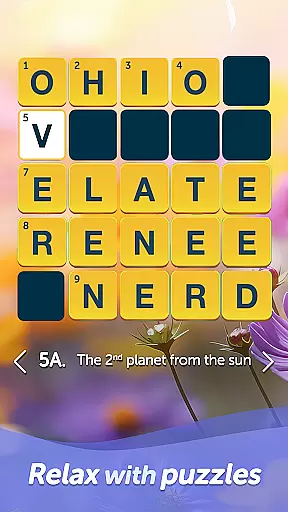
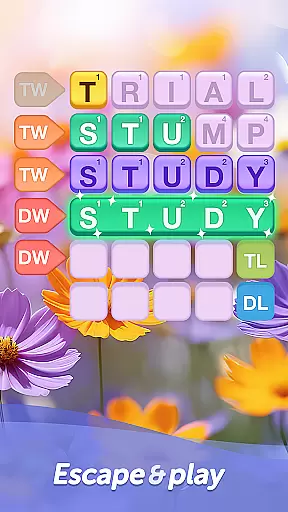
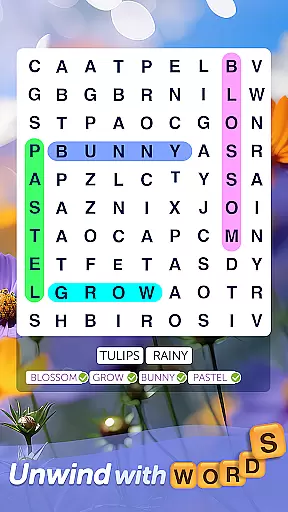
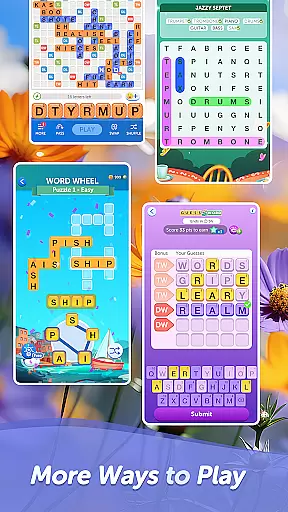
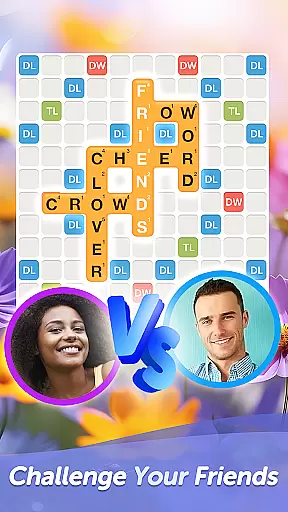
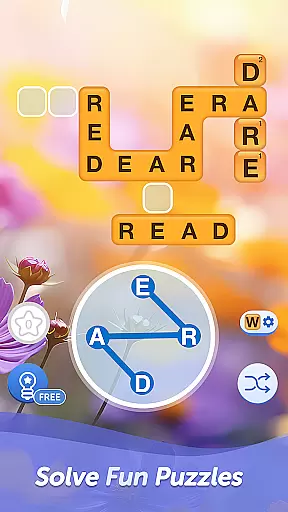

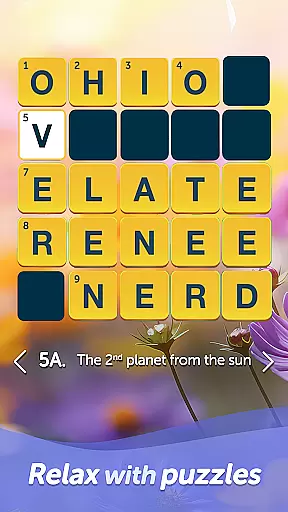
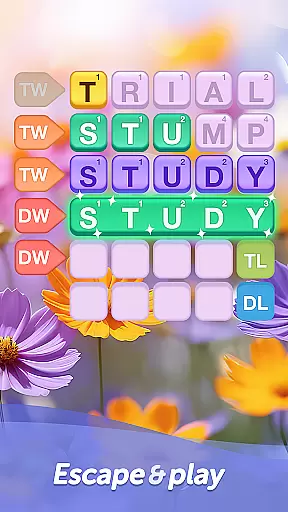
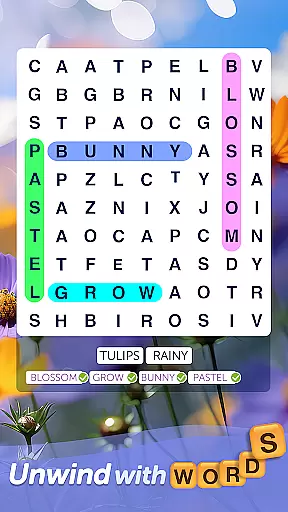
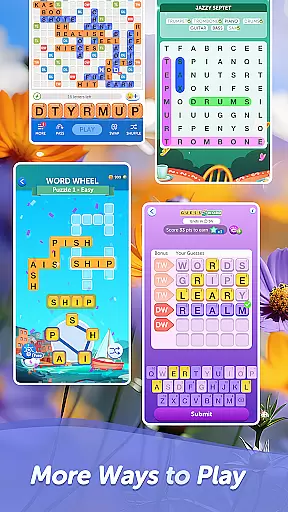
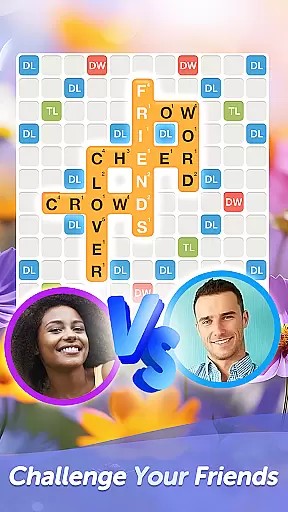
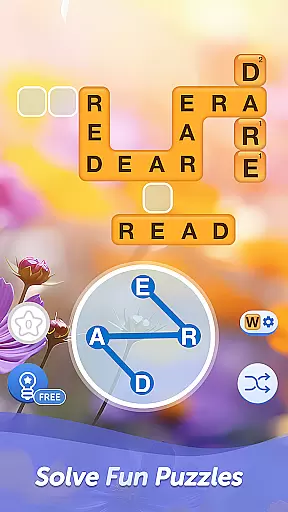

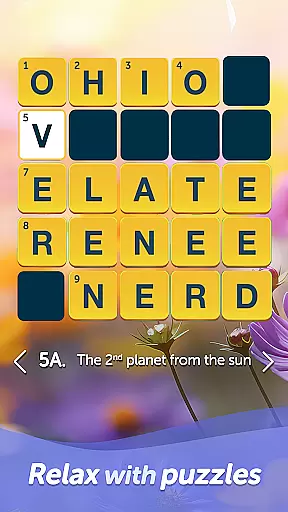
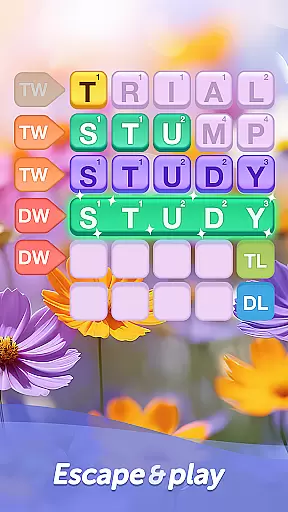
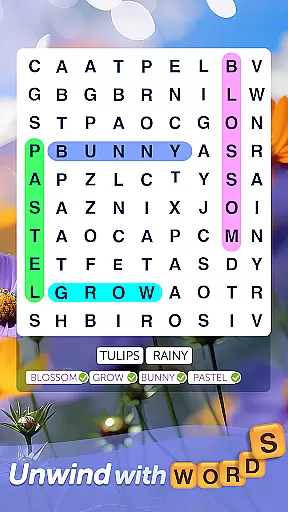
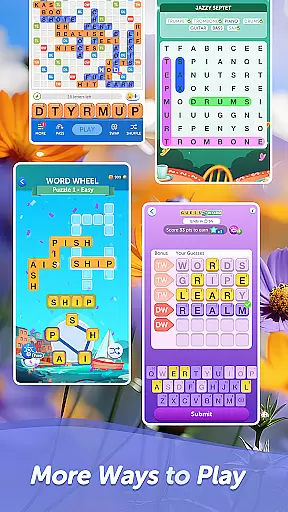
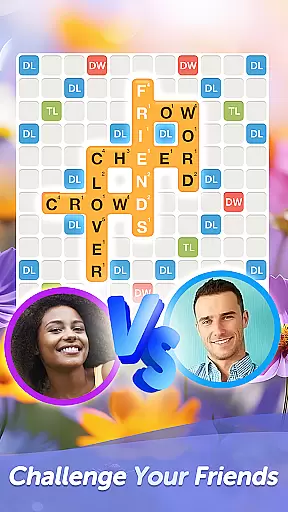
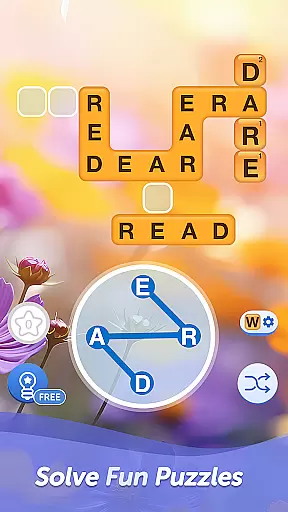

Words With Friends Word Game is a premier multiplayer word game that combines classic board game elements with modern mobile gaming. This app allows players to unscramble letters, form words, and compete against friends or AI opponents in crossword-style challenges. The game features various modes including multiplayer showdowns, solo challenges against themed WordMasters, and limited-time Word Wheel mini-games.
Designed for word game enthusiasts, the app helps expand vocabulary while providing hours of entertainment through strategic wordplay. Players can enjoy customizable gameplay options such as Stickers, Tile Styles, and Profile Frames, adding personal flair to their gaming experience. Whether you're looking to train your brain or simply have fun with words, Words With Friends offers a comprehensive platform for all skill levels.
The app's social integration lets users connect through Facebook or email, while its reward system keeps players engaged with unlockable collectibles. Available on both mobile devices and web platforms, this game provides seamless cross-platform play, making it an ideal choice for those seeking a versatile and engaging word gaming experience.
Words With Friends stands out with its diverse feature set designed to enhance the word gaming experience. The app's multiplayer functionality enables real-time matches with friends and family, while Smart Match technology pairs players with suitable opponents based on skill level. Its Solo Challenge mode pits players against increasingly difficult AI-controlled WordMasters, providing a consistent challenge for single-player enthusiasts.
The game incorporates various engagement mechanisms such as the Rewards Pass system, where players complete word goals to earn keys and unlock exclusive collectibles. The Word Wheel mini-game adds variety to gameplay by challenging players to solve anagram puzzles within a time limit. These features are complemented by customization options including different Tile Styles, Profile Frames, and Stickers, allowing players to personalize their gaming experience.
Additional features include social media integration across Facebook, Twitter, and Instagram, plus the option to remove third-party ads through premium purchases. The app maintains regular content updates every six weeks, ensuring fresh challenges and rewards. With its combination of competitive multiplayer modes, brain-training solo challenges, and extensive customization options, Words With Friends delivers a comprehensive word gaming experience across multiple platforms.
In a word game like Words With Friends, the quality and clarity of clues are essential for an engaging experience. The game provides clear letter tiles and board positioning that guide players in forming valid words.
The game ensures clue quality by offering unambiguous letter combinations that challenge players without frustrating them. Each move presents new opportunities to create words, keeping the gameplay fresh and intellectually stimulating.
Players benefit from this clarity as they can quickly identify potential word formations. This feature enhances their ability to strategize and compete effectively, making each match both a learning and enjoyable experience.
Ultimately, the well-designed clues contribute to the game's goal of expanding vocabulary while providing entertainment. Users can enjoy the satisfaction of solving word puzzles with precision and speed.
Words With Friends offers a wide variety of puzzles that cater to different skill levels and preferences. From classic multiplayer modes to solo challenges against WordMasters, the game ensures there is something for everyone.
The inclusion of various game modes such as Smart Match, Solo Challenge, and Word Wheel keeps the gameplay dynamic and interesting. Players can switch between these modes based on their mood or desired level of challenge.
This diversity not only maintains player interest but also helps improve different aspects of language skills. Whether it's unscrambling letters or finding the highest scoring word, each mode tests unique linguistic abilities.
By continuously introducing new themes and challenges every six weeks through Rewards Pass, the game keeps its content fresh and exciting. This variety ensures long-term engagement and enjoyment for all users.
User-friendly interface
Multiplayer functionality
Variety of game modes
Regular content updates
Social media integration
In-app purchases required
Third-party advertisements
Internet connection needed
Steep learning curve
Limited offline features

Crossword & Trivia Game for Christian
 4.60
4.60
Heads Up, charades for kids family & friends. Enjoy guessing game in holiday!
4.60
Try to find the hidden words!
4.30
Solve crossword puzzles challenge your brain and expand your vocabulary
4.90
Who is the Imposter? The ultimate group game for 3 to 30 players!
4.4
Daily Word Search Puzzles
4.10
The 2 player games of hangman: save the hangman! Hangman 2player come! Ahorcado!
4.90
Zen Word - where challengers relax, solve word games, and train their minds!
4.80
Relax your mind with calming word puzzle games! A brain focusing game of words
4.90
Enhance your mind and unwind with word puzzles and solitaire. Play now!
4.80
Explore the world playing word puzzle games. Relax your brain by finding words
4.80
Looking for inspiration? Enjoy offline Bible word games and unlock daily verses.
4.80
A fun multiplayer word game. Who can make the highest scoring words?
4.80
Word search puzzle game for brain training
4.70
101 offline games: words, puzzles, quizzes! Play, learn and compete!
4.70
A roguelike word game!
4.70
Play this fun word connect game to calm and train your brain.
4.60
Play word games with friends! Smart puzzles, custom tiles & multiplayer fun!
4.40
Play heads up with family and friends in an amazing charades and guessing game!
4.30


User Reviews