
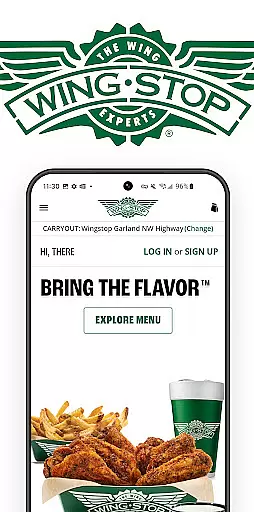
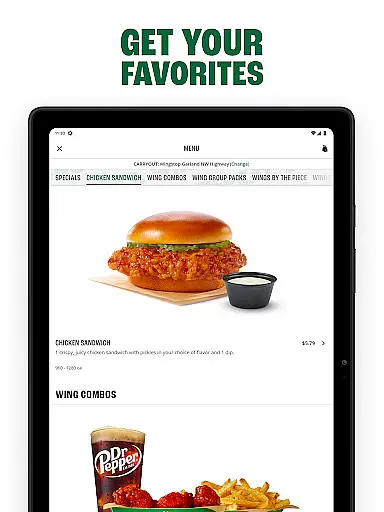
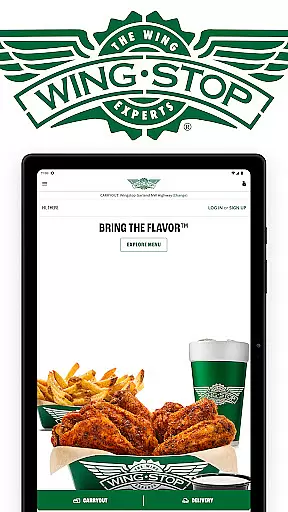
Wingstop is a premier food delivery app specializing in chicken wings, tenders, sandwiches, and sides. Designed for convenience, the app allows users to place orders for pickup or delivery with an easy-to-navigate interface. Whether you're craving bold flavors or classic comfort food, Wingstop delivers a seamless experience tailored to satisfy your hunger.
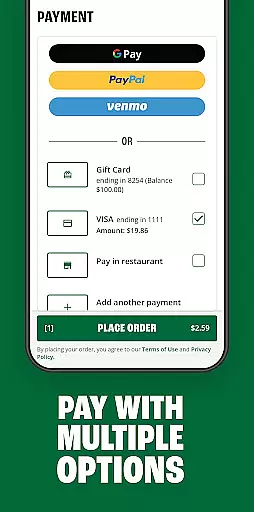
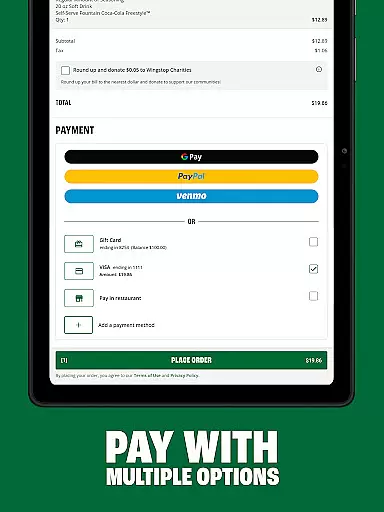
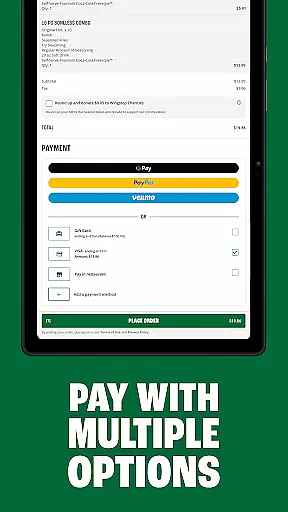
The app supports advanced ordering features such as scheduling up to seven days in advance and saving favorite menu items. With multiple payment options including Google Pay, PayPal, and credit cards, Wingstop ensures a hassle-free transaction process. Perfect for busy individuals or group orders, this app brings iconic flavors right to your fingertips.
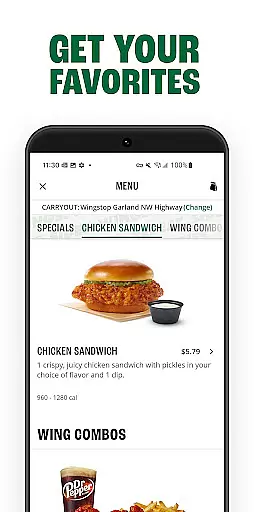
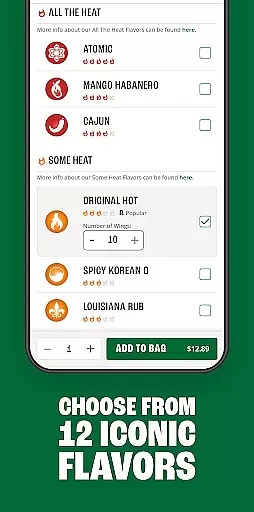
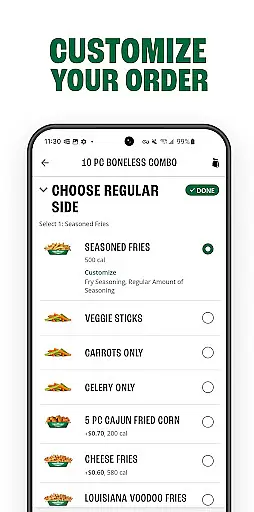
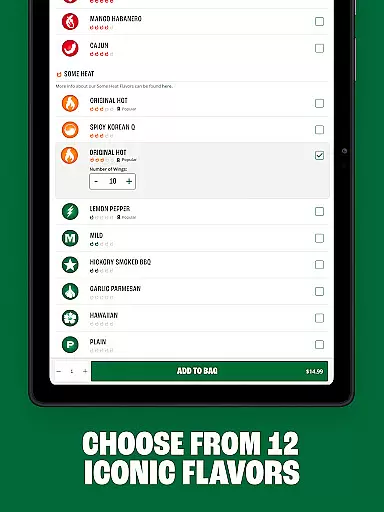
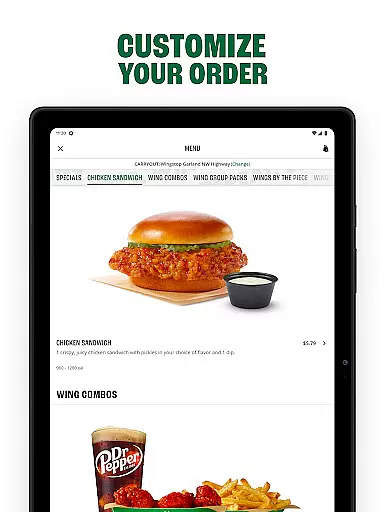
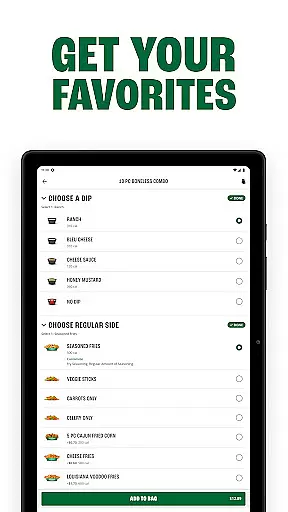
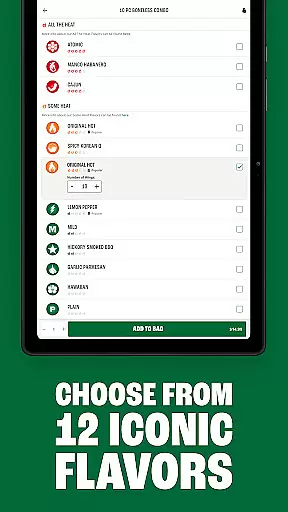
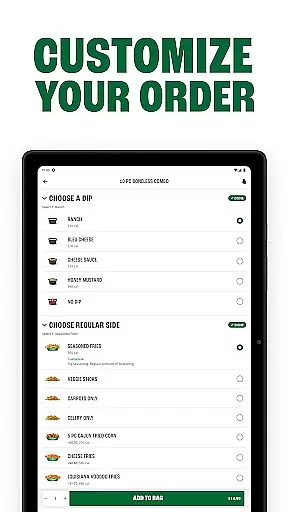
Wingstop offers a variety of standout features that enhance the food ordering experience. Users can customize their orders with a selection of bold flavors and choose from a range of menu items like wings, tenders, sandwiches, and sides. The streamlined checkout process makes ordering quick and efficient, whether you're planning ahead or need food ASAP.
Additional functionalities include saving favorite locations, storing delivery addresses, and setting up preferred payment methods within the app. These features simplify repeat orders and ensure a personalized experience. With real-time store information and directions available, Wingstop provides everything needed to enjoy delicious meals without any hassle.
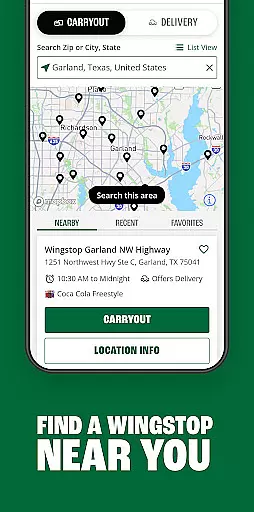
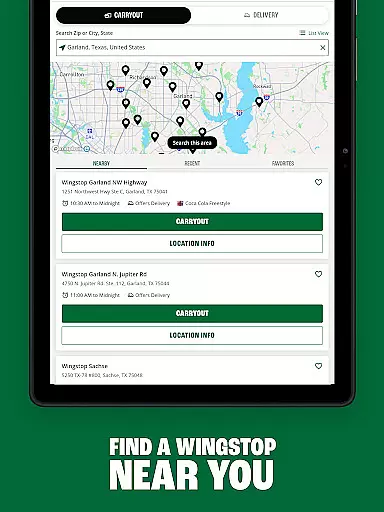
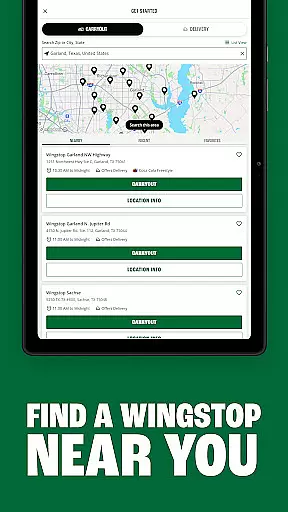
Locating your nearest Wingstop has never been easier with the Store Locator feature. This functionality ensures that you can quickly find any Wingstop location, complete with essential store information such as operating hours, address, and contact details.
The app provides precise location data, enabling users to get directions seamlessly. Whether you're at home or exploring a new city, this feature guarantees that a Wingstop is always within reach, ensuring convenience and satisfaction for every craving.
With just a few taps, users can access comprehensive details about their preferred Wingstop outlets. This includes the ability to save favorite locations, making future visits hassle-free and allowing customers to enjoy their favorite meals without delay.
Wingstop offers flexible ordering options tailored to fit your schedule. Customers can place orders for pickup or delivery through a simplified checkout process, available immediately or scheduled up to seven days in advance.
This flexibility extends to payment methods, accommodating various preferences including Google Pay, PayPal, Venmo, and traditional credit cards. By creating an account, users can also save their preferred payment methods, delivery addresses, and reorder favorites effortlessly.
The assurance of timely delivery and the option to pick up orders at your convenience enhances the overall customer experience. These features collectively ensure that Wingstop's iconic flavors are delivered straight to you, maintaining the quality and taste you expect.
User-friendly interface
Customizable orders
Multiple payment options
Streamlined checkout
Scheduling up to 7 days
Limited to U.S. residents
No international support
Occasional bugs
Delivery fees apply
Location-specific menus

Delicious cocktail recipes you can make with ingredients you already have.
 4.40
4.40
Choose From A Wide Array of Wines, Spirits, Beers & More
4.60
Order Beer, Snacks & More 24/7
4.20
Order pizza and earn points
3.90
Mobile Ordering - Order your favorite burgers, chicken, breakfast, and desserts
4.60
Sweeten the season!
4.90
Now it's easier than ever to order, pay and earn delicious rewards.
3.50
Order Food, Track, and Earn Rewards
3.80
Exclusive deals, mobile ordering & find your nearest BK® restaurant anytime
4.40
Get 20% Back at thousands of 4+ star restaurants when you pay using inKind
4.90
Rescue tasty unsold food from local stores for ½ price or less.
4.90
Enjoy all your Legendary favorites at Texas Roadhouse!
4.80
Easily Order, Earn Crumbs & Unlock Rewards!
4.80
EASIEST WAY TO PIZZA®
4.70
Get groceries delivered today
4.50
Stashcook: Keep healthy food recipes, cooklist & weekly meal plans for any diet.
4.50
Order ahead, receive points with qualifying purchase & redeem available rewards.
4.50
Discover. Create. Plate.
4.40
Fix bad slushies with SlushIQ tools for Ninja Slushi, Iceman, and home mixers.
4.1


User Reviews