
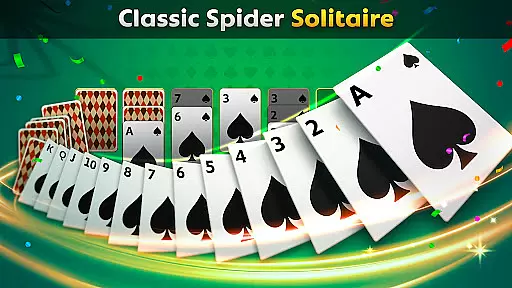
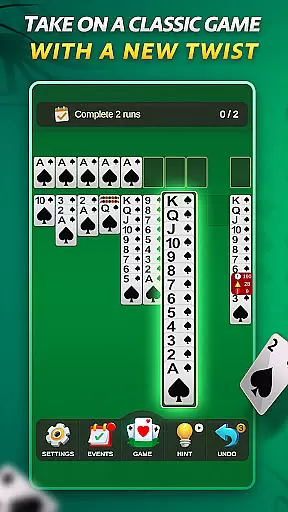
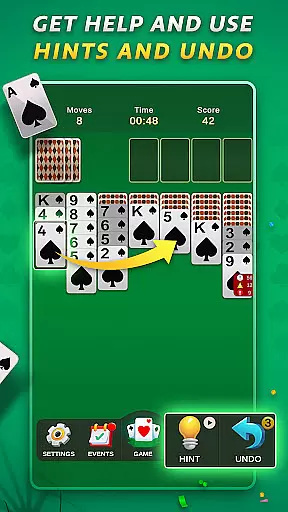
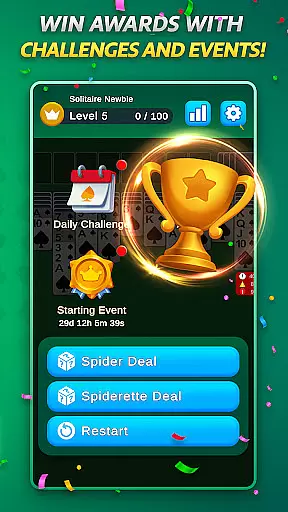
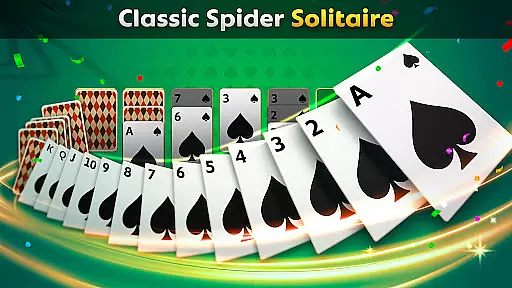
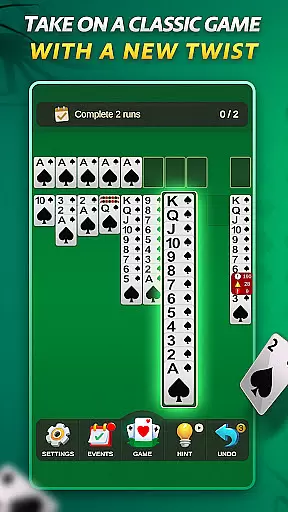
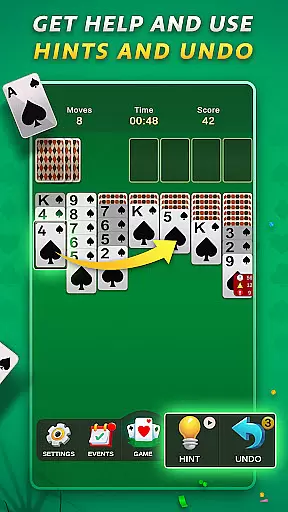
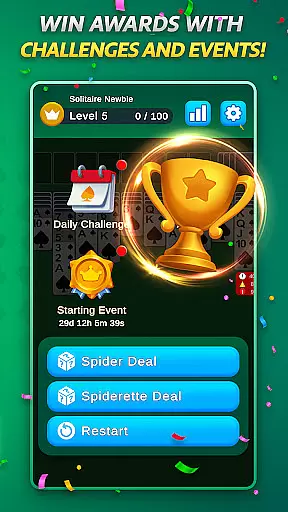
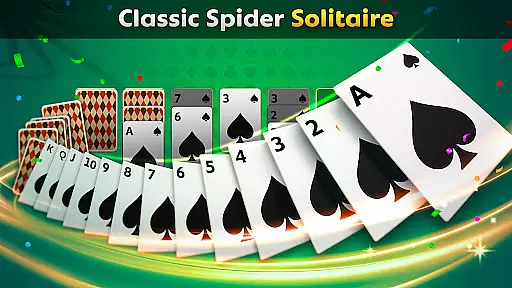
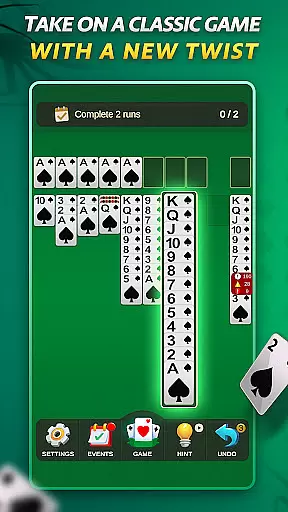
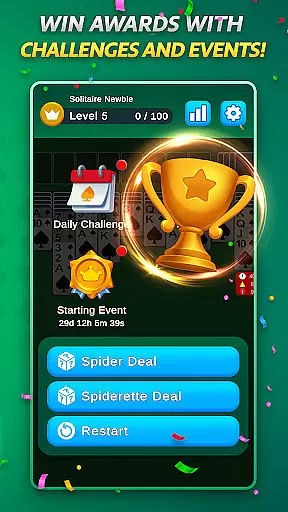
Spider Solitaire offers a modern twist on the classic card game, providing players with an engaging and polished gaming experience. The app features both traditional Spider Solitaire and the quicker Spiderette mode, catering to different play styles. With daily challenges, special events, and collectible badges, users can enjoy continuous engagement while honing their skills.
The intuitive design ensures smooth gameplay, while the optimized mobile interface makes it perfect for quick sessions or extended play. Whether you're a seasoned player or new to the game, Spider Solitaire provides a balanced challenge that keeps the timeless appeal of the original intact. Its ad-supported model ensures fairness, offering optional rewarded ads without any in-app purchases.
Spider Solitaire stands out with its variety of modes, including the full Spider Solitaire experience and the faster-paced Spiderette variation. Players can choose between different suit options, adding layers of strategy to each game. The inclusion of daily challenges and special events keeps the gameplay dynamic and fresh, encouraging regular play.
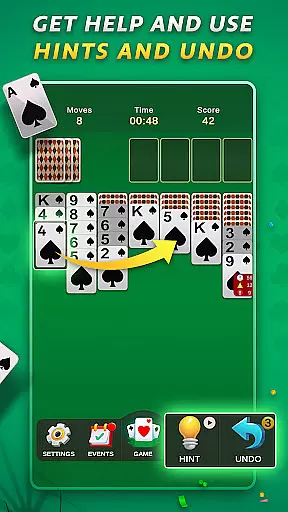
Additional features such as undo and hint options provide assistance when needed, ensuring a user-friendly experience. The app's clean visuals and calming interface create an enjoyable atmosphere, while its optimization for mobile devices guarantees seamless performance across all screen sizes. With no in-app purchases, Spider Solitaire delivers a fair and accessible gaming experience supported by optional rewarded ads.
Random Number Generation (RNG) is crucial in card games to ensure that every shuffle and deal is genuinely unpredictable. Spider Solitaire employs certified RNG algorithms, guaranteeing that each game starts with a random card distribution, thus maintaining the integrity of the gameplay.
The implementation of RNG in this app ensures that no two games are alike, providing players with a unique challenge every time they play. This randomness is key to keeping the game engaging and fair for both newcomers and experienced players.
Players benefit from knowing that each hand dealt comes without bias or predictability, which enhances the overall gaming experience. The assurance of RNG fairness allows users to focus on their strategy and enjoyment rather than questioning the legitimacy of the card deals.
Control fluidity and input latency are vital components in digital card games like Spider Solitaire. The app has been optimized to provide seamless interactions, where cards respond instantly to touch or drag actions, ensuring a natural and intuitive user experience.
With low input latency, the game reacts swiftly to player commands, allowing for smooth transitions between moves. This responsiveness is critical during complex sequences where timing can affect decision-making and strategy execution.
By prioritizing control fluidity, Spider Solitaire delivers an authentic card-playing experience that feels as close to physical cards as possible on a mobile device. Players can enjoy uninterrupted sessions, focusing on their gameplay without being hindered by technical delays or inconsistencies.
Intuitive controls
Daily challenges
No in-app purchases
Variety of game modes
Polished design
Limited social features
Ads may interrupt
Basic tutorials
Few customization options
Occasional bugs

Shards of Infinity is the follow up deckbuilder to Ascension.
 3.40
3.40
FreeCell Solitaire Card Game: Play Classic Solitaire Card Game from MobilityWare
4.50
The world’s largest Spades game! Enjoy the classic card game with 52 card deck
4.70
Sit on the Iron Throne
4.60
Solitaire pro is a premium classic card game that you can enjoy all day.
4.4
Learn the tricks in classic Spades offline. No Wifi, Spades always feels right!
4.90
Fishing, the card game that combines trick-taking strategy with deck-building
4.5
Defeat your landlord in this slot machine roguelike deckbuilder!
4.60
Play Blackjack and and earn gift cards
4.50
Card-Based Farkle Fun
4.80
Play and Master the Fun Classic Card Game Spades. Outsmart Opponents & Enjoy
4.80
Train your brain with the challenging & addictive Solitaire Classic Card Games!
4.70
Restore and customize the truck exclusively to your own through Solitaire!
4.60
Beautiful customisable Klondike challenge - 3 levels, 1 or 3 card draw!
4.60
A fresh take on traditional solitaire card games
4.50
The Conquian made with 100% Mexican talent.
4.40
Solitaire Classic Pro, like Spider, Klondike Solitaire,FreeCell,Pyramid,Tripeaks
4.40
The classic Solitaire card game, with intuitive game-play and stunning graphics.
3.10
Sinister solitaire. Four cards, one fate.
4.2


User Reviews