
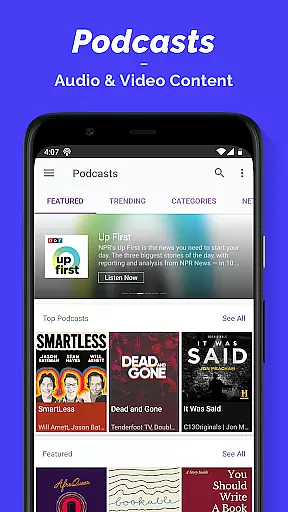
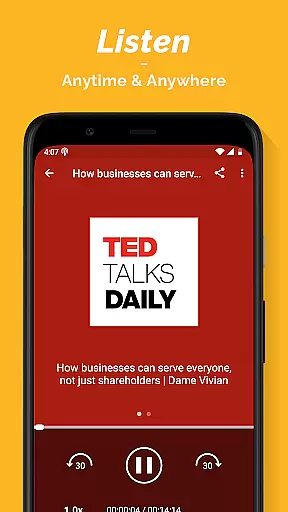
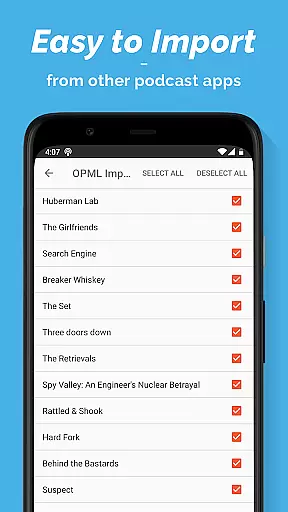
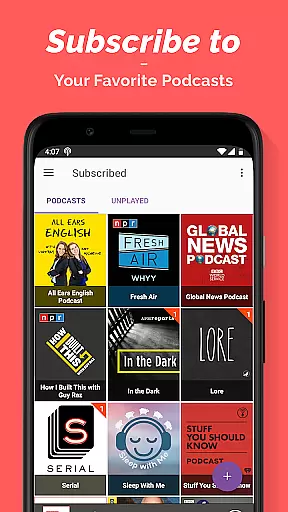
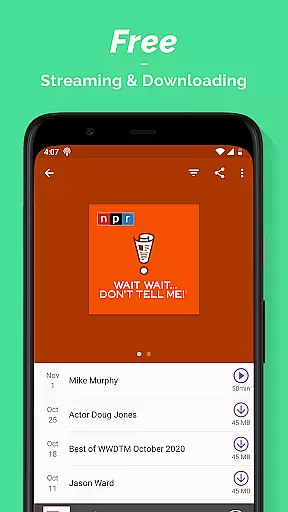
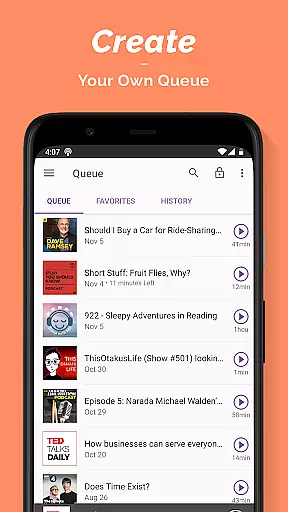
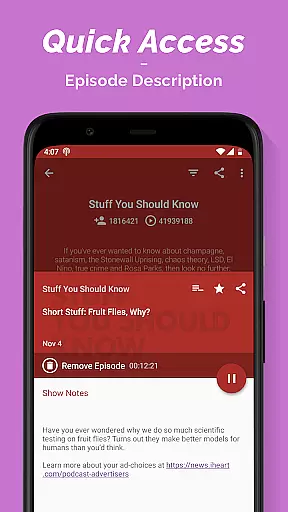
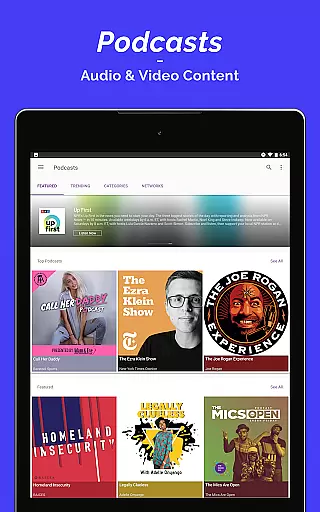
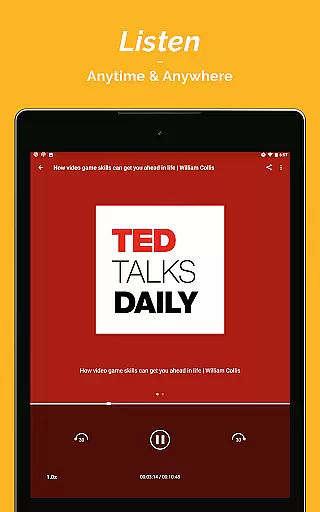
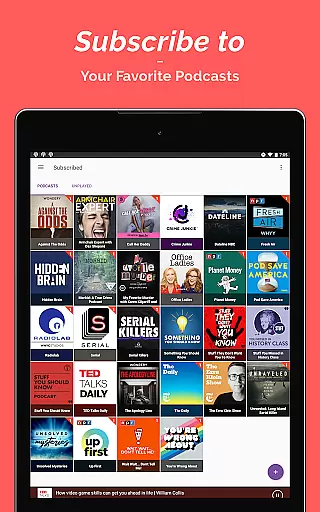
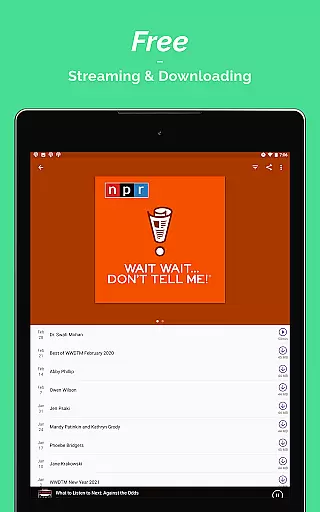
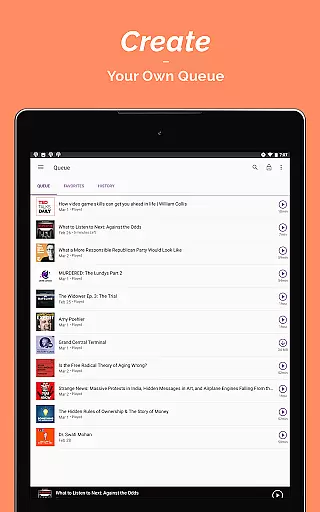
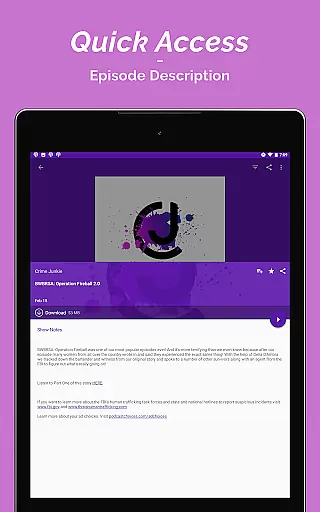
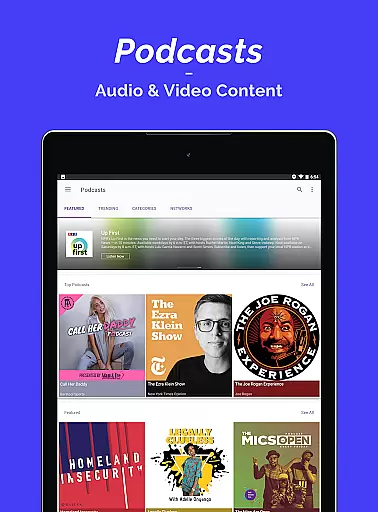
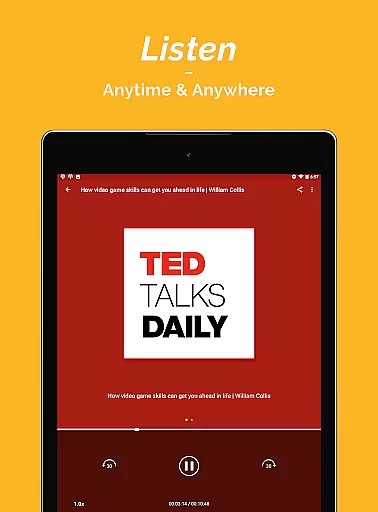
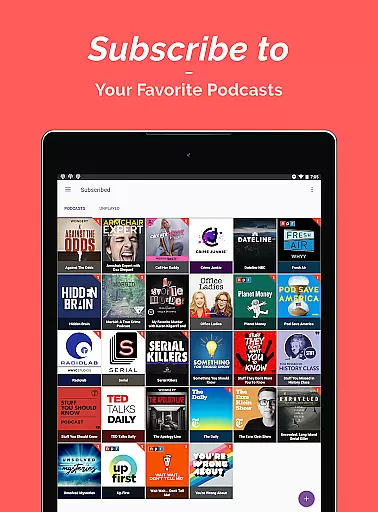

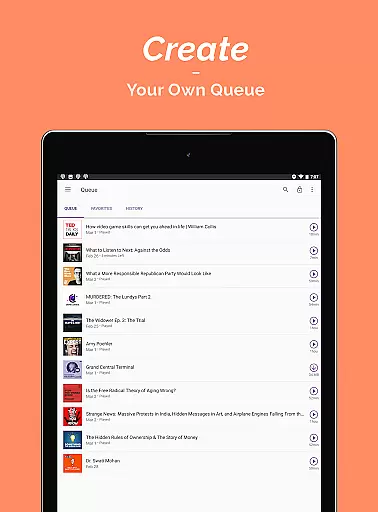
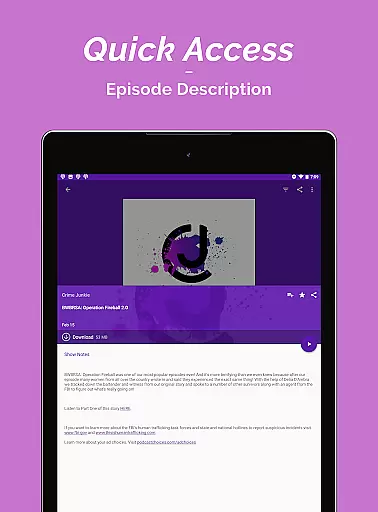
Podcast Player is a premier podcast application designed for podcast enthusiasts who seek an all-in-one solution for their audio content needs. This app allows users to search, subscribe to, stream, play, and download a vast array of podcasts and audiobooks across 70+ countries and languages. With features like OPML Import, users can effortlessly transfer their subscriptions from other podcast apps.
The app stands out with its comprehensive categorization that includes News & Politics, Music-related, Sports, Technology, Talk Shows, and more, ensuring content for every interest. Whether you're looking to stay informed with the latest news, entertained with comedy shows, or educated on various topics, Podcast Player delivers a rich experience tailored to daily scenarios such as commutes, workouts, or relaxation periods.
Podcast Player boasts an impressive suite of features that cater to both casual listeners and avid podcasters. The app provides an ultra-simple podcast publishing solution with unlimited bandwidth and storage, essential for hosting, promoting, and tracking podcasts. It grants access to over 95 million podcast contents, neatly organized into 16 categories, making it easy for everyone to find their preferred genre.
Customization and convenience are at the forefront of the user experience. Users can create personalized playlists for any mood or activity, control playback through multiple widgets, and even set sleep timers for uninterrupted listening sessions. Sharing favorite episodes with friends is seamless, thanks to one-step sharing capabilities. Additionally, the app offers both light and dark themes, catering to individual preferences and environments.
In the realm of digital media, ensuring the credibility and diversity of news sources is paramount. Podcast Player excels in this area by aggregating content from a wide array of reputable radio sources and media outlets globally. This approach not only enriches the user's perspective but also ensures that the information consumed is both reliable and comprehensive.
The app provides access to top-tier podcasts such as Fox News, BBC iPlayer Radio, and NPR. By including content from these distinguished sources, Podcast Player guarantees that users receive accurate and trustworthy news. The inclusion of international broadcasters further enhances the diversity of viewpoints available to the listener.
Moreover, the app covers various categories including News & Politics, Technology, and Sports podcasts. This extensive range allows users to explore different topics and stay informed on multiple fronts. Whether you're interested in current events or specialized discussions, Podcast Player offers a broad spectrum of options to cater to every preference.
By prioritizing source credibility and offering diverse content, Podcast Player empowers users to make well-rounded decisions based on high-quality information. This commitment to excellence establishes the app as a dependable platform for staying updated with global happenings.
Accuracy in content delivery and rigorous fact-checking processes are crucial for any news platform. Podcast Player addresses these needs by curating podcasts from sources known for their stringent editorial standards. Shows like 'Today, Explained' from Vox and Stitcher, along with 'The Tim Ferriss Show', exemplify the appu2019s dedication to providing precise and thoroughly vetted information.
Each episode undergoes careful scrutiny before being made available to listeners. This meticulous attention to detail ensures that all contentu2014whether it pertains to politics, technology, or entertainmentu2014is not only engaging but also factually correct. Such diligence fosters an environment where users can trust the authenticity of the information they consume.
Furthermore, Podcast Player supports educational podcasts that delve into subjects like psychology, history, and technology. These programs are crafted by experts in their respective fields, adding another layer of reliability to the app's offerings. Users benefit from deep insights and verified data, enhancing their learning experience significantly.
Ultimately, Podcast Player's unwavering focus on content accuracy and robust fact-checking mechanisms sets it apart in the crowded marketplace of news and magazine apps. It assures users that they are accessing top-notch material designed to inform and educate effectively.
User-friendly interface
Extensive content library
Customizable playlists
Seamless playback controls
Cross-platform compatibility
Limited advanced analytics
No offline transcription
Occasional syncing issues
Ads in free version
Heavy on storage

Daily last -minute news alerts for local headlines
 4.60
4.60
Go beyond the breaking new
4.90
Movies, music, games & much more apps for Chromecast, Google Cast and Android TV
4.50
Stay informed. Get all your world and local news with AP News!
4.30
World News On Finance, Business, Economics, Stock Market & Investment Portfolio
4.00
Read millions of expert stories on business, tech, design, and current events
4.70
Celebrity news, entertainment buzz, true crime, free crosswords & daily games.
3.80
Watch the latest daily US & world reports live, with national & global updates
3.20
Live Breaking News & Alerts. Police, Fire, Weather Radios, Air Traffic, & more.
4.80
Podcasts. Live Radio. Music.
4.90
Follow the latest world news, headlines and developing stories with live alerts.
4.80
Videos, writing, podcasts & more
4.80
Breaking News delivers real-time updates, personalized content, and local news.
4.60
Latest World News | Accurate Forecast | Real-time Alert | Smart & Fast
4.40
Get breaking news, local stories, and weather updates in one app. Stay ahead!
4.30
Watch entertainment, TV shows, movies, documentaries, and more.
3.90
Breaking News & Social Media
3.70
Watch the CBS News 24/7 live stream for breaking news & in-depth reporting.
3.20
Get the latest in politics, breaking news, world events, finance and health.
3.10


User Reviews