
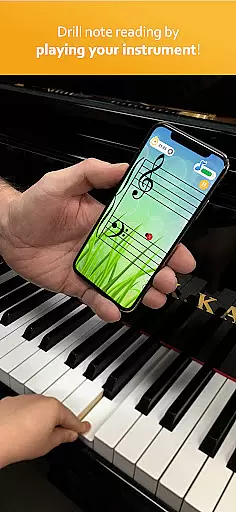
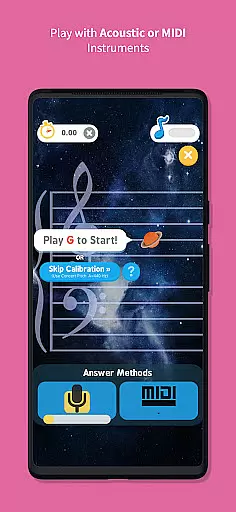
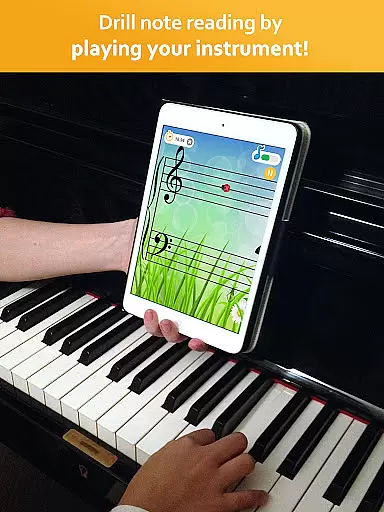
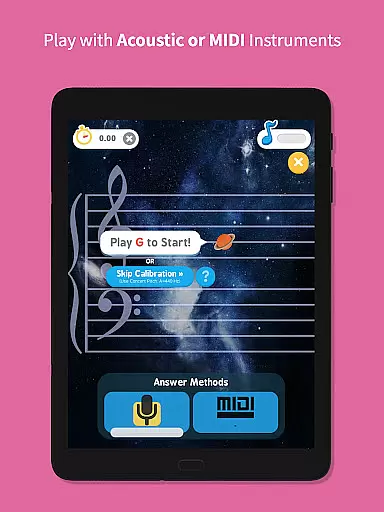
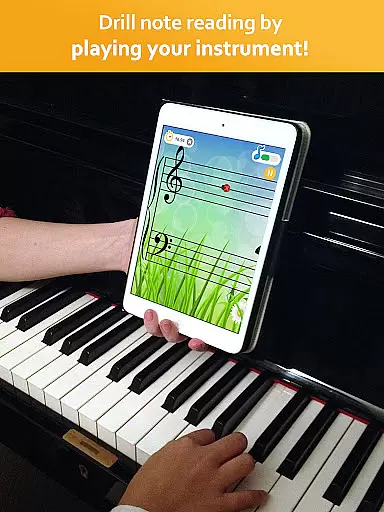
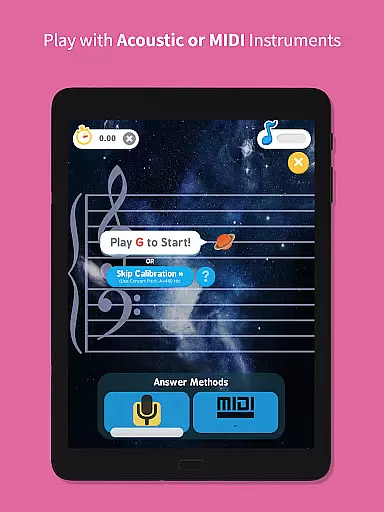
Note Rush is an innovative music education app designed to help users of all ages learn to read sheet music more effectively. The application listens to your acoustic or MIDI instrument as you play, providing instant feedback on note recognition speed and accuracy.
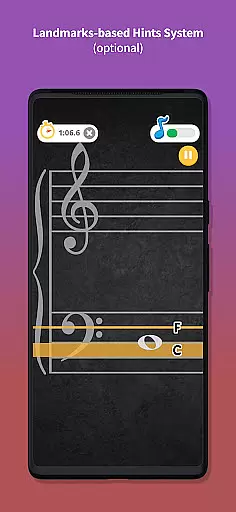
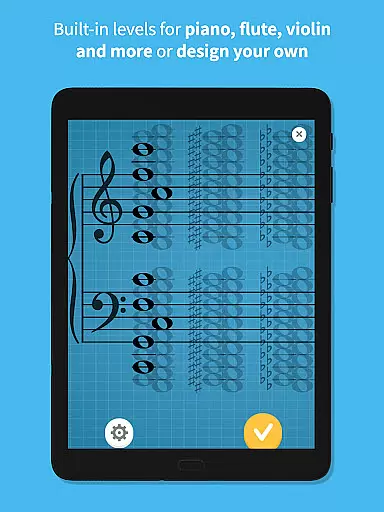
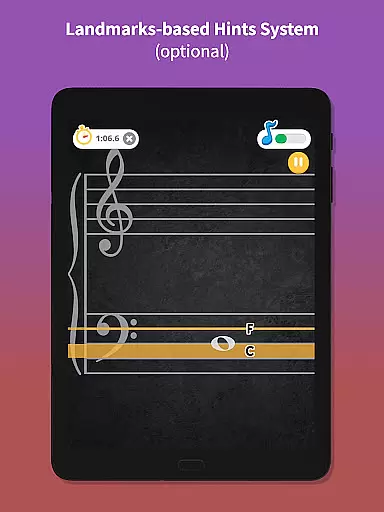
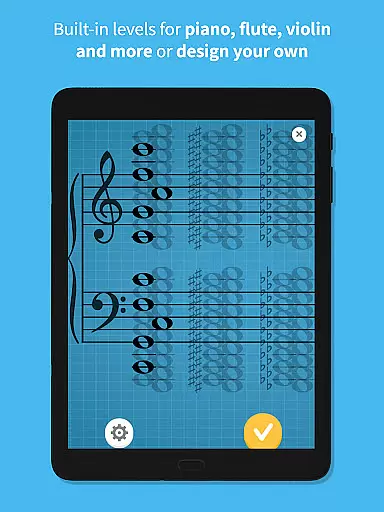
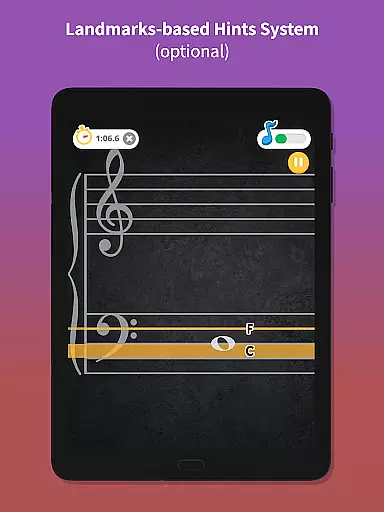
With its unique landmarks-based hints system, Note Rush teaches key landmark notes first, then helps students read adjacent notes intervallically. This method promotes a deeper understanding of staff-to-keyboard association over time. The app also features built-in levels for various instruments including piano, along with customizable level creation tools.
Ideal for both individual practice and classroom settings, Note Rush supports teachers by enabling them to create personalized learning materials and send them directly to students through App Links or QR Codes.
Note Rush stands out in the music education market through its comprehensive feature set tailored for both students and educators. The app's real-time audio recognition technology accurately detects notes played on acoustic or MIDI instruments, providing immediate feedback on performance.
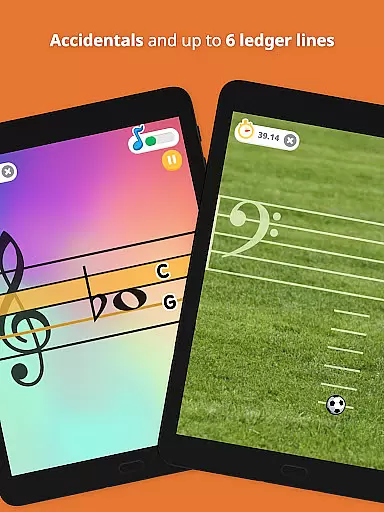
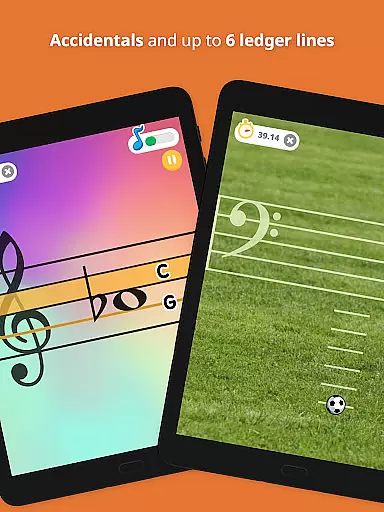
The application's strength lies in its flexible customization options. Teachers can design specific note sets targeting individual student needs, incorporating sharps, flats, and various clefs including treble, bass, and grand staff. The upcoming alto and tenor clefs will further expand its versatility.
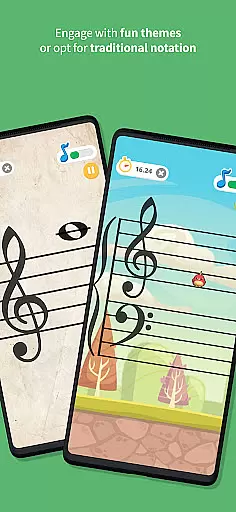
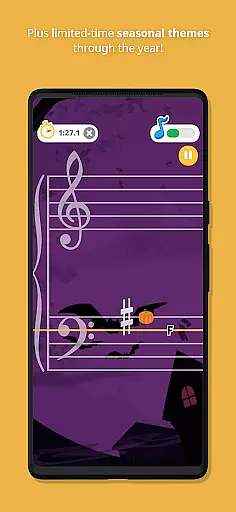
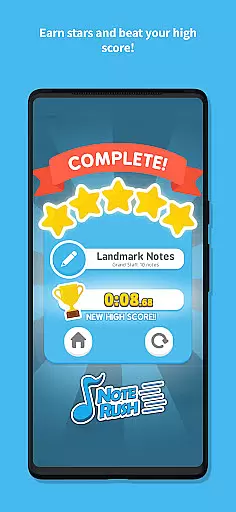
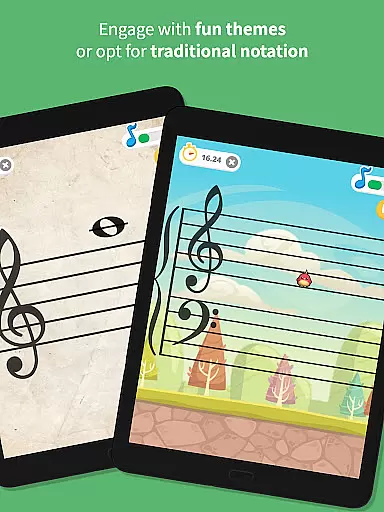
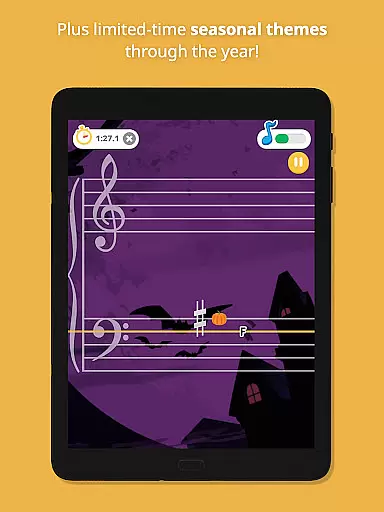
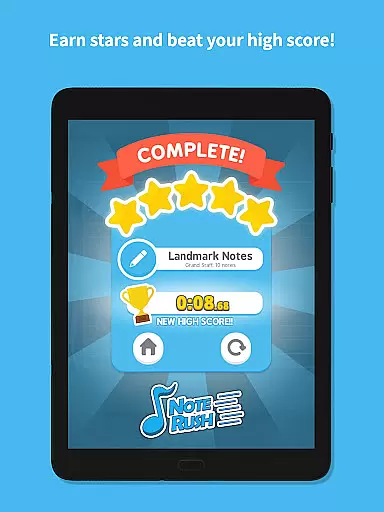
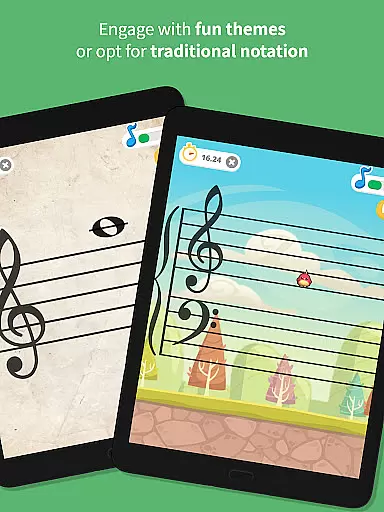
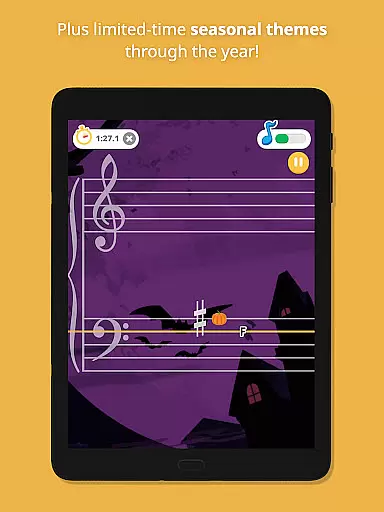
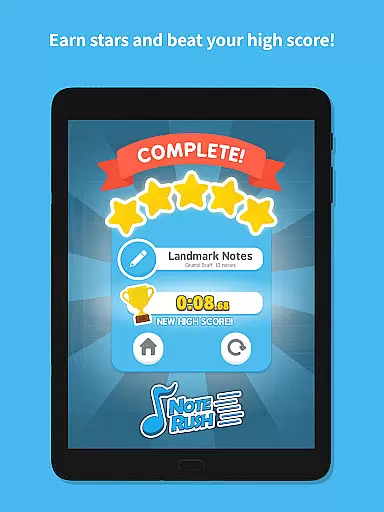
Additional notable features include multiple fun themes that maintain engagement without compromising learning quality, detailed performance tracking through star rewards, and adjustable difficulty levels suitable for beginners to advanced musicians.
Rhythm judgment precision is crucial for any music learning application, and Note Rush excels in this area by providing accurate feedback on note reading speed and accuracy.
The app listens to the user's performance on their instrument, whether acoustic or MIDI, and instantly evaluates how well they identify each note. This real-time assessment ensures that learners can track their progress effectively.
By racing against the clock, users can challenge themselves to improve their rhythm judgment over time. Alternatively, those who are just beginning can hide the timer to focus on gentle engagement with the staff at their own pace.
This functionality not only enhances a studentu2019s ability to read music but also makes practice sessions more engaging and productive, leading to better overall musicianship.
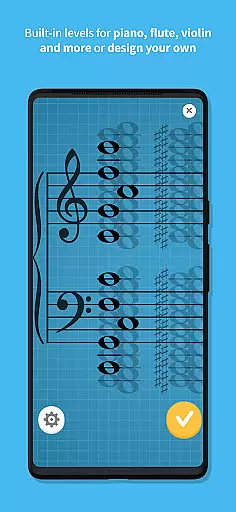
Note Rush offers an impressive variety of preset levels tailored for different instruments, including piano, which contribute significantly to its music library diversity and quality.
In addition to built-in levels, educators have the flexibility to design custom note sets that cater specifically to their teaching methods and students' needs. This customization allows for targeted practice drills that address particular challenges faced by learners.
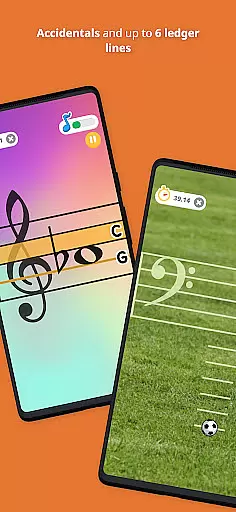
The inclusion of sharps and flats, treble, bass, or grand staff options (with alto and tenor coming soon), as well as up to six ledger lines, ensures comprehensive coverage of musical notation. Such depth supports a wide range of musical genres and styles.
Teachers can easily send these personalized exercises home with students using App Links or QR Codes, making it convenient for continuous learning outside the classroom while maintaining high standards of music education.
Real-time audio feedback
Customizable note sets
Teacher-friendly tools
Engaging learning themes
Cross-instrument support
Limited free content
Requires instrument
Premium subscription
Internet connection
Steep learning curve
Be a Magic Pianist: POP & Classic Songs
 4.30
4.30
Play, learn, and create music anytime, anywhere.
4.30
DIY funny monster, watch it dance, and mix amazing beats.
4.70
Piano game with popular songs. Enjoy the fun of music games and K-pop games!
4.50
The answer to all the questions, shall be Reborn through the sound of the piano.
3.90
Gameplay Powered by YOUR Music!
3.70
Rotate, rhythm, and soar through a cosmic music adventure.
4.30
Can you hear me?
4.10
Play Kpop piano music: Tap tiles, collect score, dance in rhythm, play with fun!
4.70
Thump to the rhythm and bounce to the beat with these fuzzy musical monsters!
4.70
Incredible funky Sprunki music game with all the popular mods!
4.70
Tap Piano Cat Tiles will transport you to a world of fun in music games
4.60
"Tap to the beat and challenge your fingers with cute cats in PopCat Tiles!"
4.50
Bounce the ball on music tiles to the beat of trending songs! Feel the magic!
4.50
Drum set app with various lessons to help you learn to play the drums like a pro
4.40
Fun song games! A fun challenge of piano tiles & magic tiles. Hop to the beat!
4.30
Lowriders comeback 2 - Musical Game with dancing, hopping and freeride cruising
4.20
Conduct an orchestra of musical Monsters from the hit game My Singing Monsters!
4.20
Music rhythm game. Become an amazing guitarist and play famous songs
3.80


User Reviews